Just this week, on April 20, 2026, Anthropic released Claude 4 with a feature that has designers and developers talking: Artifacts. For the first time, a major AI model can generate interactive UI components—like buttons, cards, and forms—directly in a live preview pane next to your conversation. This is a significant step beyond static image generation. The immediate question isn't just 'what is it?', but 'how do I actually use this in a professional workflow?'
What are Claude 4 'Artifacts' and why do they matter for design?
Claude 4's 'Artifacts' feature is essentially a dedicated, interactive window that appears alongside your chat. When you ask Claude to generate something with code—like an HTML and CSS component, an SVG logo, or even a small React application—it doesn't just give you a block of code to copy. It renders a live, functional preview of that code in the Artifacts pane. You can see the button, interact with the form, or view the vector graphic immediately. This transforms the AI from a code generator into a rapid prototyping partner.
A single 'Artifact' is a start, not a campaign
Generating a beautifully designed product card with a single prompt is impressive. But that card doesn't exist in a vacuum. A real marketing campaign needs matching product photography, compelling ad copy, social media assets in various formats, and a consistent visual identity. An isolated UI component is a brilliant spark, but it's not the finished product. The real challenge for creative teams is building an entire asset pipeline around that initial concept. This is where a simple chat interface reaches its limit, and an integrated creation platform becomes essential.
Workflow: from UI prototype to a complete ad asset in 4 steps
Let's walk through a practical example. We'll start with a prompt to Claude 4 to generate a UI concept for a luxury cosmetic brand. Then, we'll use that concept as a creative brief to build out a full set of matching campaign assets inside MyUP AI.
Step 1: Generate your UI concept with a Claude 4 prompt
First, open a conversation with Claude 4 and provide a detailed prompt for the UI component you want to prototype. The key is to be specific about the aesthetic, content, and structure.
Create a product display card for a new luxury face serum called 'Eclat'. The design should be minimalist and elegant. Use a color palette of soft gold (#D4AF37), deep charcoal (#36454F), and off-white (#F5F5F5). The card should include a placeholder for a product image, the product name, a short tagline ('The Essence of Radiance'), a price, and a 'Add to Cart' button with a subtle hover effect.
Claude will generate the HTML and CSS, and a live preview will appear in the Artifacts window. This card is now our design foundation.
Step 2: Create matching product visuals in MyUP AI
Now that we have our design direction—minimalist, elegant, with a gold and charcoal palette—we need a hero product shot that matches. An off-the-shelf stock photo won't do. Inside MyUP AI, we can use this aesthetic brief to generate a perfectly on-brand image. This is the same principle behind using AI to create a complete brand kit, ensuring all assets are cohesive.
We'll use a specialized template designed for this exact purpose. The 'Luxury Beauty Product' template is perfect for creating high-end cosmetic visuals. Workflow code: #myup-mgqi-hmi6. Within this workflow, we can translate our design language into an image prompt:
Luxury Beauty Product
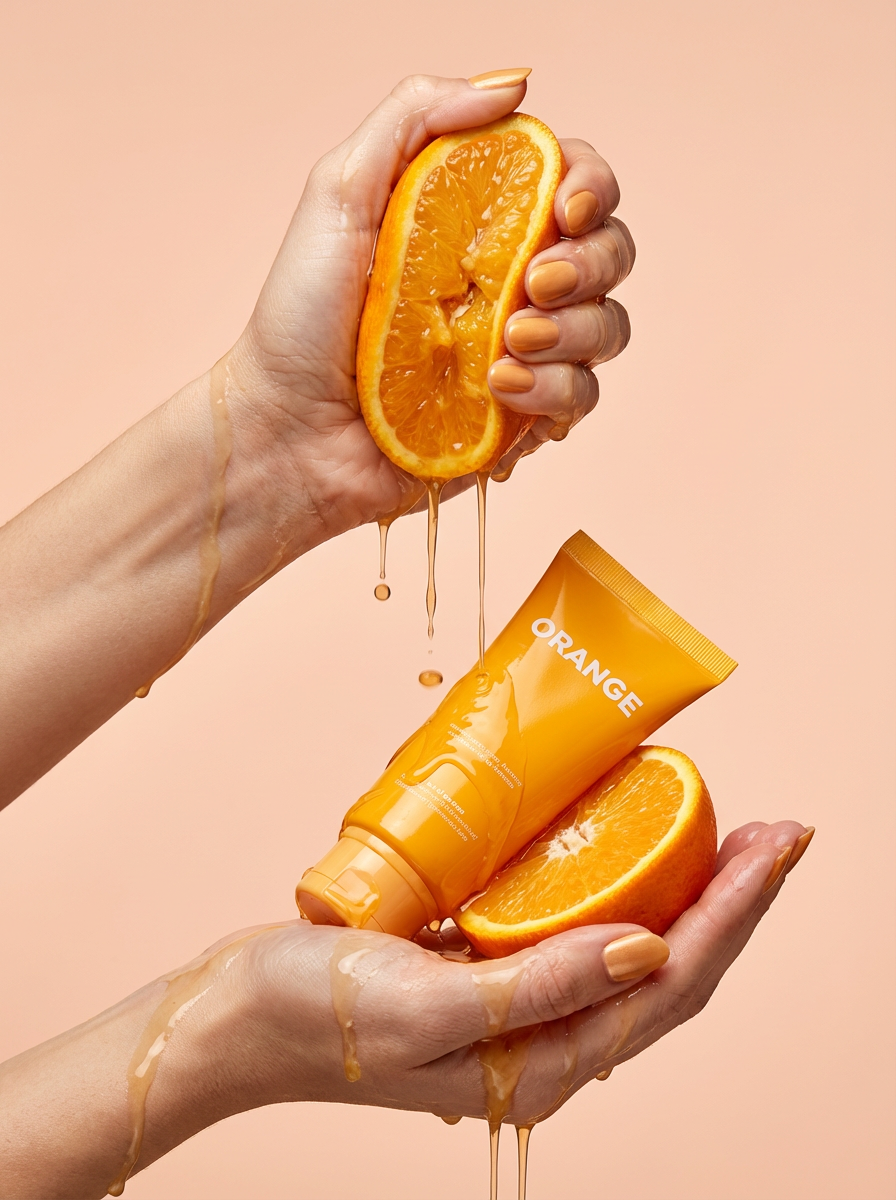
Get clean, hands-only luxury beauty editorials for your cosmetics or jewelry. It captures hyperrealistic skin textures and elegant hand posing, letting you customize the nail polish color to match your brand's exact palette.
Regenerate using your own assets.
Product photography of a luxury face serum bottle named 'Eclat'. The bottle is frosted glass with a gold cap. It sits on a dark charcoal surface with a soft, diffused light source. The background is a clean, off-white. Minimalist, elegant, and sophisticated.
The result is a custom product photograph that looks like it belongs in the same campaign as our UI Artifact, ensuring visual consistency from the start.
Workflow code: #myup-u5mu-9aek
Luxury Beauty Product
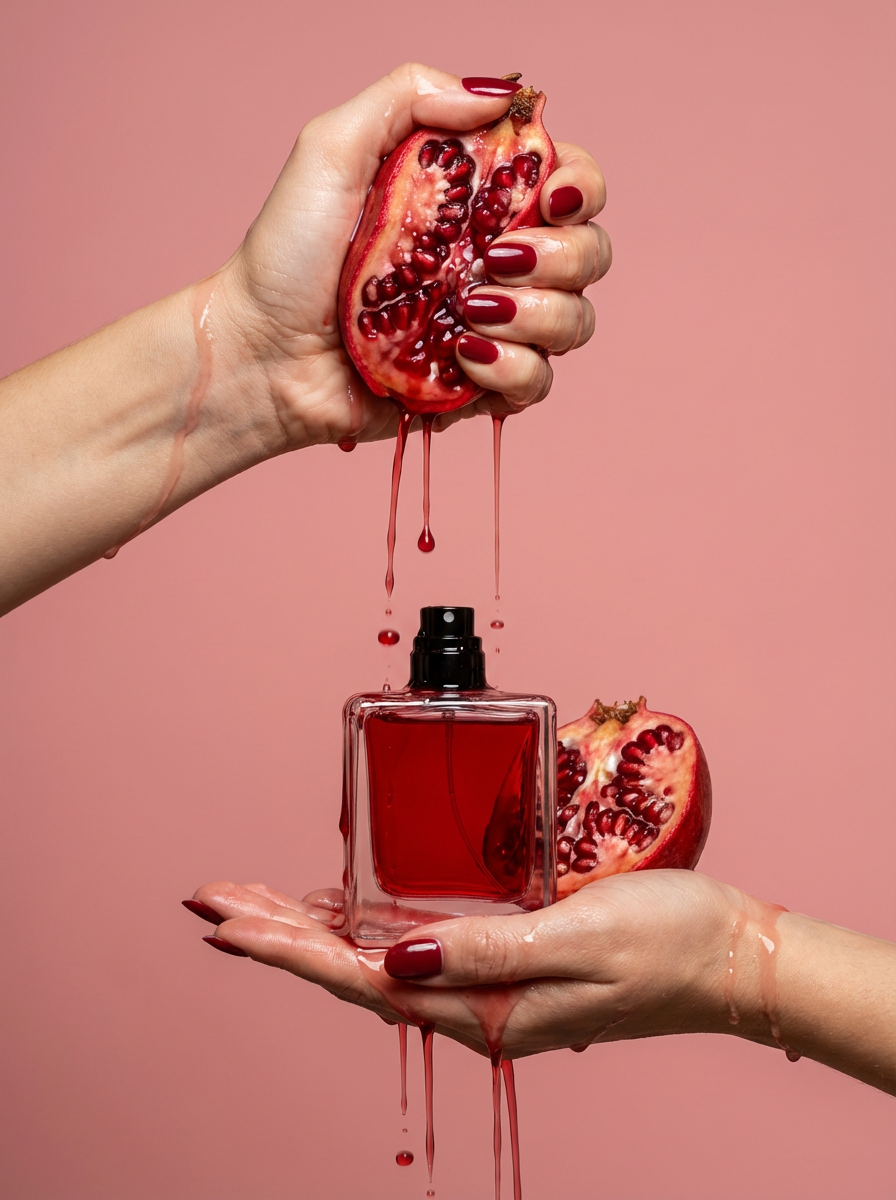
Get clean, editorial-grade beauty shots focusing entirely on your product held by hands with customizable nail polish. It skips the face to keep all the attention on your packaging and textures, giving you that high-end luxury aesthetic instantly.
Regenerate using your own assets.
Step 3: Write compelling copy that fits the design
With our visual identity established, we need copy that speaks the same language. Using MyUP's text generation tools, like the 'Facebook Ads' or 'Instagram Captions' generator, we can create copy that fits the luxury tone.
Based on the tagline 'The Essence of Radiance' from our Artifact, we can prompt for ad copy: Write three short, elegant Facebook ad headlines for a luxury serum called 'Eclat'. The tone should be sophisticated and aspirational. MyUP will generate options like 'Unlock Your Inner Radiance,' 'Eclat: Luxury in Every Drop,' and 'Discover Timeless Elegance,' which align perfectly with our design.
Step 4: Assemble your final social media ad creative
The final step is to combine these elements into a finished asset. Within the MyUP AI workspace, you can layer the generated ad copy over the custom product shot. You can even use the UI Artifact from Claude 4 as a design element within the ad itself, perhaps as a 'Shop Now' overlay that mimics the website's look and feel. What started as a code snippet has now become a complete, multi-layered, and on-brand social media ad, ready to be deployed.
This integrated process is far more powerful than jumping between a chatbot, a design tool, and an image library. You can even take this a step further and use these assets as the foundation for a video campaign, following a process similar to our AI storyboard generator workflow.
Is this AI-assisted design workflow right for you?
This workflow is incredibly powerful for specific tasks. It's ideal for marketers, solo creators, and small teams who need to move from concept to campaign quickly. Use it for rapid prototyping of web and app ideas, generating a wide range of creative options for A/B testing, and producing complete sets of marketing assets for a new product launch without a large team.
However, it's important to understand its limitations. This is not a replacement for production-ready front-end frameworks used in complex web applications. Nor is it intended to substitute for enterprise-grade design systems managed in tools like Figma. Think of it as a powerful accelerator for the first 80% of the creative process—ideation, look and feel development, and asset creation—not the final 20% of pixel-perfect production code.
