Yes, you can use AI to generate a complete brand kit. But if you've tried the one-click logo generators, you've probably seen the result: a generic icon and a handful of clashing colors that feel disconnected from your business. You're not just looking for a cheap logo; you're looking for a professional, consistent visual identity. And that's an entirely different job.
The good news is that a better workflow exists. Instead of settling for a random logo, you can use an integrated AI platform to build a cohesive brand *system*—from core aesthetic to ready-to-use social posts—in about an hour. This guide will walk you through the exact process.
Your brand is a system, not just a logo
A strong brand feels consistent everywhere it appears. The colors on your website match the background of your Instagram stories. The style of your logo is reflected in the photography you use. This consistency builds recognition and trust. The problem with using a dozen different AI tools is that they don't talk to each other. The logo generator has no idea what your color palette tool is doing, and neither of them can help you make on-brand social media posts.
This is why a workflow-driven approach is essential. By building your brand assets in a single, connected process, you ensure every element is derived from the same core idea. This is how you create a brand that feels intentional and professional, not pieced together. It’s the same principle behind creating consistent characters for AI video; the system is what guarantees coherence. In MyUP AI, you can build this system from the ground up without ever leaving the platform.
The 4-step workflow to your AI brand kit
We'll follow a simple, four-part process designed to take you from a vague idea to a functional set of brand assets. Each step builds directly on the last, ensuring a cohesive result. Here’s the roadmap:
- Find Your Visual North Star (15 mins): Establish a core aesthetic with a single inspiration image.
- Extract Your Brand Palette (10 mins): Use AI to analyze your image and generate a harmonious color palette with hex codes.
- Generate Unique Logo Concepts (20 mins): Create logo ideas that are stylistically and chromatically aligned with your brand.
- Build Your On-Brand Social Templates (15 mins): Produce a starter set of backgrounds and post templates ready for your content.
Step 1: Find your visual north star (15 mins)
Every brand starts with a feeling or an aesthetic. Instead of trying to describe this with words alone, we're going to start with a single image. This 'north star' image will become the creative foundation for everything that follows. It doesn't have to be perfect, but it should capture the mood, texture, and overall style you're aiming for. It could be a photograph, a piece of art, or even an abstract texture.
If you're unsure where to begin, you can use a MyUP AI template as your starting point. These templates are designed to produce a specific, consistent aesthetic. For a brand that's sophisticated, clean, and modern, a great choice is the 'Minimalist Fashion Editorial Portrait' template. Workflow code: #myup-pcnx-6qhv. Generate a few images with this workflow until you find one that feels right for your brand's personality. This single image is now your reference point.
Minimalist Fashion Editorial Portrait
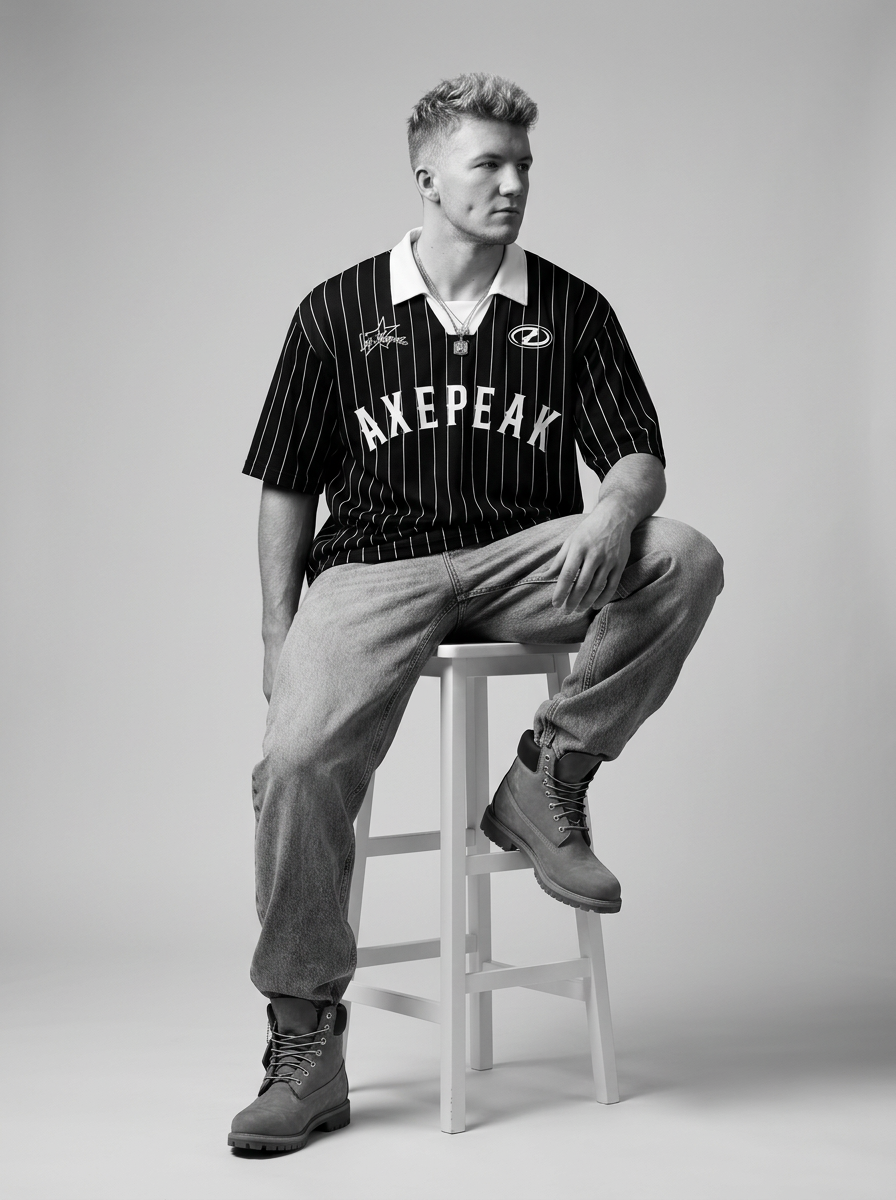
Drop your model or fashion piece in and get a complete, high-end editorial shoot in stark black and white. It generates a cohesive five-card lookbook with dramatic close-ups, low angles, and striking floor poses while keeping your subject consistent.
Regenerate using your own assets.
Workflow code: #myup-f0c2-l1lp
Minimalist Fashion
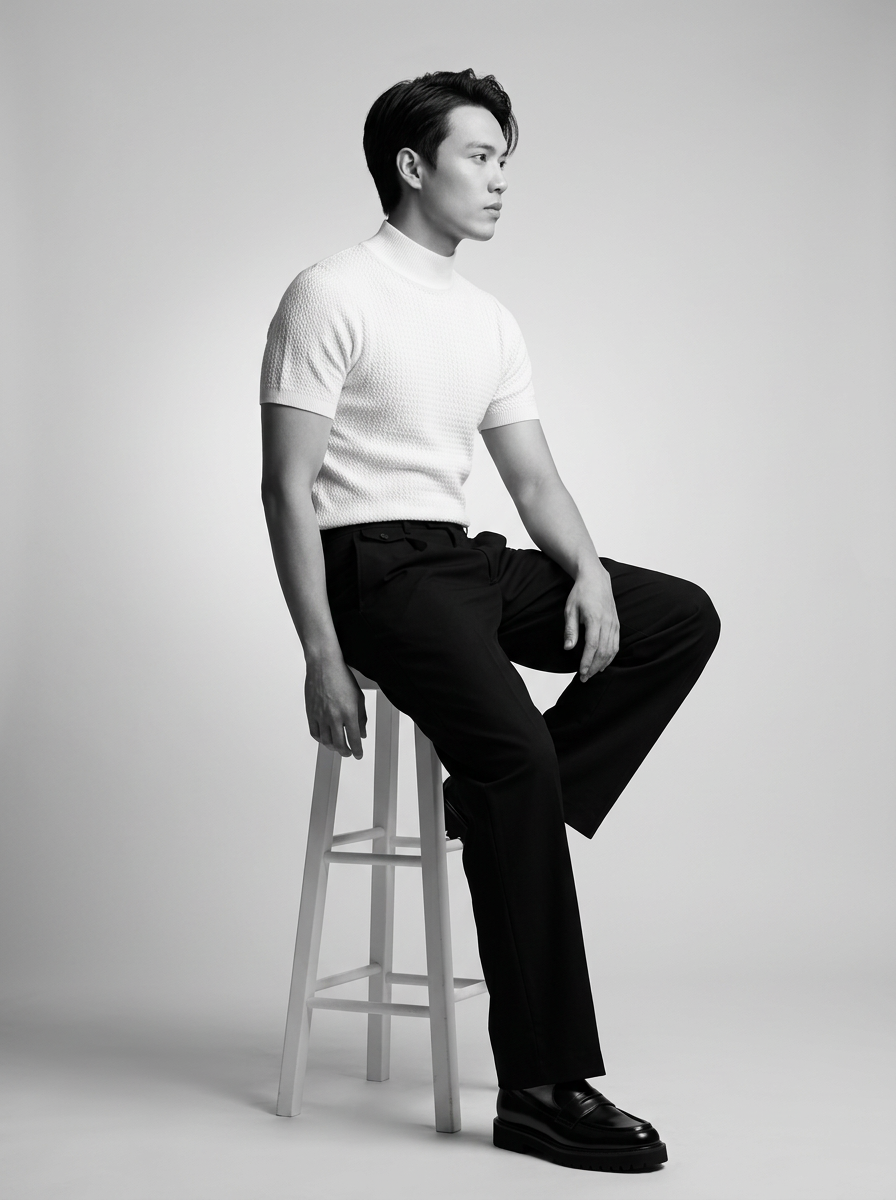
Build a complete, high-end fashion lookbook around any subject. It generates a cohesive series of stark black-and-white editorial shots, capturing them from multiple angles like intense close-ups, low-angle power poses, and high-angle floor shots.
Regenerate using your own assets.
Step 2: Extract your brand palette (10 mins)
With your north star image selected, the next step is to define your brand's color palette. Manually picking colors that work well together is a classic challenge for non-designers, but AI can now do this for you instantly. This 'image-to-palette' workflow is one of the most practical ways to ensure a professional and harmonious look.
In the MyUP AI Image Generator, you can upload your north star image and use a prompt that asks the AI to act as a brand designer. Instruct it to analyze the image and extract a primary color, two to three secondary colors, and one or two accent colors. Crucially, ask it to provide the hex codes for each color. This gives you the exact values you can use in any design tool, website builder, or social media platform.
Example Prompt: "Analyze the attached image. Act as a brand identity designer and create a 5-color brand palette based on it. Provide the name and hex code for each color (e.g., 'Deep Ocean Blue: #0A1931')."
Step 3: Generate unique logo concepts (20 mins)
Now that you have your aesthetic and color palette, you can generate logo concepts that are actually on-brand. This is where you'll see the biggest difference from generic logo tools. Instead of a vague prompt like "logo for a coffee shop," you can provide much richer, style-aware instructions.
Your prompts should incorporate elements from the previous steps. Describe the visual style of your north star image and list the hex codes from your new color palette. This forces the AI to create within your brand's specific creative constraints, leading to more unique and relevant results. Iterate by generating multiple options and refining your prompt based on what you like.
Example Prompt Structure: "Generate a minimalist vector logo for a sustainable candle company named 'Aura'. The style should be inspired by clean lines and natural light, similar to a high-end fashion editorial. Use only the colors from this palette: [insert your hex codes here]. The logo should be simple, memorable, and work well on a white background. No text, icon only."
Step 4: Build your on-brand social templates (15 mins)
A logo and colors are just the beginning. To be useful, your brand kit needs practical assets you can use every day. The final step is to generate a starter set of social media templates that are visually consistent with your new identity. This turns your abstract brand into a content creation engine.
Using the same principles as the logo step, prompt the AI to create backgrounds, banners, and post templates. Reference your north star aesthetic and your color palette. You can generate abstract gradient backgrounds, minimalist photographic textures, or even simple layouts for quotes or announcements. Aim for a set of 3-5 core templates you can use for Instagram posts, stories, and other social channels. This ensures that from day one, every piece of content you publish reinforces your brand identity. This is how you can achieve a consistent look, much like the process for creating a specific Y2K streetwear aesthetic, but tailored to your unique brand.
Workflow code: #myup-mujc-dzgo
When a DIY brand kit is the right move (and when it's not)
This AI-powered workflow is a powerful tool for founders, solopreneurs, and small marketing teams who need to establish a professional brand presence quickly and affordably. If you're launching a new venture, side project, or social media channel and don't have the budget for a design agency, this is the perfect way to get started. It gives you a cohesive visual system without requiring deep design skills.
However, it's not a replacement for high-end, bespoke brand strategy. Large enterprises with complex brand architectures or companies requiring intricate custom typography and legal trademark clearance will still need the expertise of a traditional design agency. MyUP is your co-founder for getting a powerful, scalable brand off the ground, not a tool to replace a 50-person design department.
Your brand kit is ready to go
In about an hour, you've gone from a blank page to a complete, functional brand kit. You now have more than just a logo; you have a visual north star, a professional color palette, and a set of on-brand templates. Most importantly, you have a repeatable system. When you need a new visual for a blog post or a background for a new ad campaign, you can return to this same workflow to create assets that are instantly recognizable as yours. Your brand is no longer a collection of disconnected parts, but a single, cohesive identity ready to grow with your business.
