
A Reddit thread from just yesterday shows creators are struggling to get consistent line art from AI for coloring books. It's a common frustration. But for a business, the problem is magnified. You're not just trying to create a cute animal; you're trying to render your specific brand mascot, your new product line, your visual IP. When the AI returns wobbly lines, inconsistent styles, or a character that looks like a cheap knockoff of your own, it’s not just a failed prompt—it’s a useless marketing asset.
Generating a single coloring page is a novelty. Producing a 30-page, professionally branded coloring book is a production challenge. The solution isn't a better prompt. It's a better system.
Why your AI-generated coloring pages look off-brand
The core issue is that most AI image generators are built for exploration, not replication. They interpret prompts loosely, introducing creative variations with every click. This is great for brainstorming, but terrible for brand consistency. When you ask for 'a coloring page of a friendly robot mascot,' the model doesn't know your specific robot. It averages thousands of robots it's seen online, resulting in something generic at best, and completely wrong at worst.
This leads to common failures for brands:
- Inconsistent Line Weight: One page is thick and bold, the next is thin and sketchy. The book feels disjointed.
- Style Drift: A 'whimsical' style on page 3 looks completely different from the 'whimsical' style on page 10.
- IP Inaccuracy: The AI fails to capture the exact details of your products or the specific personality of your brand characters.
Trying to fix this with prompting alone is a game of chance. You might get one good image, but you can't reliably reproduce it 29 more times. That’s not a workflow; it’s a slot machine.
The solution: a production workflow, not just a prompt
The professional approach is to stop treating AI like a creative partner and start treating it like a production machine that you control. The goal is to enforce your brand rules so the AI has no choice but to comply. In MyUP, this is achieved by combining a Brandkit with an automated workflow.
Here's the MyUP point of view: A single prompt is a request. A workflow is a system of instructions. For a high-volume project like a coloring book, you need a system.
- The Brandkit is your style guide. It stores your visual IP—reference images of your mascot, product shots, brand colors, and, crucially, text-based style definitions.
- The Workflow is your assembly line. It takes a list of inputs (e.g., 'mascot waving,' 'product on a shelf,' 'company logo') and runs each one through the rules defined in your Brandkit, producing a unique but stylistically cohesive set of assets.
MyUP executes the repetitive production work; you validate the final output. This gives you both scale and creative control.
Step 1: build your 'coloring book' brandkit
Before you generate a single image, you need to build the foundation. A well-defined Brandkit in MyUP is the difference between random outputs and a predictable production process. This is where you teach the AI your specific visual language.
Create a new Brandkit in MyUP specifically for this project. Here’s what to include:
Visual References
Upload clean, high-resolution images of your core brand assets. This is the most important step for IP accuracy.
- Mascots & Characters: Include several images from different angles if possible. If you have existing character sheets or turnarounds, they are perfect for this.
- Products: Add key product shots. The AI will use these to understand the shape and form of what you sell.
- Logos: Upload your primary logo marks.
Style Prompts
This is where you define the artistic DNA of your coloring book. Be specific and consistent.
- Core Style: "Clean line art for a children's coloring book, bold and consistent outlines, simple shapes, no shading or gradients, black and white."
- Negative Prompts: "shading, gradients, color, photorealistic, complex details, thin lines, sketchy, messy."
By defining this once in your Brandkit, you ensure every single page generated inherits the same style rules, solving the consistency problem from the start. This process is similar to creating an AI mood board, but for a specific production output.
Step 2: turn your products and mascots into line art
With your Brandkit established, you can now start producing the core pages of your book: clean, on-brand illustrations of your key assets. The goal here is to create a series of isolated objects and characters that are instantly recognizable as yours.
Instead of prompting from scratch, you can use a structured workflow in MyUP that is designed for this kind of asset creation. The workflow will automatically pull from your Brandkit's style and reference images to ensure consistency.
The MyUP 'Product Stickers' template is perfectly suited for this task. While designed for stickers, its core function is creating clean, isolated visuals of a single subject—exactly what you need for many coloring book pages. Simply input the name of your product or a simple action for your mascot (e.g., 'Our mascot, Pip, waving'). The workflow handles the rest.
Workflow code: #myup-swqt-4zo3
Product Stickers

Turn your logo into a nostalgic, vibrant Y2K-style vertical ad. It automatically pulls your brand colors to create matching sweet treats like custom donuts or cupcakes in the background, giving you a super playful retro-pop aesthetic.
Regenerate using your own assets.
Run this workflow for each key product and character pose you want to feature. Because you're using a repeatable workflow tied to your Brandkit, you can generate dozens of these pages and they will all share the same line weight and artistic style.
Step 3: create abstract, patterned, and collage-style pages
A great coloring book needs variety. Pages filled with just isolated products can feel more like a catalog than a creative experience. To make your book more engaging, intersperse your product and mascot pages with more abstract or scenic designs that still feel on-brand.
This is where you can use your Brandkit's style definition to create:
- Brand Patterns: Generate seamless patterns using abstract shapes or stylized versions of your logo.
- Themed Scenes: Create simple scenes related to your brand. If you sell coffee, generate a page with whimsical coffee beans and steam swirls.
- Collages: Combine multiple brand elements into a single, dynamic composition.
For more complex collage-style pages, you can adapt a creative workflow like the 'Y2K Scrapbook Collage Creator'. This template is designed to arrange multiple elements in an interesting layout. By feeding it your brand elements and guiding it with your Brandkit's coloring book style, you can create visually rich pages that break up the pace of the book.
Workflow code: #myup-sacz-tjdn
Y2K Scrapbook Collage Creator
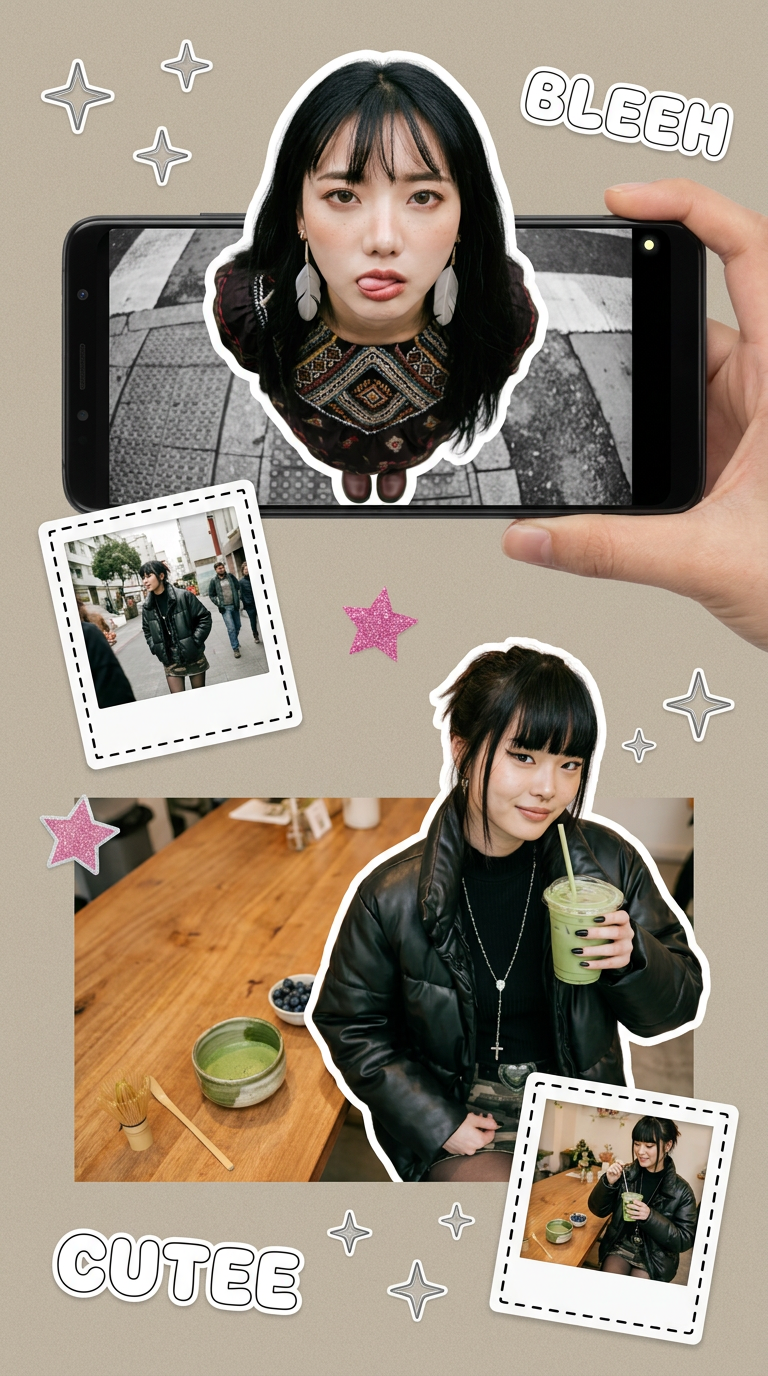
Put two different people into the same scene without losing their real-world features. Just upload two portraits and drop them together into any setting or style you need. It keeps both faces incredibly accurate.
Regenerate using your own assets.
These pages add depth and playfulness, turning your marketing piece into something genuinely fun for your audience to engage with.
Step 4: assemble and finalize your book for distribution
Once you've generated your full set of pages, the final step is production. MyUP's focus on workflows means you can easily manage and export your assets in bulk. Rather than saving images one by one, you'll have a complete project folder ready for layout.
Here's a simple finalization checklist:
- Review and Curate: AI is the producer, but you are the editor. Go through all the generated pages and select the best ones. Discard any that don't meet your quality standards or feel slightly off-brand. Human validation is the final, essential step.
- Batch Export: Export your selected images in high resolution (300 DPI is standard for print).
- Assemble the Book: Use a simple layout tool (like Canva, Adobe InDesign, or even Google Slides) to arrange the pages in order. Add a cover page with your logo and a title.
- Add a Call to Action: Don't forget this is a marketing asset. Include a final page with your website, social media handles, or a special offer.
By following this workflow, you move from the frustrating, unpredictable world of single prompts to a reliable system for producing on-brand creative assets at scale. You've created a valuable piece of marketing content that engages customers and reinforces your brand identity, all without the high cost and long timelines of traditional illustration.
