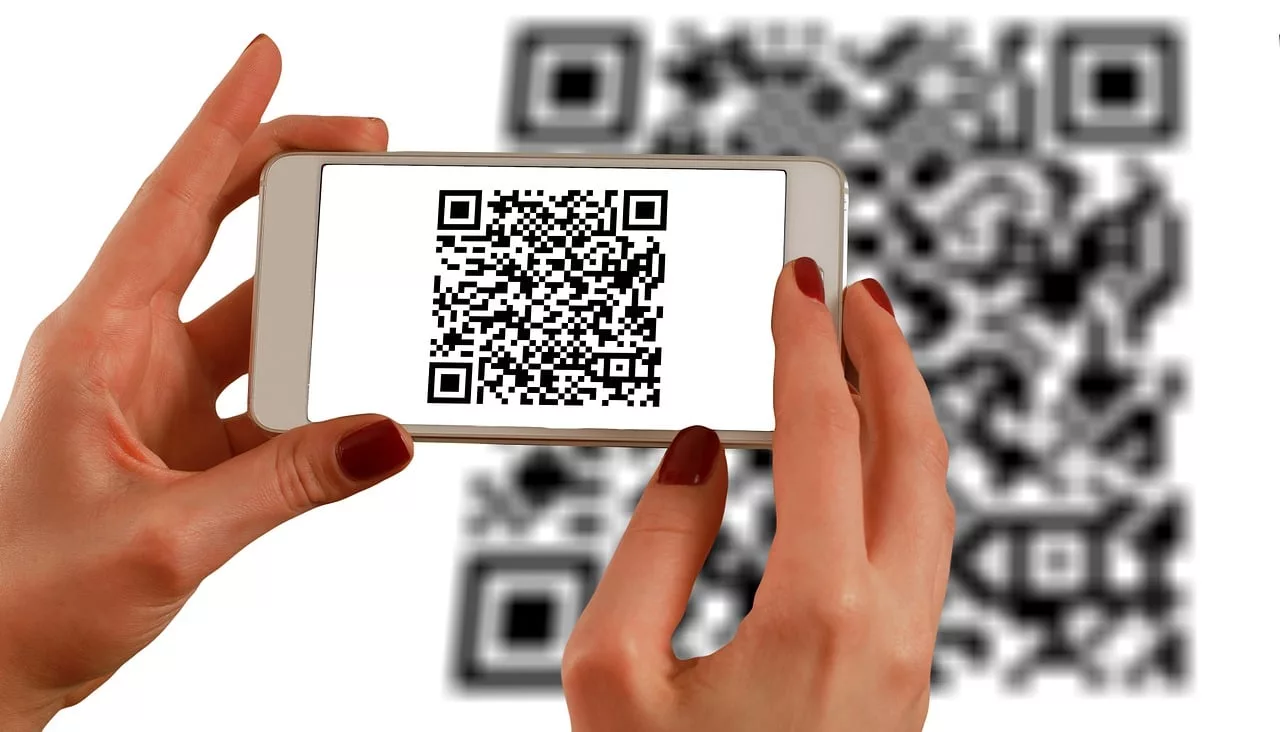
You’ve seen them all over social media: stunning, intricate images with a QR code seamlessly woven into the art. You tried to make one yourself. You fed a prompt into an AI image generator, and it produced a beautiful picture. But when you pointed your phone at it, nothing happened. That cool image is just an image; it doesn't scan, making it useless for your campaign.
This is the most common frustration with the AI QR code trend. An artistic QR code that doesn't work is just a confusing picture. The art must serve the function, not destroy it. This guide provides the definitive fix. We'll explain the simple technical principle that makes this work and give you a repeatable workflow in MyUP.ai to create scannable, artistic QR codes every single time.
That beautiful AI QR code you made doesn't scan. Here's why.
The problem isn't your prompt. It's a fundamental conflict between how QR codes store data and how AI image generators create art. A standard QR code is a precise pattern of black and white squares (modules) that represent data. Your phone's camera needs to read this pattern with near-perfect accuracy.
When you ask an AI to turn that code into a 'volcano erupting in a Van Gogh style,' the AI interprets the QR code's squares as visual suggestions, not as a rigid data structure. It creatively blends, warps, and overwrites the essential modules to make the image look good. In doing so, it introduces too much 'visual noise,' corrupting the data beyond recognition. Your phone sees a beautiful picture, but the critical data pattern is lost.
The one setting that matters: understanding QR code error correction
So how do you make space for the art without breaking the code? The solution lies in a built-in feature of QR codes themselves: error correction. This feature allows a QR code to be partially damaged or obscured and still scan correctly. It works by building redundant data into the code's pattern.
There are four levels of error correction:
- Level L (Low): Can withstand up to 7% data loss.
- Level M (Medium): Can withstand up to 15% data loss.
- Level Q (Quartile): Can withstand up to 25% data loss.
- Level H (High): Can withstand up to 30% data loss.
For a standard print QR code, Level L or M is usually sufficient. But for AI art, you need to maximize the code's resilience. By generating your source QR code with the highest setting, Level H, you are intentionally creating a code that can tolerate having up to 30% of its structure artistically altered by the AI. This is the non-negotiable first step. Using any lower level is setting yourself up for failure.
The workflow: how to combine structure and style for a perfect scan
A great prompt isn't enough. You need a tool that can be forced to respect the QR code's structure while applying an artistic style. This technique is broadly known as structural control, popularized by open-source tools like ControlNet. Just this month, Adobe validated the importance of this approach by launching a similar 'Structure Reference' feature in Firefly. But for a reliable, repeatable marketing asset, a dedicated workflow is superior to manual tools.
MyUP.ai integrates this structural control directly into its workflows, making the process simple and dependable. An artistic QR code that doesn't scan is a failed marketing asset. MyUP's point of view is that function must come first, which is why a structure-guided workflow is the only professional way to get it right.
Here is the exact three-step process in MyUP:
- Generate your base QR code. Use any free online QR code generator. Input your URL and, most importantly, set the error correction level to 'H' (High). Download the standard black-and-white QR code image.
- Upload it as a control image in MyUP. Start a new project in MyUP and upload your Level H QR code. Designate it as the structural reference or control image for the generation. This tells the AI: 'Be creative, but you must adhere to the core pattern of this image.'
- Write your artistic prompt. Now, you can describe the visual style you want to apply. For example: 'A vibrant, detailed jungle scene with a waterfall, photorealistic.' The AI will generate this scene, but its composition and color values will be constrained by the underlying QR code pattern, ensuring the key data modules remain intact.
From a prompt to on-brand art: applying your visual identity
Creating a single artistic QR code is one thing. Creating a dozen for a campaign that all feel cohesive and on-brand is another. This is where a simple image generator falls short and a platform like MyUP excels. Instead of just using a prompt, you can connect the generation to your MyUP Brandkit.
A Brandkit stores your brand's specific colors, fonts, logo, and overall visual style. When you run the QR code workflow, you can instruct MyUP to use your Brandkit, automatically infusing the artwork with your brand's color palette and aesthetic. This ensures that whether the QR code depicts a cityscape or a forest, it feels like it belongs to your brand. It’s the difference between a one-off gimmick and a scalable campaign asset, similar to how you might generate endless on-brand patterns for your marketing materials.
You can even use pre-built workflows to apply a specific, complex style instantly. For example, to create a QR code with a vintage poster look, you can use a workflow designed for that exact aesthetic.
Workflow code: #myup-1hgd-9oz5
Retro Style Food Advertising Poster

Turn any food product shot into a bold, nostalgic retro advertisement. It drops your item onto a warm cream background and automatically frames it with a color-matched header badge for that classic mid-century print ad look.
Regenerate using your own assets.
Examples of scannable QR code styles you can create now
The structural control workflow opens up a huge range of creative possibilities. The key is to choose prompts that have enough texture and detail to integrate the QR code's pattern naturally. Here are a few styles that work exceptionally well, which you can create immediately in MyUP.
High-Fashion Editorial
For luxury brands, cosmetics, or apparel, a photorealistic editorial style can be incredibly effective. Think high-contrast lighting, elegant poses, and rich textures. The complexity of fabric, hair, and makeup provides ample opportunity to hide the QR code's structure in plain sight.
Workflow code: #myup-yk1h-uqy8
High-End Editorial Fashion Magazine Cover

Drop in any portrait and turn it into a high-end editorial magazine cover. It frames your subject beautifully with relaxed, high-fashion posing and soft styling for a polished print aesthetic.
Regenerate using your own assets.
Bold and Graphic
If your brand is more modern and punchy, a bold graphic style works wonders. Using strong lines, geometric shapes, and a limited but vibrant color palette, you can create a QR code that looks like a piece of pop art or a modern illustration. This style is excellent for event posters and social media announcements.
Workflow code: #myup-xbur-hzoi
Bold Retro Yellow Event Poster

Turn your branding or event details into bold, nostalgic posters. It blends vibrant warm backdrops with a clean, retro square grid pattern to make any announcement look like a classic piece of mid-century graphic design.
Regenerate using your own assets.
Fantastical Illustrations
For brands in gaming, entertainment, or publishing, a detailed illustrative style allows for maximum creativity. Scenes of mythical creatures, enchanted forests, or futuristic cities are complex enough to embed the QR code's data seamlessly. This approach is great for creating a memorable and engaging brand mascot or world.
The final step: you validate, MyUP produces
After MyUP generates your artistic QR code, there's one simple, final step. Your job isn't to wrestle with technical settings; it's to validate the result. Open your phone's camera app and point it at the generated image on your screen.
Does it scan instantly? If yes, it's ready to be deployed. MyUP handles the complex production of balancing art and data, but you provide the final human approval. This simple check ensures that every QR code you send out into the world performs its primary job: connecting your audience to your brand, instantly and reliably.
