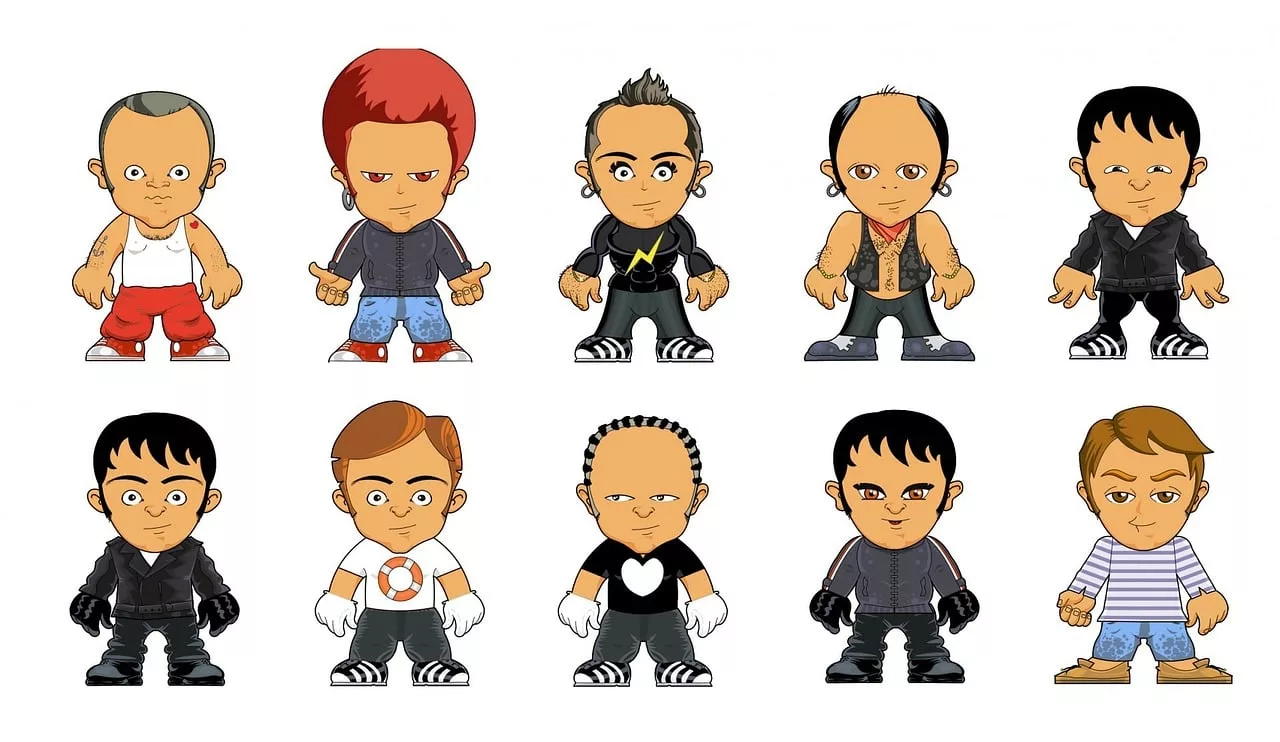
You spent hours in an AI image generator to get the perfect brand mascot. It has the right amount of charm, the perfect color palette, and captures your brand's voice. Now you want to use it. But when you try to generate a new image of your mascot waving, it comes back with a different face. You try again for a holiday post, and it’s wearing a completely different outfit.
If this sounds familiar, you’re feeling the frustration of what we call the 'cousin problem'. As of July 2026, even with new features like Midjourney's Character Reference (`--cref`) or Adobe Firefly's Structure Reference, getting a character to look *exactly* the same every time is a massive challenge. These tools are great for one-off artistic explorations, but for a brand, consistency isn't a bonus—it's a requirement. A mascot that changes in every post isn't a brand asset; it's a source of brand confusion.
An AI-generated character isn't a mascot until it can show up consistently, everywhere your brand does. This requires a different approach: a mascot is a system, not just a single image. This guide provides the two-phase workflow to build that system.
Phase 1: Define your mascot's permanent 'DNA'
The biggest mistake brands make is starting with an image. You need to start with a definition. Before you generate a single pixel, you must create a detailed character sheet—what we call the mascot's 'DNA'. This text-based blueprint becomes the single source of truth that governs every future image. It's the core of building a reliable system for consistent AI characters.
This isn't just about looks; it's about identity. A strong DNA profile locks in the non-negotiable traits that make your mascot recognizable. Think of it like a style guide for a person. Here’s a template you can adapt:
Mascot DNA Template:
- Core Concept: A one-sentence summary. (e.g., "A friendly, curious robot made of recycled cardboard, representing sustainable tech.")
- Physical Appearance: Be specific. Describe head shape, eye color and shape, body proportions, key textures, and any unique markings. (e.g., "Body is made of light brown, corrugated cardboard texture. Head is a perfect cube with two large, circular blue LED eyes. Has one silver antenna on the top left corner that always droops slightly.")
- Color Palette: List the exact hex codes for its primary and secondary colors. (e.g., Primary Body: #b4967c, Eyes: #3498db, Accents: #c0c0c0).
- Standard Outfit/Accessories: What does it always wear? (e.g., "Always wears a small, dark green bowtie made of felt. Never wears shoes.")
- Art Style: Define the visual language. (e.g., "3D render, Pixar style, soft lighting, clean and simple, high-detail textures, solid color backgrounds.")
- Personality & Poses: List 3-5 keywords that define its character and common expressions. (e.g., "Optimistic, helpful, clumsy. Common poses: waving with one hand, tilting head curiously, tripping over its own feet.")
Writing this out forces you to make creative decisions upfront. This document, not a single reference image, is the foundation of your mascot system.
Phase 2: Save your mascot's DNA in a MyUP Brandkit
Once you have the DNA defined, you need a place to store it where it can be used programmatically. A text file on your computer or a recurring prompt in a Discord channel isn't a system. This is where MyUP.ai changes the game.
A MyUP Brandkit is a central hub for your entire visual identity—logos, fonts, colors, and style instructions. For your mascot, you'll create a dedicated section in your Brandkit to house its DNA. You can upload a definitive reference image and, more importantly, paste your detailed text description into the style fields.
Why is this a better approach?
- It's Permanent: Unlike a temporary `--cref` link or a prompt session, the Brandkit saves your mascot's identity as a permanent, reusable asset. It's always there, ready to be deployed.
- It's a System: The Brandkit connects your mascot's DNA to automated workflows. Instead of manually prompting every new image, you can run a workflow like 'Generate social post for new feature' and MyUP will automatically apply your mascot's defined style and appearance.
- It's Controllable: The user—you—defines the rules in the Brandkit. MyUP executes the production. This gives you the creative control to ensure every output is validated and perfectly on-brand, removing the frustrating randomness of other tools.
By saving your mascot's DNA in a MyUP Brandkit, you transform it from a lucky one-off generation into a scalable asset ready for production.
Create a sticker pack of your mascot's emotions
One of the most popular uses for a brand mascot is in conversational marketing: sticker packs for social media comments, Slack, or Telegram. The challenge is generating a dozen different emotions—happy, sad, laughing, confused—while ensuring the character is identical in each one. This is a classic test of consistency that most tools fail.
With your mascot's DNA saved in your MyUP Brandkit, this becomes simple. The workflow already knows what your mascot looks like. You just need to ask for the variations. The user validates the expressions, and MyUP handles the production of a perfectly consistent set.
You can create a custom sheet of expressive, on-brand stickers with a single command. Use the workflow below to get started instantly.
Workflow code: #myup-swqt-4zo3
Product Stickers

Turn your logo into a nostalgic, vibrant Y2K-style vertical ad. It automatically pulls your brand colors to create matching sweet treats like custom donuts or cupcakes in the background, giving you a super playful retro-pop aesthetic.
Regenerate using your own assets.
Place your mascot in a trendy social media post
A mascot shouldn't live on a plain white background. It needs to exist in the world of your brand, which means appearing in complex, stylized scenes for social media. Can your mascot system hold up when placed inside a busy, trend-driven design like a Y2K collage?
This is where a robust system proves its worth. Because the mascot's core DNA is locked in your MyUP Brandkit, you can confidently drop it into any creative context. The workflow will generate the complex background, textures, and typography of the collage while rendering your mascot with 100% accuracy. You don't have to choose between a cool design and a consistent character—you get both.
Test it yourself by placing your mascot in a retro-futuristic scrapbook design.
Workflow code: #myup-sacz-tjdn
Y2K Scrapbook Collage Creator
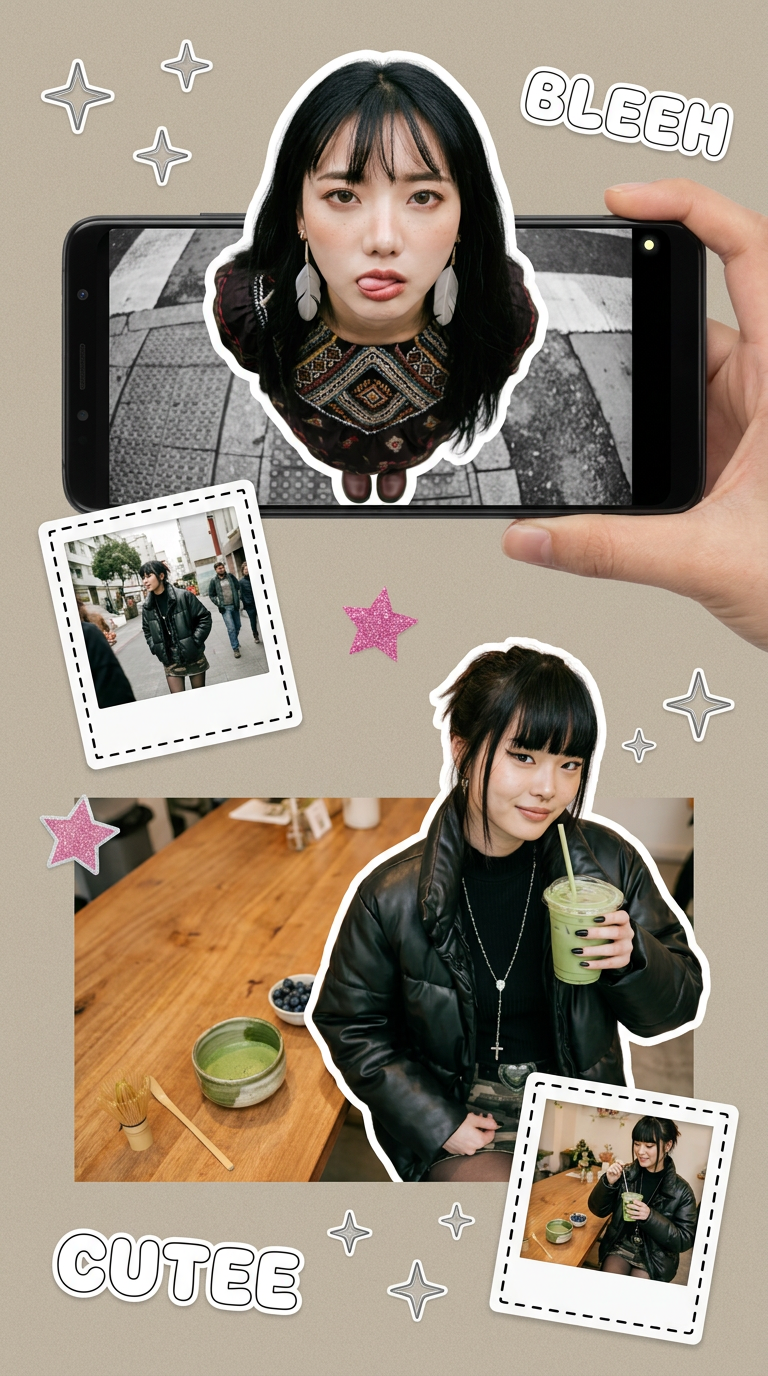
Put two different people into the same scene without losing their real-world features. Just upload two portraits and drop them together into any setting or style you need. It keeps both faces incredibly accurate.
Regenerate using your own assets.
Design branded merch with your mascot
The ultimate goal for many brand mascots is to appear on physical products—t-shirts, mugs, tote bags. This requires high-quality mockups that show exactly how the mascot will look on real-world items. Generating these one by one is slow and risks inconsistency.
Using a MyUP workflow connected to your Brandkit, you can automate this process entirely. The system pulls your mascot's official visual identity and applies it to various clothing mockups. You can generate an entire line of branded apparel concepts in minutes, all featuring the exact same, approved version of your character. This moves your mascot from a digital concept to a commercial asset, fast.
Generate a social media post showing off new t-shirts featuring your mascot with this workflow.
Workflow code: #myup-3sro-edbt
Brand Clothes Post

Turn any outfit photo into a high-end fashion promo poster. It centers your subject in a full-body shot against a dark, dramatic studio backdrop, perfectly cropped for social feeds. It gives your apparel a moody, editorial look instantly.
Regenerate using your own assets.
A mascot is a system, not just an image
The excitement of generating a character with AI is real, but for a brand, the first image is just the beginning. Without a system for consistency, you don't have a mascot; you have a collection of similar-looking cousins. One-off prompt commands in tools like Midjourney are not built for the demands of brand marketing, which require reliability and scale.
The professional workflow shifts the focus from chasing the perfect image to defining the perfect system. By creating a detailed Mascot DNA and saving it as a permanent asset in a MyUP Brandkit, you gain control. You build a repeatable, scalable engine for creating limitless on-brand content featuring a character your audience will recognize every single time. Stop re-rolling and start building your brand's next icon on MyUP.ai.
