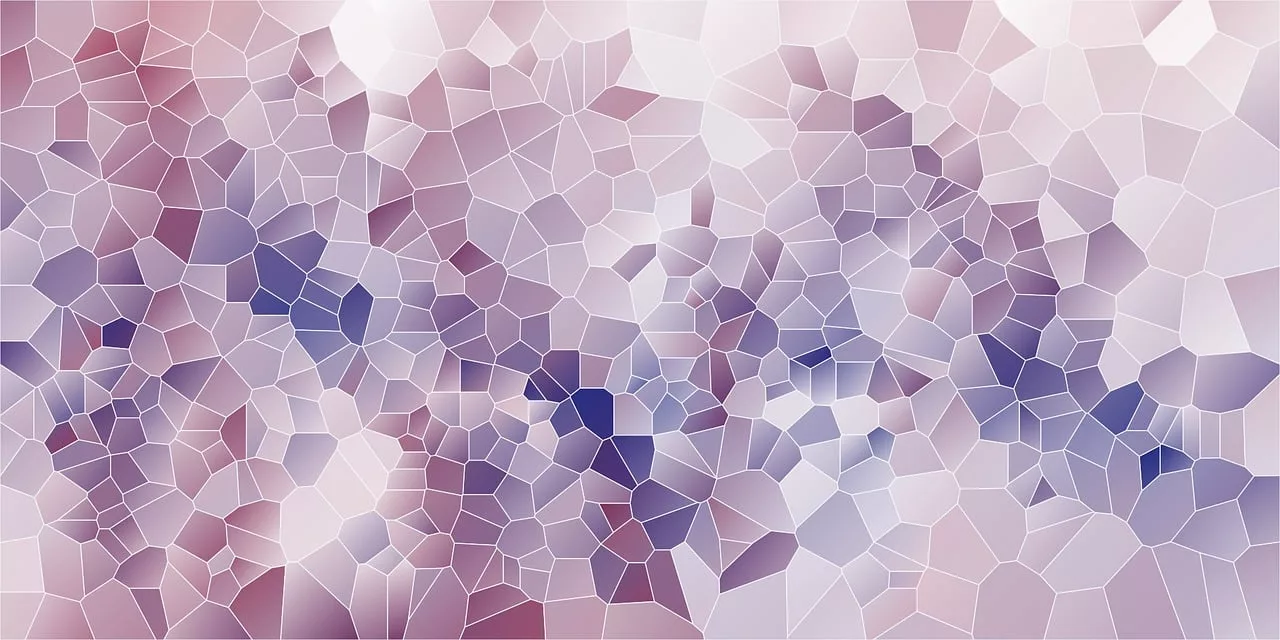
You need a background for a social post, a presentation slide, or a website hero section. The search begins. You spend 20 minutes scrolling through stock photo sites looking for something that isn't completely generic. Or, you turn to an AI image generator, spending another 15 minutes wrestling with prompts and hex codes, trying to force it to use your brand's specific shade of blue.
This is a creative bottleneck. It’s a small, recurring friction point that costs your team hours every month. The problem isn’t a lack of images; it’s a lack of the *right* images. What you actually need is not another search, but a system—a personal factory that produces an infinite supply of unique, perfectly on-brand abstract backgrounds whenever you need one.
This article will show you how to build that factory in MyUP. It’s a simple, repeatable workflow that connects directly to your brand identity to generate visuals that are always ready to use.
Why single-task AI generators are a temporary fix, not a system
The recent launch of specialized tools like Chroma AI proves this is a widespread problem. The need for high-quality, non-stock, on-brand backgrounds is so acute that single-purpose tools are emerging to solve it. This is a great validation of the pain point, but these tools represent a task-based solution, not a systemic one.
A one-off generator gives you an image. A workflow gives you an engine. The goal isn't just to create one background; it's to build a scalable, automated process that eliminates the problem forever. A true solution integrates with your brand from the start and plugs into the rest of your content creation process. You don’t need another tool to add to your stack; you need a central platform where your brand lives and creates.
The 3-step workflow for your on-brand background factory
Building this system in MyUP is straightforward. It relies on connecting two core components: your visual identity (the Brandkit) and a flexible image generation prompt. Once set up, you can run this workflow endlessly to fill your asset library with on-brand gradients, textures, patterns, and abstract shapes.
Step 1: Set your brand on autopilot with a Brandkit
The foundation of any scalable brand content is a single source of truth for your visual identity. In MyUP, this is the Brandkit. Instead of manually inputting colors, fonts, or logos every time you create, you set them up once. MyUP can even build your Brandkit automatically from your website URL.
This is the critical first step. By creating a Brandkit, you are teaching the AI your brand's rules. Every workflow you build from this point on will automatically know your exact color palette, ensuring every visual it generates is instantly recognizable and compliant. This simple setup eliminates the most frustrating part of using AI for branded content: color consistency.
Step 2: Create your master prompt for abstract visuals
With your Brandkit active, you can now create a reusable workflow. The key is a flexible master prompt that tells the AI what kind of abstract visual to create, while MyUP automatically handles the color instructions. You don't need to add hex codes; the workflow injects your Brandkit colors directly into the prompt's logic.
Here are a few versatile prompt structures to start with. Notice they focus on style and texture, leaving the color palette to the Brandkit.
- For Soft Gradients: "A beautiful, minimalist, soft-focus aura gradient, subtle grainy texture, elegant and clean design."
- For Geometric Patterns: "A clean, modern geometric pattern, abstract shapes, minimalist composition, high resolution, vector style." (You can learn more about this in our guide to creating endless on-brand patterns).
- For Liquid Textures: "Abstract liquid metal texture, flowing chrome and iridescent highlights, macro photography, dramatic lighting."
Save this prompt as a workflow in MyUP. It's now your one-click generator for on-brand visuals.
Step 3: Generate, iterate, and build your asset library
Now, you run the workflow. MyUP executes the production, generating a batch of options based on your prompt and Brandkit. Your role shifts from producer to creative director. You validate the output, selecting the strongest visuals and asking for variations on the ones you like. Did the AI create a perfect gradient but you want to see it with a bit more texture? Simply add 'heavy grain texture' to the prompt and run it again.
This is the power of a workflow: you are not starting from scratch each time. You are iterating within a reliable, on-brand system. In a short session, you can generate dozens of unique backgrounds and build a robust asset library that your entire team can use for weeks or months.
Instantly put your new backgrounds to work
The biggest advantage of a system over a single-task tool is integration. A background generated in MyUP isn't a dead end. It’s an ingredient you can immediately use in other content templates on the same platform. There's no need to download, upload, and re-import. You simply take the asset from your library and apply it to a new design, like a social media post, a poster, or a collage.
Example: From a soft gradient to a clean event announcement
Let's say you generated a beautiful, subtle gradient using the first prompt. It's perfect for a sophisticated, minimalist design. You can immediately use it as the foundation for an event announcement or a quote post using a clean design template.
Workflow code: #myup-k4td-9k6z
Minimalist Poster

Give your social feed a clean, gallery-like aesthetic. This layout frames your images with structured mono typography and soft, neutral backgrounds for a high-end editorial look. It's perfect for minimal product launches or brand announcements.
Regenerate using your own assets.
Example: From a vibrant texture to a high-energy poster
Perhaps you created a more dynamic, colorful liquid texture. This high-energy visual is ideal for a bold event poster or a product promotion that needs to grab attention. Drop it into a retro-themed template to create an instant visual impact.
Workflow code: #myup-xbur-hzoi
Bold Retro Yellow Event Poster

Turn your branding or event details into bold, nostalgic posters. It blends vibrant warm backdrops with a clean, retro square grid pattern to make any announcement look like a classic piece of mid-century graphic design.
Regenerate using your own assets.
Example: From abstract shapes to a modern scrapbook collage
If your workflow produced a series of interesting geometric shapes or cut-out style textures, they become perfect elements for a more complex composition. Use them in a scrapbook-style collage to announce a new collection or share a user-generated content roundup.
Workflow code: #myup-sacz-tjdn
Y2K Scrapbook Collage Creator
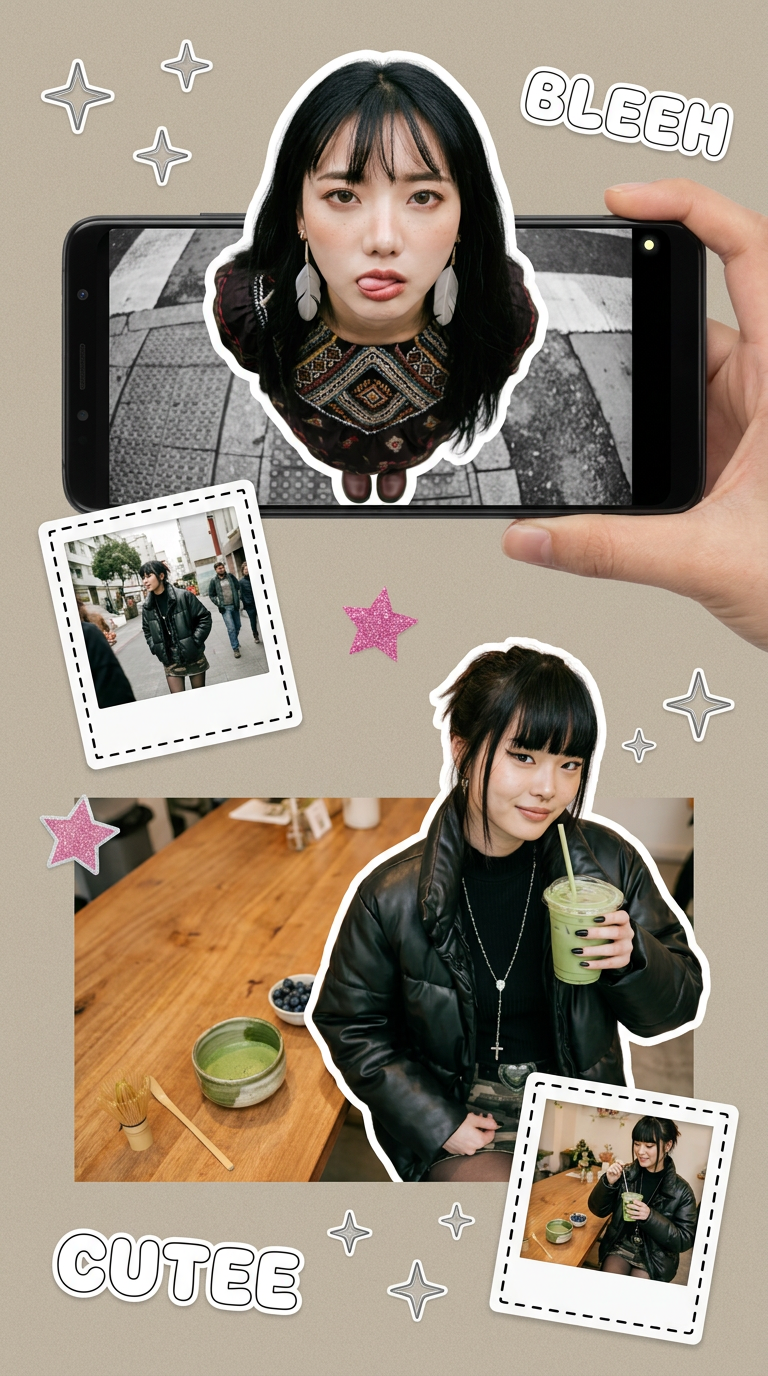
Put two different people into the same scene without losing their real-world features. Just upload two portraits and drop them together into any setting or style you need. It keeps both faces incredibly accurate.
Regenerate using your own assets.
You don't just need a background, you need a brand content engine
An AI abstract background generator is useful, but it solves a task. A repeatable, on-brand workflow solves a production bottleneck. By investing a few minutes to set up a Brandkit and a master prompt in MyUP, you build a system that pays you back with infinite creative assets and saved time, forever.
Stop searching for the perfect background. Build the machine that creates it for you. Create your free MyUP account and build your first on-brand workflow today.
