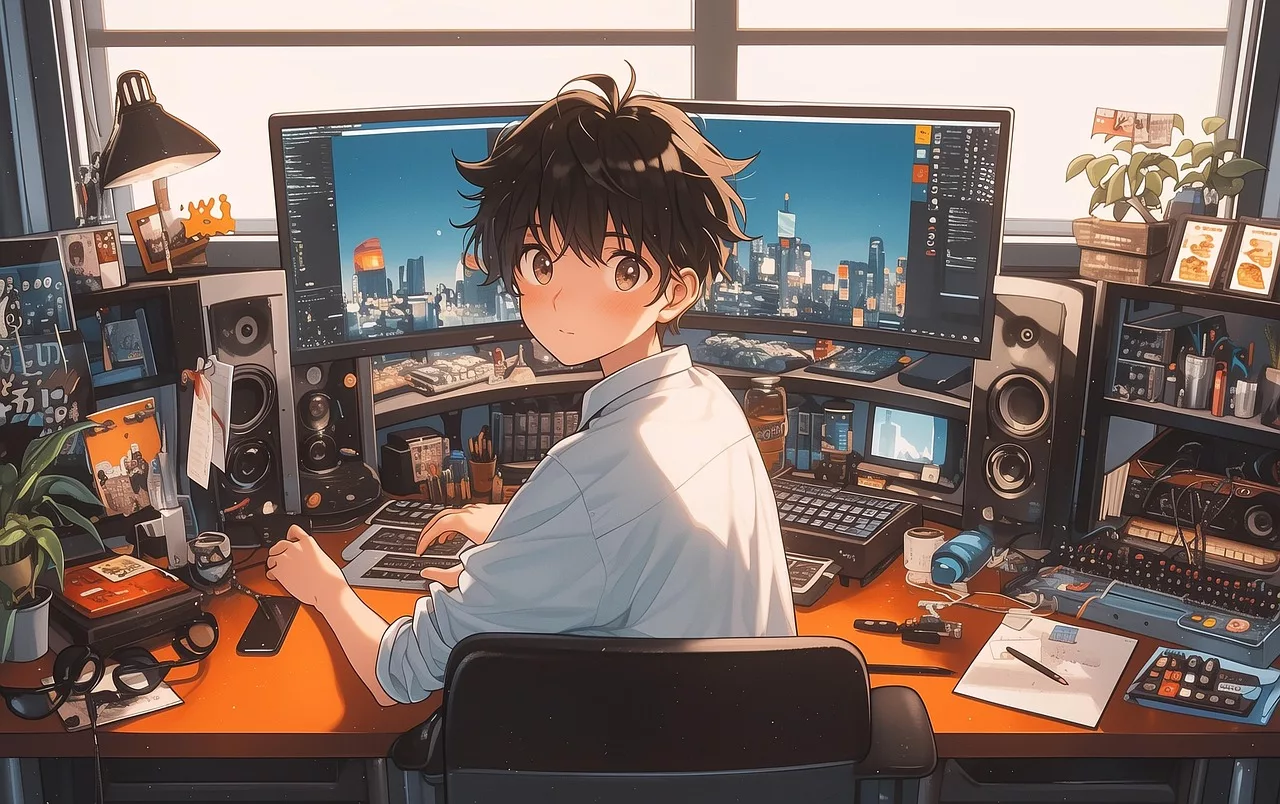
You have an AI logo. So why does it feel useless?
You did it. You prompted, rerolled, and refined, and now you have a logo from an AI generator. It's sitting on your desktop, a crisp .png file full of potential. But when you try to actually use it—to make a social media post or a presentation slide—you hit a wall. What hex code is that blue? What font would even pair with this? The initial excitement fades, replaced by the frustrating realization that a logo file isn't a brand. It’s an ingredient, not a meal.
This is the exact moment where most AI tools abandon you. They deliver the single asset and consider the job done. But the real work of building a brand—creating a consistent, recognizable visual presence across dozens of touchpoints—hasn't even started. That isolated logo file is an island, and you're left to manually build the bridges to everything else you need to create.
The goal isn't a logo, it's a brand system
A professional brand isn't just a logo. It's a system of interconnected elements that work together to create a cohesive experience. This system, often called a brand kit or style guide, typically includes:
- Logo variations: Your primary logo, a secondary version, a favicon, and versions for light and dark backgrounds.
- Color palette: A defined set of primary and secondary colors with their exact hex codes, ensuring every asset feels like it belongs to the same family.
- Typography: A specific heading font and body font, establishing a clear visual hierarchy and tone of voice.
- Style rules: Guidelines on how to use (and not use) these elements to maintain consistency.
Without this system, every piece of content becomes a new design project. You waste hours trying to eyeball color matches and find fonts that look 'close enough.' The result is a collection of assets that feel disconnected, undermining the trust and recognition you're trying to build. An AI logo generator gives you a file. A brand platform gives you a future.
How to build your brand identity from a logo in MyUP
This is where you stop being a file manager and start being a brand director. MyUP is designed to bridge the gap between your logo and a fully functional brand system. The MyUP Brandkit is a central hub for your visual identity that you build once and reuse infinitely.
Here’s the straightforward workflow to turn your logo into a working brand identity:
- Create your MyUP account: Get started on the MyUP.ai platform.
- Navigate to your Brandkit: In your dashboard, you'll find the Brandkit section, ready to be populated.
- Upload your logo: This is the key step. Drag and drop your .png or .svg logo file into the Brandkit.
- Let MyUP do the work: MyUP’s AI instantly analyzes the image and automatically extracts a complete color palette, presenting you with the exact hex codes from your logo.
- Add your fonts: Select a heading and body font that complements your logo's style.
In less than two minutes, you've created a complete, usable brand identity. MyUP handles the technical production—the color extraction, the setup—while you provide the final validation. This is the foundation that will power every piece of content you create from now on.
Put your brand to work: from identity to assets in one click
A Brandkit isn't just a storage folder; it's an engine. Once it's set up in MyUP, it automatically applies your logo, colors, and fonts to any template or workflow you use. The endless guesswork is over. You can now generate a whole universe of on-brand content instantly.
Need a sharp, professional graphic for your latest product launch? Instead of starting from a blank canvas, you can use a workflow that already knows your visual identity. MyUP handles the production; you just provide the specifics.
Workflow code: #myup-kbgo-tlle
Product Brand Post

Drop in your product to generate a cohesive nine-post Instagram grid. It blends warm lifestyle photography and flat-lay packaging with bold hand-drawn doodles, collages, and urban billboard mockups. Everything automatically styles itself to your brand's colors.
Regenerate using your own assets.
The same logic applies to all your business communications. Consistency builds credibility, whether you're selling a product or attracting talent. Need a hiring poster that looks like it actually comes from your company? Just run the workflow. Your Brandkit ensures it's perfect every time.
Workflow code: #myup-eiob-7tbc
Modern Hiring Poster

Turn your open roles into stylish social announcements. It sets your hiring details against a soft, textured paper background with clean, editorial typography. Perfect for giving your brand a polished, modern look when you're looking to hire.
Regenerate using your own assets.
This system is how you scale content production without diluting your brand. It's not just about single posts; you can create entire suites of content, like the engaging on-brand LinkedIn carousels that are essential for professional social media, all powered by the same central Brandkit.
Beyond the basics: applying your brand to campaigns and trends
A common fear is that brand systems are restrictive, forcing you into a creative box. The reality is the opposite. A strong brand system gives you the freedom to experiment and engage with trends *without* losing your identity. Because the core elements (logo, colors, fonts) are locked in, you can adapt to different styles and formats while still being instantly recognizable.
Want to create a trendy, scrapbook-style collage for a social media campaign? You don't have to abandon your brand to do it. The Brandkit ensures your core identity is woven into the final asset, giving you the best of both worlds: relevance and recognition.
Workflow code: #myup-sacz-tjdn
Y2K Scrapbook Collage Creator
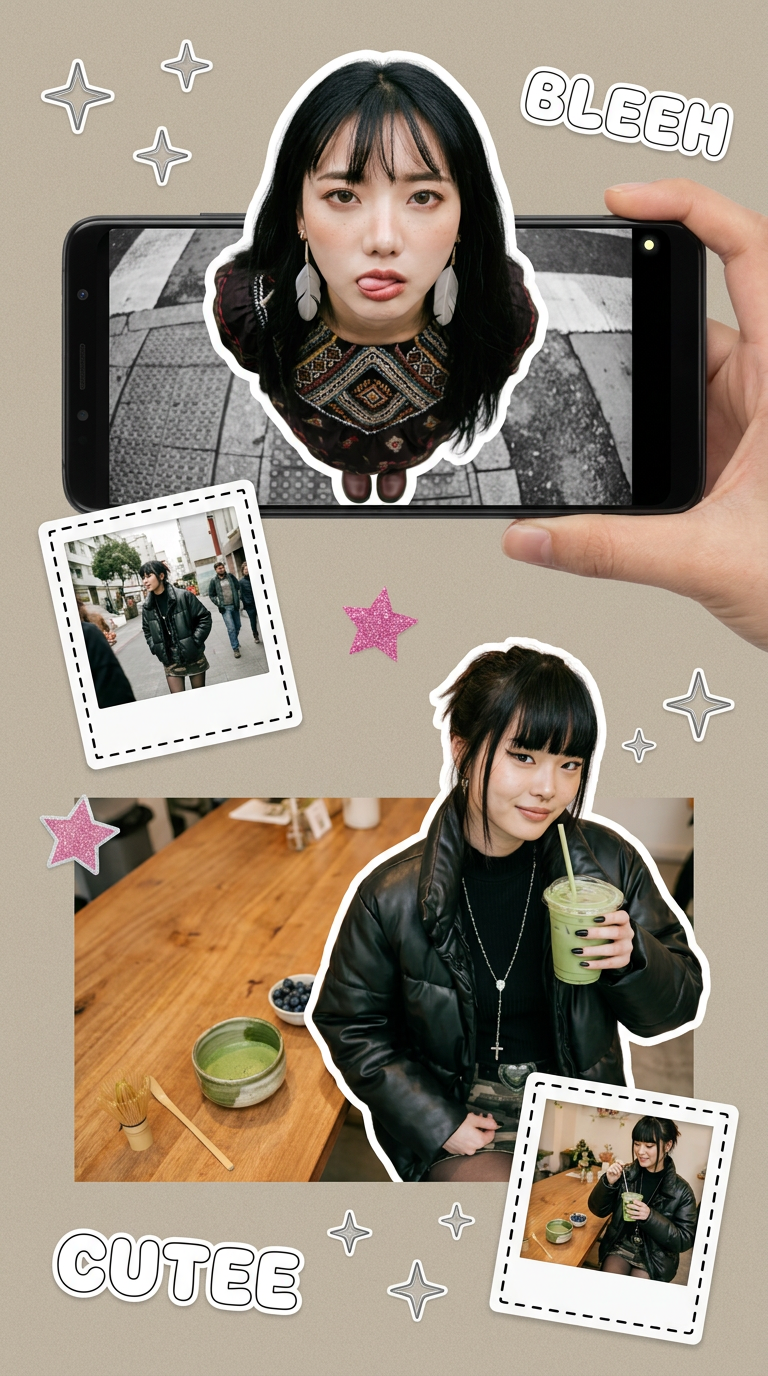
Put two different people into the same scene without losing their real-world features. Just upload two portraits and drop them together into any setting or style you need. It keeps both faces incredibly accurate.
Regenerate using your own assets.
This approach allows you to plan entire campaigns visually. Before you even start producing assets, you can generate an on-brand moodboard to establish the creative direction, confident that your Brandkit will translate that vision into a cohesive set of final deliverables.
An AI logo is a starting point, not a destination
An AI logo generator solves 10% of the problem. It gives you a single, static file. The other 90%—building a consistent, scalable, and usable brand—is the work that actually matters, and it's the work that most tools ignore. MyUP is built for that 90%.
By transforming your logo into a living Brandkit, you create a system that works for you. You move from one-off creations to a streamlined production engine. Every social post, every ad, every poster you create reinforces your brand identity, building the consistency that leads to recognition and trust. Don't settle for a file. Build your brand's future on a platform designed for creation at scale.
