The news cycle for AI in design is moving fast. On July 20th, 2026, a new tool called Architexture launched, promising to turn 2D blueprints into 3D renders. A day later, Canva announced its 'Layout AI' to auto-generate brochures from a folder of images. Both are impressive feats of engineering, but for a working architect, designer, or real estate marketer, they solve the wrong problem.
A single, isolated render isn't a client presentation. And a generic brochure layout isn't a brand. The real, time-consuming job is creating a cohesive visual narrative for a project—a series of images that share a consistent mood, lighting, and style—and then deploying them into compelling, on-brand marketing materials. That's not a task for two separate tools; it's a single, integrated workflow. Here’s how to do it on MyUP.ai.
Step 1: Generating the conceptual render (and the 'living blueprint' style)
Forget photorealism for a moment. The goal in the early stages is creative exploration and communicating a vision. This is where you test conceptual massing, explore material palettes, and define the project's mood. You don't need a perfect 3D model; you need ideas, fast. In MyUP, you can generate these directly from a text prompt or a simple sketch.
The key is descriptive language. Instead of asking for a 'modern house', specify the details that create a story:
- 'Exterior architectural photograph of a minimalist concrete and glass cabin in a dense pine forest, warm light from inside, misty morning, wide-angle lens, brutalist style.'
- 'Interior design concept for a Scandinavian-style living room, light oak floors, boucle sofa, large window overlooking a snowy landscape, soft afternoon light, hygge aesthetic.'
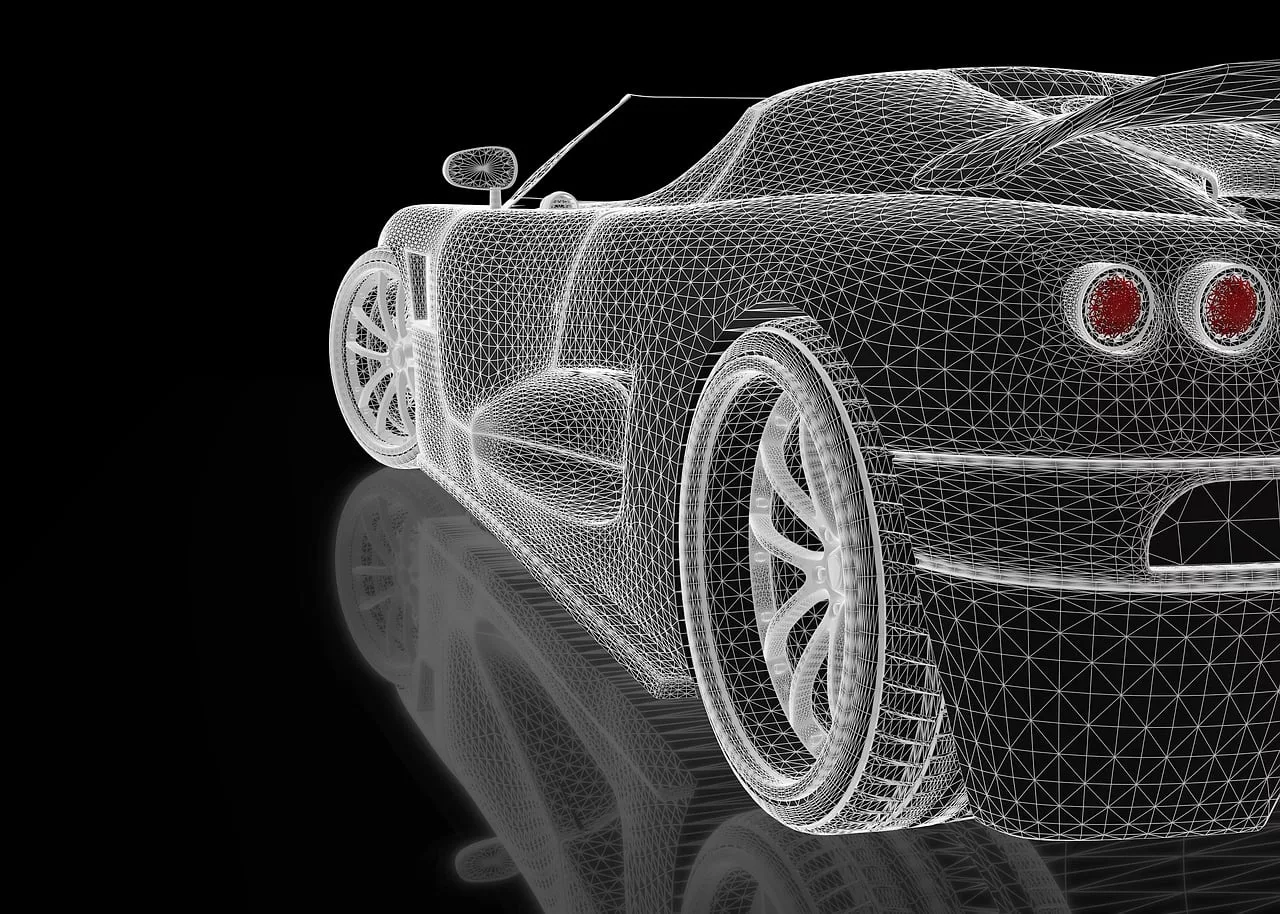
This is also how you can tap into emerging visual trends. The 'Living Blueprint' style, which went viral in July 2026, is a perfect example. It merges the technical look of a wireframe with the aspirational feel of a render. You can achieve this effect in MyUP with a prompt that combines both concepts:
Hybrid architectural visualization, photorealistic render of a modern beach house seamlessly blended with a blue wireframe blueprint overlay, showing structural lines and dimensions, sunset lighting, conceptual design phase.
The user directs the creative vision with the prompt; MyUP handles the production of the visual, allowing for rapid iteration until the core concept is validated.
Step 2: How to maintain a consistent visual identity across your project
Here is where single-purpose tools fall apart. You've generated a perfect exterior shot. Now you need an interior view, a detail shot, and a landscape visual that all feel like they belong to the same project, from the same photographer on the same day. Trying to achieve this with prompts alone is an exercise in frustration—a constant battle with the AI to replicate the exact color grading, lighting temperature, and lens style.
This is a problem that requires a system, not just a prompt. In MyUP, that system is the Brandkit. Before you generate your series of images, you create a Brandkit for the specific architectural project. You can define:
- A Color Palette: Lock in the specific tones of the concrete, the warmth of the wood, and the color of the sky.
- A Style: Define the visual mood. Is it 'dramatic and high-contrast' or 'light, airy, and desaturated'?
- Fonts & Logo: For when you move to collateral, your brand marks are already in place.
Once your project's Brandkit is saved, every asset you generate will automatically inherit this visual DNA. You generate the exterior, then the interior, then a close-up, and MyUP ensures the lighting, mood, and colors remain consistent. This is a more robust and professional approach than managing complex LoRAs or specialized models, which often require technical overhead. As we discuss in our guide on fine-tuning versus a Brandkit, a Brandkit provides stylistic control for your entire brand identity, not just one aspect of an image.
Step 3: From render to brochure in minutes
With a folder of consistent, on-brand conceptual renders, the final step is creating the client-facing collateral. This isn't just about dropping images into a template; it's about using those images to build a persuasive narrative in a brochure, mood board, or social media post. While tools like Canva's new Layout AI can suggest generic arrangements, a professional workflow demands that the final output is as on-brand as the images themselves.
Because your Brandkit is already active in MyUP, any template you use will automatically adopt your project's fonts, colors, and logo. The AI handles the layout, but you have the final say, ensuring the output matches your standards.
Create a project mood board
Arrange multiple project renders into a cohesive mood board or a single, powerful slide for a client presentation. The grid format allows you to show programmatic adjacencies or material palettes in a clean, editorial style.
Workflow code: #myup-n0bi-2wzk
Bold Editorial Grid Poster

Create striking 2x3 editorial posters with six seamless, flat-color square cards in a perfect 4:5 grid. There are absolutely no gaps between the blocks, giving your content a bold, high-contrast magazine layout. It looks incredibly clean on any social feed.
Regenerate using your own assets.
Design a property flyer or social post
For marketing a specific property, you need a clean, modern layout that puts the visual front and center. This workflow is perfect for creating a property flyer, a social media story, or a simple digital ad that feels high-end and intentional.
Workflow code: #myup-sygb-rhnt
Minimalist Vertical Product Advertising Poster

Drop the clutter and put your product in the spotlight. This setup places your item against a pure, seamless white background with a striking vertical flow that draws the eye straight up. It's perfect for creating clean, high-end studio posters.
Regenerate using your own assets.
By using these workflows within MyUP, the transition from a set of approved images to a finished marketing asset takes minutes, not hours. The entire process, from concept to collateral, happens in one integrated environment, governed by one consistent Brandkit.
The right tool for the right job
Specialized AI rendering engines that produce dimensionally accurate, photorealistic output from CAD files are essential for final blueprints and construction documents. They serve a technical, late-stage purpose.
But for the entire creative journey that comes before it—client exploration, mood boards, conceptual design, and early-stage marketing—you need a different kind of tool. You need speed, creative flexibility, and absolute brand consistency. You need a platform that doesn't just give you an image, but gives you a complete, client-ready presentation. That is the workflow MyUP is built for.
