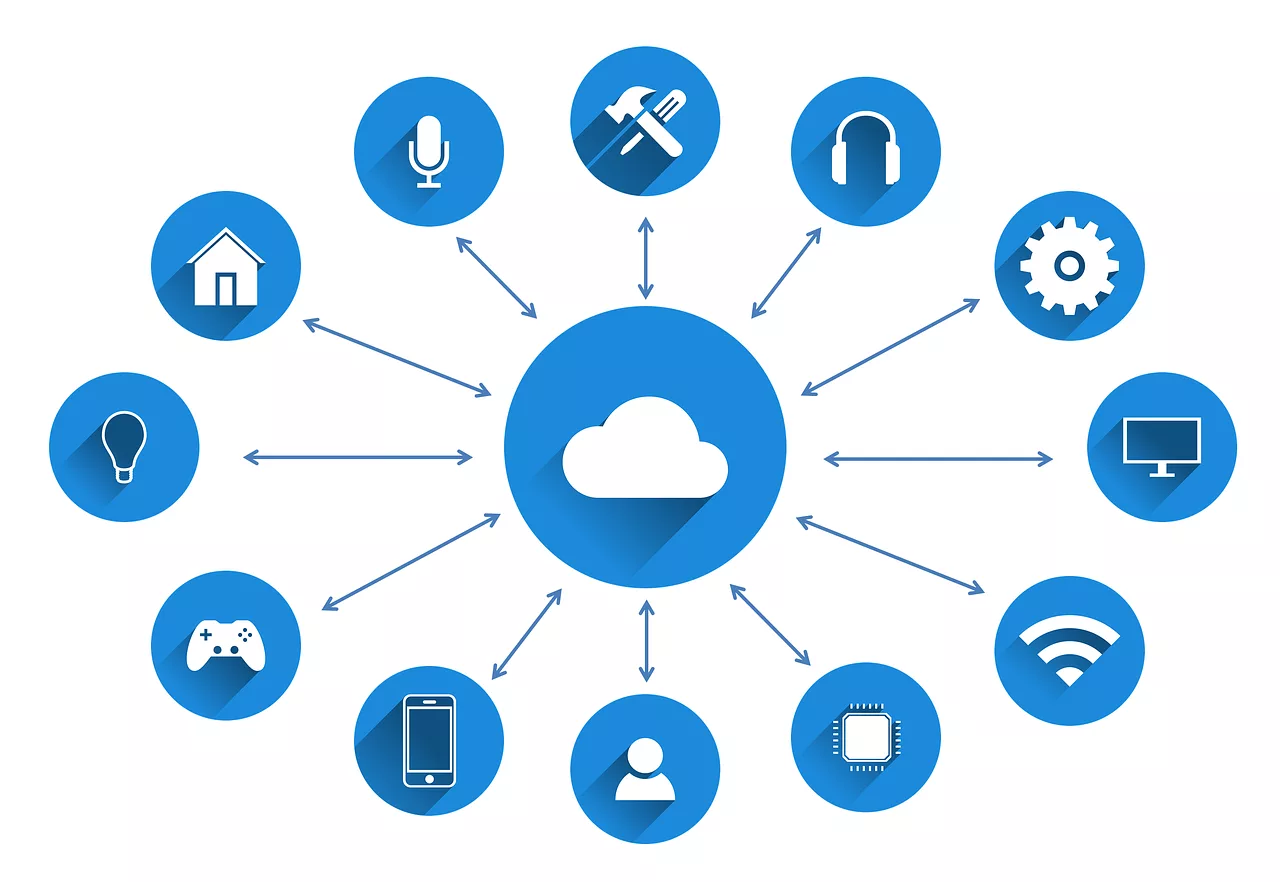
You saw that viral X thread on July 12th showing an AI creating a whole social media campaign from a single prompt. You’ve probably wondered how to do it yourself, then got lost in a sea of APIs and Python scripts. On the same day, a top post on Reddit showed the other side: the real frustration of trying to stitch these complex tools together.
Let's clear things up. The promise of AI agents is real, but you don't need to be a developer to use them. For a content creator, an AI agent is something much simpler and more practical.
For creators, an AI agent is just a workflow you can command
Forget the technical jargon about autonomous systems. For a creator, an AI agent is a multi-step creative task that you can save and run on command. Think of it less like a self-driving car and more like a saved preset in your favorite design tool, but for an entire project.
Instead of performing single actions — generate an image, write a caption, format a post — you bundle them into a single, repeatable workflow. You build it once, and then you can simply tell your 'agent' to run it again for a new product, a new event, or a new campaign.
On MyUP.ai, this is the core of how automation works. The platform acts as your agent, and your saved Brandkit is its memory. It already knows your brand's specific fonts, colors, logo, and visual style. So when you command it to create, it doesn't just execute steps; it executes them in a way that is instantly recognizable as yours. This is the key difference between generic AI output and professional, on-brand content.
The hard way vs. the smart way to automate a campaign
The viral posts you see often showcase the 'hard way.' It's a fragile chain of different tools, each with its own login and learning curve:
- Tool 1: A chatbot to brainstorm ideas.
- Tool 2: An image generator for visuals (which knows nothing about your brand).
- Tool 3: A copy generator for captions.
- Tool 4: A scheduling tool to post it.
- Custom Code: Scripts to connect them all, which break with any API update.
The result is a time-consuming, technical project that pulls you away from the creative work. The 'smart way' is to use an integrated platform where all these steps are connected from the start. In MyUP, a workflow combines image generation, copywriting, and formatting into a single, seamless process. You provide the high-level goal, and the platform handles the production steps, all while enforcing your brand guidelines automatically. It's how you can automate a week of Instagram posts without the technical headache.
Build your first content agent in MyUP (no code required)
Creating your own content agent in MyUP is straightforward. You're simply defining a repeatable recipe for your content. For example, a standard product post agent would look like this:
- Step 1: Generate Visual. Start with a prompt to create a lifestyle photo of your new product. MyUP will use your Brandkit to influence the style.
- Step 2: Write Copy. Add a step to write three caption options for the visual, highlighting key benefits.
- Step 3: Format Post. Add a final step to format the chosen image and caption for an Instagram post, adding relevant hashtags.
Once you save this series of steps, you've created an agentic workflow. Next time you have a new product, you just run the workflow and update the product name. The agent does the rest.
To make it even easier, you can start with a pre-built agent. This template combines the steps for creating a complete, on-brand product post. Just launch it and provide your product details.
Workflow code: #myup-gxue-opd0
Product Post

Turn a single product shot into a cohesive six-part Instagram story campaign. It mixes tactile crumpled paper textures with bold, stacked typography and custom mascot spots in your brand's signature colors.
Regenerate using your own assets.
Ready-to-use agents for your most common tasks
Different industries require different kinds of content. A workflow for a restaurant is not the same as one for a fashion label. That’s why MyUP provides specialized workflows that act as pre-trained agents for specific jobs.
If you're a food brand, you need delicious-looking visuals and compelling descriptions. This workflow is designed specifically for that, combining high-quality food photography generation with ad copy creation.
Workflow code: #myup-w0vh-abft
Food Product Ad
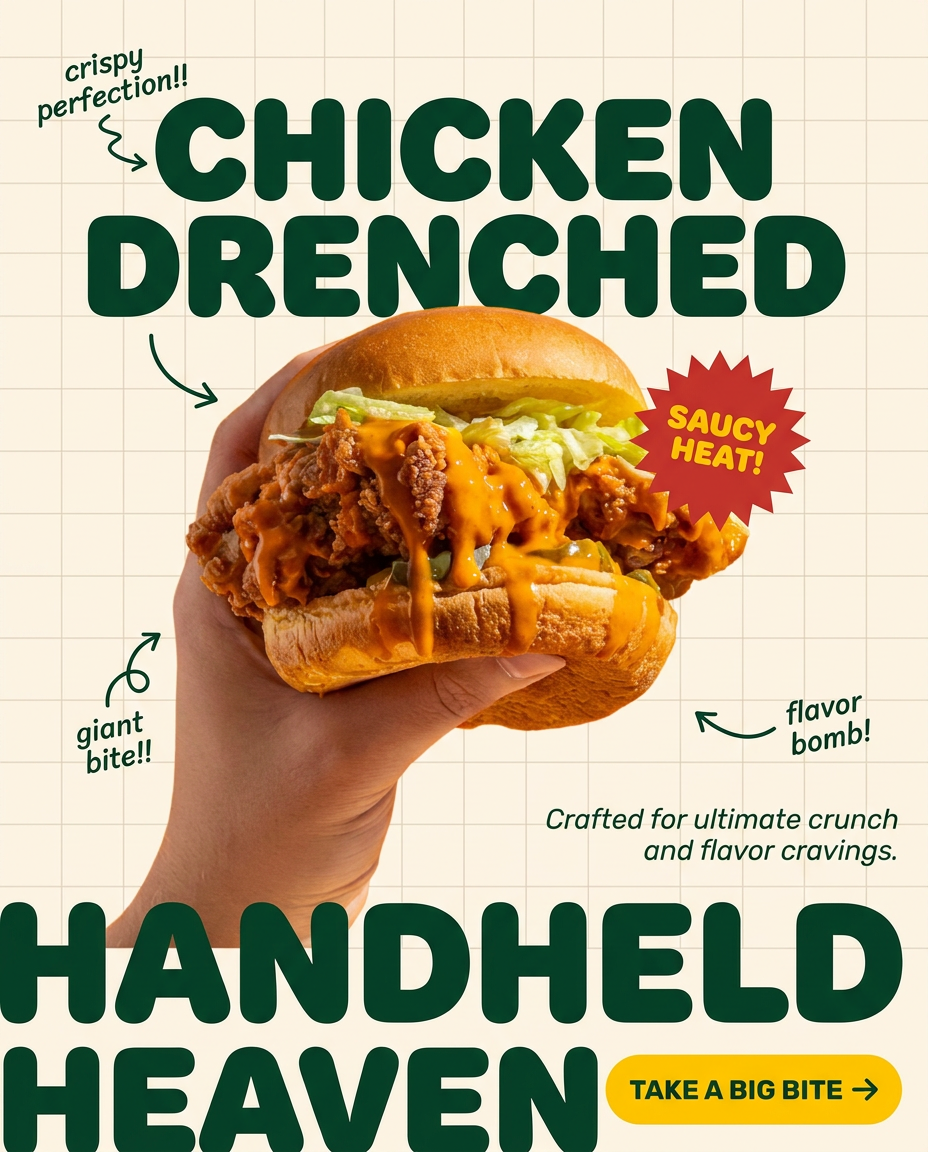
Turn any dish or snack into a bold, playful social ad. It places your food against a soft warm beige background with a subtle grid pattern, topped with chunky rounded headlines. It's clean, friendly, and instantly grabs attention in the feed.
Regenerate using your own assets.
For apparel or fashion brands, the focus is on showcasing clothing on models in a specific aesthetic. This agent helps you generate on-brand lookbook-style images and social media posts to announce new collections.
Workflow code: #myup-3sro-edbt
Brand Clothes Post

Turn any outfit photo into a high-end fashion promo poster. It centers your subject in a full-body shot against a dark, dramatic studio backdrop, perfectly cropped for social feeds. It gives your apparel a moody, editorial look instantly.
Regenerate using your own assets.
Your new role: creative director, not AI developer
Ultimately, AI agents should empower your creativity, not turn you into a part-time programmer. With agentic workflows on MyUP.ai, your role shifts from hands-on production to high-level strategy. You set the goal—launch this product, promote this event—and the agent executes the multi-step production plan. You remain in control, validating the outputs and making the final creative decisions. The AI handles the repetitive work, freeing you to focus on the bigger picture.
