On August 13, 2026, Twitch gave creators the ability to opt their channels out of being used to train Amazon's AI models. This is a necessary and welcome step for creator rights. But if you think flipping that switch is enough to protect your brand, you're missing the bigger picture.
Opting out is a defensive move. It stops your past work from being scraped, but it does nothing to stop your channel from being drowned in a sea of generic, AI-generated content that looks vaguely like everyone else's. The real risk isn't just your data; it's your brand's dilution.
The real defense: An overlay so unique it's your brand's moat
When every streamer uses the same handful of AI image generators, styles inevitably converge. You end up with thousands of channels using slightly different versions of the same anime avatar, the same neon-drenched background, the same sci-fi aesthetic. Your visual identity, the very thing that should make you instantly recognizable, gets lost in the noise.
The best protection isn't a setting you toggle; it's a brand you build. The most effective defense is a proactive offense: creating a visual identity so specific and consistent that it becomes your moat. An identity AI can't easily replicate because it's built on two things most generators fail at: your unique likeness and absolute visual consistency.
This isn't about stringing together five different AI tools and a Canva subscription. That just leads to a disjointed mess. This is about using a single system designed to create a complete, cohesive brand package, from your character to your text panels.
Step 1: Create your foundational character from a single photo
Forget spending hours trying to describe your face to an AI with a text prompt. The most powerful starting point for a unique brand is you. The goal is to create a high-fidelity digital version of yourself that can be placed in any scene, style, or setting, without losing the core likeness.
This starts with a single, clear photograph. In MyUP.ai, you can upload a photo to generate a foundational character model. The system doesn't just guess at your features; it maps them directly, preserving the details that make you look like you. This becomes your reusable character asset for the entire stream package.
To do this, you don't need a complex setup. You need a tool built for fidelity. In MyUP, the 'High Fidelity AI Face Swap Portrait' tool is the perfect starting point for creating that core asset.
Workflow code: #myup-yppq-8dxq
High Fidelity AI Face Swap Portrait
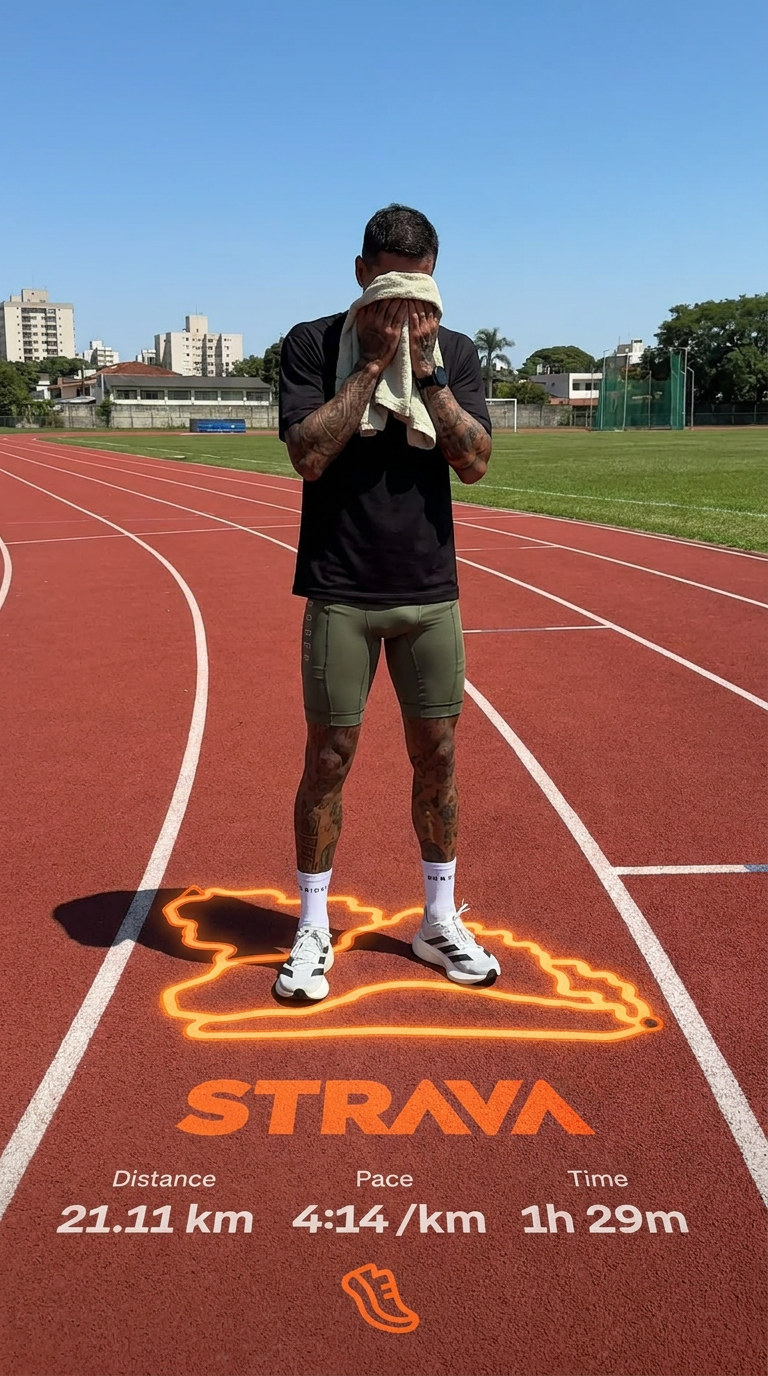
Capture every nuance of your subject's physical presence with absolute precision. This system maps skin texture, hair density, and muscle definition directly from your reference, creating a hyper-realistic digital twin that maintains the character's exact physiognomy and scale in any new environment you choose.
Regenerate using your own assets.
Workflow code: #myup-wacj-tk4g
High Fidelity AI Face Swap Portrait
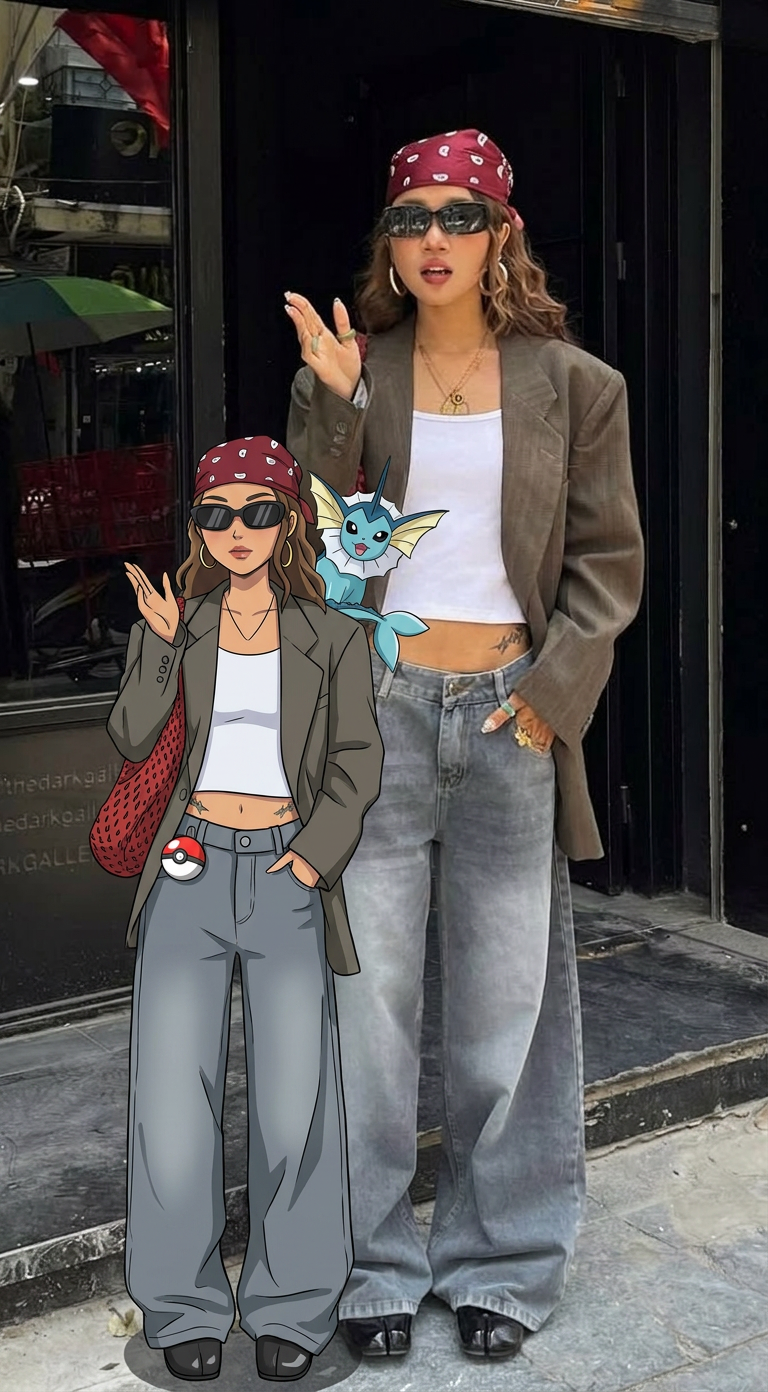
Capture every nuance of a subject's appearance with pixel-perfect precision. This system maps distinct facial features, skin tones, and physical textures onto your chosen target, ensuring your output keeps the exact likeness and character of the original person every single time.
Regenerate using your own assets.
Step 2: Put your character into all your stream scenes
Once you have your foundational character, the next challenge is maintaining that exact likeness across multiple assets. How do you put that character in a 'Starting Soon' screen with a futuristic cityscape, and then into a 'Be Right Back' screen set in a fantasy forest, without the face changing?
Most image generators struggle here. A slight change in lighting, camera angle, or artistic style can result in generating your character's slightly-off cousin, not an identical twin. This inconsistency is what makes an AI-generated stream package look cheap and unprofessional.
A true brand system locks in the character's identity. On MyUP.ai, you can take the character you created in step one and drop it into entirely new scenes while keeping the face perfectly consistent. You direct the scene, and MyUP ensures the actor is always the same. This is how you build a full set of scenes—'Starting Soon,' 'BRB,' 'Stream Ending'—that all feel like they belong to the same professional broadcast.
The 'Consistent Character Face Swap Tool' is designed for precisely this job, letting you place your verified likeness into any world you can imagine.
Workflow code: #myup-i83a-ze2t
Consistent Character Face Swap Tool
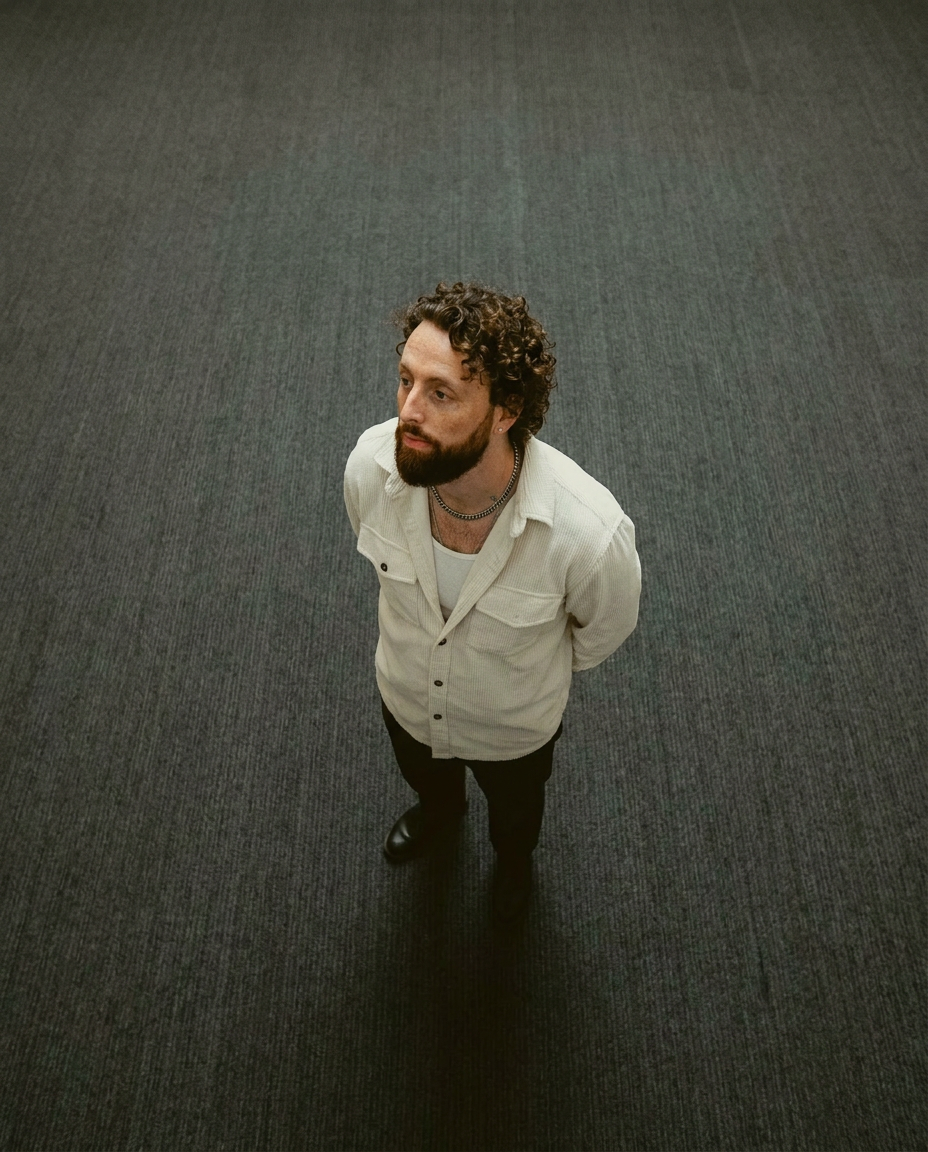
Lock in a subject's exact likeness and physical traits across any new scene. It maps every facial feature and body detail perfectly, keeping the person consistent no matter where you place them. Just drop in your photo and let the system handle the rest.
Regenerate using your own assets.
Step 3: Build the rest of your on-brand asset pack
A stream package is more than just a face on a background. It's the overlay frames, the alert boxes, the info panels below your stream, and the promotional graphics you use on social media. All of these elements need to share the same visual DNA: your specific fonts, colors, and logo.
This is where the manual process kills productivity. Constantly copying and pasting hex codes or trying to find the right font file for every single asset is tedious and error-prone. MyUP solves this with a Brandkit. You set up your brand identity once—either by letting MyUP scan your website or by inputting your logo, colors, and fonts manually. From that point on, any asset you generate automatically inherits your brand's visual style.
When you need to create panels with full-body versions of your character, you can use a more advanced tool that maintains both facial and physical consistency.
Workflow code: #myup-2gbp-wc6s
Consistent Character Face And Body Replacer
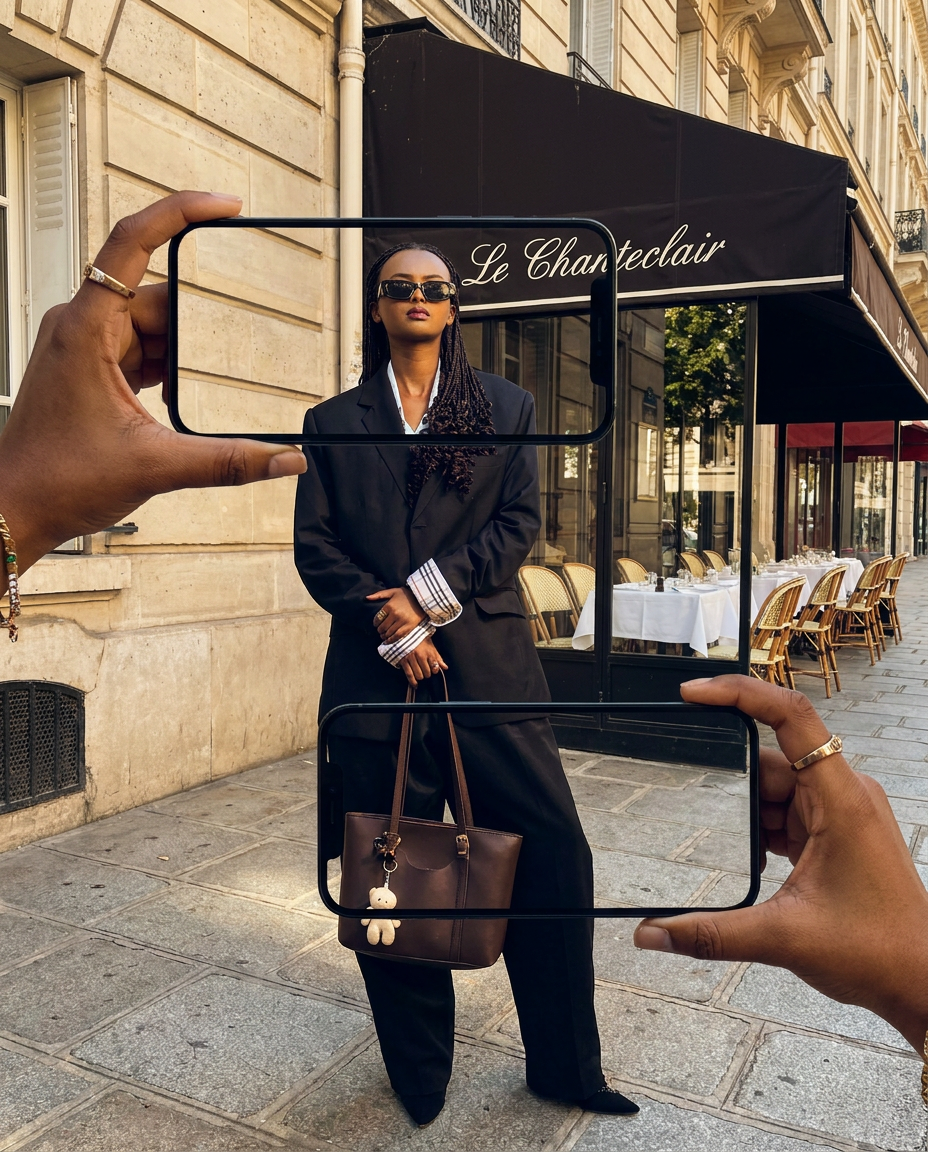
Capture the exact likeness of any person with incredible precision. This system maps every unique facial feature, skin tone, and hair texture onto your chosen subject, ensuring their physical appearance remains completely consistent across any pose or setting you decide to put them in.
Regenerate using your own assets.
With a Brandkit, the text on your overlay will always be in the right font and color. Your panels will have the right background. You move from creating assets one by one to generating an entire, cohesive on-brand Twitch asset pack from a single source of truth.
From a random generator to a brand system you control
The old way of creating stream assets with AI involved juggling three or four different tools, hoping the outputs looked similar enough to stitch together in Photoshop. The result is often a collection of assets that feel disconnected and inconsistent.
A system-based approach is fundamentally different. By starting with your unique likeness and a defined Brandkit on MyUP.ai, you establish a creative foundation. Every asset you generate—from character scenes to text panels—is born from that foundation. The consistency is built-in, not bolted on.
This is where human control makes all the difference. You are the creative director. You provide the source photo, you set the brand rules, and you approve the final scenes. MyUP handles the repetitive, pixel-perfect production work. That's how you build a brand so unique and consistent that no generic AI generator can ever copy it.
