
As a real estate professional, you know that an empty room lacks inspiration. But you also know that fake-looking AI virtual staging can be even worse. We've all seen it: furniture that seems to float, shadows that defy physics, and a generic style that makes every property look the same. These visuals don't just fail to impress; they can actively erode a buyer's trust.
The good news is that it doesn't have to be this way. It is possible to create stunning, photorealistic virtual staging that is indistinguishable from a professionally shot and furnished room. This practical guide outlines a production method that solves the common pitfalls of AI staging, ensuring your property listings are compelling, realistic, and ready to convert viewers into buyers.
Why most AI virtual staging looks fake
Empty rooms don't sell homes, but neither does bad virtual staging. As a real estate professional, you’ve likely seen it: AI-generated furniture that looks pasted on, shadows that defy the laws of physics, and a generic, soulless aesthetic that makes every property look the same. Recent discussions across real estate forums confirm this widespread frustration. These unrealistic visuals don't just fail to impress; they can actively erode buyer trust.
Potential buyers can spot a fake a mile away. When the lighting is wrong or a sofa seems to float an inch off the floor, the illusion is broken. The property feels less like a potential home and more like a cheap video game. This is the core problem with most AI staging tools—they focus on simple object insertion, not on photorealistic integration. They lack the ability to understand and replicate the complex interplay of light, shadow, perspective, and texture that makes a space feel real and inviting. The result is a portfolio of listings that look artificial and fail to connect with buyers on an emotional level.
Common pitfalls that break the illusion
The difference between an amateurish staging and a professional one comes down to a few critical details that many AI tools get wrong:
- Inaccurate Lighting and Shadows: This is the most common giveaway. When a virtually staged armchair doesn't cast a shadow that matches the room's light source (e.g., a bright window), the object immediately looks out of place. Generic AI tools often apply a default drop shadow that ignores the direction, softness, or color of the existing light.
- Incorrect Perspective and Scale: A queen-sized bed that looks small enough for a dollhouse, or a dining table angled incorrectly against the room's vanishing point, instantly breaks realism. This happens when the AI doesn't properly analyze the photo's 3D geometry, resulting in furniture that feels disconnected from the space.
- Generic, Cookie-Cutter Styles: Is every listing starting to look like the same 'Modern Farmhouse' or 'Mid-Century Gray' showroom? Many platforms offer a very limited palette of design styles, making it impossible to create a unique look that matches the property's character or appeals to a specific buyer demographic.
- The Cluttered Room Problem: Traditionally, virtual staging required a completely empty room. This is a major limitation for occupied properties. The new standard is the ability to first virtually 'declutter' a room by removing existing furniture before staging it with new items—a complex task that simple tools cannot handle.
MyUP's approach: from intention to finished creation
MyUP, the Creative Production Platform, was built to overcome these exact challenges. We believe virtual staging should be indistinguishable from a professional photoshoot. Our platform isn't just another tool for placing objects; it’s a complete production system that turns your intention into a finished, studio-quality creation.
Instead of wrestling with complex settings, you simply describe what you want. For example: “Stage this empty living room photo in a warm, Japandi style with natural light and a cozy reading nook.” MyUP handles the entire technical execution from A to Z. Our AI analyzes the room's lighting, understands its spatial dimensions, and generates a fully staged image that is physically accurate and aesthetically compelling. This approach moves beyond the limitations of generic tools, which often produce visuals that look fake, and delivers results ready to publish on any listing platform.
A practical guide to realistic virtual staging with MyUP
1. Prepare your property photos (even if they're furnished)
Start with a high-quality, well-lit photograph of the room. Don't worry if the room isn't empty. A major advantage of an advanced platform is the ability to handle furnished or cluttered spaces. Simply provide the photo to MyUP and specify your intention to declutter. The platform can intelligently remove existing furniture, creating a clean canvas for the new staging. This single capability opens up virtual staging to every property, not just vacant ones.
2. Define your desired style and intention
This is where you move beyond generic presets. Instead of choosing 'Modern,' you can define a specific vision: 'Coastal Grandmother aesthetic with light wood furniture,' 'Minimalist Art Deco with brass accents,' or 'Bohemian with lots of green plants and textured rugs.' For real estate agencies, this is the perfect place to use a MyUP Brandkit. By setting up your agency's preferred design aesthetics once, you can ensure every virtual staging project maintains a consistent, high-quality look that reinforces your brand. To create a bold, cohesive brand identity for a marketing campaign around a new development, a specialized creative preset can be invaluable. Template: #myup-xbur-hzoi
Bold Retro Yellow Event Poster

Turn your branding or event details into bold, nostalgic posters. It blends vibrant warm backdrops with a clean, retro square grid pattern to make any announcement look like a classic piece of mid-century graphic design.
Regenerate using your own assets.
3. Generate the staged images with accurate lighting and perspective
Once you've stated your intention, MyUP’s production engine takes over. It doesn't just paste furniture onto your image. It analyzes the light sources in your photo—the direction of sunlight from a window, the warm glow of an overhead fixture—and renders the new furniture with physically accurate lighting and shadows. It also calculates the room's perspective and scale, ensuring every piece of furniture is placed logically and looks like it truly belongs in the space. The process is designed to deliver a finished image that looks like a high-end lifestyle shoot. Template: #myup-vccl-cyv5
Luxury Skincare Product Ad Campaign

Create a polished luxury advertising set from a single beauty product image. This reusable 4-step workflow generates a clean studio hero shot, an elegant lifestyle scene, a macro product detail and a vertical social media composition while preserving the visual identity of the uploaded product. Designed for skincare, cosmetics and premium beauty products.
Regenerate using your own assets.
4. Publish your finished creations
The final output from MyUP isn't a raw file that needs more editing in Photoshop. It's a finished, studio-quality image ready for your MLS listing, social media, or marketing brochures. The goal is a complete creation that enhances the property's appeal and looks as polished as a high-end editorial ad. You can then generate variations for different platforms or A/B testing, all while maintaining that crucial element of realism. Template: #myup-fy77-jljs
Minimalist Elegant Product Advertising Poster

Turn any product shot into a high-end editorial ad. It places your item against a soft cream background with airy spacing and adds elegant, small serif typography at the top. Great for wellness or luxury brands wanting a calm, minimal aesthetic.
Regenerate using your own assets.
Mastering challenging spaces and unique layouts
Properties rarely consist of perfect, box-shaped rooms. What about L-shaped living areas, rooms with sloped ceilings, or awkward nooks? This is where basic AI tools fail, often suggesting illogical furniture placements that would never work in real life. MyUP's intention-driven process excels here. By understanding the goal of the space, it can act as a virtual interior designer, suggesting layouts that maximize flow and turn architectural quirks into charming features. The platform intelligently places furniture to enhance the room's potential, respecting its unique 'silhouette' and spatial constraints with precision, much like a photographer framing a subject. Template: #myup-y0dr-cumd
Realistic Full Body Fashion Portrait
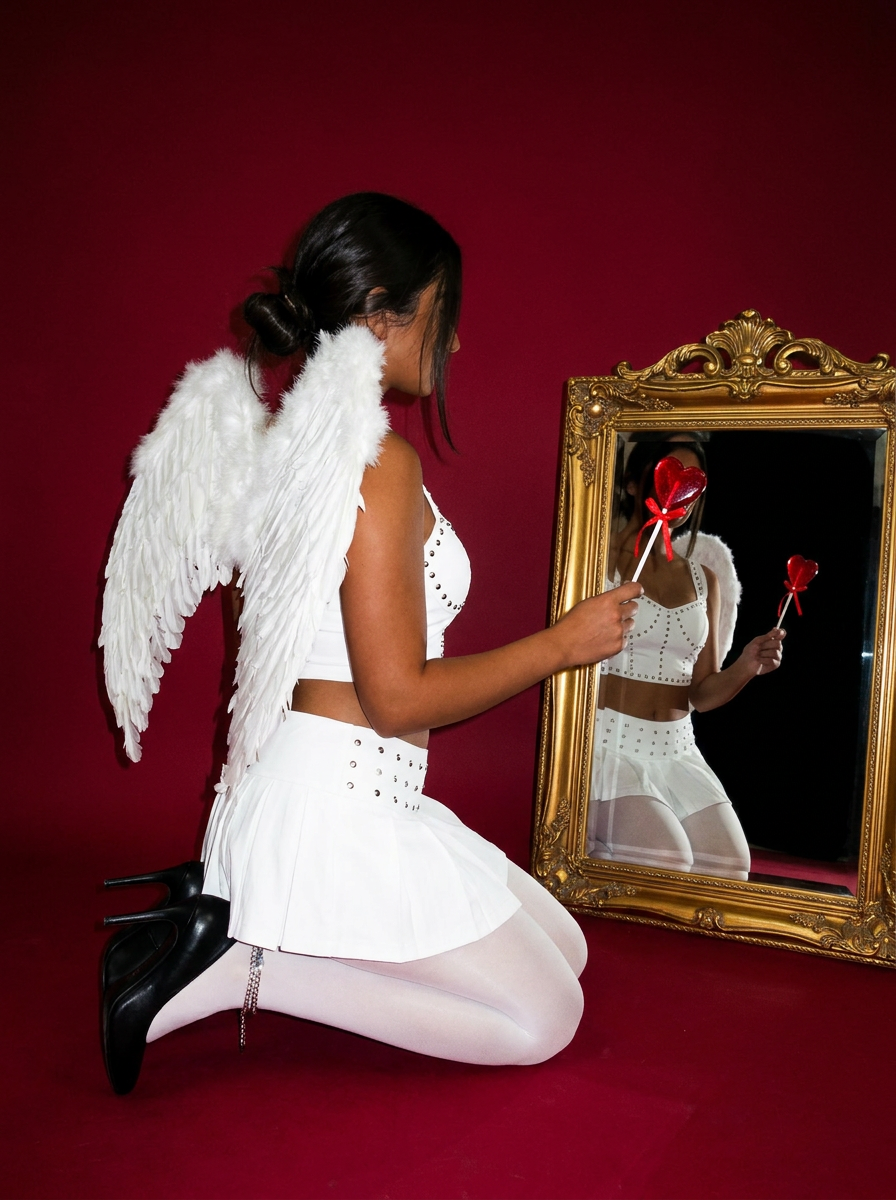
Focus entirely on the anatomy and physical silhouette of your subject. By stripping away facial features and locking into a clean side profile, this system captures hair texture, skin tone, and body morphology with total precision. It is built to turn any figure into a minimalist, high-fidelity study.
Regenerate using your own assets.
Make your listings stand out with photorealistic AI staging
In a competitive real estate market, the quality of your visuals can make or break a sale. Settling for unrealistic, generic AI staging is no longer an option. By focusing on photorealism—mastering lighting, perspective, and style—you can create compelling visuals that help buyers envision themselves in the home.
MyUP provides the direct path from a simple photo to a finished, professional creation that captivates buyers and helps properties sell faster. Stop wrestling with complicated tools or paying for expensive agencies. Describe your vision, and let MyUP handle the production. Start creating your first photorealistic virtual staging today.
