You've spent time crafting the perfect image with an AI generator, but it’s missing that final 10% of realism—the tangible texture that makes a visual believable. So you upload it to a tool like Magnific AI, tweak the 'Creativity' and 'HDR' sliders, and hold your breath. Will it add the perfect amount of detail, or will it turn your image into an 'overcooked' mess of digital artifacts?
This gamble is a common frustration for creators who need predictable, high-quality results. If you're tired of fighting with prompts and sliders to get the textures you want, there's a more direct creative method. This guide explains how to move beyond the unpredictability of tools like Magnific and achieve realistic textures with intention and control.
The challenge of realistic textures in AI art: beyond 'magic' sliders
You have a great AI-generated image, but it lacks that final touch of realism. You need to add the subtle grain of worn leather, the delicate texture of brushed aluminum, or the soft fuzz of a wool sweater. So you turn to an upscaler like Magnific AI, adjust the 'Creativity' slider, and hope for the best. Sometimes, it’s magic. Other times, you get a distorted, 'overcooked' image with bizarre artifacts, or a generic, plastic-like sheen that ruins the entire visual. This gamble between a perfect result and a failed one is a major bottleneck for professional creators.
You shouldn't have to fight your tools to get the details you want. The problem isn't your prompt; it's the 'black box' approach of tools that prioritize random detail over creative intent. There is a more reliable production method.
Why current AI methods fall short for texture control
The core issue with many AI tools is their inability to understand the physical properties of materials. This leads to several common frustrations for creators who need professional, publish-ready assets.
The 'Plastic Wrap' Effect
You prompt for 'worn leather', but the AI generates a flat, repeating pattern that looks like a texture map shrink-wrapped onto the object. It fails to simulate how the texture should interact with light, shadow, and form—how it stretches, creases, or reflects. This lack of physical awareness is why so many AI-generated surfaces look fake and synthetic.
The Complexity Barrier
To get around this, advanced users turn to highly technical solutions. Some spend hours building complex node graphs in ComfyUI, using multi-pass inpainting and ControlNet to force the model to render a specific texture. Others attempt to stack multiple specialized LoRA models (one for 'denim', one for 'metal', etc.) in Stable Diffusion, a process that often leads to model conflicts and degraded image quality. These are engineering projects, not creative ones, and are inaccessible to most marketers, e-commerce owners, and designers.
The Manual Blending Workaround
A popular, yet inefficient, method involves exporting AI art to Photoshop to manually blend it with real-world texture photos. This multi-tool process is slow, requires traditional design skills, and completely breaks the promise of a streamlined AI creation process. It's a clear signal that current AI tools are not delivering a finished result.
MyUP's intention-driven approach to realistic textures
Instead of wrestling with sliders, nodes, or manual blending, what if you could simply state your creative intention and get the finished result? That’s the principle behind MyUP, the Creative Production Platform.
With MyUP, you don’t think about tools or technical pipelines. You think like a creative director. You describe the final creation you want: "a macro shot of a luxury watch, highlighting the brushed steel texture of the casing and the fine grain of the leather strap." MyUP understands the material properties, lighting, and composition required and handles the entire production to deliver a studio-quality visual.
This intention-driven approach moves you from being a prompt engineer to a creative visionary. You maintain control over the vision and validation, while MyUP manages the complex technical execution. And by using a saved Brandkit, you can ensure every creation, no matter how detailed, automatically aligns with your brand's colors, fonts, and overall style.
Step-by-step: achieving macro-level luxury textures
For luxury products, the quality of the texture is everything. It communicates craftsmanship, value, and a premium feel. Instead of hoping a generic upscaler adds the right kind of detail, you can specify it directly in MyUP.
Describe your intention with a focus on material and light. For example: "A close-up, macro photo of a handcrafted leather wallet, showing the deep grain and subtle imperfections in the hide, with warm, soft lighting catching the texture."
MyUP has creative templates built by top creators that are specifically designed for this purpose. For a stunning macro shot that highlights the artisan quality of a product, you can use the 'Visuel Publicitaire Macro Artisanat Luxe' template. It’s pre-configured to focus on rich textures and deliver a high-end commercial look. Template: #myup-ppxv-lst0
Visuel Publicitaire Macro Artisanat Luxe
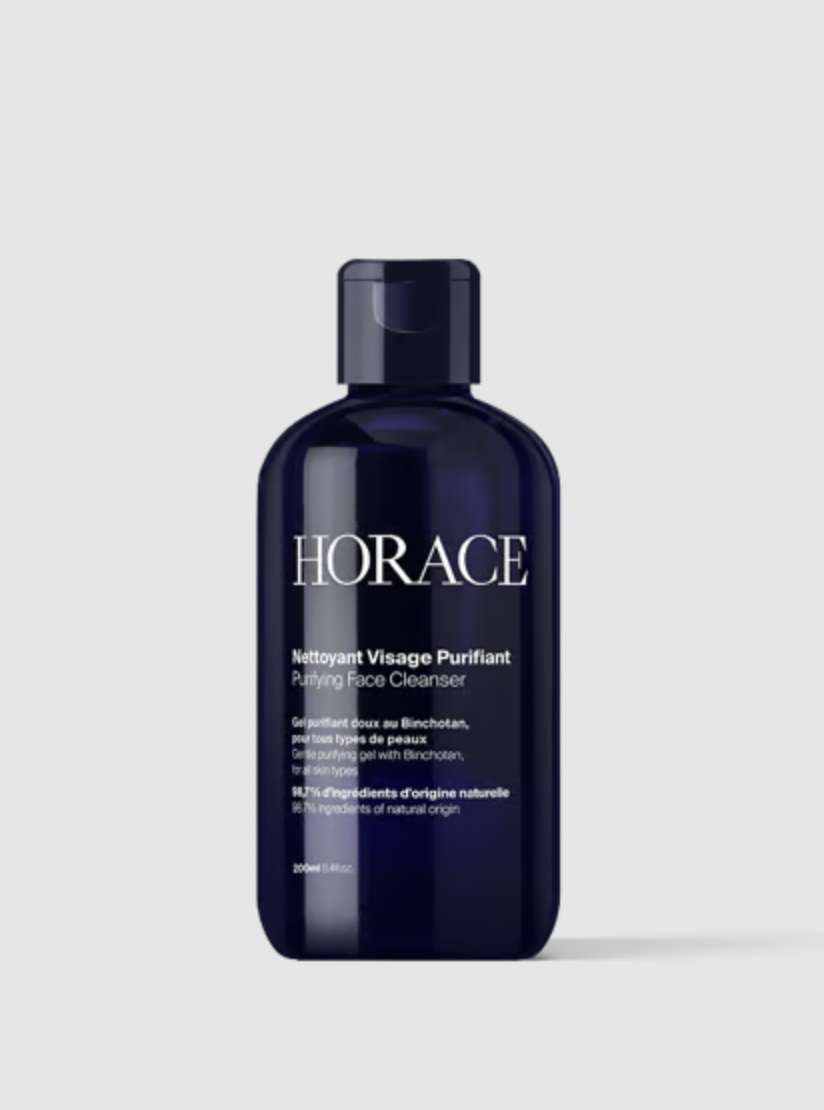
Transformez vos prises de vue en compositions narratives riches axées sur la texture et le savoir-faire. Ce système fusionne vos détails macro avec une mise en scène soignée pour sublimer l'identité visuelle de n'importe quel objet artisanal.
Regenerate using your own assets.
Crafting tactile and specific material surfaces
Realism isn't just for luxury goods. Achieving specific, tactile surfaces like paper, fabric, or wood is essential for creating relatable and engaging visuals. With most AI tools, prompting for 'paper' might give you a generic white plane. With MyUP, you can define its specific character.
Is it thick, textured cardstock for an invitation? Is it the rough, fibrous surface of recycled paper? Or the dimpled texture of cold-press watercolor paper? By describing these nuances in your intention, MyUP's production process renders the material with the correct physical properties.
For instance, if you need to create a social media announcement that feels tangible and well-crafted, you can use a template designed to render specific paper qualities. The 'Textured Paper Calendar Close-Up' template produces beautiful minimalist grids on heavy, textured paper with realistic macro focus. Template: #myup-hcix-fsva
Textured Paper Calendar Close-Up
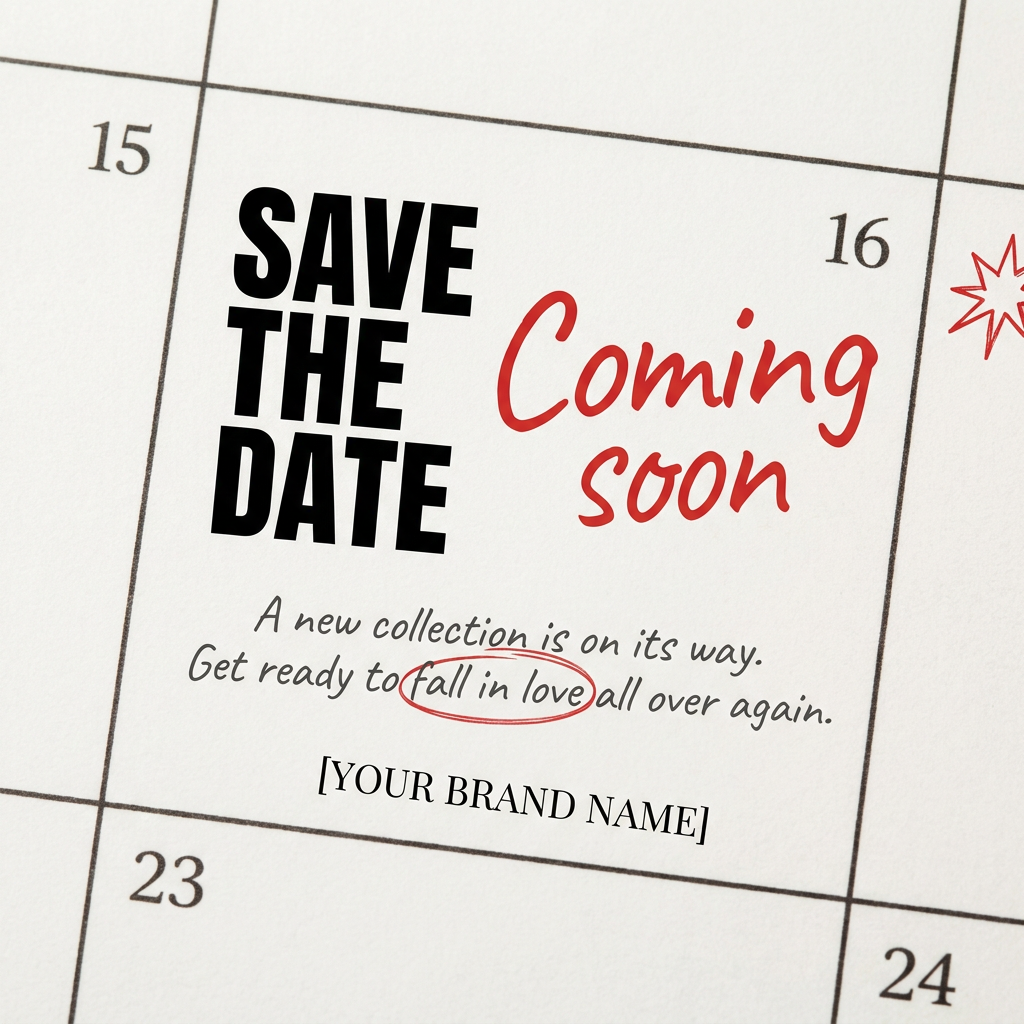
Turn your upcoming dates or launch schedule into a beautiful, tactile physical calendar. It renders crisp minimalist grids on heavy textured paper with realistic macro focus. Perfect for sharing events on social media without looking like a generic graphic.
Regenerate using your own assets.
Integrating texture for stylistic impact in brand visuals
Texture is also a powerful tool for establishing a specific mood or style. A distressed, gritty texture can create a rugged, authentic feel, while a subtle halftone pattern can evoke a vintage aesthetic. The challenge is applying these stylistic textures consistently across a campaign.
MyUP allows you to integrate these stylistic elements as part of your core creative intention. Instead of adding a texture as an afterthought in Photoshop, you can specify it from the start. For example: "A vintage-style advertising poster for a coffee brand, with a faded color palette and a subtle retro halftone texture."
Ready-to-use templates can execute this instantly. To achieve a consistent vintage look for a campaign, you can use a template like 'Vintage Advertising Poster', which automatically incorporates retro halftone textures and bold graphic elements. Template: #myup-sauf-5jod
Vintage Advertising Poster

This creates high-impact graphic posters with a striking cobalt blue backdrop and subtle retro halftone textures. Just drop in your subject to get that bold, tactile look complete with realistic metallic accents and clean, modern framing.
Regenerate using your own assets.
The future of texture in AI art: control, not chance
The era of accepting random, unpredictable AI outputs is over. For professionals, the future of creative production lies in control, predictability, and the ability to execute a specific creative vision. You need your tools to understand not just what you want to see, but the physical properties that make it feel real.
MyUP is built for this future. By focusing on your intention, not on complex technical steps, it empowers you to produce visuals with the exact textures you envision, every time. It’s a shift from hoping for a good result to directing a guaranteed one.
Ready to create visuals with textures that look and feel real? Create an account on MyUP.ai and turn your ideas into finished creations.
