
You spent hours creating the perfect AI character, only to have Magnific AI change its face during the final upscaling. You're not alone—we've all seen the Reddit threads. This article explains exactly why this happens and provides the reliable production method that actually solves it for good.
The common problem: when upscaling ruins your character's identity
You spent hours in Midjourney or Stable Diffusion crafting the perfect character. The pose, the lighting, the expression—it’s all there. The final step is to upscale it for a high-resolution finish. You take it to Magnific AI, and while the textural detail is stunning, the face is wrong. It’s a stranger wearing your character's clothes. The identity is gone.
You're not alone, and it's not your fault. This is one of the most common frustrations creators face, with countless Reddit threads and forum posts asking for a solution. It's a critical production bottleneck that stops narrative projects, brand campaigns, and simple character sheets dead in their tracks. Before you can fix it, you need to understand why it happens.
Why Magnific AI changes faces: creativity vs. consistency
The issue isn't a bug; it's a feature of how tools like Magnific AI are designed. Magnific is a generative upscaler. Its job is not just to increase pixel count but to add new, plausible details by re-imagining parts of the image. When it sees a face, it doesn’t think “preserve this identity.” It thinks “how can I creatively re-render a face with more detail here?”
This is why it has a “Creativity” slider. You are fundamentally negotiating with the AI’s artistic interpretation. For a creator who needs a specific character to remain consistent, this is a losing battle. Your character’s face is a strict requirement, not a creative suggestion. You need a production tool that treats it as such, not a creative partner that wants to improvise.
The workaround trap: why multi-tool fixes are inefficient
In search of a fix, you'll likely find complex, multi-tool workarounds online. These often involve a dizzying chain of applications: generate in Midjourney, upscale in Magnific, use a separate face-swapping tool like Reactor to re-impose the original face, and then use another tool to blend the result. Other experts on X suggest training a custom LoRA model for every character—a technically demanding and time-consuming task far beyond the needs of a marketer or entrepreneur.
These are brittle, inefficient hacks, not a scalable production process. They turn a simple intention (“I need a high-res version of this character”) into a technical ordeal. For professional creative production, you need an integrated solution, not a longer chain of problems.
The production method for guaranteed character consistency
The right approach isn't to find a better way to trick a generative tool; it's to use a platform designed for your true intention. MyUP, the Creative Production Platform, is built around delivering finished results, where consistency is a core requirement, not an afterthought. Instead of fighting the AI, you simply state your goal, and MyUP handles the technical execution.
The key is using a creative process where identity is locked in from the start. Templates on MyUP are purpose-built for specific outcomes. For example, a template like Consistent Character Face And Body Replacer (Template: #myup-2gbp-wc6s) is designed with the sole intention of mapping a person's exact likeness onto a new scene or body, making identity preservation the primary goal.
Consistent Character Face And Body Replacer
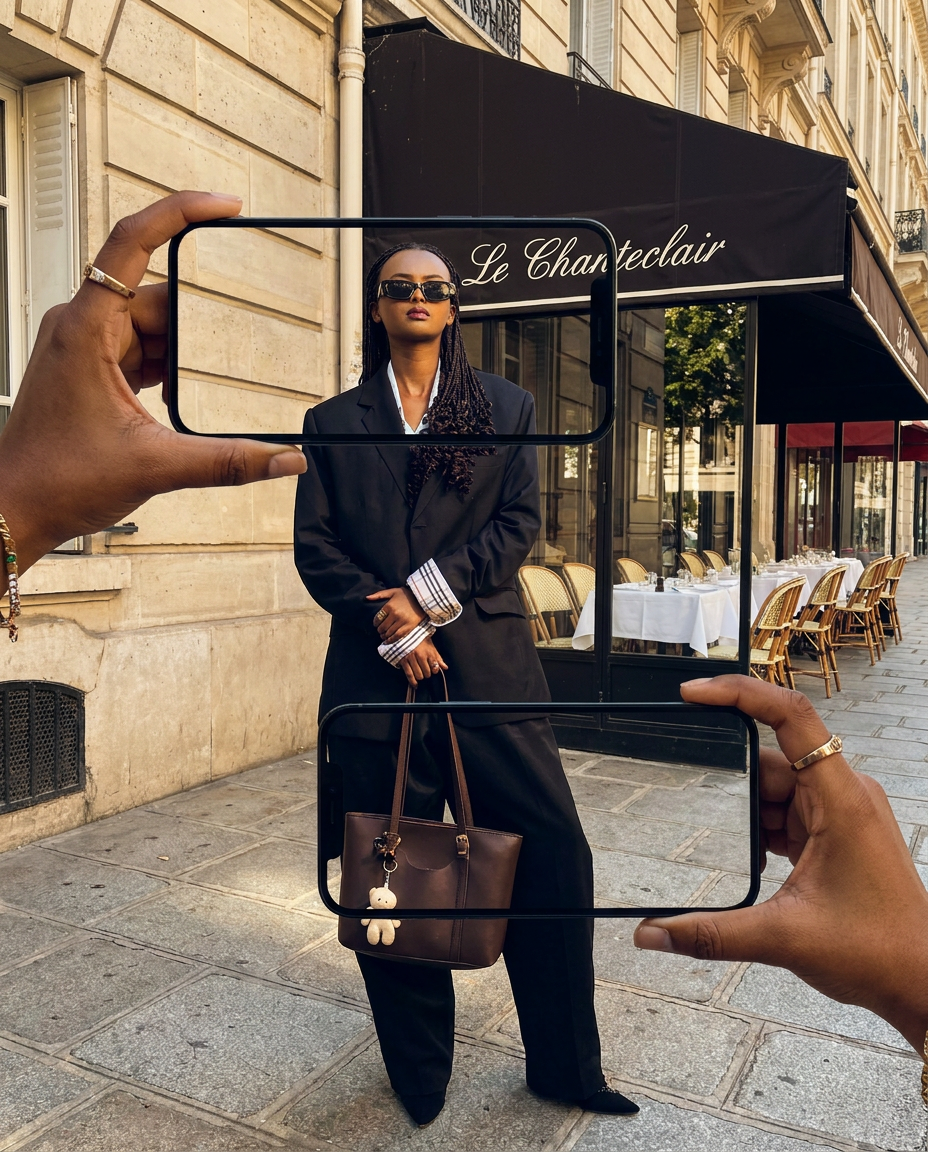
Capture the exact likeness of any person with incredible precision. This system maps every unique facial feature, skin tone, and hair texture onto your chosen subject, ensuring their physical appearance remains completely consistent across any pose or setting you decide to put them in.
Regenerate using your own assets.
Step-by-step: creating a high-fidelity portrait with a consistent face in MyUP
Getting a finished, high-fidelity portrait with a perfectly consistent face doesn't require technical expertise on MyUP. It's a straightforward creative realization. Here’s the practical, step-by-step method:
- 1. Define Your Intention: Start by describing what you want to create. Instead of thinking about tools, you think about the result: “I want to place my character’s face into this sci-fi scene and get a photorealistic, high-resolution portrait.”
- 2. Use a Specialized Template: Launch a ready-to-use template designed for this exact job. The Photorealistic Face Swap Portrait (Template: #myup-bohr-uwjo) is perfect for this. It’s pre-configured to prioritize facial identity above all else.
- 3. Provide Your Inputs: Upload your source image (the face you want to keep) and your target image (the new scene, pose, or style).
- 4. Get Your Finished Creation: MyUP executes the entire production process—mapping the facial structure, blending the skin tones, and matching the lighting—to deliver a single, finished portrait that is ready to publish. No juggling apps, no prompt battles.
Beyond single portraits: advanced uses for reliable character identity
This level of reliable consistency unlocks creative projects that are simply impossible when you’re gambling on an upscaler’s creativity. This isn't just about fixing a single portrait; it's about enabling professional narrative and commercial work.
With a guaranteed method for character identity, you can now produce:
- Comic Books and Graphic Novels: Ensure your protagonist looks identical in every single panel, from close-ups to action scenes.
- Brand Campaigns: Use a consistent brand mascot or human model across dozens of ad variations without losing their likeness.
- Narrative Storyboards: Pitch a film or animation with a clear, consistent vision for your characters.
For projects requiring the highest level of realism, you can use a template like High Fidelity Male Portrait Reconstruction (Template: #myup-tw5f-crp8) to create a hyper-realistic digital twin of a subject for repeated use in various campaigns.
High Fidelity Male Portrait Reconstruction

Capture a subject's exact likeness with total precision. This system maps every facial feature, skin tone, and hair texture directly onto your chosen output, ensuring the final result stays perfectly faithful to the original person's unique appearance every single time.
Regenerate using your own assets.
Stop gambling on consistency and start producing
Your character's face is not a suggestion for the AI to consider; it is a core requirement of your creation. Stop wasting time trying to trick generative tools or fighting with creativity sliders. With MyUP, you define your intention, and the platform delivers the finished, predictable result.
It’s time to move from frustrating experimentation to professional production. Create your free account on MyUP.ai and turn your character concepts into finished, consistent creations today.
