
You’ve been there. You generate the perfect character illustration. Then you try to put that same character in a new scene, and suddenly they have different eyes, their hair is a new shade of blue, and the art style has drifted. That's the core frustration of creating any series with AI: inconsistency kills the project.
Relying on prompts and seed numbers alone is a game of chance. Even the latest updates from major platforms, like Midjourney's '--style raw-2' parameter released on August 12, 2026, are just single controls in a much bigger puzzle. They acknowledge the problem but don't provide the system to solve it repeatably. True consistency doesn't come from a magic prompt; it comes from an engineered system. This guide shows you how to build that system on MyUP.ai.
Why 'magic prompts' fail for on-brand AI styles
The reason your AI-generated illustrations vary so much is simple: AI models are designed for novelty, not repetition. Each time you run a prompt, the model interprets it fresh, pulling from vast datasets. Without strict constraints, this leads to unpredictable shifts in:
- Style Drift: Subtle changes in lighting, texture, and line weight from one image to the next.
- Character Mutation: Facial features, body proportions, and clothing details change without warning.
- Color Inaccuracy: Brand colors are approximated, not matched, leading to off-brand visuals.
Trying to fix this with increasingly complex prompts is a losing battle. It’s like trying to build a house by shouting instructions at the lumber. You need a blueprint. In MyUP, that blueprint is your Brandkit and a set of repeatable production steps.
Step 1: Define your core illustration style with a MyUP Brandkit
Before you generate a single image, you need to define the 'how' — your unique visual style. This is the foundation of consistency. Instead of describing your style in a prompt every single time, you build it once in a MyUP Brandkit.
A Brandkit on MyUP.ai goes beyond just a logo and color palette. For illustration, you can define and save specific style instructions. This could be 'flat vector illustration with bold outlines and no gradients,' 'grainy risograph print style with muted tones,' or '3D claymation character with soft lighting.' By saving this as a core asset, you ensure every future generation starts from the exact same artistic rules. This removes the guesswork and locks in your brand's aesthetic from the start.
Step 2: Lock in character consistency for any scene or pose
Once your style is defined, the next challenge is the 'who' — keeping your characters identical across multiple images. This is where most creators get stuck, resorting to complex multi-tool processes involving Photoshop and local AI models. MyUP simplifies this into a single step.
Using a reference image of your character, you can use a dedicated tool to lock in their likeness. This ensures that no matter the new pose, expression, or background, the core facial features and identity remain exactly the same. It's not about getting 'close enough'; it's about achieving a perfect match every time. For locking in a character's face, a face swap tool is the most direct solution.
Workflow code: #myup-i83a-ze2t
Consistent Character Face Swap Tool
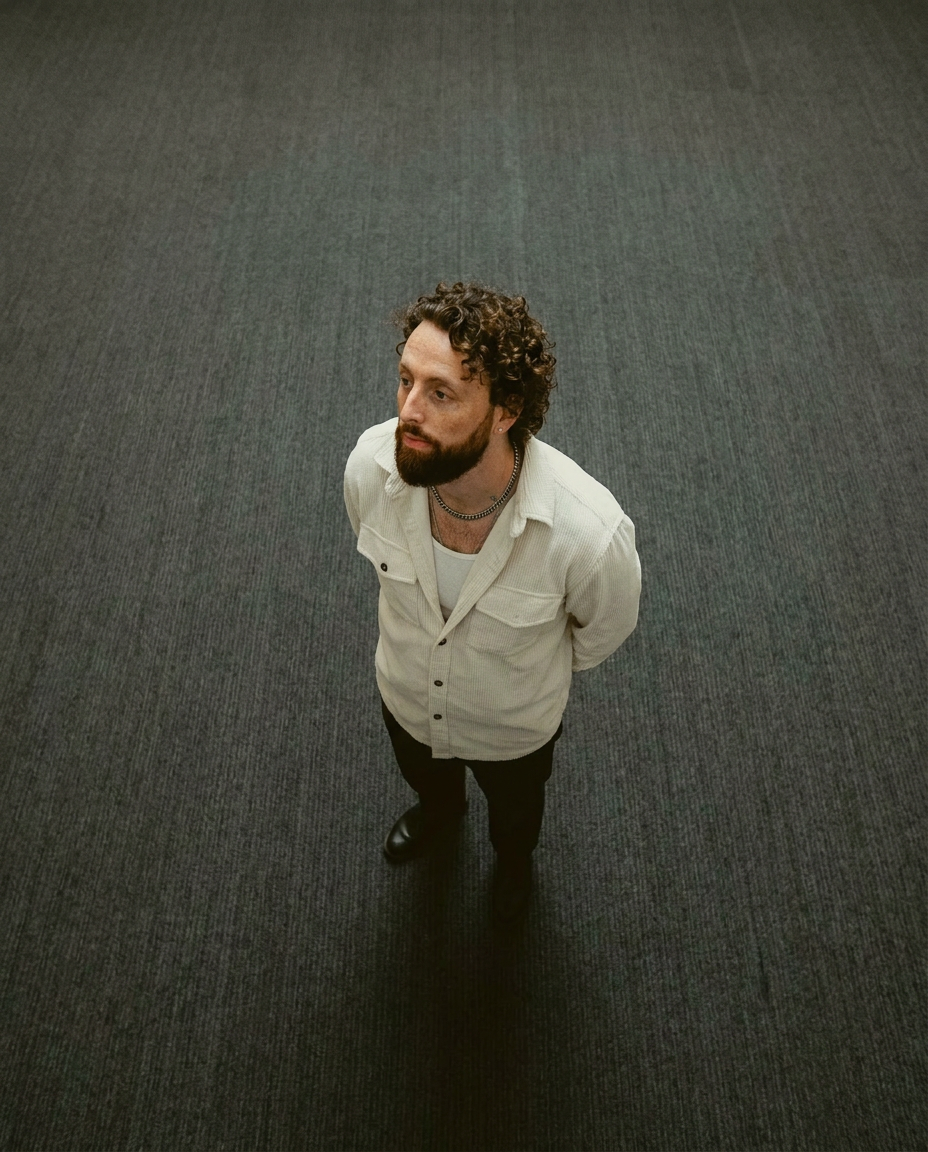
Lock in a subject's exact likeness and physical traits across any new scene. It maps every facial feature and body detail perfectly, keeping the person consistent no matter where you place them. Just drop in your photo and let the system handle the rest.
Regenerate using your own assets.
This 'Consistent Character Face Swap Tool' on MyUP takes your reference character and a new scene, then intelligently maps the original face onto the new pose, preserving the identity completely.
Step 3: Apply your Brandkit style to new illustrations
With your style locked in the Brandkit and your character's likeness secured, you can now generate new illustrations with confidence. The system handles the consistency, freeing you up to focus on the creative direction — the 'what'.
For example, if your Brandkit specifies a 'clay-modeled 3D' style, you can apply it to create a whole series of characters that look like they belong in the same animated film. Each new portrait you generate will automatically inherit the defined plasticine texture, soft lighting, and rounded features. This is how you build a visually cohesive world, one asset at a time. The tool below is built specifically for this style, ensuring every output is uniform.
Workflow code: #myup-79ca-rzwg
D Clay Style Character Portrait
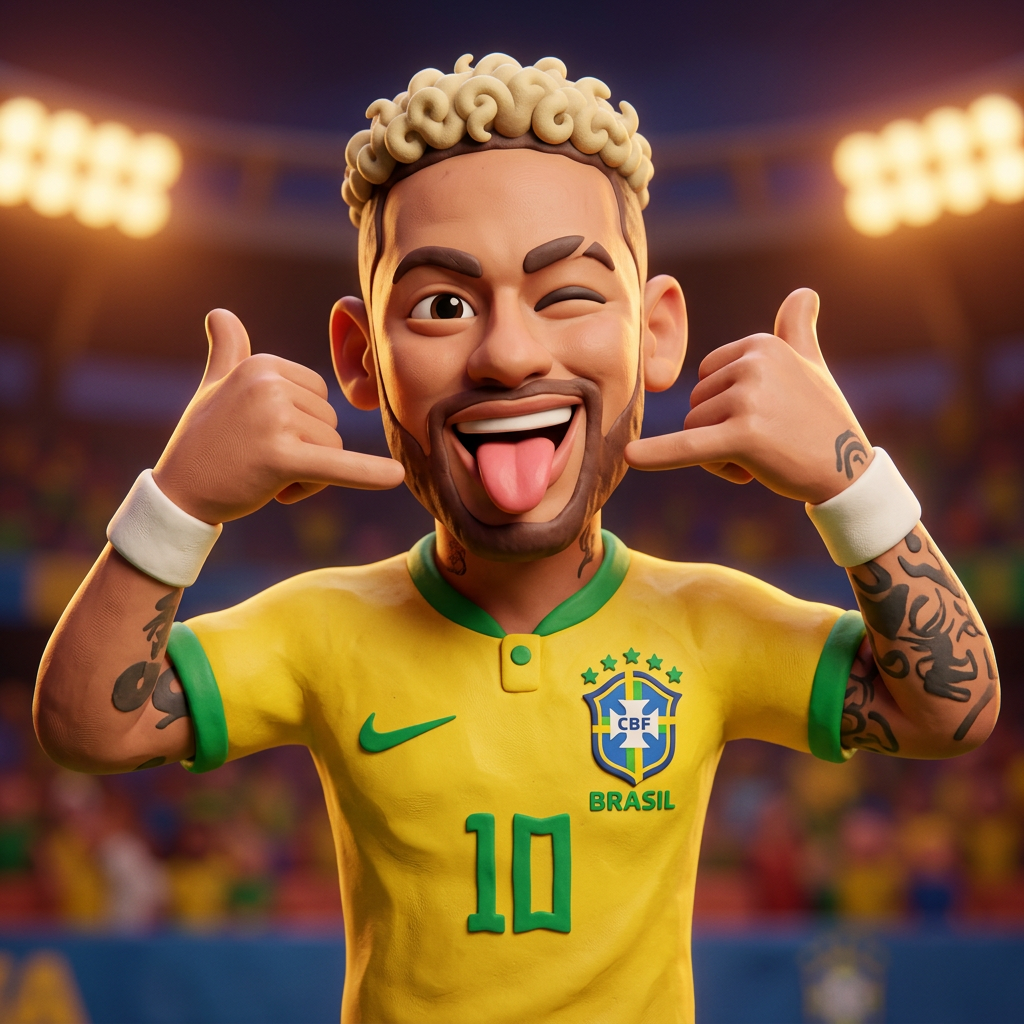
Transform any portrait into a charming, clay-modeled 3D character with soft, rounded features. It adds a playful plasticine texture and warm, vibrant lighting to your subjects while keeping their unique expressions intact.
Regenerate using your own assets.
Step 4: Human control and iteration: validating your AI output
A system isn't about removing the creator; it's about empowering them. MyUP operates on a simple principle: the AI executes, but you validate. After generating an illustration, you have the final say. You can review the output, request adjustments, or regenerate parts of the image that don't quite match your vision.
This loop of generation and validation is crucial for professional-grade content. It ensures that the final assets aren't just technically consistent but also creatively perfect. You maintain full control, using the AI as an incredibly efficient production assistant, not a black-box creator.
Scaling your consistent AI illustration production for any project
The real power of this system becomes clear when you scale up. Creating a single consistent image is a challenge; creating twenty for a children's book, a marketing campaign, or a social media series is nearly impossible with prompt-only methods. With a MyUP system, it's methodical.
For more complex scenes where you need to maintain not just the face but the entire body and outfit, you can use more advanced replacement tools. This is essential for narrative projects where a character needs to interact with their environment consistently. A tool like the one below allows you to place your complete, pre-defined character into any new background or situation.
Workflow code: #myup-2gbp-wc6s
Consistent Character Face And Body Replacer
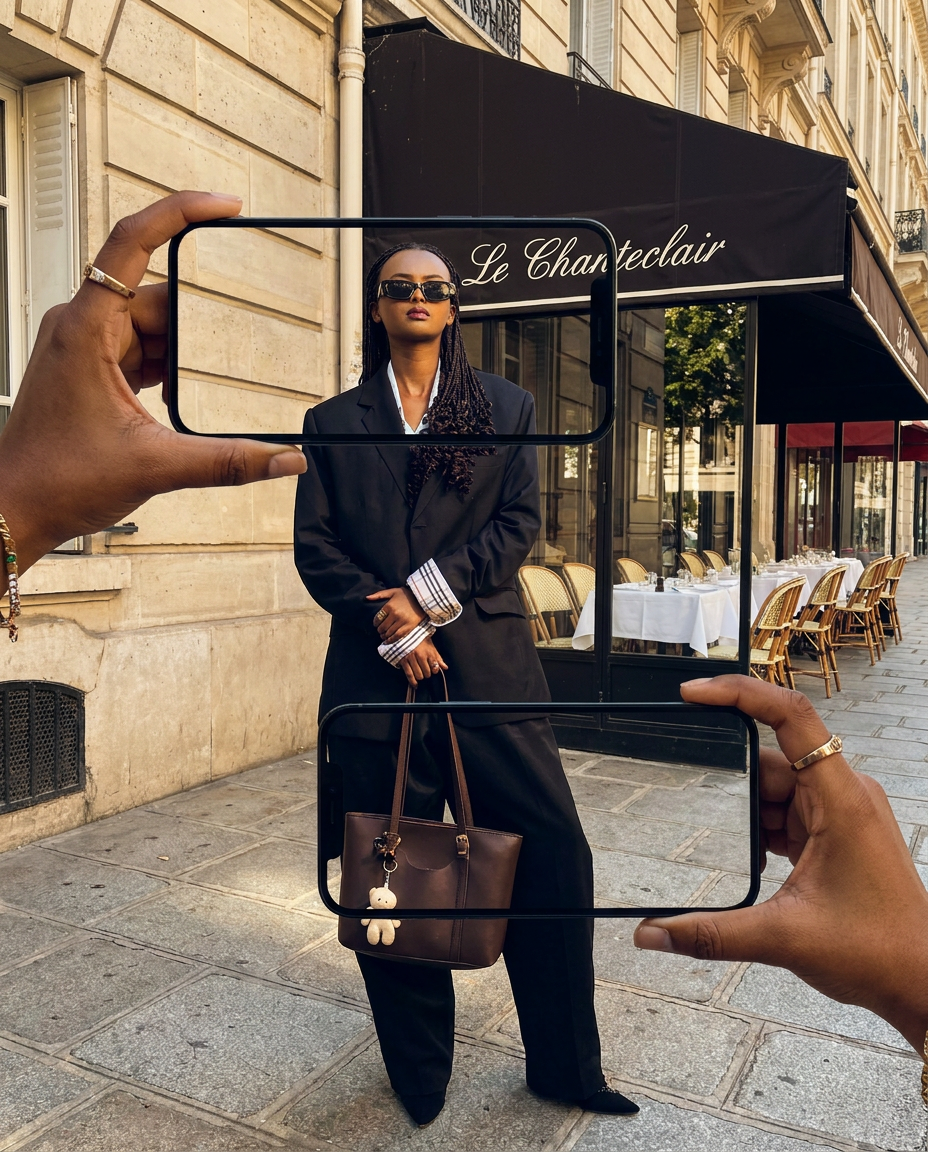
Capture the exact likeness of any person with incredible precision. This system maps every unique facial feature, skin tone, and hair texture onto your chosen subject, ensuring their physical appearance remains completely consistent across any pose or setting you decide to put them in.
Regenerate using your own assets.
By systemizing the 'how' (style) and the 'who' (character), you can produce an entire series of on-brand assets in a fraction of the time. This is how you move from making individual AI images to building scalable, valuable creative projects. It's a shift that many AI creators are making as they look to sell workflows, not just pictures.
Engineer your AI illustration consistency with MyUP
Stop leaving consistency to chance. By separating the style, character, and scene into a managed system, you can move from hoping for good results to engineering them every time. With a MyUP Brandkit as your foundation and dedicated templates for character consistency, you have the controls to produce professional, on-brand illustration series at scale. Try it on MyUP.ai and build your own system for reliable creativity.
