You’ve done it. After hours of prompting, you’ve created the perfect AI character. The one with the exact expression, style, and personality for your brand story or comic. But now, the real challenge begins. You try to put them in a new scene—sitting at a café, walking in a park—and suddenly their face morphs into a distorted, unrecognizable cousin. You've tried reusing the seed number, tweaking character reference features like `--cref` in Midjourney, and meticulously describing every detail, but consistency is still a gamble. This frustration is the single biggest barrier to telling a compelling story with AI visuals.
Why consistent characters are the hardest problem in AI generation
Maintaining a character's identity across different images isn't just a minor annoyance; it's a fundamental technical challenge for most AI image generators. These models don't 'understand' a character named 'Alex' the way a human artist does. They see a collection of pixels and statistical patterns. When you ask for 'Alex in a new scene,' the model generates a new set of pixels that statistically match your description, but it has no memory or loyalty to the original face.
Even when using the same prompt and seed number, the slightest change in the description—like changing 'standing' to 'walking'—can create enough variance for the model to reinterpret the face, resulting in subtle (or not-so-subtle) shifts in facial structure, eye shape, or expression. For a single image, this isn't a problem. But for a narrative sequence—an ad carousel, a storyboard, or a graphic novel—this inconsistency shatters the illusion and destroys the story.
The old method: Juggling tools and unreliable hacks
The creator community is filled with complex, multi-step hacks to solve this problem. These methods are a testament to creative desperation. The most common approach involves a chaotic chain of different tools: generating a base image in Midjourney, using a separate face-swapping tool, then moving to another app for upscaling, and finally using Photoshop to fix the inevitable glitches.
Even the latest built-in features on platforms like Midjourney (`--cref`) or the advanced IPAdapter and LoRA techniques for Stable Diffusion fall short. They offer more control than simple prompts, but they are not production-ready solutions. They often require technical expertise, produce inconsistent results, or fail completely when the pose, lighting, or art style changes dramatically. This isn't a creative process; it's a technical troubleshooting session. You spend more time fighting the tools than telling your story.
The production method: Separating character identity from the scene
The solution isn't a better prompt or a more complex hack. The solution is a better production process. At MyUP, we believe character consistency is a solved problem, not a creative lottery. The key is to separate the character's identity from the scene's description. Instead of trying to describe the character's face in every single prompt, you lock their identity in once as a reusable asset.
Think of it like this: in a film production, you don't re-cast your lead actor for every new scene. You cast them once, and they perform in different locations and lighting. MyUP, as a Creative Production Platform, treats your AI character the same way. You define the character's visual identity—their face, their physique—and the platform handles the technical challenge of placing that exact identity into any new creation you can imagine.
A step-by-step guide to creating consistent characters in MyUP
Achieving perfect character continuity in MyUP isn't about learning complex tricks. It's about following a simple, intention-driven production method. Here’s how you can go from a single character image to a full narrative series in minutes.
1. Establish your character's core identity
Start with a clear, high-quality image of your character. This can be a previous AI generation you love or a real photograph. The goal is to provide MyUP with a definitive source of truth for their likeness. To capture this with maximum accuracy, you can use a specialized template like the High Fidelity AI Face Swap Portrait. This creates a high-resolution digital twin of your character's face, locking in every detail. Template: #myup-yppq-8dxq
High Fidelity AI Face Swap Portrait

Capture every nuance of your subject's physical presence with absolute precision. This system maps skin texture, hair density, and muscle definition directly from your reference, creating a hyper-realistic digital twin that maintains the character's exact physiognomy and scale in any new environment you choose.
Regenerate using your own assets.
2. Place your character in a new scene
Once the character’s identity is established, you no longer need to describe their face. You only need to describe the new scene. MyUP handles the rest. You can tell the platform, 'Place my character sitting at a desk in a futuristic office' or 'Show my character laughing with a friend on a sunny beach.' The Consistent Character Face Swap Tool is perfect for this step, as it takes your locked-in character and seamlessly integrates them into any new background or situation you describe. Template: #myup-i83a-ze2t
Consistent Character Face Swap Tool
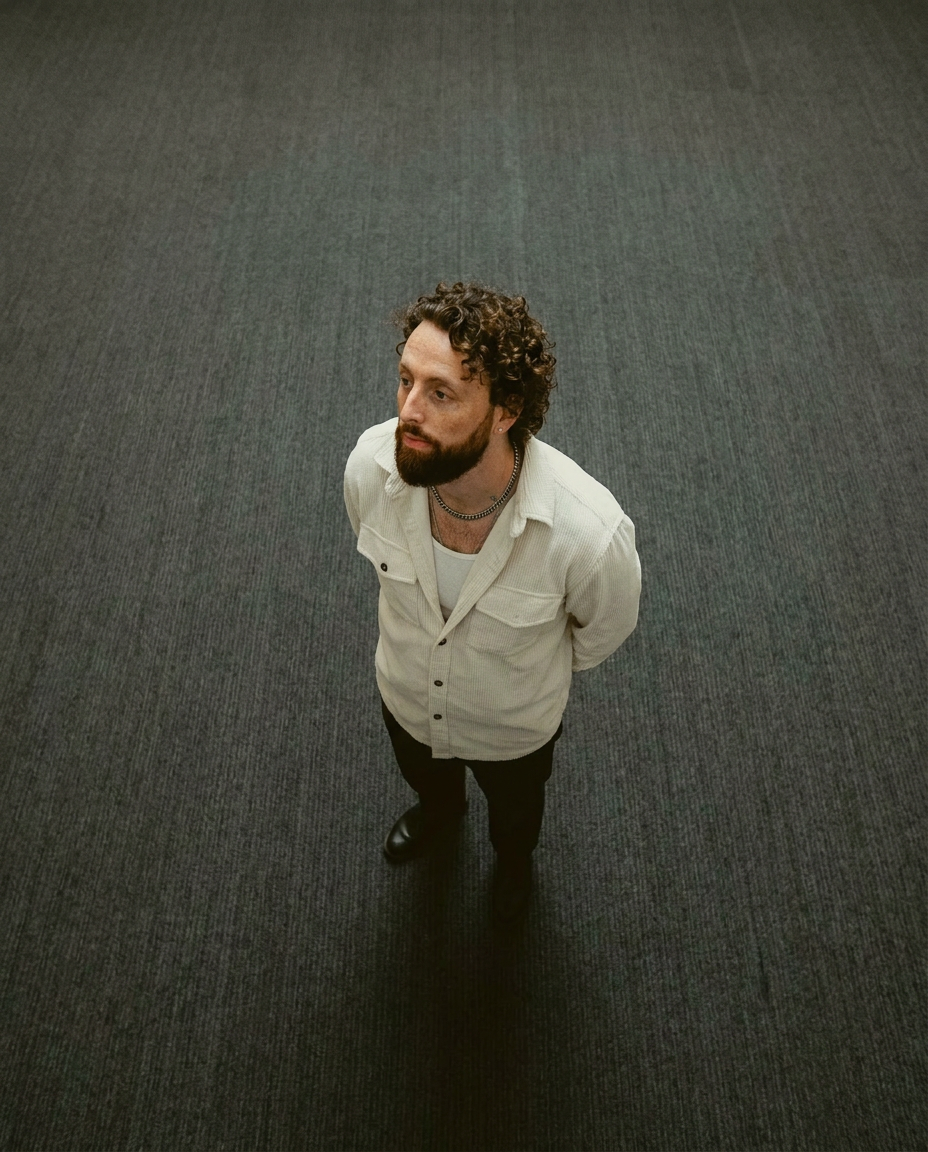
Lock in a subject's exact likeness and physical traits across any new scene. It maps every facial feature and body detail perfectly, keeping the person consistent no matter where you place them. Just drop in your photo and let the system handle the rest.
Regenerate using your own assets.
3. Generate your finished creation
With your intention clearly stated, MyUP gets to work. It doesn’t just 'paste' a face onto another image; it re-renders the entire scene with your character authentically integrated, matching the lighting, shadows, and perspective. The result is not a collage; it’s a finished, studio-quality image ready to be published.
MyUP Template : #myup-wacj-tk4g
High Fidelity AI Face Swap Portrait
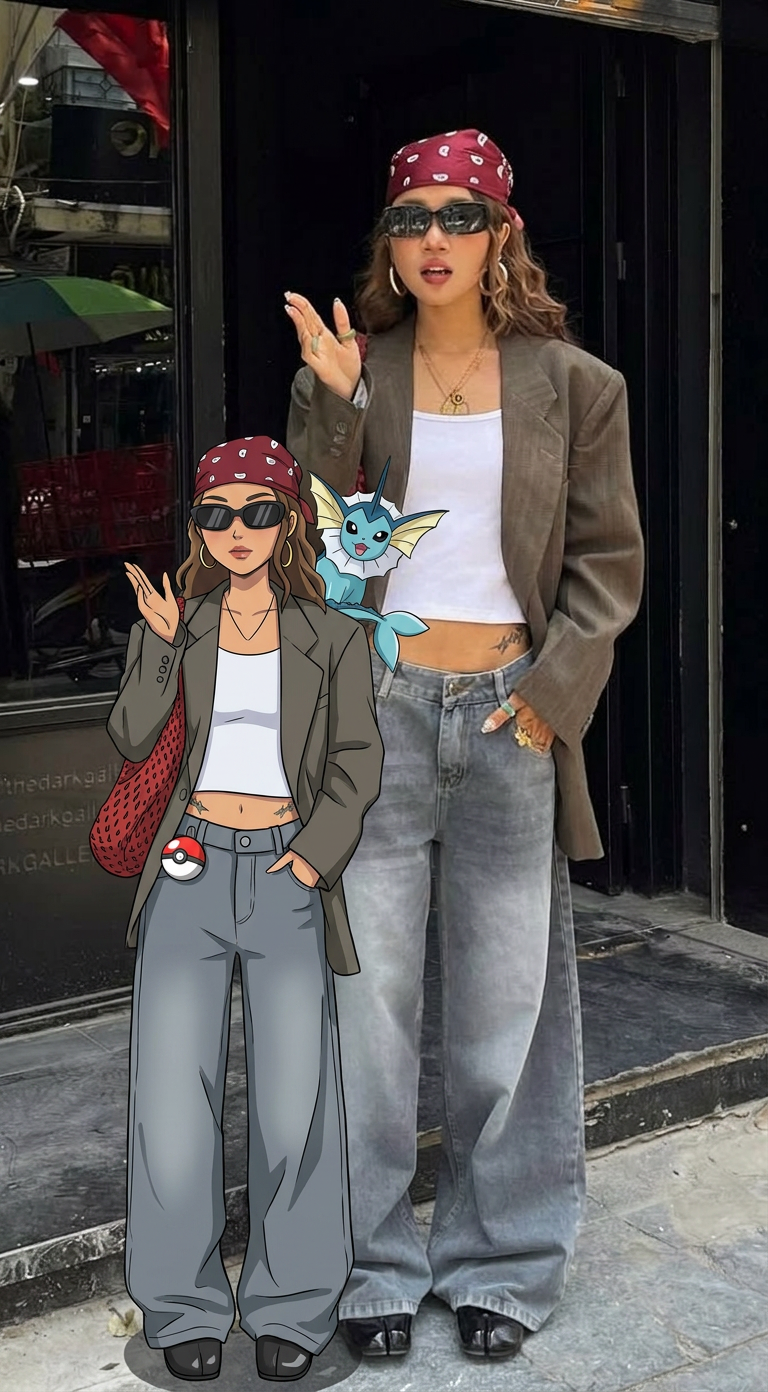
Capture every nuance of a subject's appearance with pixel-perfect precision. This system maps distinct facial features, skin tones, and physical textures onto your chosen target, ensuring your output keeps the exact likeness and character of the original person every single time.
Regenerate using your own assets.
Beyond single images: creating multi-shot campaigns and storyboards
The real power of this production method becomes clear when you move beyond single images to create multi-scene narratives. Imagine creating a 5-part Instagram carousel for a new product, a 10-panel comic strip, or a storyboard for a video ad. With traditional tools, ensuring the main character looks identical in every single frame is a nightmare.
With MyUP, it’s the standard outcome. You can create a whole series of visuals where your character interacts with different products, wears different clothes, or appears in different environments, all while maintaining their exact facial and physical identity. For sequences that require full-body consistency across various poses, a more comprehensive template is ideal. The Consistent Character Face And Body Replacer ensures the character's entire physique, from their face to their posture, is maintained perfectly across every shot. Template: #myup-2gbp-wc6s
Consistent Character Face And Body Replacer
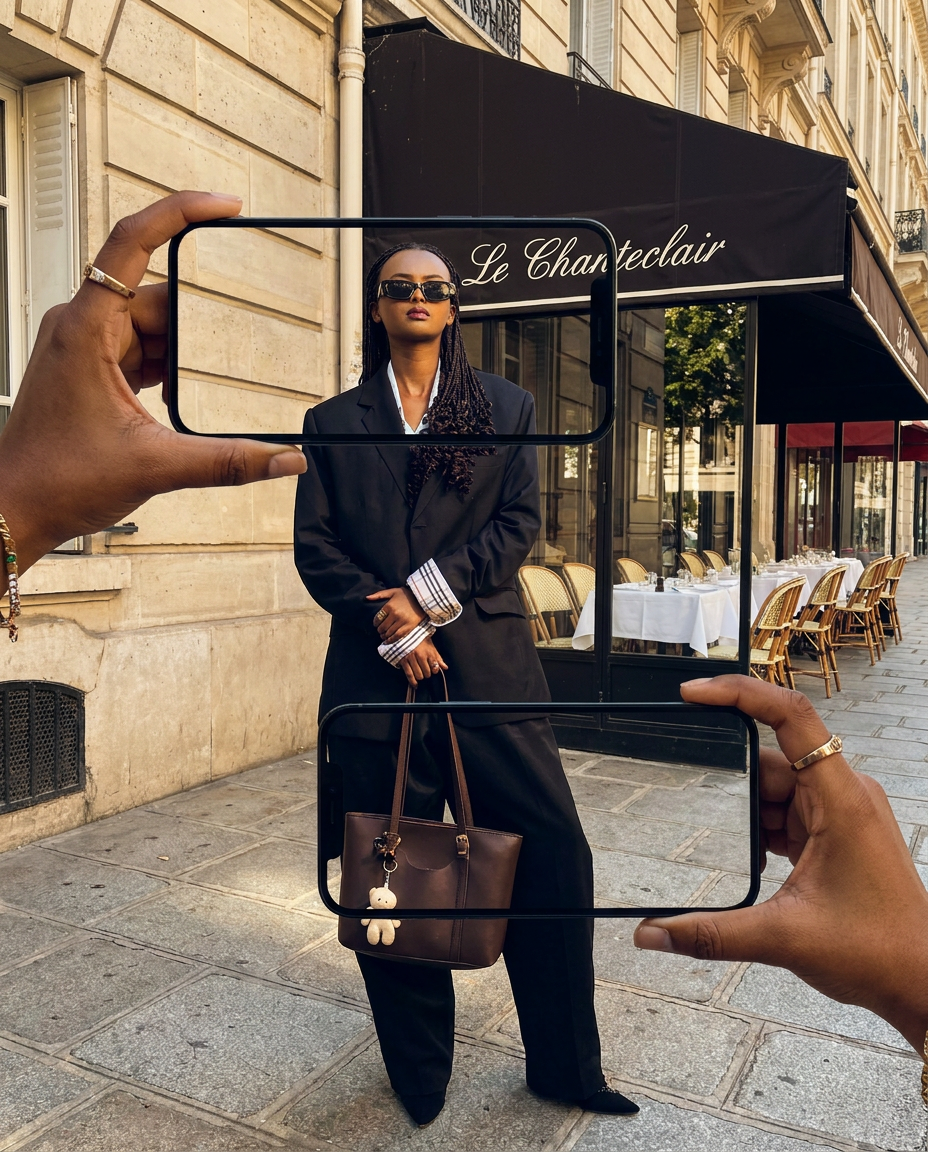
Capture the exact likeness of any person with incredible precision. This system maps every unique facial feature, skin tone, and hair texture onto your chosen subject, ensuring their physical appearance remains completely consistent across any pose or setting you decide to put them in.
Regenerate using your own assets.
From character to brand asset: building a reusable visual identity
A consistent character is more than just a storytelling device; it can become a powerful brand asset. Think of brand mascots or recurring characters in advertising campaigns. Their consistent appearance builds recognition and trust. MyUP allows you to take this a step further by saving your character's identity directly into your Brandkit.
Your MyUP Brandkit is a central hub for your entire visual identity—your logos, colors, fonts, and now, your characters. By saving a character to your Brandkit, you turn them into a reusable component that can be instantly applied to any future creation, from social media posts to website banners. This ensures that every piece of content you produce is not only on-brand in terms of color and typography but also in its use of recognizable human (or AI-human) faces. This is how you move from one-off creative projects to building a consistent and scalable brand, a process we detail further in our guide to building a production method for consistent marketing visuals.
Stop hacking, start producing
Telling stories is at the heart of creative work. For too long, the technical limitations of AI tools have forced creators into the role of troubleshooters, spending countless hours on hacks and fixes just to achieve a basic level of continuity. That era is over.
Character consistency shouldn't be a secret technique; it should be a standard feature of a professional production platform. By shifting your focus from 'prompting' to 'producing,' you can leave the frustrating experiments behind. Stop juggling tools and start building worlds. Stop hacking and start creating finished narrative content with characters your audience can connect with, scene after scene.
Ready to make your characters unforgettable? Try MyUP today and turn your story idea into a finished creation.
