
A creator trying to illustrate a children's book posts on Reddit, completely stuck. Their main character looks like a different person on every page. The style is close, but the hero of page one is an unrecognizable stranger by page three. It’s a classic, frustrating problem that makes ambitious AI projects feel impossible.
This week's release of Midjourney's Style Tuner is a huge step forward for locking in an aesthetic. It's a powerful tool for visual consistency. But style is only half the battle. A consistent style code doesn't prevent your character's face, body, and clothing from changing randomly in every new scene. For any project that involves a narrative or a recurring brand mascot, that's a dealbreaker.
To achieve true consistency, you need to solve for both style and subject. This requires moving beyond one-off prompts and building a repeatable system. Here’s the professional workflow for engineering perfect consistency for both your illustration style and your characters, all within MyUP.
Step 1: Define your visual DNA with a Brandkit, not just a prompt
Before you even think about your character, you need to lock in the world they live in. Relying on style descriptors in a prompt—like "in the style of flat vector art"—is a recipe for drift. The AI's interpretation will vary slightly with every generation, causing subtle shifts in color palettes, line weight, and texture that break the illusion of a cohesive series.
The solution is to stop describing the style and start defining it as a system. In MyUP, this is handled by the Brandkit. A Brandkit is a central hub for your entire visual identity. It goes far beyond a simple style code by storing:
- Core Colors: Your exact brand hex codes.
- Typography: Your specific brand fonts.
- Logos: Your primary and secondary logos.
- Illustration Style: A defined visual instruction, such as 'minimalist line art with pastel color fills' or 'gritty graphic novel ink work'.
By building your style into a Brandkit first, you create a permanent, reusable asset. Every time you generate an image, MyUP automatically applies these rules. You're not hoping the AI remembers your style; you're instructing it from a definitive source of truth. This is the foundation of professional, scalable production.
Step 2: Lock your character's identity across every scene
With your style locked, it's time to tackle the harder problem: the character. Simply describing your character in a prompt, even with extreme detail, isn't enough. An AI model has infinite ways to interpret "a young girl with curly red hair and green eyes." You'll get a different girl every time.
To get the *exact same person* in every shot, you need to anchor the generation to a visual reference. This is where character consistency templates come in. Instead of describing the character, you show the AI a source image and instruct it to preserve that person's identity—their specific facial structure, skin tone, and hair—while placing them in a new context.
This isn't just a simple style transfer; it's an identity lock. MyUP’s templates are engineered to analyze the core features of a person in a reference photo and re-render them accurately in a new pose or environment. This is how you ensure the character on page ten is identical to the one on page one. For a complete solution that captures both face and body, this is the tool for the job.
Workflow code: #myup-2gbp-wc6s
Consistent Character Face And Body Replacer
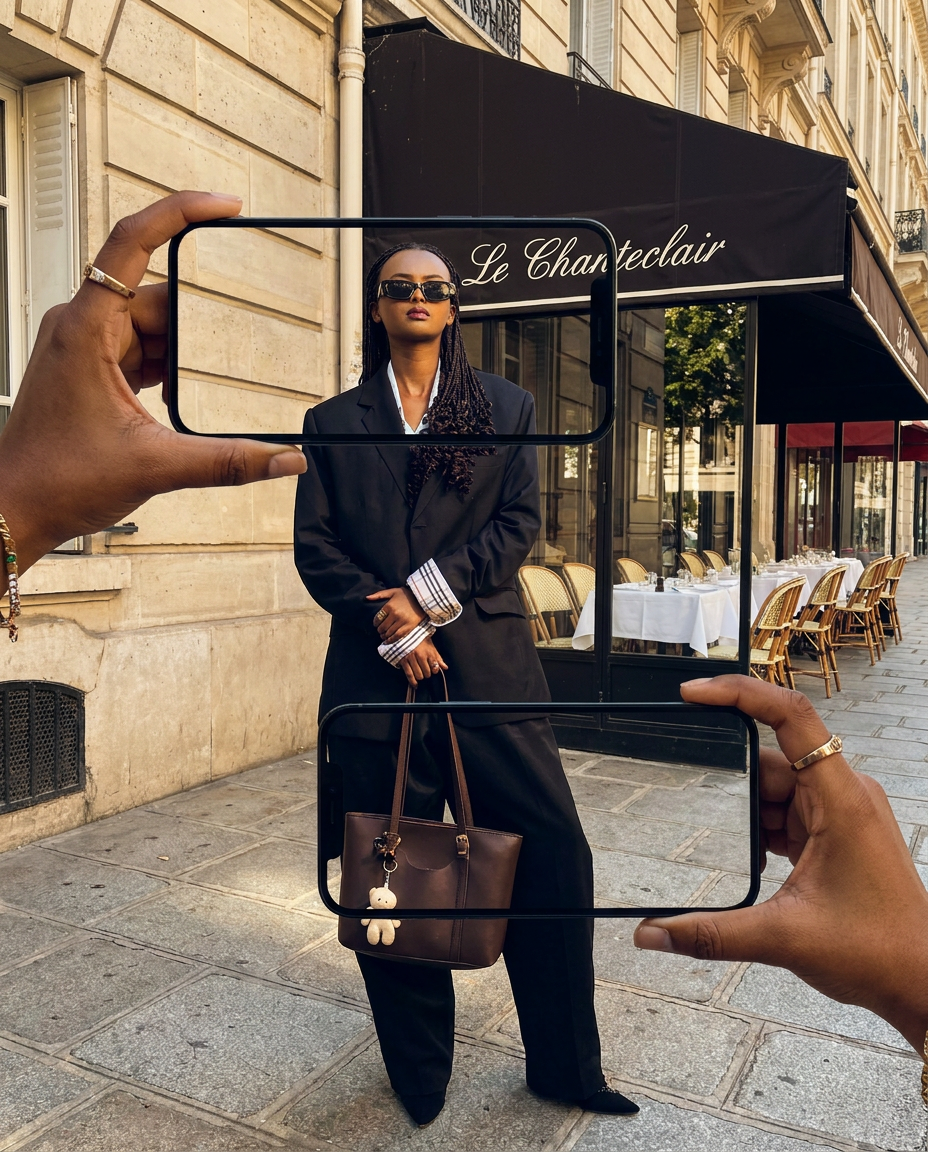
Capture the exact likeness of any person with incredible precision. This system maps every unique facial feature, skin tone, and hair texture onto your chosen subject, ensuring their physical appearance remains completely consistent across any pose or setting you decide to put them in.
Regenerate using your own assets.
Step 3: Build your scene with a repeatable workflow
Now, the two systems come together. Your style is defined in your Brandkit. Your character's identity is locked with a template. The creative process becomes radically simpler and faster.
Your only job now is to describe the *action* and the *setting*. You no longer have to waste tokens re-explaining the style or the character's appearance in every prompt. The MyUP platform handles the rest, combining your inputs into a single, cohesive output:
- The Brandkit provides the 'how': The visual language, colors, and overall aesthetic.
- The Character Template provides the 'who': The consistent subject of your illustration.
- Your prompt provides the 'what': The new action, setting, or emotion.
This separation of concerns is the key to scaling production. The user—the human creator—is in control of the narrative direction. MyUP executes the tedious production work, ensuring every single asset adheres to the established rules. For many social media or marketing tasks, like creating an AI-generated Twitch overlay, you may only need to swap a face into a pre-existing scene. A more focused tool handles this perfectly.
Workflow code: #myup-i83a-ze2t
Consistent Character Face Swap Tool
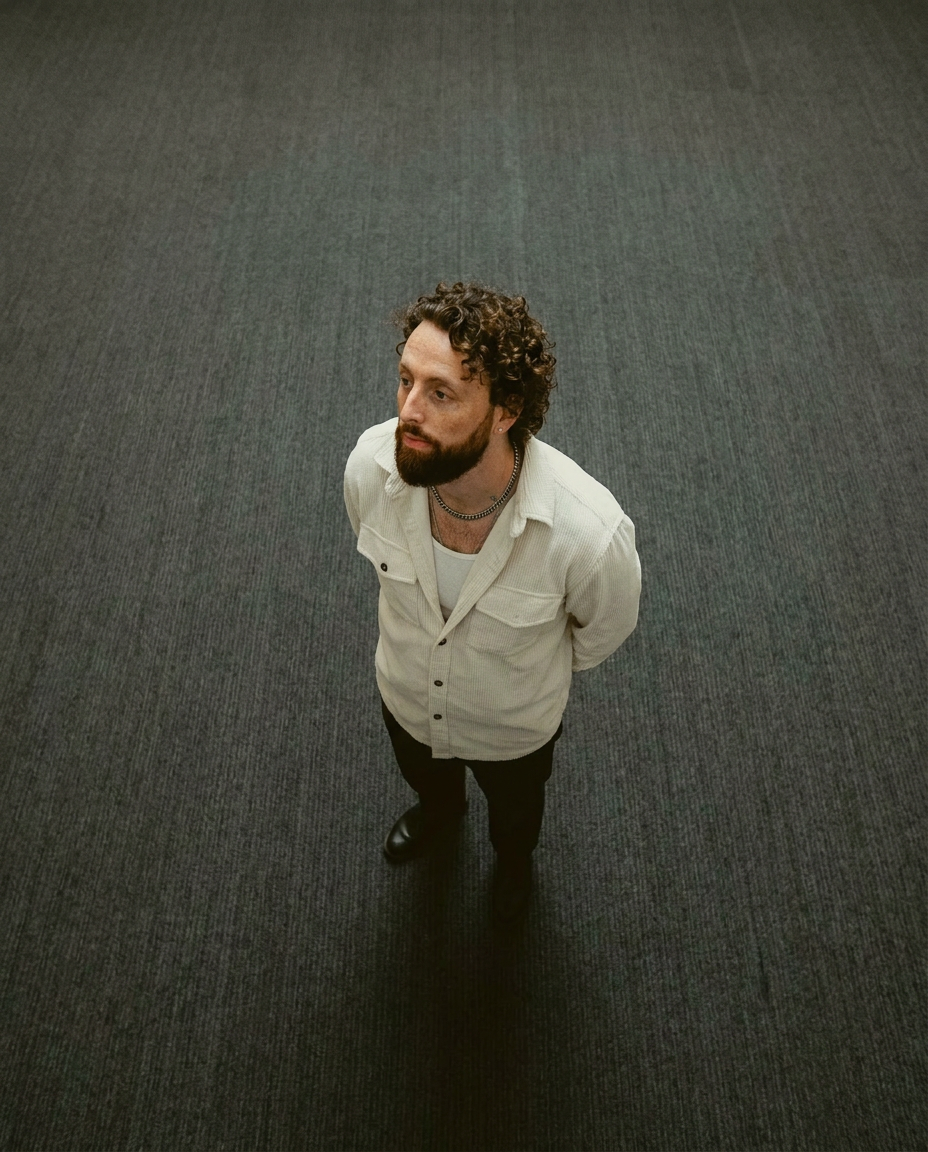
Lock in a subject's exact likeness and physical traits across any new scene. It maps every facial feature and body detail perfectly, keeping the person consistent no matter where you place them. Just drop in your photo and let the system handle the rest.
Regenerate using your own assets.
Case study: creating a cohesive world, not just a single image
Let's go back to the children's book. Here’s how the complete workflow looks in practice:
- Build the Brandkit: The author creates a MyUP Brandkit for their book, "The Little Bear Who Lost His Roar." They define the style as "charming, soft watercolor illustrations with a warm, autumn color palette."
- Lock the Character: They upload a single, definitive illustration of the main character, Barnaby the bear, into a character consistency template.
- Generate the Scenes: Now, they simply prompt the action for each page. MyUP automatically applies the watercolor style from the Brandkit and uses the character template to ensure Barnaby looks exactly the same every time.
- Prompt 1: "Barnaby the bear looking sadly at a puddle."
- Prompt 2: "Barnaby the bear getting advice from a wise old owl."
- Prompt 3: "Barnaby the bear roaring happily on a hilltop."
The result is a series of illustrations that look like they were created by a single artist in a single session. The world is believable because its rules are consistent. This same system works for any unique aesthetic you can imagine. If your story calls for a tactile, 3D claymation look, you can define that style and scale it just as easily.
Workflow code: #myup-79ca-rzwg
D Clay Style Character Portrait

Transform any portrait into a charming, clay-modeled 3D character with soft, rounded features. It adds a playful plasticine texture and warm, vibrant lighting to your subjects while keeping their unique expressions intact.
Regenerate using your own assets.
Stop chasing consistency and start building a system
Consistency doesn't come from a magic prompt or a lucky seed number. It's an engineered outcome. The recent explosion of AI tools has given us powerful components, but it's the workflow that turns those components into a reliable production system.
By separating the 'how' (style) from the 'who' (character) and the 'what' (scene), you gain precise control over your creative output. A MyUP Brandkit acts as your permanent style guide, and character templates act as your digital actors. Together, they form a system that lets you move from generating single, random images to producing entire campaigns, storybooks, and branded series with total visual integrity.
