On August 13, 2026, Twitch announced that streamers can opt out of having their content used to train Amazon's AI models. While many creators see this as a win for IP rights, it's a passive defense against a much larger problem: brand dilution. The real threat isn't just that an AI might learn from you, but that the AI tools you use make you look like everyone else.
Every streamer using a generic AI overlay generator gets a slightly different version of the same templated look. Your unique personality gets lost. The solution isn't to just opt out; it's to build a visual identity so consistent and personal that no AI can easily replicate it. This is how you move from generating random images to creating a defensible brand, starting with a full Twitch overlay pack that actually looks like you.
Why 'opting out' isn't enough to protect your Twitch brand
Flipping a switch in your Twitch settings is a half-measure. It stops your data from being fed into a model, but it doesn't stop your stream from looking generic if you're using the same tools as thousands of other creators. The core challenge for streamers using AI is consistency. You might generate one cool image for a 'Starting Soon' screen, but when you try to create a matching webcam frame or alert box, the AI produces something—or someone—completely different.
This is where brands break. An inconsistent visual identity confuses viewers and feels unprofessional. True brand protection is proactive. It means creating a visual system that AI can execute on your behalf, repeatedly and accurately. It means having an AI tool that remembers your face, your colors, and your style every single time. That's not something you can get from a standard image generator, but it's the entire point of MyUP.ai.
Step 1: Lock in your likeness with a consistent AI character
The biggest failure of most AI image tools is their inability to remember a character. You can't build a personal brand if your AI-generated avatar has a different face in every asset. MyUP solves this by treating your likeness as a core part of your brand identity.
The process is straightforward. You provide a clear source image of yourself or the character you want to represent your channel. MyUP's character consistency tools analyze the core facial features, structure, and details. From that point on, you can generate that person into any scene or style you can imagine, and the likeness remains locked in. MyUP handles the complex production; you simply validate the results to ensure they match your vision.
To get started, you need a high-quality base portrait. This AI tool is designed to capture your exact facial features from a source photo and re-render it in any style, giving you the perfect starting point for your stream persona.
Workflow code: #myup-3ccc-wvsp
Photorealistic AI Face Swap Portrait
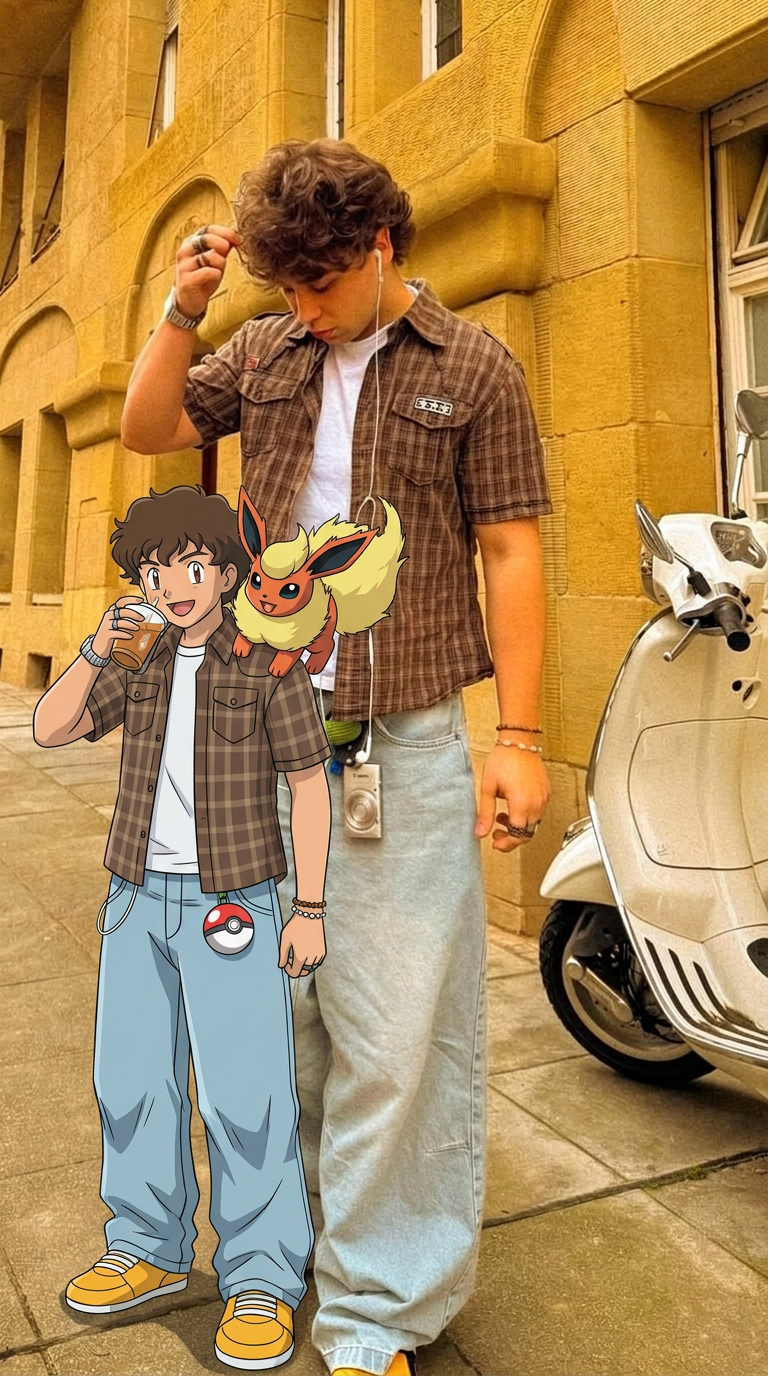
Capture every nuance of your subject with absolute precision. This system maps distinct features, textures, and physical traits onto your chosen composition, ensuring the final output mirrors your source with total fidelity. It's the cleanest way to replicate a specific look while maintaining complete control over the final framing.
Regenerate using your own assets.
Step 2: Extend your character across different scenes and poses
Once you've established your consistent character, the next step is to place them in the various contexts your stream requires. You need more than just a headshot; you need assets for different scenarios—a 'Be Right Back' screen, offline banners, or promotional art for social media. This is where you can move beyond a simple face swap to full-body consistency.
Using a more advanced tool, you can take your locked-in likeness and apply it to new poses and environments. Want an image of you in a cyberpunk gaming chair for your 'Stream Starting' screen? Or a stylized, full-body illustration for your channel's banner? By providing your reference image, you can generate these assets while ensuring the character remains recognizably you. This is how you build a complete visual narrative for your channel, not just a single profile picture. For a detailed guide on creating all the necessary components, see our workflow for a complete, on-brand Twitch asset pack.
This tool allows you to replace the face and body in a target image with your own consistent character, making it perfect for creating a variety of scenes.
Workflow code: #myup-2gbp-wc6s
Consistent Character Face And Body Replacer
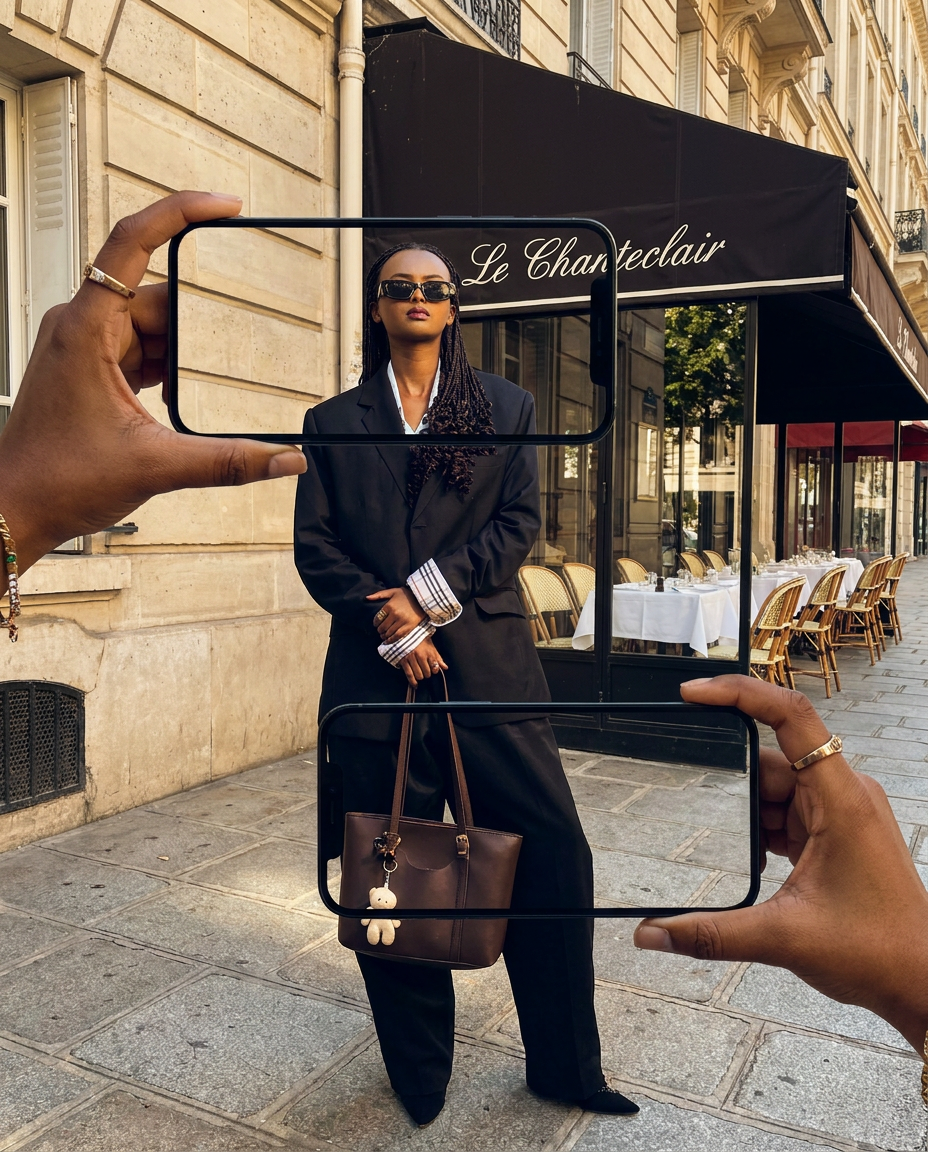
Capture the exact likeness of any person with incredible precision. This system maps every unique facial feature, skin tone, and hair texture onto your chosen subject, ensuring their physical appearance remains completely consistent across any pose or setting you decide to put them in.
Regenerate using your own assets.
Step 3: Apply your brand automatically with a MyUP Brandkit
A consistent character is only half the battle. Your stream's brand is also defined by its colors, fonts, and logos. Manually applying these to every single overlay element is tedious and prone to error. The MyUP Brandkit automates this entirely.
You set it up once: upload your logo, define your exact brand colors, and select your primary and secondary fonts. From then on, every asset you generate in MyUP—from text overlays to graphic frames—will automatically inherit this branding. When you ask for a webcam frame, it will be generated using your color palette. When you create an alert box, the text will use your chosen font. This removes the guesswork and ensures every single piece of your stream package is perfectly cohesive. Your brand is built-in, not bolted on.
Putting it all together: your on-brand, personalized overlay
Now, you combine the steps. You have a consistent AI character and an automated Brandkit. This is where you can generate a complete, professional Twitch overlay in minutes, not days.
You can prompt MyUP for specific elements:
- "A sleek, minimalist webcam frame in a 16:9 aspect ratio."
- "A 'New Follower' alert box with a futuristic theme."
- "A 'Be Right Back' screen featuring my character relaxing on a sci-fi couch."
In each case, MyUP will generate the asset, apply your Brandkit's colors and fonts, and incorporate your consistent character where requested. You're no longer just an operator telling an AI what to make; you're an art director with an automated production team. You guide the vision, and MyUP handles the execution, ensuring every pixel is on-brand. The result is a stream that looks uniquely yours, because it is.
For the highest quality avatar or portrait to use across your assets, a high-fidelity tool ensures every detail is perfect.
Workflow code: #myup-wacj-tk4g
High Fidelity AI Face Swap Portrait
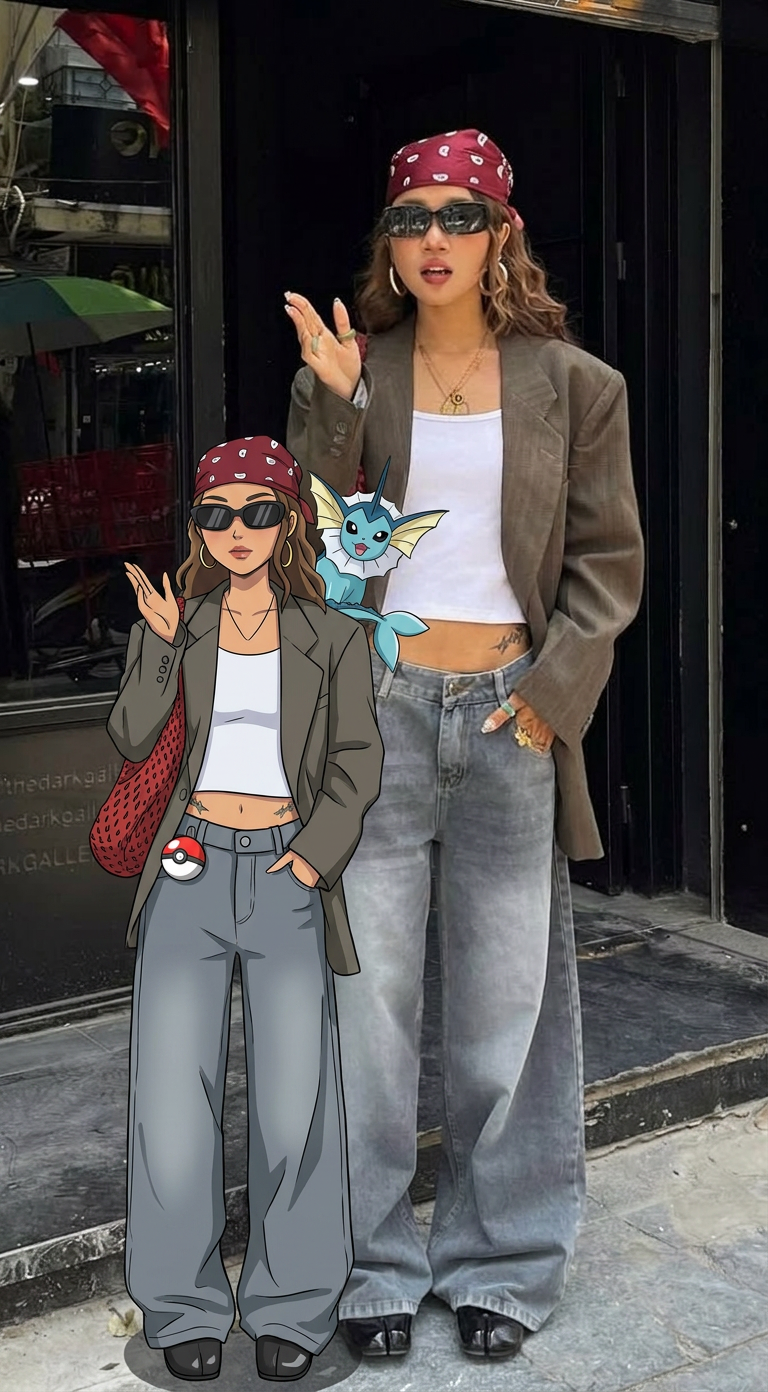
Capture every nuance of a subject's appearance with pixel-perfect precision. This system maps distinct facial features, skin tones, and physical textures onto your chosen target, ensuring your output keeps the exact likeness and character of the original person every single time.
Regenerate using your own assets.
Your brand is your moat
The conversation sparked by Twitch's AI opt-out policy is a valuable one, but it focuses on a passive solution. The best way to protect your creative identity is to build a brand so strong and consistent that it becomes your competitive moat. When your viewers can instantly recognize your stream from a single frame, you've won.
Generic AI tools create generic results. MyUP.ai is designed for creators who refuse to be a template. By combining consistent character generation with an automated Brandkit, you can finally produce a full suite of stream assets that are uniquely, undeniably you. Stop opting out and start building. Create your personalized Twitch overlay on MyUP.ai today.
