On August 13, 2026, Twitch gave streamers a choice: you can now opt your channel out of being used to train Amazon’s AI models. It’s a welcome and necessary feature. Ticking that box feels like you’re taking back control. But it’s only half the solution. Opting out is playing defense. It’s a passive measure that hopes your work won’t be scraped, averaged, and regurgitated into a generic prompt result. The best defense, however, is a creative offense.
Instead of just hiding your art, the real path to protecting your brand is to build an identity so unique, so stylistically consistent, that it can’t be easily copied. This guide walks you through the exact workflow to create an AI-generated stream mascot—a consistent character that becomes your defensible brand asset, built with a system that ensures every emote, overlay, and alert is unmistakably yours.
Step 1: Create a mascot style that's hard to copy
The first step isn't about prompting for a character; it's about defining a style that makes your character an outlier. Generic fantasy art, anime styles, or photorealistic portraits are the most common inputs for AI models. As a result, they are also the easiest styles for those models to replicate. Your goal is to create something that doesn't fit neatly into those buckets.
Think about distinct visual languages: claymation, papercraft, cel-shading, or a specific retro cartoon aesthetic. A style that has a unique texture, lighting model, and set of shapes is naturally more difficult for an AI to scrape and average out. This is your brand's first line of defense.
In MyUP.ai, you can codify this unique style within a Brandkit. By defining your specific color palette, typographic choices, and visual mood, you create a set of rules that the AI will follow for every asset it generates. This ensures your unique aesthetic is applied automatically, every time.
To start, you need to generate the base version of your mascot in this unique style. A claymation or 3D modeled look is a great starting point because its tactile quality is very distinct. The following MyUP template is designed for exactly this purpose.
Workflow code: #myup-79ca-rzwg
D Clay Style Character Portrait
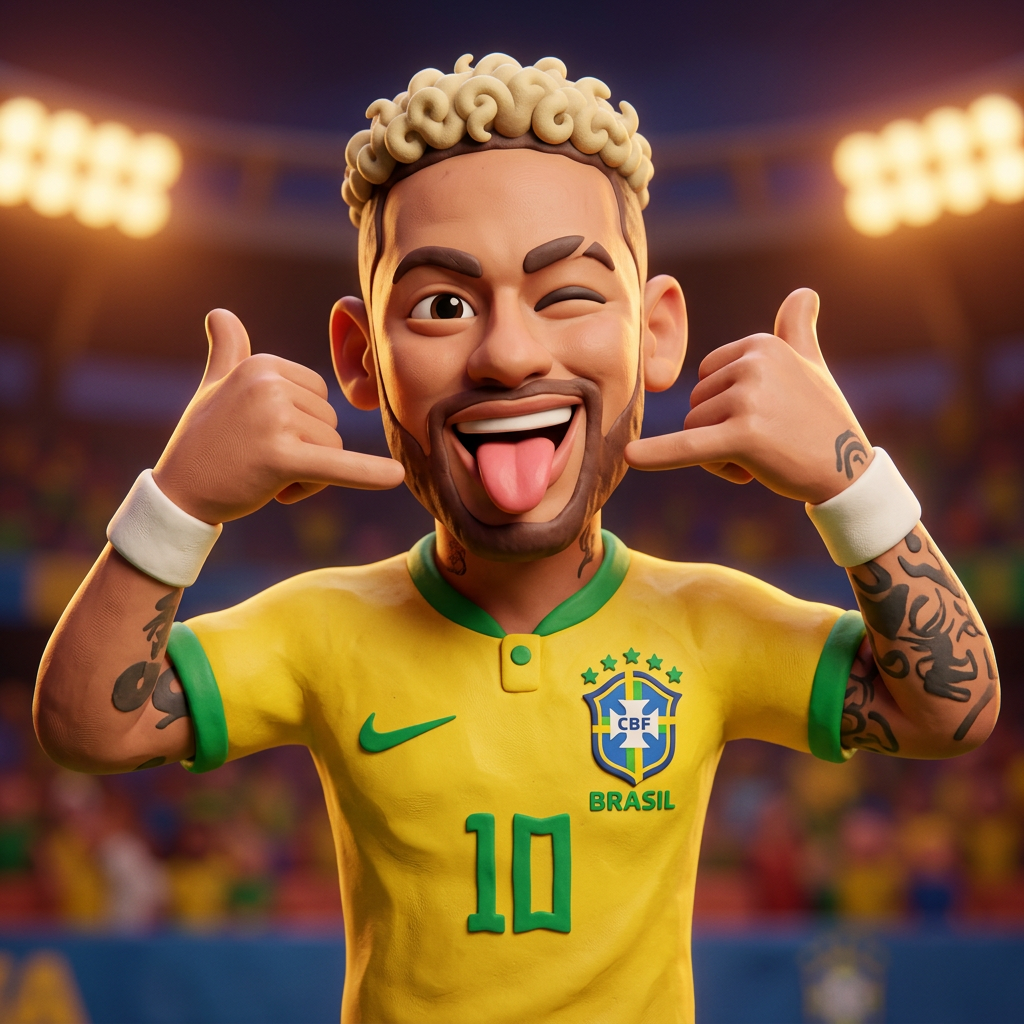
Transform any portrait into a charming, clay-modeled 3D character with soft, rounded features. It adds a playful plasticine texture and warm, vibrant lighting to your subjects while keeping their unique expressions intact.
Regenerate using your own assets.
Step 2: Generate consistent expressions and poses
Here’s where most streamers give up on using AI. You get one great image of your mascot, but then you try to create a 'Hype' emote or a 'Rage' alert, and the AI gives you a completely different character. The face shape is wrong, the colors are off, and the consistency is gone. Your brand falls apart.
This is because single-prompt tools have no memory or context. They treat every generation as a new task. To build a real brand, you need a system that understands your character is a persistent entity. This is where MyUP’s chained workflows change the game. You can use your initial mascot image as a direct input—a visual reference—for all subsequent generations.
MyUP handles the complex task of mapping the core features of your original character onto new poses and expressions. You, the creator, simply guide the process by providing the new context ('celebrating a win,' 'confused by chat') and validating the output. MyUP executes the production; you retain creative control. This tool is built to lock in a character's likeness across any new scene.
Workflow code: #myup-i83a-ze2t
Consistent Character Face Swap Tool
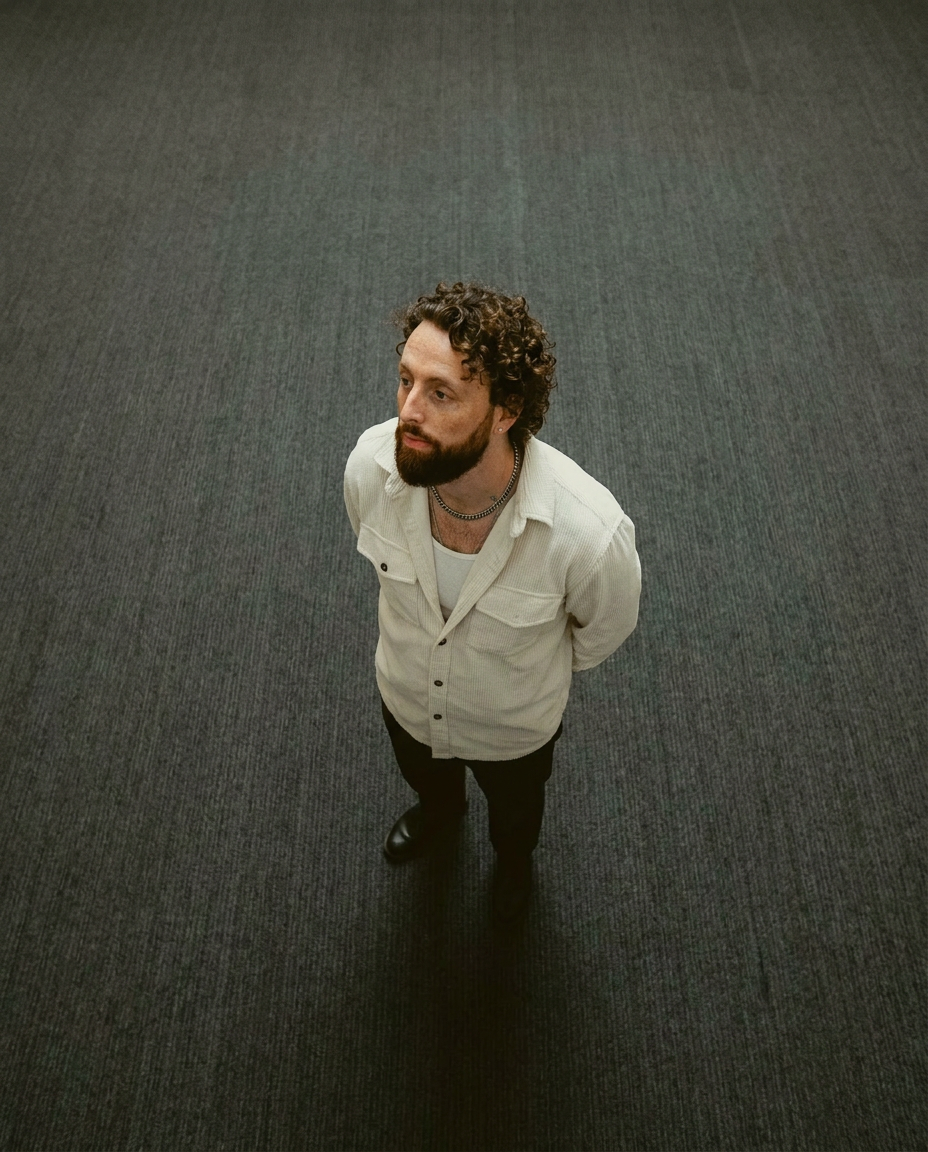
Lock in a subject's exact likeness and physical traits across any new scene. It maps every facial feature and body detail perfectly, keeping the person consistent no matter where you place them. Just drop in your photo and let the system handle the rest.
Regenerate using your own assets.
By feeding your base mascot into this tool, you can generate an entire library of expressions—perfect for a full set of unique Twitch emotes that are 100% on-brand and consistent with your channel's new face.
Step 3: Build your complete stream kit around your character
With a set of consistent character assets, you can now move beyond emotes and build your entire stream package. Your mascot isn't just a fun avatar; it's the visual anchor for your whole channel identity. You can place different poses on your panels, create custom animated Twitch alerts, and design entire scenes like your 'Be Right Back' or 'Stream Starting Soon' screens.
This is how you build a professional, memorable brand that viewers connect with. It’s the difference between a generic template and a fully realized creative identity. The goal is to integrate your mascot into every visual touchpoint of your stream.
For example, you can take one of your generated mascot poses and use it as the centerpiece for a 'Starting Soon' screen. MyUP has templates that can quickly turn your character art into a polished, ready-to-use graphic. This template, for example, is perfect for creating a bold, eye-catching scene card. Just upload your mascot and add your text.
Workflow code: #myup-xbur-hzoi
Bold Retro Yellow Event Poster

Turn your branding or event details into bold, nostalgic posters. It blends vibrant warm backdrops with a clean, retro square grid pattern to make any announcement look like a classic piece of mid-century graphic design.
Regenerate using your own assets.
Now, every part of your stream, from the smallest emote to the main waiting screen, is tied together by one consistent, unique character that you control completely.
Your workflow is your brand's best defense
Flipping a switch in your Twitch settings is a start, but it’s a passive hope that your work will be ignored. True brand defense isn't passive. It's the active, deliberate process of creating something so stylistically coherent that it can't be mistaken for anything else. It's not about one great image; it's about the system you use to create hundreds of on-brand variations.
That system is your workflow in MyUP. By establishing a unique character and using repeatable tools to generate consistent assets, you build a creative moat around your brand. You're no longer just a creator hoping not to get scraped; you're a brand owner with a scalable, defensible, and truly unique identity.
