If you've spent any time in June 2026 trying to create a seamless pattern with AI, you've likely felt the frustration. Viral techniques on X using Midjourney's '--tile' and '--sref' parameters promise on-brand results but often deliver a chaotic mess of color bleeding and inconsistent motifs. Even with major updates like Adobe Firefly's 'Structure Reference', which helps with the technical challenge of tiling, a deeper problem remains: the output still feels generic and disconnected from your actual brand identity.
These tools solve for a technical problem ('make it tile') but ignore the critical business problem ('make it ours'). A pattern isn't just a background; it's a core brand asset. It needs to be born from your brand's unique DNA. This guide presents a different approach—a workflow inside MyUP.ai that starts with your brand identity to ensure every pattern you generate is not just technically seamless, but inherently and consistently on-brand.
Why most AI-generated patterns look generic (and off-brand)
The core issue with prompt-only pattern generation is the lack of deep brand context. When you type 'a seamless pattern of geometric shapes in blue and gold' into a standard AI image generator, the model interprets 'blue and gold' based on its vast, generic training data. It doesn't know your brand's specific navy blue (#0A2342) or your signature metallic gold. It gives you a random blue and a random gold.
This leads to a time-consuming and often fruitless cycle of trial and error:
- Inconsistent Colors: You get fifty shades of 'blue' but never the right one, forcing you into post-production edits that degrade image quality.
- Randomized Motifs: The AI generates generic shapes or objects that might fit the theme but lack the unique style or specific iconography of your brand.
- Wasted Time: You spend hours tweaking prompts, hoping to stumble upon a result that feels right, instead of systematically producing an asset you know will be correct from the start.
The result is a pattern that might be technically tileable but is functionally useless as a brand asset. It doesn't reinforce your visual identity; it dilutes it.
The Brandkit-first workflow for unique, ownable patterns
To create patterns that are truly yours, you need to reverse the process. Instead of starting with a prompt and hoping for a lucky, on-brand result, you start with your brand's core identity. This is the MyUP philosophy: your brand isn't a suggestion you add to a prompt; it's the foundation the AI builds upon.
MyUP's Brandkit acts as a set of guardrails for the AI. By defining your brand's colors, logos, fonts, and overall visual style *before* you generate anything, you constrain the AI's output. It's no longer guessing what your 'brand blue' is—it knows exactly which hex code to use. This Brandkit-first approach turns pattern generation from a game of chance into a predictable production system. Let's walk through how it works.
Step 1: Define your pattern's DNA with a MyUP Brandkit
Before you create a single motif, you need to teach MyUP what your brand looks like. Your Brandkit is the single source of truth for your visual identity. If you haven't set one up, this is the most critical step. In MyUP, you can automatically build a Brandkit from your website URL or manually input the core components:
- Color Palette: Upload your exact primary, secondary, and accent color hex codes. This ensures every element the AI generates uses your precise brand colors.
- Logos: Add your primary logo, wordmark, and any secondary icons. The AI can reference these for stylistic inspiration or direct inclusion as motifs.
- Style Descriptors: Define your brand's aesthetic with keywords like 'minimalist', 'brutalist', 'retro', 'organic', or 'tech-forward'. This guides the overall feel of the generations.
A well-defined Brandkit is the difference between generating a random pattern and producing a proprietary brand asset. It's the foundation for creating a consistent visual identity across all your content, not just patterns. You can learn more about this foundational process in our guide to building a complete visual identity with a Brandkit.
Step 2: Generate your core brand motifs
With your Brandkit active, you can now create the building blocks of your pattern. These are your 'motifs'—the individual, repeatable elements that will make up the final design. Instead of prompting for a full, complex pattern at once, focus on generating simple, isolated icons or shapes. This gives you more control and ensures each element is perfect.
In MyUP, start a new generation and describe a single element. Your active Brandkit will automatically influence the output. For example:
- 'A simple, flat graphic icon of a coffee bean, minimalist style'
- 'A single, hand-drawn botanical leaf, line art'
- 'An abstract geometric shape, like a broken triangle'
Because your Brandkit is active, the AI will generate these motifs using your brand's color palette and adhering to its defined style. Generate a small library of 3-5 complementary motifs. The user—you—validates each one. If an element isn't quite right, you can quickly iterate until you have a set of perfect, on-brand building blocks.
Step 3: Create and test your seamless pattern
Now, combine your motifs into the final, tileable pattern. This is where you instruct the AI on the arrangement and composition. Your prompt should now focus on the pattern structure itself, referencing the motifs you've created.
A strong prompt structure looks like this: 'A seamless, tileable pattern featuring [motif 1], [motif 2], and [motif 3]. Flat design, evenly spaced on a solid background.'
MyUP will generate the pattern, again, constrained by your Brandkit's colors and style. Once you have a version you like, test its seamlessness. The easiest way is to place four copies of the image together in a 2x2 grid. Look for obvious breaks in the pattern or visible 'seams' where the edges meet. If you see issues, simply iterate on the generation, perhaps adding terms like 'randomized placement' or 'dense pattern' to your prompt until the tiling is perfect.
Once you have your pattern, you can immediately put it to use. For example, use it as a background for a product announcement on social media. This workflow lets you design the asset and apply it in one place.
Workflow code: #myup-gxue-opd0
Product Post

Turn a single product shot into a cohesive six-part Instagram story campaign. It mixes tactile crumpled paper textures with bold, stacked typography and custom mascot spots in your brand's signature colors.
Regenerate using your own assets.
Putting your new pattern to work
A great pattern is a versatile workhorse for your brand. Because you created it within the MyUP ecosystem, applying it to other assets is simple and fast. You're not just downloading a file; you're unlocking a new component for your entire content strategy.
Packaging and merchandise
Use your pattern for tissue paper, product boxes, stickers, or tote bags. It creates a cohesive and memorable unboxing experience. You can quickly generate mockups of these applications by using your new pattern as a textural element in a new prompt. For a deeper dive, see our guide on generating on-brand packaging mockups.
To create branded stickers using your new pattern or motifs, this workflow is the perfect next step.
Workflow code: #myup-swqt-4zo3
Product Stickers

Turn your logo into a nostalgic, vibrant Y2K-style vertical ad. It automatically pulls your brand colors to create matching sweet treats like custom donuts or cupcakes in the background, giving you a super playful retro-pop aesthetic.
Regenerate using your own assets.
Social media and web backgrounds
A custom pattern makes your social media grids, story backgrounds, and website banners instantly recognizable. It's a subtle but powerful way to reinforce your brand identity without plastering your logo everywhere. It can add texture and personality to otherwise simple posts.
This collage creator workflow is a great way to use your new pattern as a background layer for dynamic, on-brand social posts.
Workflow code: #myup-sacz-tjdn
Y2K Scrapbook Collage Creator
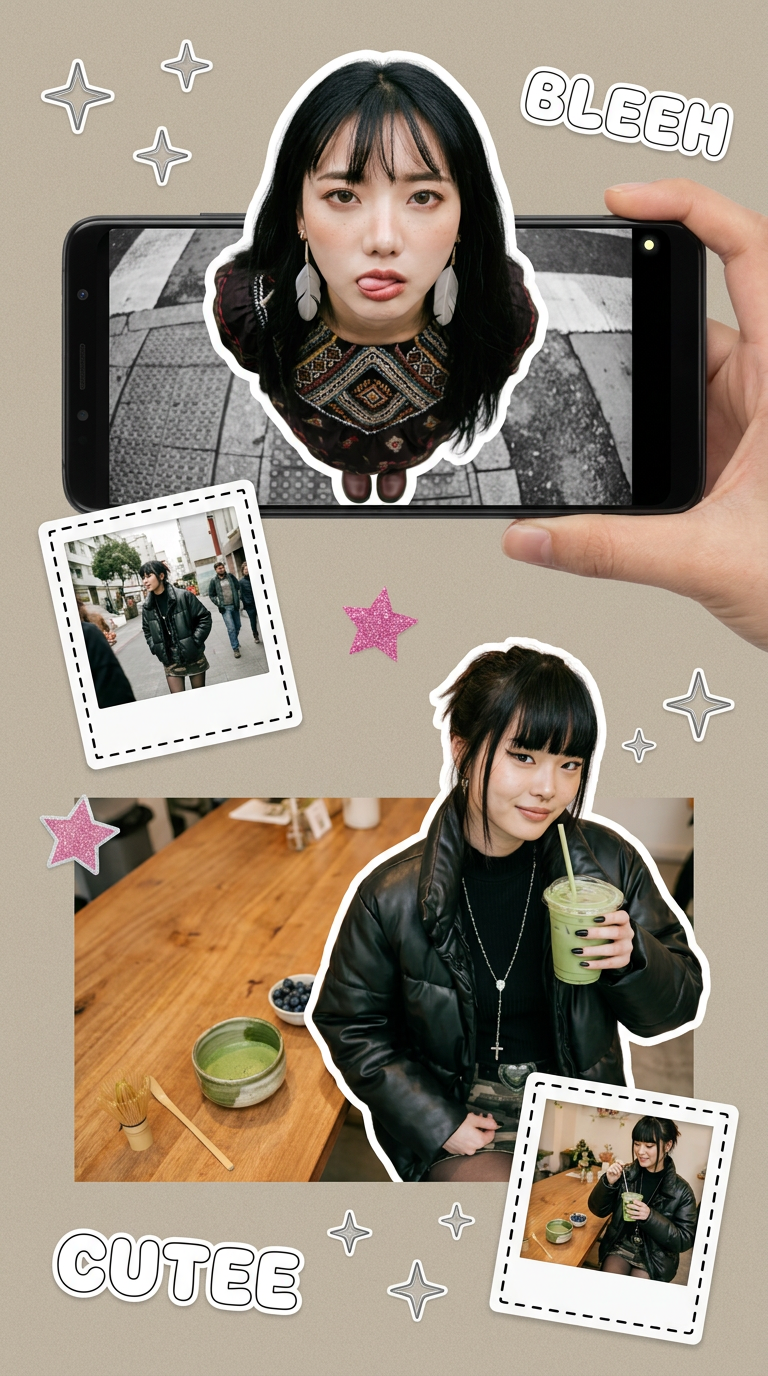
Put two different people into the same scene without losing their real-world features. Just upload two portraits and drop them together into any setting or style you need. It keeps both faces incredibly accurate.
Regenerate using your own assets.
The final check: Is your pattern truly on-brand?
AI handles the production, but you provide the final validation. Before finalizing your pattern, run it through this quick checklist:
- Color Accuracy: Does it use the exact hex codes from your Brandkit?
- Motif Integrity: Do the elements reflect your brand's iconography and style? If you make tech products, does it feel appropriately modern? If you sell handmade goods, does it feel organic?
- Brand Voice Alignment: Does the pattern's overall mood—be it playful, sophisticated, or minimalist—match your brand's personality?
- Versatility: Does it work at different scales? Will it be recognizable when small on a mobile screen and still look good when large on a shipping box?
If the answer to any of these is no, the solution isn't to start over. In MyUP, you can easily go back a step, adjust your motifs, or tweak the pattern prompt. This iterative control is what separates a professional workflow from a generic AI tool, ensuring every asset you produce, from a core logo to a background pattern, is a perfect fit for your brand.
