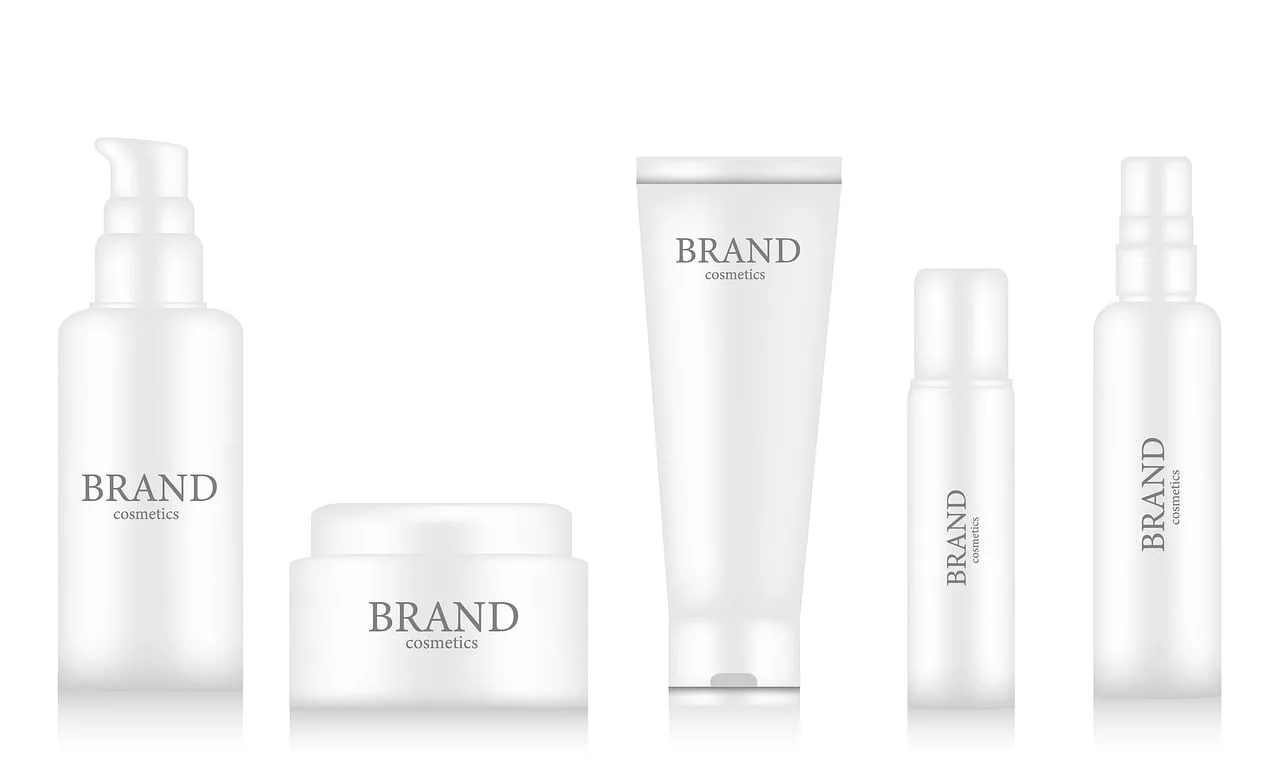
On July 2, 2026, Adobe shipped its 'Package Template' feature in Firefly, and the design world took notice. The promise is simple: upload a 2D label, and AI will wrap it onto a 3D product model. It’s a powerful validation of a critical need for e-commerce and CPG brands—visualizing products before they exist.
But for any serious brand, this feature creates a new, more frustrating problem. You get a mockup, but it's trapped in Adobe's ecosystem, built on their limited library of 3D models, and disconnected from your actual marketing campaigns. A mockup isn't the final product; it's the first asset in a campaign. The goal isn't just to see your label on a bottle, it's to create a finished visual that's already on-brand and ready for any channel. For that, you don't need a fixed tool. You need a flexible workflow.
Why most AI mockups fail: the brand consistency gap
Creating a believable product mockup with AI is harder than it looks. The internet is littered with examples of warped logos, mismatched lighting, and generic backgrounds that scream 'AI-generated'. This happens because most AI image tools are built for artistic exploration, not commercial precision.
The core challenges are technical:
- Logo and Text Distortion: When an AI tries to 'wrap' a flat image around a curved surface without a proper 3D model, it often stretches and distorts the most important parts of your design—your logo and typography.
- Inconsistent Lighting: You might generate a perfect product shot, but when you try to place it in a lifestyle scene, the lighting doesn't match. The shadows are wrong, the reflections are off, and the entire image feels fake.
- Generic Composition: Without strong brand direction, AI defaults to bland, stock-photo aesthetics. Your unique product ends up in the same overused settings as everyone else's, failing to stand out.
Solving this with a patchwork of tools—generating a base in Midjourney, then moving to Photoshop for compositing—is slow and technical. This is where a single, integrated platform built around your brand identity makes all the difference.
The one-platform workflow for campaign-ready product mockups
Instead of wrestling with multiple tools, you can use a single workflow in MyUP that goes from a 2D design file to a final, on-brand advertising visual. The entire process is anchored by your MyUP Brandkit, which stores your brand's colors, fonts, logo, and visual style. This ensures every asset MyUP creates is automatically consistent.
The workflow is straightforward:
- Set your foundation with a Brandkit. Before you generate anything, you build your Brandkit once by simply providing a URL. MyUP imports your visual identity, creating a set of rules that will govern all future content creation.
- Generate a clean base product. You start by creating a high-quality, unbranded image of your product type (e.g., a wine bottle, a cosmetic jar, a cardboard box) in a neutral setting.
- Apply your design and create the scene. You upload your 2D label or packaging design. MyUP's workflow composites this design onto the base product and then generates a completely new, custom lifestyle scene around it, using your Brandkit to guide the style, mood, and color palette.
The user validates the output at each stage, while MyUP handles the complex production. This gives you full creative control without the technical overhead.
Step 1: Generate your base product shot
The first step is to create the canvas: a clean, high-resolution image of your product's form. You don't need a real photo. In MyUP, you can prompt for exactly what you need. The key is to be specific and keep the background neutral. For example, a prompt like 'A glossy, unlabeled white pump bottle for a cosmetic serum, on a plain light gray background, studio lighting, 4k product photography' will give you a perfect starting point.
This is not just about creating one product. This same method works for any type of packaging. To get started immediately, you can use a pre-built workflow designed for this exact task.
Workflow code: #myup-u4lt-o0ho
Studio Product Ad

Drop in a single product photo to instantly build a cohesive visual identity. It automatically samples your item's dominant colors to generate a beautifully matched mosaic moodboard, giving your brand an instant, polished aesthetic.
Regenerate using your own assets.
Step 2: Apply your design and place it in a scene
With your base product generated, the next step is to bring it to life. This is where the MyUP workflow departs from tools like Adobe's. You're not just applying a label; you're creating a complete, on-brand environment for your product. You upload your 2D design file and provide a prompt for the final scene.
For example, you could take the cosmetic bottle from Step 1, upload your label design, and prompt for: 'The cosmetic bottle on a marble bathroom counter, next to a white orchid and a soft towel, with morning sunlight streaming through a window.' MyUP will composite the label onto the bottle and build the entire scene around it, using your Brandkit to ensure the colors and mood align with your brand identity.
This workflow is particularly powerful for beverage brands, which often need to showcase their products in a wide variety of settings. The template below is configured to do this in one step.
Workflow code: #myup-cqnu-i50m
Drink Product Ad
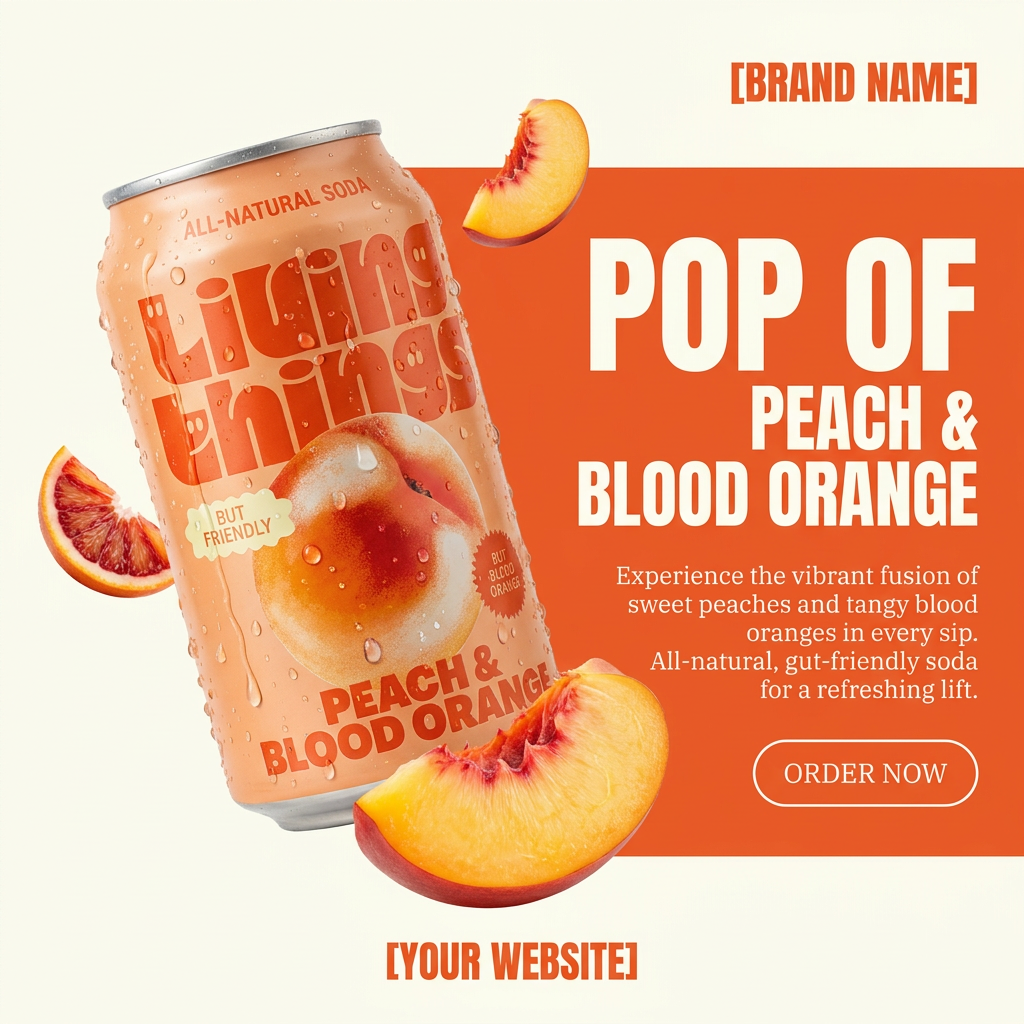
Turn any product photo into a bold, modern ad poster. It automatically frames your item against a split-color background, pairing a clean cream tone with a solid block of your product's dominant color. Super clean, minimal, and ready for social feeds.
Regenerate using your own assets.
From a single mockup to a full ad campaign
A great mockup is not the end of the process. It's the start of your marketing. Because your visuals are created within the MyUP workflow system, you can instantly generate dozens of variations for a full campaign. Once you have a core product shot you're happy with, you can create variations for different channels and audiences with a simple prompt modification.
Need a version for a social media ad? Rerun the workflow with '...as a vibrant, eye-catching Instagram post'. Need a banner for your website? Specify the dimensions and a more minimalist style. This is a fundamentally different approach from the one-off generations you get in other tools, which lack the systems for producing consistent ad variations at scale.
You can use specialized workflows to create assets in specific styles, from minimalist posters to luxury product ads, all while your Brandkit maintains consistency.
Workflow code: #myup-zpby-tzie
Minimal Vibrant Product Advertising Poster

Drop in any product shot and watch it turn into a bold, high-energy square ad. It automatically reads your packaging to pull out the dominant colors and text, then builds a vibrant poster styled perfectly around your brand.
Regenerate using your own assets.
Workflow code: #myup-qtty-nngw
Jewerly Product Ad
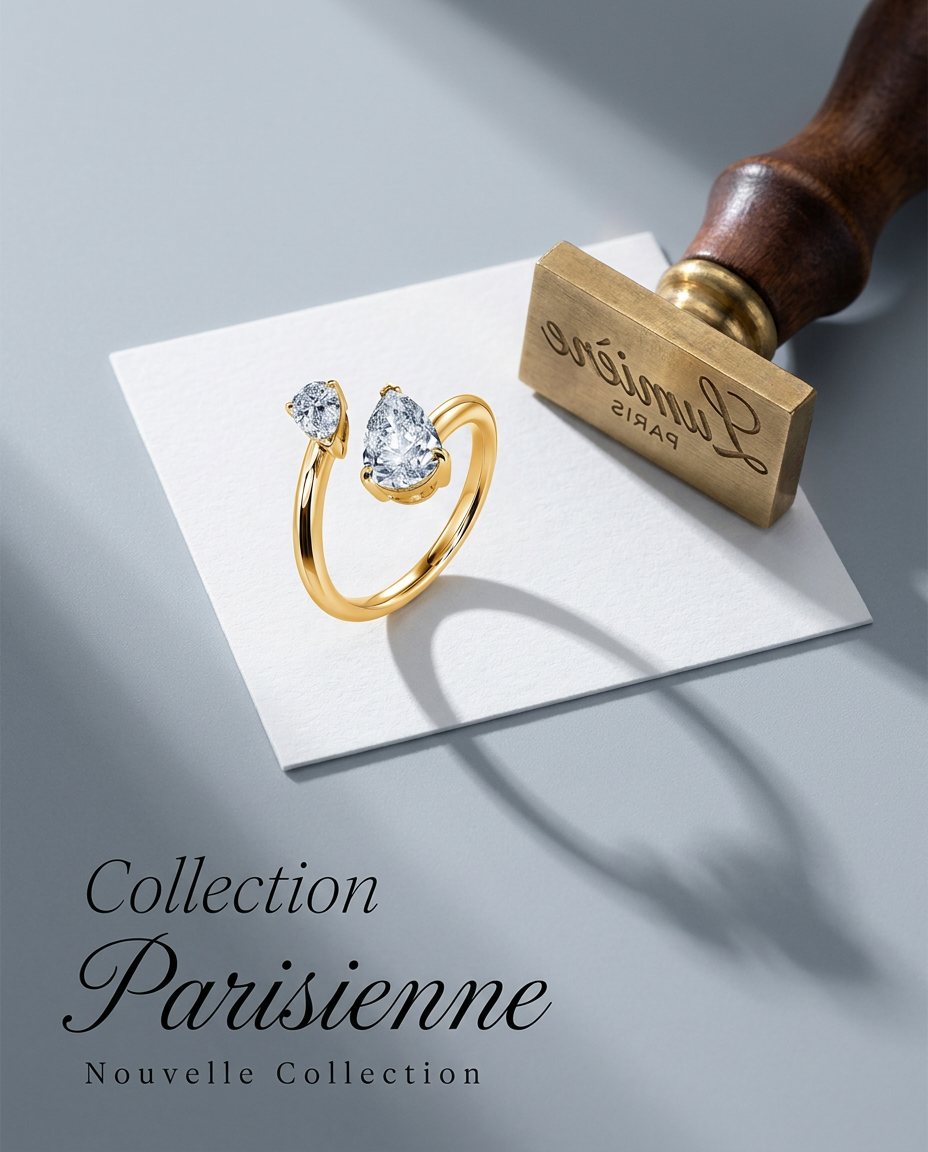
Turn any product into a high-end editorial shot. It drops your item into a clean, flat-lay setup with soft directional light and elegant long shadows against a cool matte gray background.
Regenerate using your own assets.
Workflow code: #myup-k4td-9k6z
Minimalist Poster

Give your social feed a clean, gallery-like aesthetic. This layout frames your images with structured mono typography and soft, neutral backgrounds for a high-end editorial look. It's perfect for minimal product launches or brand announcements.
Regenerate using your own assets.
The verdict: a flexible workflow beats a fixed tool
Adobe's entry into AI mockups is a sign of what's to come, but it reveals the core tension between a closed tool and an open workflow. A feature like 'Package Template' can show you what your design looks like on a box. A platform like MyUP gives you a system for turning that design into an entire campaign's worth of on-brand marketing assets.
For e-commerce and CPG brands that need to move fast, the ability to go from a design file to a suite of campaign-ready visuals in a single, brand-governed platform is essential. It saves time, eliminates the need for complex software, and ensures that every visual you create is a perfect reflection of your brand. Don't just create a mockup; launch a campaign.
