
You’ve tried it. You prompted for a “hyperrealistic photo of a juicy cheeseburger” and got back a plastic-looking patty with a strange sheen, sitting in a void. Or maybe it was a salad where the lettuce looked waxy and the tomatoes were a little too perfectly round. It’s one of the most common and frustrating failures of AI image generation: the food just doesn’t look appetizing. It looks… off.
Here’s the secret: the problem isn’t your AI tool. It’s your process. Asking an AI for a finished food photo in one go is like asking a camera to style, light, and shoot a scene by itself. It doesn't work. Professional results come from a professional process. To get realistic AI food photography, you need to stop thinking like a prompter and start working like a food stylist. This guide breaks down that exact process, turning your prompts from a lottery ticket into a reliable system for creating mouth-watering images on MyUP.ai.
Step 1: Build the scene before you plate the dish
A professional food photographer never starts with the food. They start with the story. Where is this dish being eaten? What’s the mood? The first step to realism is building a believable environment. A burger doesn’t float in a white void; it sits on a rustic wooden board, next to a crumpled craft paper napkin, with a side of fries in a small metal basket.
Instead of cramming all this into one mega-prompt, build your scene layer by layer. Start with the surface and background. Be specific and use sensory details:
- Instead of “on a table,” try “on a dark, weathered oak table with a visible wood grain.”
- Instead of “with a napkin,” try “next to a soft, creased linen napkin in a neutral grey tone.”
- Instead of “in a restaurant,” try “on a white ceramic plate, placed on a marble countertop with soft, out-of-focus cafe background.”
On MyUP, you can create these foundational elements as the first step in your process. Get the environment right, and the food you add later will feel grounded and real. The user stays in control, approving the scene before the main subject is even introduced. For a clean, modern starting point that automatically matches your background to your dish, this template is the perfect first step.
Workflow code: #myup-egd6-d8uv
Modern Minimalist Food Promotional Poster
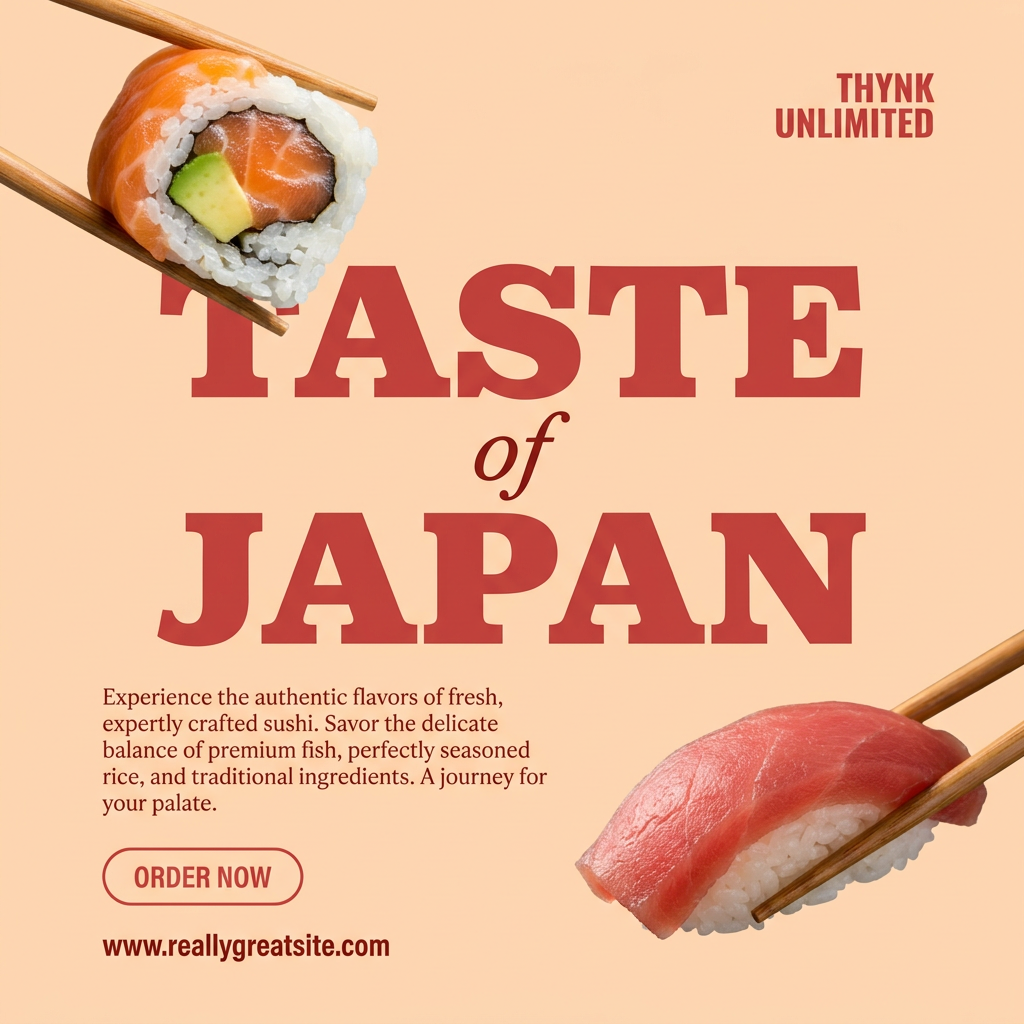
Turn your food photos into clean, modern social posters. It automatically grabs the lightest color tint from your uploaded dish to build a perfectly matched, soft background that keeps your feed looking cohesive and high-end.
Regenerate using your own assets.
Step 2: Control the light, control the appetite
Bad lighting is the number one reason AI food looks fake. Most default AI outputs use a flat, even light that eliminates shadows and texture, resulting in that signature plastic look. Appetite is triggered by texture, and texture is revealed by light and shadow.
You need to become a virtual lighting director. Ditch generic terms like “photorealistic” and specify the exact lighting you want. Compare these prompts:
- Generic: “A bowl of pasta, professional photography.”
- Specific & Appetizing: “A bowl of pasta, glistening with olive oil. Lit by warm, soft morning light filtering in from a window on the left, creating long, gentle shadows. Macro shot, shallow depth of field.”
See the difference? We’re not just describing the subject; we’re describing how it’s lit. We’re adding details about texture (“glistening with olive oil”) that the light will enhance. In a MyUP workflow, you can dedicate an entire step to refining the lighting and texture, iterating until every detail—from the crisp edge of a fried chicken to the delicate crumb of a pastry—looks perfect. This is how you get shots that look ready to eat, not just generated.
Workflow code: #myup-w0vh-abft
Food Product Ad
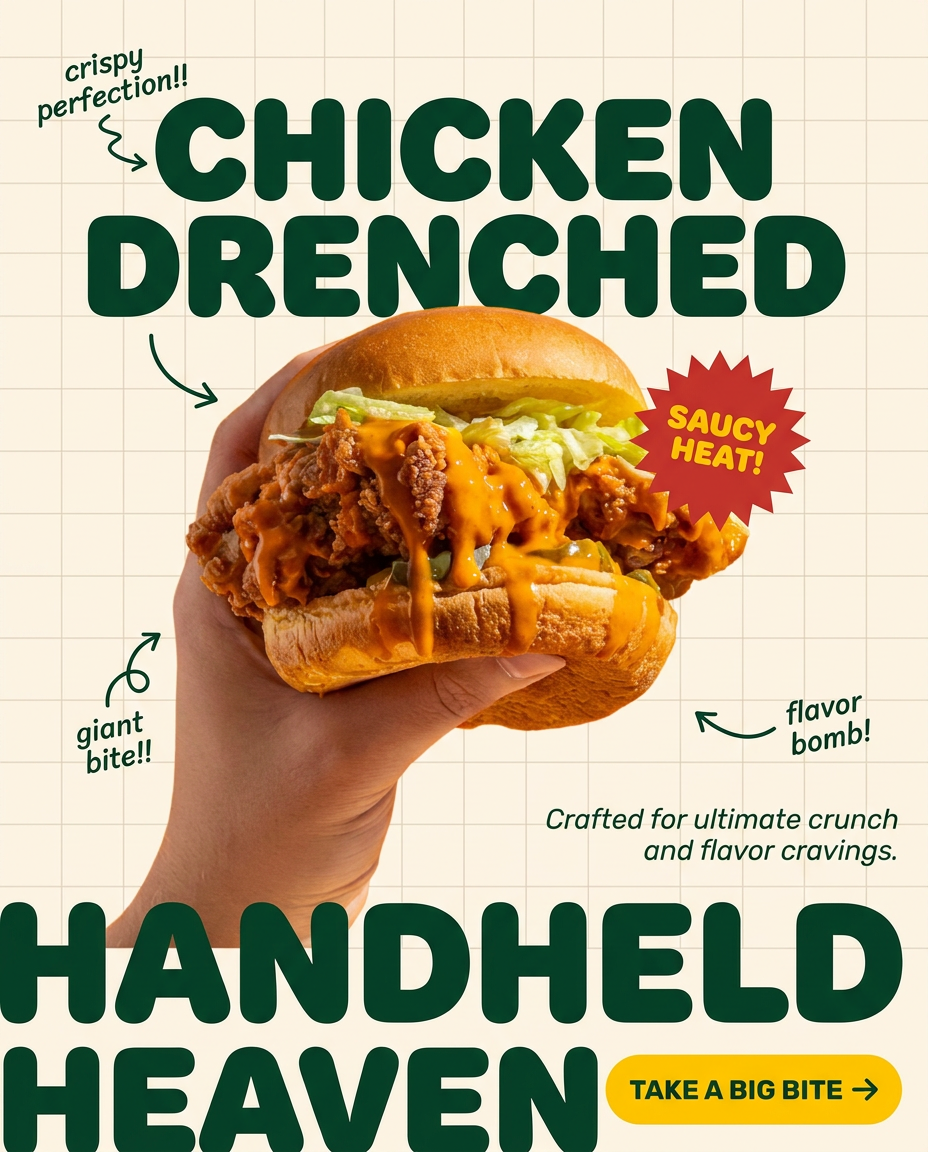
Turn any dish or snack into a bold, playful social ad. It places your food against a soft warm beige background with a subtle grid pattern, topped with chunky rounded headlines. It's clean, friendly, and instantly grabs attention in the feed.
Regenerate using your own assets.
Step 3: Add a human touch to make it relatable
A perfectly styled, untouched plate of food can look beautiful but sterile. The most appetizing food photography often includes a human element. It suggests a story and makes the viewer imagine themselves in the scene. Showing interaction is a powerful tool for realism.
Instead of just generating the dish, prompt for the action surrounding it:
- “A hand reaching to dip a crispy french fry into a small bowl of ketchup.”
- “A fork gently cutting into a slice of rich chocolate cake, revealing the soft interior.”
- “A person holding a steaming mug of coffee, with both hands wrapped around it for warmth.”
These small moments of interaction transform a static image into a dynamic one. It’s the difference between a catalog photo and a lifestyle shot. On MyUP, you can use a base image of your perfectly styled dish and then use a subsequent step to add these human elements, giving you precise control over the final composition.
For ads and social media, this is non-negotiable. This template is designed specifically to create those high-impact, close-up shots of people truly enjoying the food, making your brand feel instantly more authentic.
Workflow code: #myup-xjsb-hirr
Bold Portrait Food Advertising Photo

Get those high-impact, tight action shots of people actually enjoying your food brand. It drops your product right into a messy, realistic close-up bite shot that feels like a premium lifestyle campaign instead of a boring studio packshot.
Regenerate using your own assets.
Step 4: Turn one great shot into a full campaign
You followed the steps and created one perfect, realistic image of a pizza. Now you need a shot of a salad, a pasta dish, and a dessert that all feel like they belong to the same brand, shot on the same day. This is where the one-prompt approach completely falls apart and a system becomes essential.
Consistency is key for any brand. On MyUP.ai, you don’t just create an image; you build a reusable asset. The multi-step process you designed—defining the scene, setting the light, adding human interaction—can be saved as your own unique template.
Better yet, use a MyUP Brandkit. You can lock in your brand’s specific color palette (e.g., warm, earthy tones), your preferred lighting style (“soft morning light”), and your typography. Now, every time you run a new dish through your saved process, it automatically inherits your brand’s visual DNA. MyUP handles the production; you validate the results. This is how you move from a single lucky generation to a scalable system for producing an entire campaign’s worth of on-brand, consistently appetizing visuals.
This template, for example, is built to arrange multiple shots into a cohesive, editorial-style grid, perfect for turning your individual dishes into a full menu or magazine cover.
Workflow code: #myup-aktp-7jq0
Food Magazine Mosaic Cover
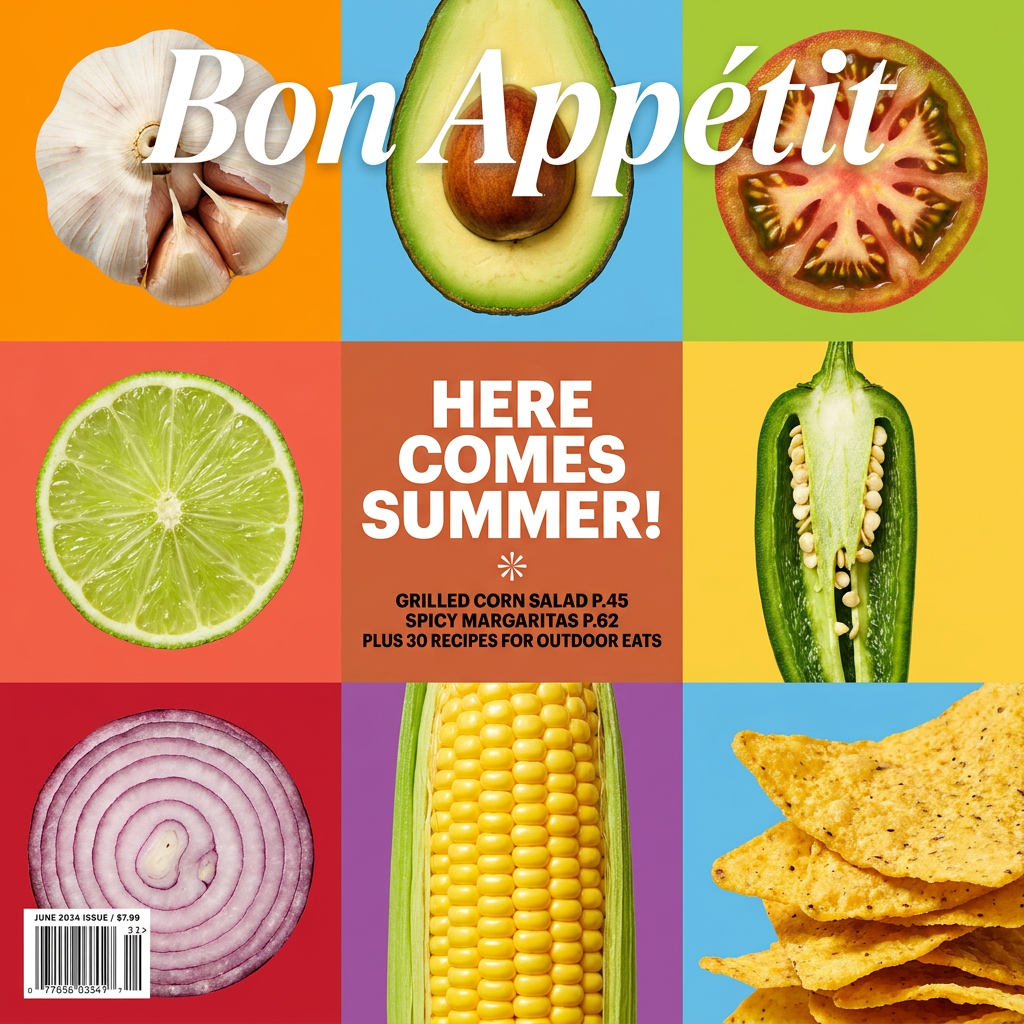
Turn your food shots into a bold, high-end editorial cover. It takes extreme close-ups of your dishes or ingredients and arranges them into a vibrant 3x3 grid that looks straight out of a premium food magazine.
Regenerate using your own assets.
The only food photography prompt you really need
The quest for realistic AI food photography ends when you realize the perfect prompt isn’t a magic combination of words. It’s a systematic process. By thinking like a food stylist—building the scene, controlling the light, and adding a human story—you take control back from the AI. You become the director, and the AI becomes your incredibly fast and talented camera crew.
Stop chasing the one-shot wonder. Start building your repeatable system on MyUP.ai. Define your brand’s unique flavor once with a Brandkit, save your stylist's workflow, and generate an endless supply of mouth-watering images that are consistently, reliably, and deliciously on-brand.
