You tried one of those AI headshot generator apps. You uploaded 20 photos of your CEO and got back a folder of 100 images: a gritty black-and-white portrait, a bizarre watercolor painting, a sci-fi astronaut, and three that looked vaguely like him but with a third ear. Now you have to do this for all 30 people on your team. The result is a chaotic, unprofessional mess on your 'About Us' page that undermines your brand's credibility.
This isn't just a minor annoyance; it's a symptom of a broken process. The entire AI industry is racing to solve this problem. In August 2026, major platforms like Adobe and Runway both launched features aimed squarely at visual consistency, validating it as a critical business need. The era of one-off, novelty AI images is over. Businesses need a reliable system.
The solution isn't a better prompt. It's a better workflow. This guide will walk you through the exact system to create perfectly consistent, professional headshots for your entire team using MyUP.ai.
Your team's AI headshots are a mess. Here's why.
The core problem with most AI headshot tools is that they treat style and identity as the same thing. You give them a face, and they apply a random assortment of styles to it. The output is a lottery. You might get lucky with one or two good images, but you have zero control over the lighting, background, or mood. For a single person, it's a fun gamble. For a team, it's a brand disaster.
A professional 'About Us' page, a set of matching LinkedIn profiles, or a consistent lineup of conference speaker photos all rely on visual cohesion. When every team member looks like they belong to a different company, it sends a message of disorganization. You're not just generating pictures; you're communicating your brand's story. Inconsistency kills that story before it even starts.
The solution: Separate your brand style from the person
To get consistent results, you have to stop thinking in terms of single prompts and start thinking like a photographer running a photoshoot. A photographer first sets up the studio: the lighting, the backdrop, the camera angle. This is the 'style'. Only then do they bring in each person to be photographed. The style remains constant; only the subject changes.
MyUP is built to work this way. Instead of mashing the person and the style into one prompt, we separate them into a two-step process:
- Define the Style: First, you create a 'master headshot template'. This is a base image that has everything you want to be consistent: the background color, the lighting setup, the clothing style, and the overall mood.
- Insert the Likeness: Second, you use a high-fidelity tool to transfer each team member's unique face onto that master template.
This workflow approach guarantees that every single headshot is perfectly aligned with your brand's visual identity. You define the brand once, and MyUP applies it repeatably for every person.
Step 1: Create your master headshot template
Your first job is to create the 'empty studio'—the base image that defines your brand's headshot style. This image won't even have a recognizable person in it. The goal is to lock in the environment. In MyUP.ai, you can generate this with a simple, descriptive prompt.
Focus on the elements you want to control:
- Background: A solid color? A blurred office? A textured wall?
- Lighting: Soft and professional? Dramatic and high-contrast?
- Attire: A generic blazer? A simple t-shirt?
- Composition: Chest-up? Shoulders-up? Centered or off-center?
Here’s an example prompt to generate a clean, professional template:
Professional corporate headshot, shoulders-up, of a featureless mannequin. The background is a solid, dark navy blue (#0A2540). Soft, even studio lighting from the front. The mannequin is wearing a simple charcoal grey blazer.
Run this prompt in MyUP's image generator. The key is to get an image that looks right *without* a specific person in it. This is your reusable style guide. If you have your visual identity stored in a MyUP Brandkit, you can ensure the background color perfectly matches your brand palette every time.
Step 2: Generate the first headshot with a high-fidelity face swap
Once you have your master template, it's time to create the first headshot. You'll need two things: your newly generated master image and a clear, well-lit photo of your first team member.
This is where specialized tools outperform generic prompting. You need an AI process that understands facial structure and can transfer it accurately without altering the style of the base image. In MyUP, the perfect tool for this is the High Fidelity AI Face Swap Portrait. It's designed for photorealistic results that preserve the likeness of the source person with incredible accuracy.
You don't need to write a complex prompt. Just load the tool, upload your master template as the target image and the team member's photo as the source face. MyUP handles the complex mapping to produce the final, on-brand headshot. You get to validate the result and make sure it meets your quality standard.
Workflow code: #myup-yppq-8dxq
High Fidelity AI Face Swap Portrait
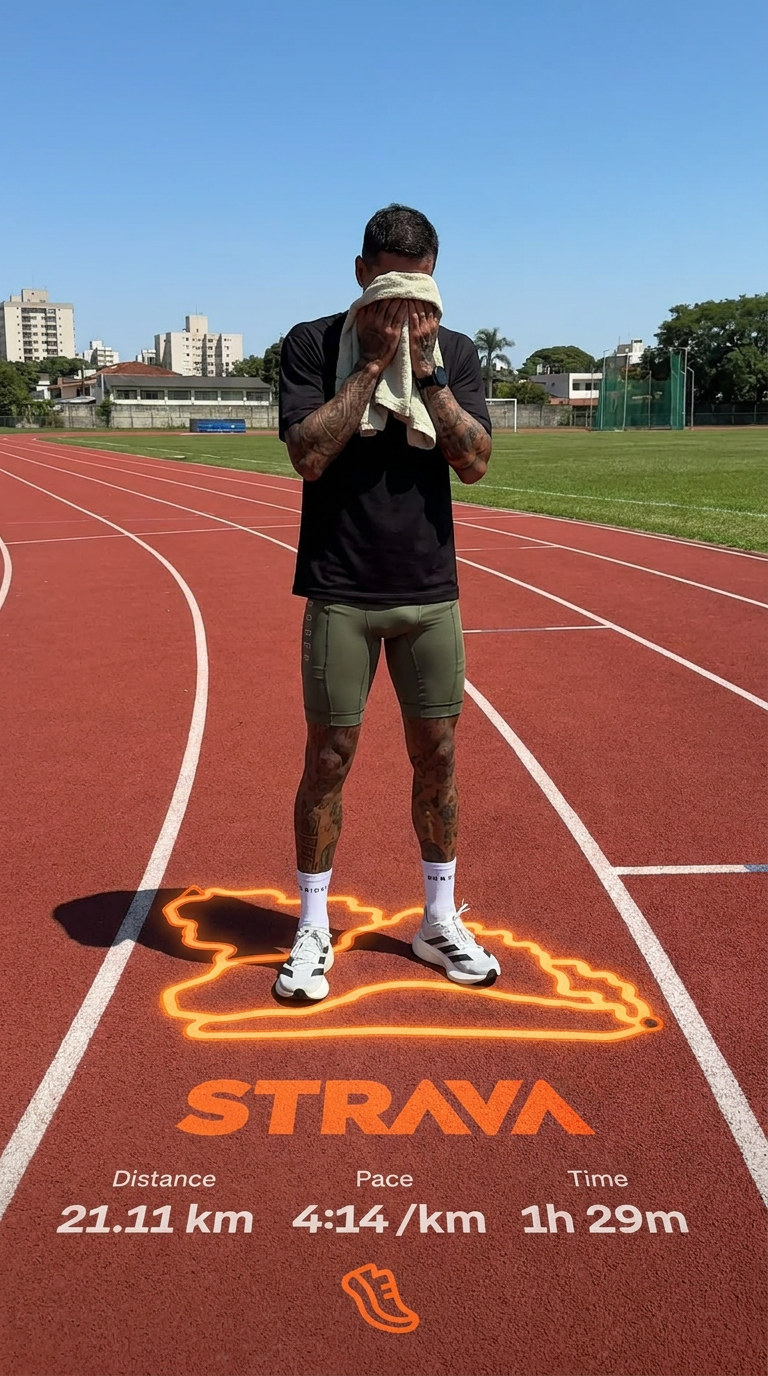
Capture every nuance of your subject's physical presence with absolute precision. This system maps skin texture, hair density, and muscle definition directly from your reference, creating a hyper-realistic digital twin that maintains the character's exact physiognomy and scale in any new environment you choose.
Regenerate using your own assets.
Workflow code: #myup-wacj-tk4g
High Fidelity AI Face Swap Portrait
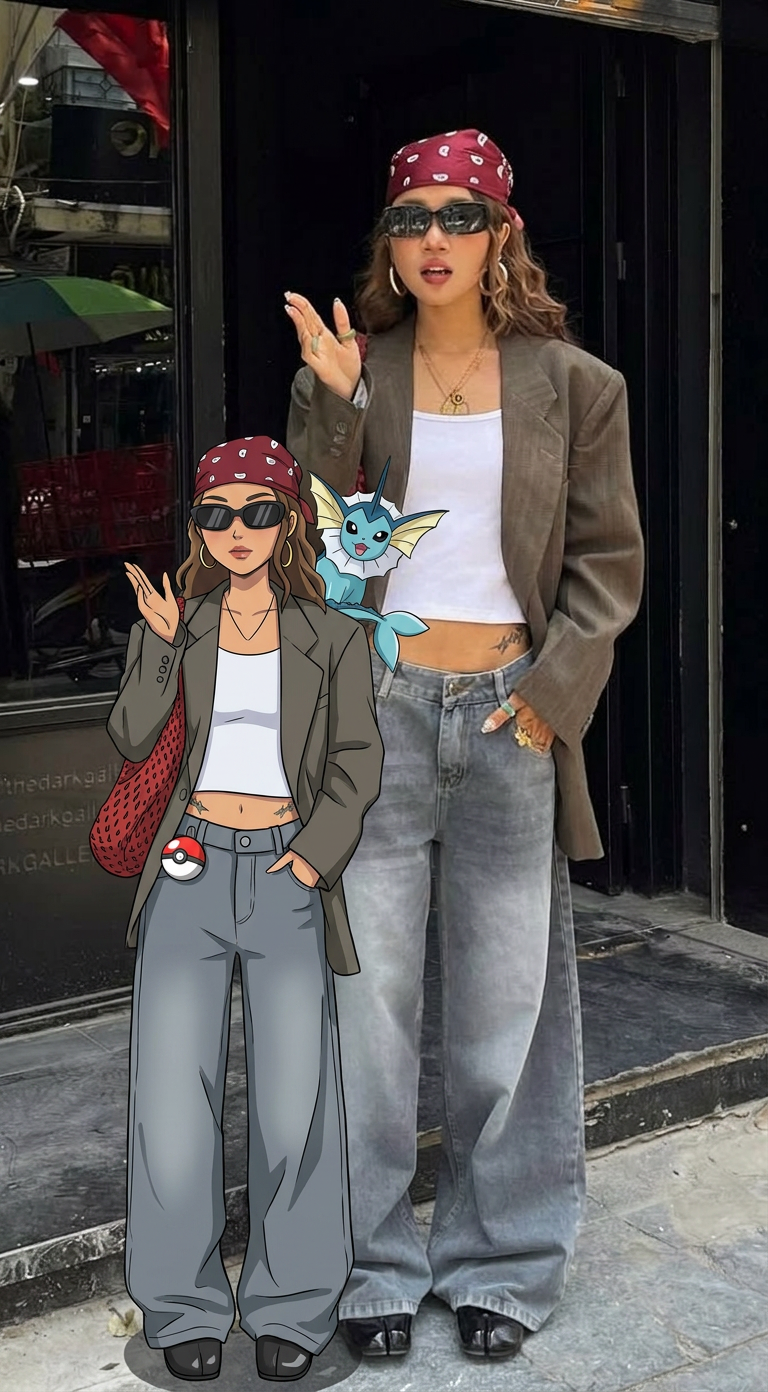
Capture every nuance of a subject's appearance with pixel-perfect precision. This system maps distinct facial features, skin tones, and physical textures onto your chosen target, ensuring your output keeps the exact likeness and character of the original person every single time.
Regenerate using your own assets.
Step 3: Scale it for the whole team with a repeatable tool
You've done the hard part. Defining the style and generating the first perfect headshot establishes the system. Now, you just repeat the second step for every person on your team. This is the power of a workflow: it turns a complex creative task into a simple, scalable production line.
For each new team member, you reuse the exact same master headshot template. The only thing that changes is the source photo you upload. This guarantees that the lighting, background, and composition remain identical across the entire company.
MyUP's Consistent Character Face Swap Tool is built for this kind of repeatable work. It's a streamlined process designed for applying one look to many faces, fast. Just keep your master template loaded and feed it the next team member's photo.
Workflow code: #myup-i83a-ze2t
Consistent Character Face Swap Tool
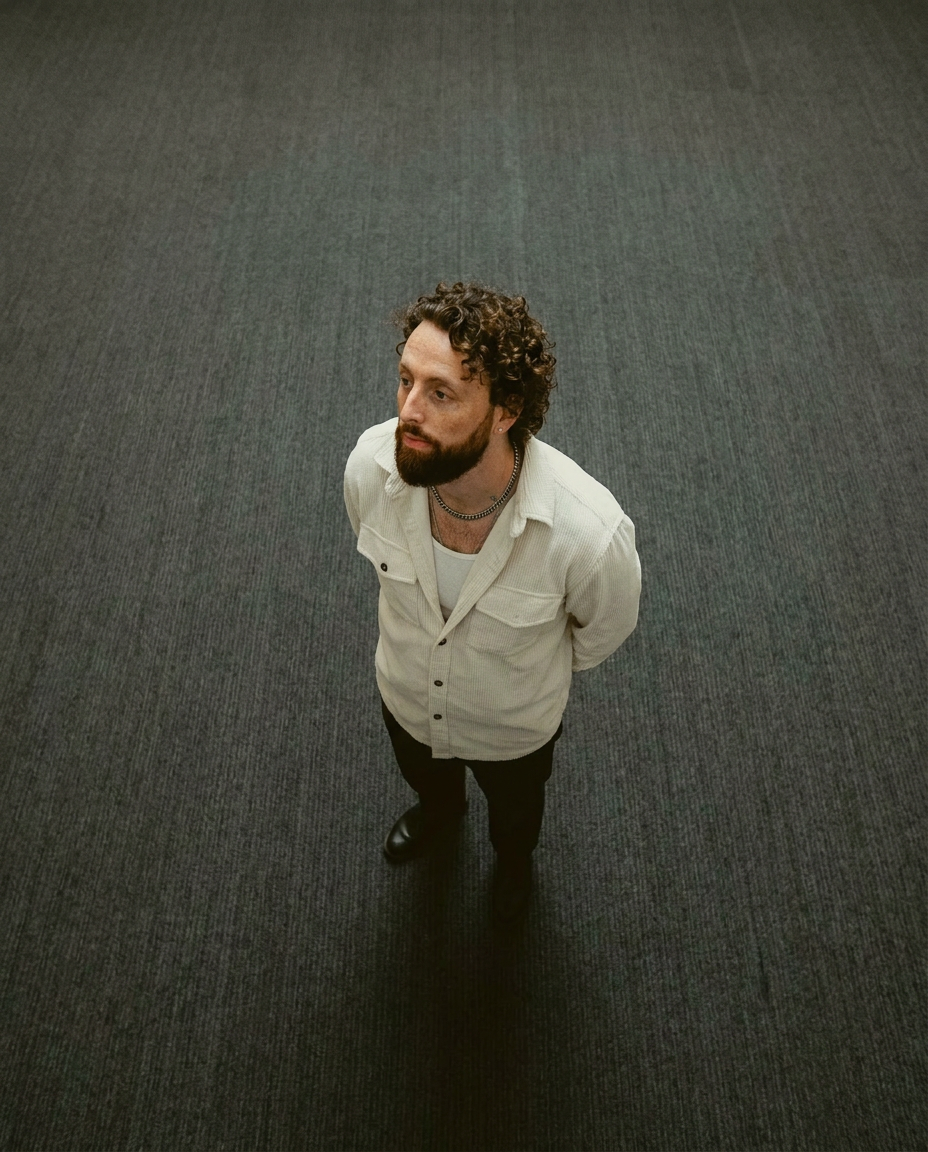
Lock in a subject's exact likeness and physical traits across any new scene. It maps every facial feature and body detail perfectly, keeping the person consistent no matter where you place them. Just drop in your photo and let the system handle the rest.
Regenerate using your own assets.
For total consistency: Use a full body and face replacer
Sometimes, you need an even stricter level of consistency. For example, you might want every team member to appear in the exact same pose and identical clothing. In this case, a standard face swap isn't enough, because it might retain the pose or angle from the person's source photo.
For this advanced use case, you need a tool that replaces the entire person while retaining their likeness. The Consistent Character Face And Body Replacer in MyUP is designed for this. You start with a master template that includes the full pose and outfit you want. The tool then intelligently maps the team member's face and physical characteristics onto that base model.
This gives you ultimate control, ensuring every single element of the final image—down to the fold of a shirt—is uniform. It's the perfect solution for creating a truly cohesive digital lineup of your team.
Workflow code: #myup-2gbp-wc6s
Consistent Character Face And Body Replacer
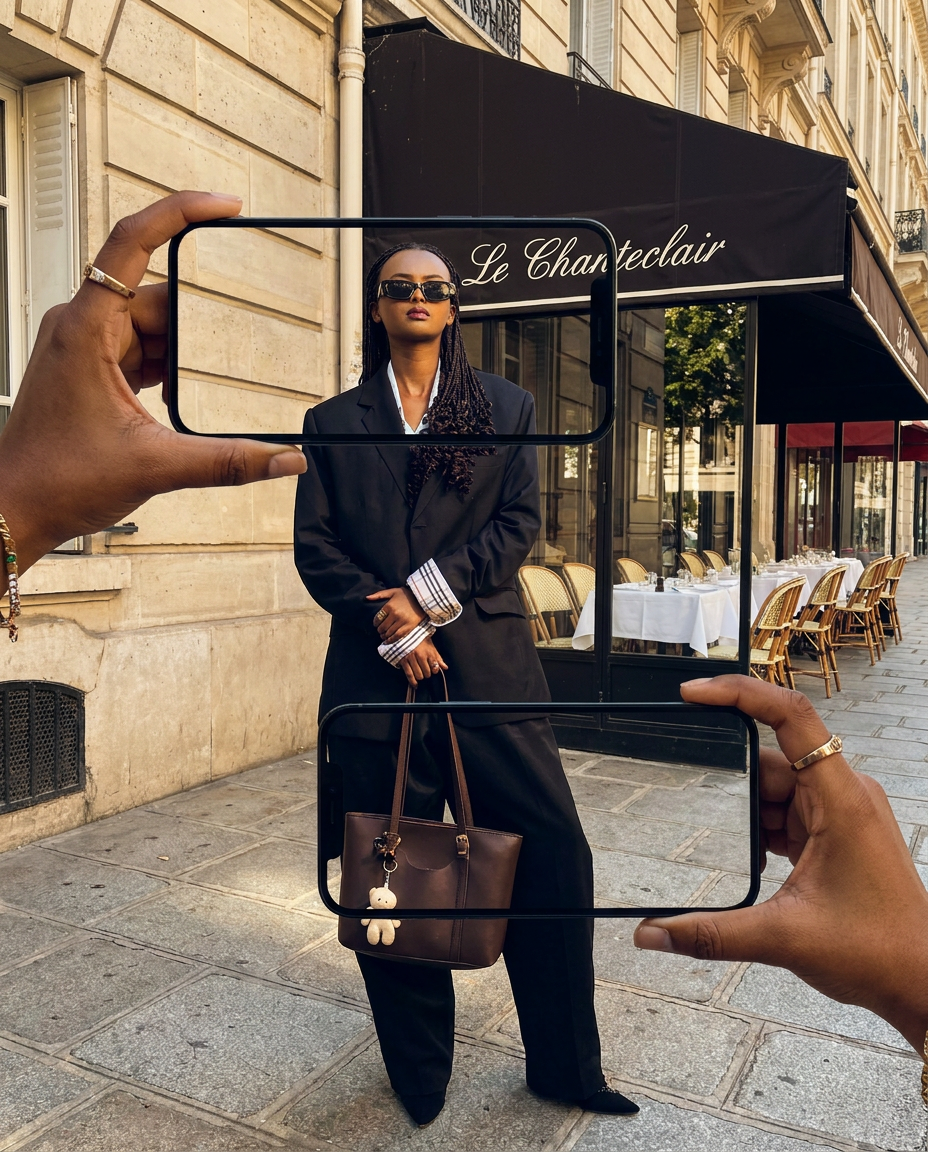
Capture the exact likeness of any person with incredible precision. This system maps every unique facial feature, skin tone, and hair texture onto your chosen subject, ensuring their physical appearance remains completely consistent across any pose or setting you decide to put them in.
Regenerate using your own assets.
You're in control: How to handle common issues
An automated system is powerful, but professional quality requires human oversight. MyUP executes the production, but you are the creative director. Here’s how to handle common roadblocks:
- Low-Quality Source Photos: The most common issue is a poor-quality input photo from a team member. An AI can't invent detail that isn't there. For best results, ask your team for clear, front-facing, well-lit photos. A simple smartphone picture taken facing a window is often better than a blurry, dimly lit photo.
- Glasses and Accessories: AI can sometimes struggle to render eyeglasses perfectly, occasionally creating warped frames. If this happens, don't just accept the first output. Rerunning the workflow or trying a slightly different source photo of the person can often solve it. You have the final say.
- Unnatural Results: If a likeness seems slightly 'off', it could be due to an unusual angle or expression in the source photo. The beauty of a workflow is that it's not a black box. You can swap in a different source photo and run it again in seconds. Your role is to validate the output and ensure every headshot is a professional representation of your team member.
