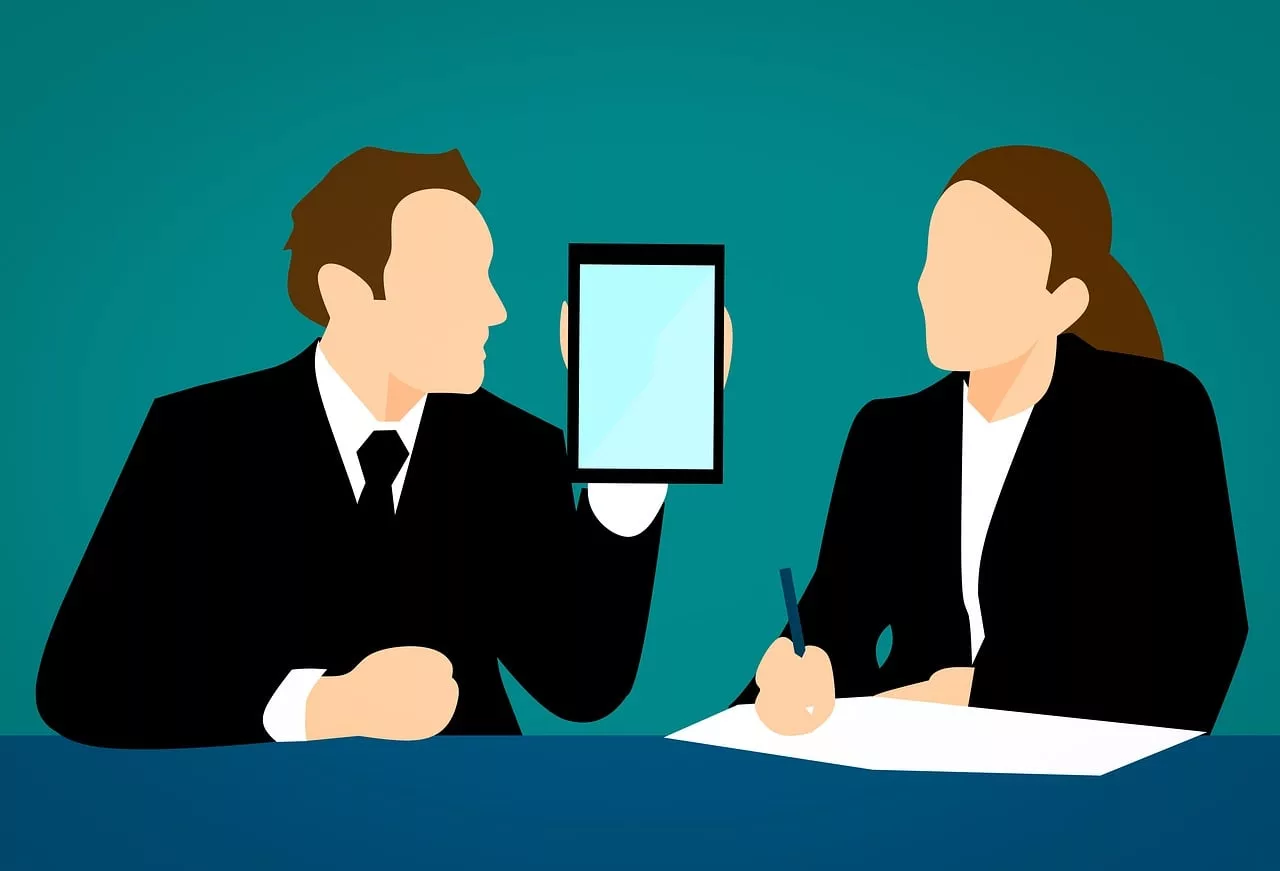
You tried using AI to create headshots for your team's website. The result was a mess. The CEO looks like a hyper-realistic oil painting, the lead engineer is a low-poly 3D model, and the new marketing hire is an anime character. It looks unprofessional and disjointed. The alternative—a traditional photoshoot—is a logistical nightmare, especially with a remote or distributed team.
This isn’t a failure of AI; it’s a failure of process. Generating one-off images with a prompt is a lottery. Building a repeatable system is a strategy. This guide will walk you through setting up a production system on MyUP.ai to create perfectly consistent, on-brand headshots for every person on your team, every time.
Why visual consistency is non-negotiable for your brand
Inconsistent team photos do more than just look messy; they actively damage your brand's credibility. When a potential client visits your 'About Us' page and sees a chaotic collage of styles, it signals a lack of attention to detail. It suggests your brand isn’t unified. In contrast, a page of headshots with consistent lighting, background, and style projects professionalism, cohesion, and authority. It tells a clear story: this is a unified team, not a random collection of individuals. Getting this right builds trust before you ever make a sales call. Getting it wrong creates a subtle friction that costs you credibility and, ultimately, business.
The AI challenge: separating individual likeness from brand style
The core problem with most AI image tools is that they bundle a person's identity with the artistic style. You can't easily tell a model, "Keep this exact face, but render it in this specific brand style." This is a significant pain point, echoed in countless forums where creators struggle with complex solutions like training custom models (LoRAs) just to get predictable results.
As of late 2026, the market is responding. Tools like Krea AI with its 'Style Lock' and Adobe Firefly's 'Structure Reference' are making aesthetic consistency easier for single projects. Midjourney's multi-image style referencing allows for complex aesthetic blending. These are powerful features for controlling the *look* of an image. However, they don't solve the specific business problem of applying one consistent brand identity across dozens of unique individuals at scale.
This is where MyUP's approach is different. It's not about a single feature; it's about a workflow. MyUP allows you to define the brand style as a separate, reusable asset (a Brandkit), then systematically apply it to each person's unique likeness. You separate the variables to control the outcome.
Step 1: Define your brand's headshot style with MyUP's Brandkit
Before you generate a single image, you need to define the rules. Your brand's headshot style is a set of visual guidelines that ensures every photo feels like it belongs to the same set. A one-off prompt can't store these rules, but a MyUP Brandkit can.
In MyUP, you can create a Brandkit by simply providing your website URL or manually defining the core elements. For headshots, this means deciding on:
- Background: Is it a solid color from your brand palette (e.g., #F4F4F4 off-white), a subtle gradient, or an abstract texture?
- Lighting: Do you want soft, even lighting, or something more dramatic like Rembrandt lighting with strong shadows? Be specific (e.g., "softbox lighting from the left, a gentle fill light from the right").
- Attire: Define a dress code. "Business casual" is a good start, but you can go further: "dark-colored blazers or sweaters, no busy patterns."
- Mood: What is the overall feeling? Professional and confident? Approachable and friendly?
Once saved, this Brandkit becomes the foundation. It's the set of instructions MyUP will follow for every headshot, ensuring the brand's stylistic DNA is present in every output, no matter whose face is in the photo.
Step 2: Capture individual likeness with a high-fidelity face swap
With your brand style locked in, the next step is to accurately capture each team member's face. The goal here is perfect likeness, not artistic interpretation. You need a tool that can isolate a person's facial structure, skin tone, and features from a source photo and prepare them to be placed into your brand's stylistic template.
This is not a simple Instagram filter; it requires a high-fidelity process that understands facial identity. MyUP has dedicated tools built for exactly this task. You provide a clear, well-lit photo of the team member, and the system maps their unique features with precision. This separates the *person* from the *style*, which is the key to consistency.
To do this, you can use a dedicated character tool. This template is designed to lock in a subject's exact likeness across any new scene, making it the perfect starting point.
Workflow code: #myup-i83a-ze2t
Consistent Character Face Swap Tool
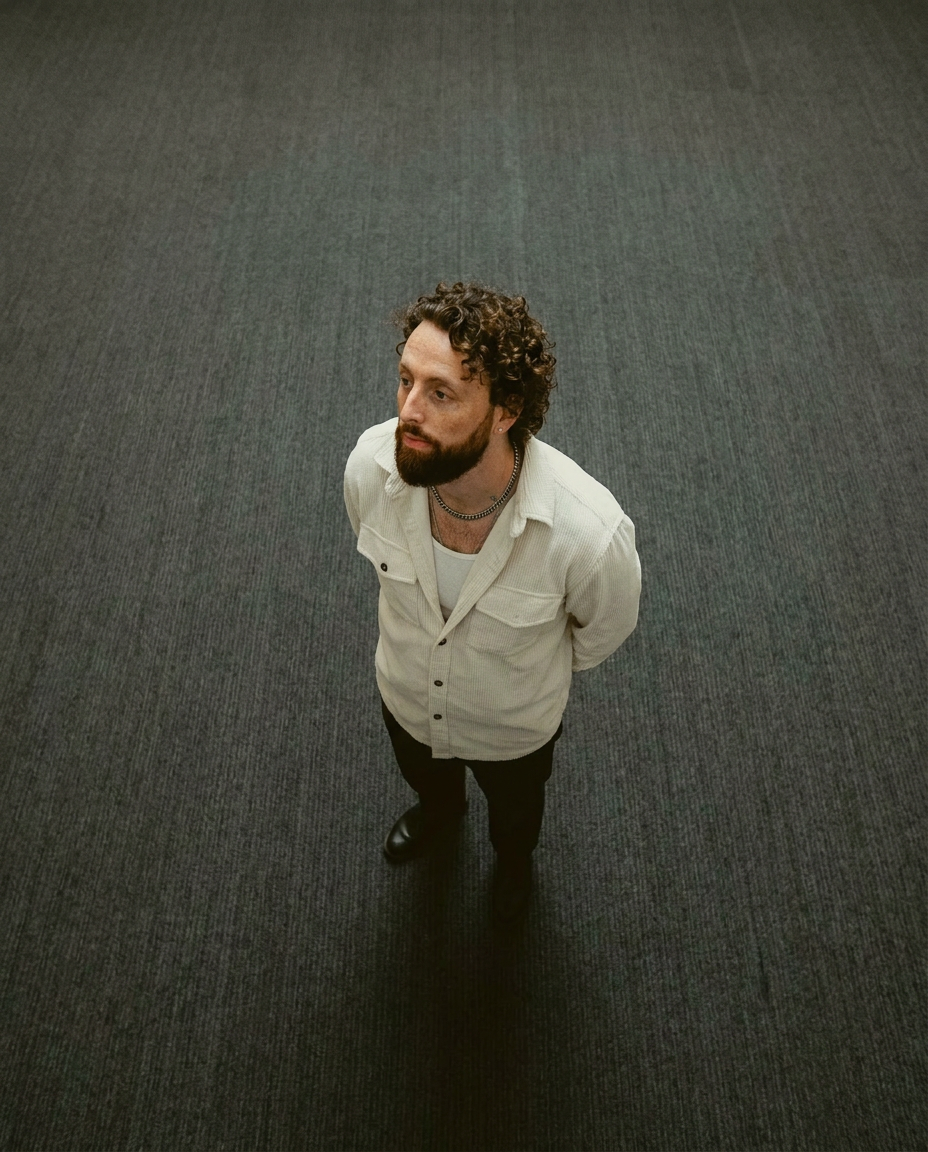
Lock in a subject's exact likeness and physical traits across any new scene. It maps every facial feature and body detail perfectly, keeping the person consistent no matter where you place them. Just drop in your photo and let the system handle the rest.
Regenerate using your own assets.
Step 3: Generate on-brand portraits for each team member
Now you combine the two parts: your defined brand style and the captured individual likeness. In MyUP, this becomes a simple, repeatable process. You've already done the hard work of setting the rules. Now, you execute.
For each team member, you'll run a workflow that takes their high-fidelity facial data from Step 2 and renders it within the visual environment defined by your Brandkit from Step 1. Because the brand style is a fixed asset, the background, lighting, and mood will be identical for everyone. The only variable is the person's face, which is rendered accurately each time.
This is how you get from a random collection of images to a professional, cohesive team gallery. The process is the same for one person or a hundred. The following AI face swap tool is perfect for ensuring every detail, from skin texture to hair, is mapped with absolute precision onto your brand-defined base.
Workflow code: #myup-yppq-8dxq
High Fidelity AI Face Swap Portrait
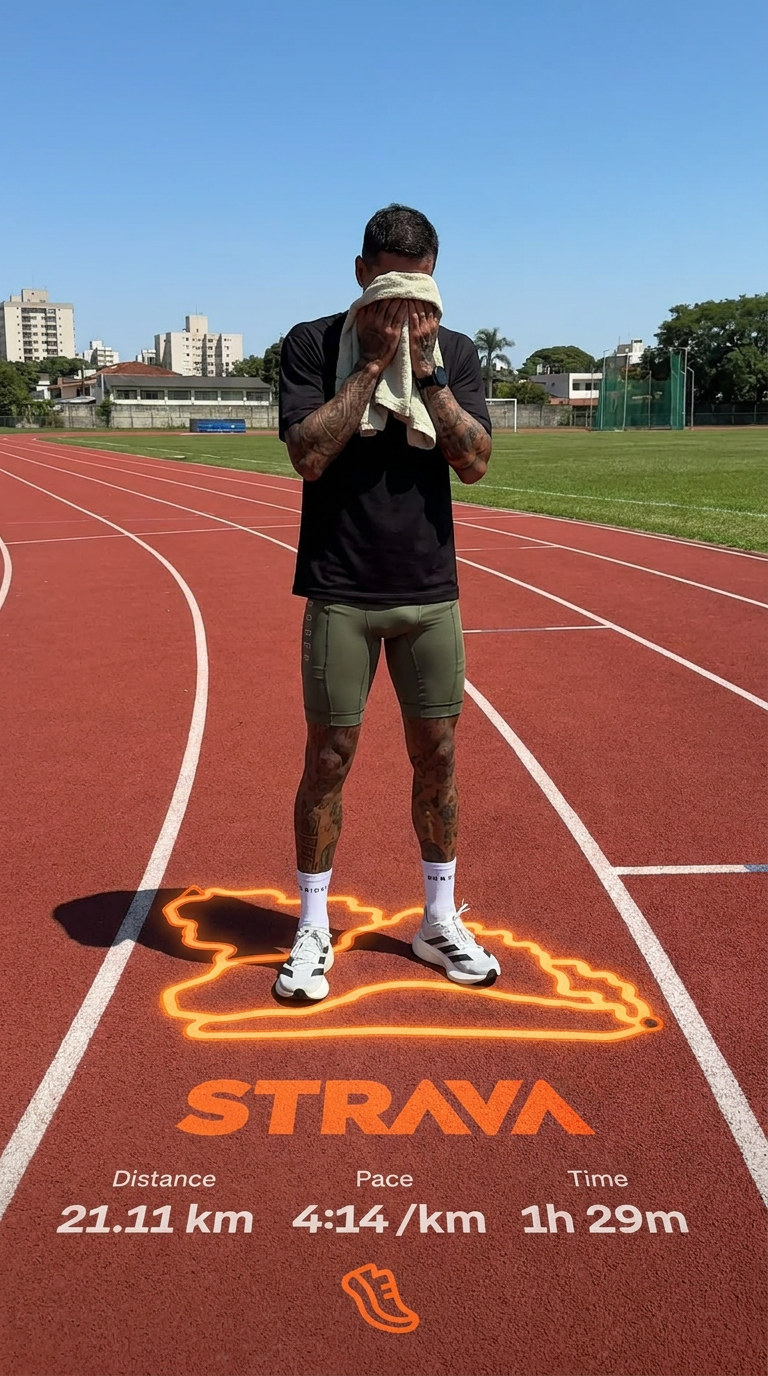
Capture every nuance of your subject's physical presence with absolute precision. This system maps skin texture, hair density, and muscle definition directly from your reference, creating a hyper-realistic digital twin that maintains the character's exact physiognomy and scale in any new environment you choose.
Regenerate using your own assets.
Step 4: Review, refine, and ensure human control
Automation gives you speed and consistency, but final creative control should always remain with you. AI gets you 95% of the way there, but a human eye is essential for that last 5% of polish. MyUP is built on this principle: the platform executes, but you validate.
After generating the batch of headshots, review each one. Does anything look slightly off? Is there a stray artifact? Does the lighting fall perfectly on every face shape? MyUP allows you to easily regenerate or make small adjustments to any output that doesn't meet your standard. This isn't about starting over; it's about targeted refinement. This final check ensures every single headshot is perfect and upholds your brand's quality standards.
For situations that require maximum precision, a high-fidelity reconstruction tool can help you fine-tune the output to be perfectly faithful to the original person.
Workflow code: #myup-tw5f-crp8
High Fidelity Male Portrait Reconstruction
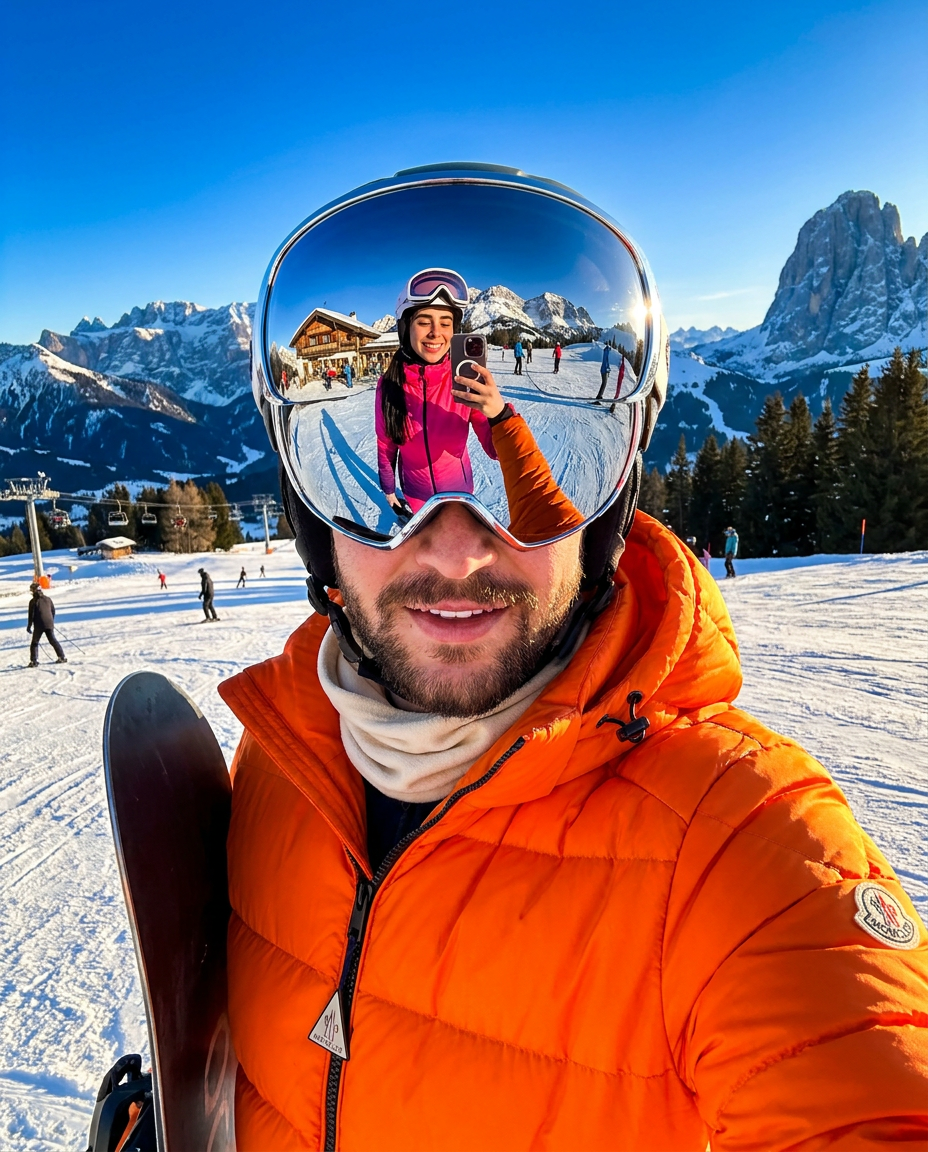
Capture a subject's exact likeness with total precision. This system maps every facial feature, skin tone, and hair texture directly onto your chosen output, ensuring the final result stays perfectly faithful to the original person's unique appearance every single time.
Regenerate using your own assets.
Beyond headshots: scaling your consistent brand visuals
The system you've just built is more than just a headshot generator. It's a template for creating any brand content that requires a consistent human presence. Once you have a team member's likeness captured, you can place them into any on-brand scenario.
Need to create visuals for a social media campaign featuring your team? Use the same workflow. Need illustrations for an internal training document? Same workflow. This approach turns your team members into reusable brand assets, just like your logo or color palette. It ensures that the person representing your brand in a LinkedIn post looks exactly the same as they do on your website, creating a truly unified visual identity. This is especially useful for creating a series of assets, like in a consistent AI event poster series, where character identity is key.
A full face and body replacer can take this a step further, allowing you to place your team members into complete scenes while maintaining their exact likeness.
Workflow code: #myup-2gbp-wc6s
Consistent Character Face And Body Replacer
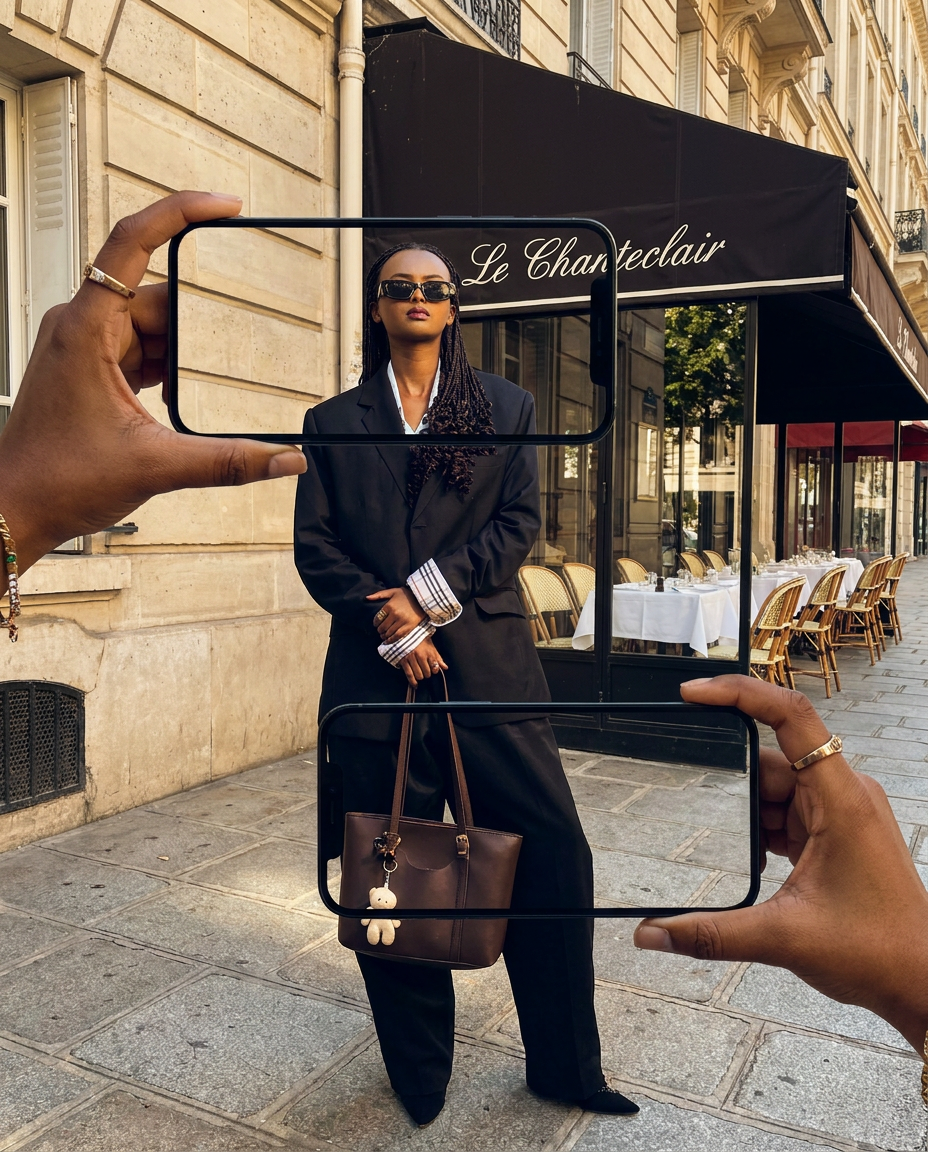
Capture the exact likeness of any person with incredible precision. This system maps every unique facial feature, skin tone, and hair texture onto your chosen subject, ensuring their physical appearance remains completely consistent across any pose or setting you decide to put them in.
Regenerate using your own assets.
Start building your consistent team headshot system today
Stop chasing the perfect prompt and start building a reliable system. With MyUP's combination of a reusable Brandkit and high-fidelity character workflows, you can finally solve the problem of team headshot consistency for good. You save time, eliminate the logistical headaches of photoshoots, and—most importantly—present a polished, professional, and unified brand to the world. Try MyUP today and turn a frustrating creative problem into a scalable brand asset.
