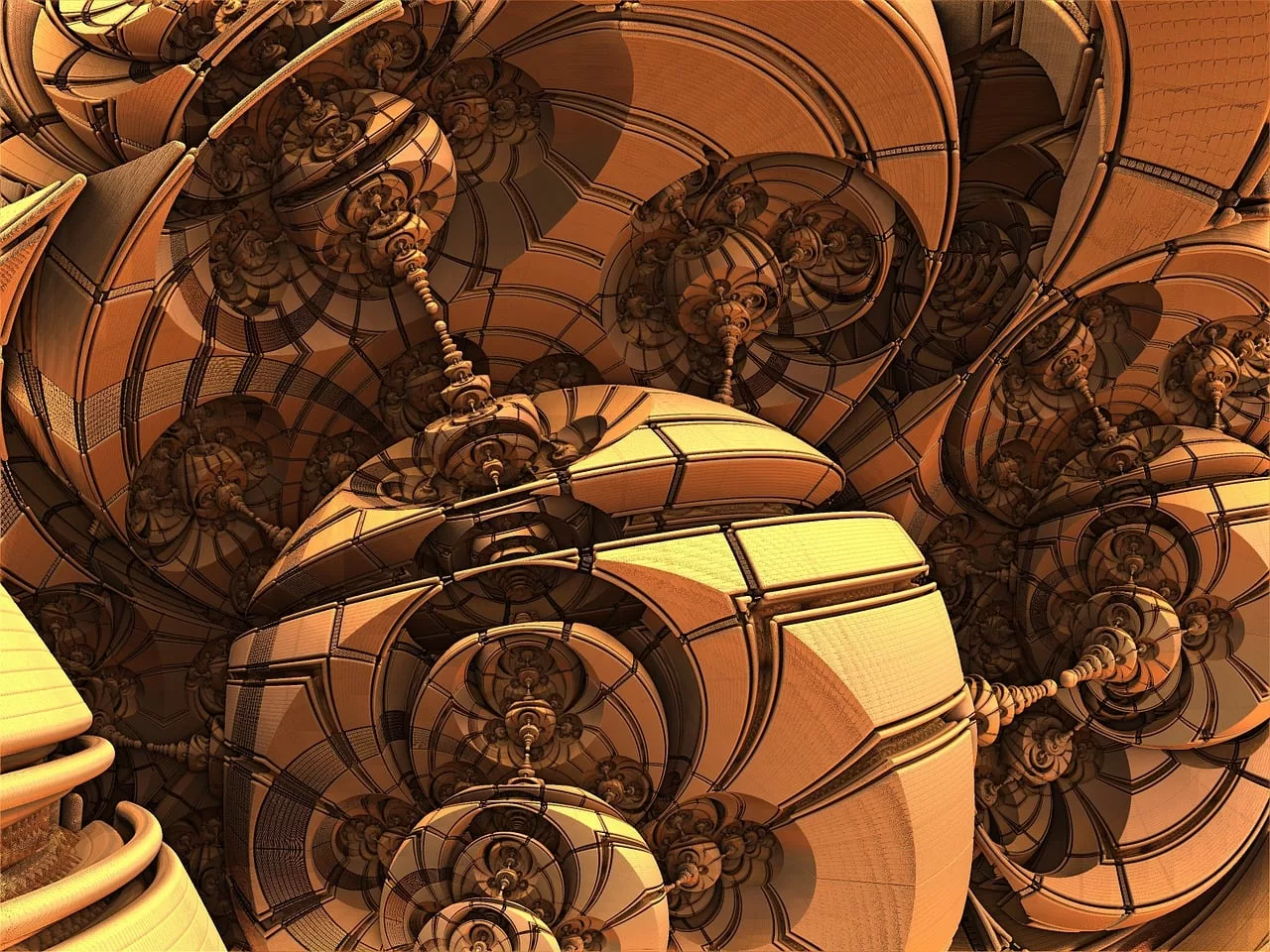
You’ve been there. You write a beautifully detailed prompt: “A bustling medieval market square at dusk, with a blacksmith hammering at an anvil in the foreground, two merchants haggling over a bolt of silk, and children chasing a stray dog near a fountain.” You hit ‘generate’ with high hopes, only to get back a nightmare collage. The blacksmith has three arms, the merchants have merged into a single person, and the dog is somehow part of the fountain. This frustrating experience isn’t a failure of your creativity; it’s a hardware limit we’re finally starting to overcome.
Why your AI prompts for busy scenes usually fail (and why it's not your fault)
For years, the core challenge for AI image models wasn't just understanding individual objects, but understanding the relationships between them. When a prompt contained more than two or three distinct subjects, older models suffered from what’s known as ‘attention failure.’ They simply couldn't process all the different nouns, verbs, and prepositions coherently. The computational cost of tracking every element—who is doing what, and where—was too high, leading to garbled, unusable results.
This forced creators into a frustrating loop of simplification: breaking down ambitious scenes into a series of simple, single-subject images and trying to composite them together manually. It was a time-consuming workaround that sacrificed the very magic of AI generation: creating a complete, cohesive world from a single idea.
Un-0's efficiency is the unlock for creative complexity
The announcement of the Un-0 model on June 25, 2026, changed the conversation. While many focused on its claims of 1000x efficiency in terms of energy and cost, the real breakthrough for creators is what that efficiency means for creative output. This isn't just about making AI cheaper to run; it’s about giving the model enough computational headroom to think more clearly about complex requests.
In practical terms, Un-0's efficiency means it can dedicate more resources to understanding the semantic relationships in a long, detailed prompt. It can correctly parse that the blacksmith is in the foreground and the children are near the fountain. This ability to handle spatial and interactive complexity is the key that unlocks the creation of rich, multi-subject scenes that were previously impossible to generate reliably.
The workflow for generating a complex scene that actually works
With a more capable model, the next step is a more structured prompt. Instead of a single descriptive paragraph, think like a film director setting up a shot. Break your prompt into clear components. On MyUP, which integrates the latest efficient models, you can structure your prompts for maximum clarity:
- Environment: Define the overall setting. (e.g., “A high-fashion editorial photoshoot in a minimalist concrete studio.”)
- Subject 1: Describe the primary subject, their appearance, and position. (e.g., “A model with long, flowing red hair wearing a structured, avant-garde gown made of recycled plastic, standing center.”)
- Subject 2: Describe the secondary subject and its relation to the first. (e.g., “A sleek, chrome greyhound statue is positioned to her right.”)
- Action/Interaction: Specify what is happening. (e.g., “The model is lightly resting her hand on the statue's head.”)
- Lighting & Mood: Set the tone. (e.g., “Dramatic, single-source spotlight from above, creating deep shadows. Moody and artistic.”)
This structured approach, executed on a platform like MyUP, gives the AI a clear blueprint. The user provides the creative direction; MyUP handles the complex production. For a high-concept fashion shot like this, you can go from prompt to a finished asset in minutes.
Workflow code: #myup-yk1h-uqy8
High-End Editorial Fashion Magazine Cover

Drop in any portrait and turn it into a high-end editorial magazine cover. It frames your subject beautifully with relaxed, high-fashion posing and soft styling for a polished print aesthetic.
Regenerate using your own assets.
Beyond single shots: creating a campaign of complex, on-brand visuals
Generating one amazing, complex image is a breakthrough. But a real campaign needs a dozen. The speed of new models makes this possible, but speed alone doesn't guarantee consistency. This is where a workflow platform becomes essential.
In MyUP, you can generate an entire series of complex scenes while ensuring they all adhere to your brand’s unique aesthetic. By saving your brand’s core elements—colors, fonts, logo, and overall style—in a MyUP Brandkit, you can automatically apply that identity to every image you generate. You can create a whole series of visuals for a food magazine, for instance, each with a different complex scene, but all sharing the same typography, color grading, and layout principles.
This combination of efficient generation and brand control means you can finally scale ambitious creative concepts without the massive overhead of traditional photoshoots or the chaotic inconsistency of older AI tools. The result is a cohesive campaign, not just a collection of interesting but unrelated pictures. You can learn more about this approach in our guide to creating a cohesive AI hero image campaign.
Workflow code: #myup-aktp-7jq0
Food Magazine Mosaic Cover
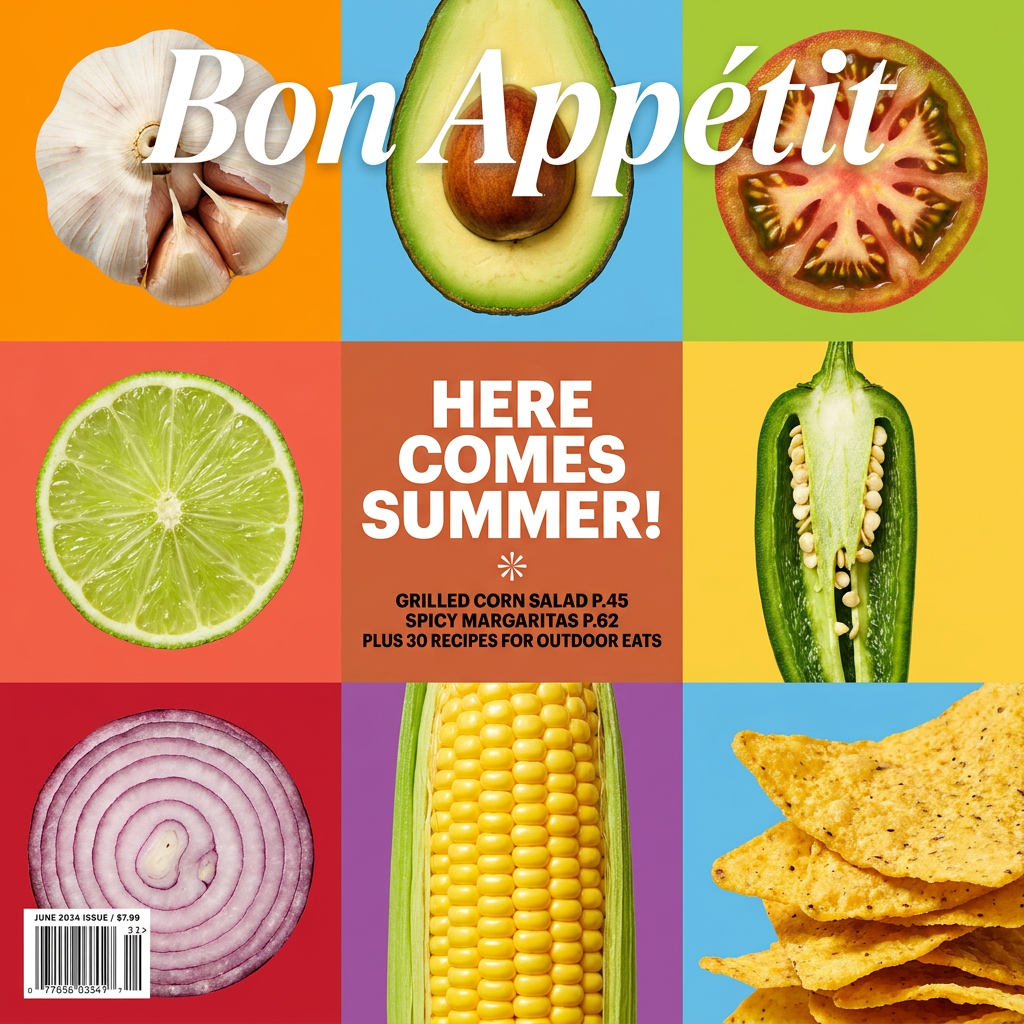
Turn your food shots into a bold, high-end editorial cover. It takes extreme close-ups of your dishes or ingredients and arranges them into a vibrant 3x3 grid that looks straight out of a premium food magazine.
Regenerate using your own assets.
From a complex image to a finished design
The generated image is just the beginning. For a marketer or designer, the final product is almost always a composed asset—a social media post, a web banner, or a poster. The final step is to integrate your complex scene into a professional design that communicates a message.
MyUP closes this gap by connecting image generation directly to design templates. Once you've generated the perfect visual, you can instantly drop it into a layout. This avoids the clumsy process of downloading, uploading, and manually placing images in a separate design tool. You can go from a complex scene idea to a finished, on-brand poster in a single, streamlined workflow, with you validating the creative choices at each step.
Workflow code: #myup-n0bi-2wzk
Bold Editorial Grid Poster

Create striking 2x3 editorial posters with six seamless, flat-color square cards in a perfect 4:5 grid. There are absolutely no gaps between the blocks, giving your content a bold, high-contrast magazine layout. It looks incredibly clean on any social feed.
Regenerate using your own assets.
When is this the right approach for your project?
This workflow for generating complex scenes is a powerful new capability, but it’s not for every task. It's the perfect approach for:
- Ambitious Advertising Campaigns: Creating hero visuals that tell a story with multiple characters and products.
- Editorial Illustrations: Designing rich, detailed scenes for articles, book covers, or magazines.
- Concept Art: Visualizing entire worlds for games, films, or architectural projects.
- Brand Storytelling: Showing your team, your customers, or your process in a dynamic, populated environment.
However, if your goal is to generate a simple icon, a product shot on a plain background, or a single, isolated character, this structured, multi-subject approach is overkill. For those tasks, a simpler prompt and workflow will get you to the finish line faster. Understanding which tool to use for the job is key, and MyUP provides the flexibility for both simple execution and complex creation.
