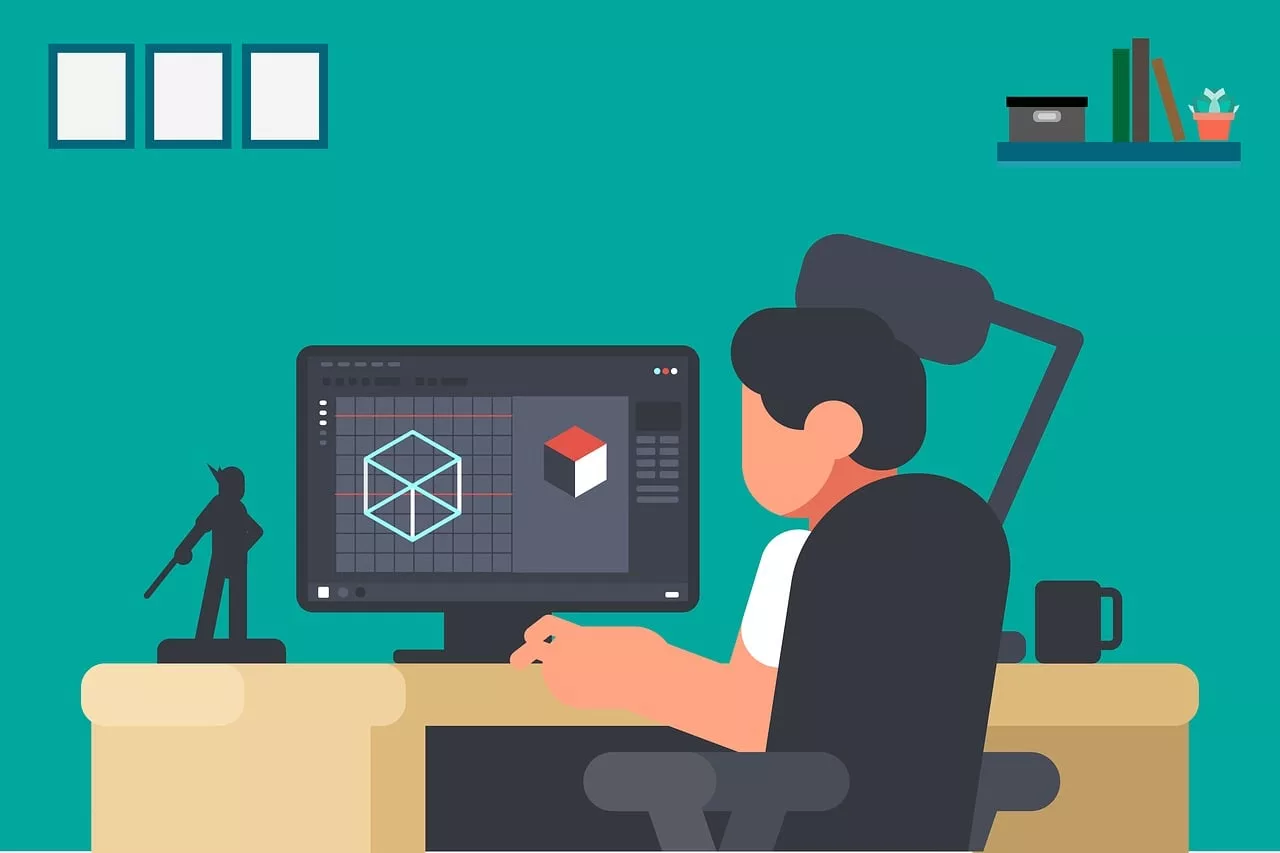
If you’ve been on social media in July 2026, you've seen it: the quirky, tactile, slightly jittery video style everyone is calling 'AI stop motion'. Fueled by the accidental aesthetic of Luma's Dream Machine and new frame controls in Runway's Gen-3, this look is everywhere. It’s charming, it’s thumb-stopping, and it’s almost impossible to control.
Trying to use this trend for your brand often ends in a flickering, chaotic mess where your product or character changes in every frame. It's a fun experiment, but it's not a usable asset. The problem isn't the tool; it's the lack of a workflow. This guide provides that workflow, showing you how to achieve the stop motion look on MyUP.ai with the one thing other methods lack: creative control.
Why most AI stop motion looks like a flickering mess
The core challenge of AI animation isn't just creating motion; it's maintaining consistency within that motion. When you prompt a standard AI video tool frame-by-frame, you introduce subtle (and sometimes major) variations that break the illusion. This results in common frustrations:
- Character drift: Your mascot's eye color changes, its proportions shift, or its clothing style morphs from one frame to the next. This is the biggest barrier to narrative storytelling.
- Style flickering: The lighting, texture, and overall aesthetic shift between frames. A 'claymation' look might suddenly become glossy plastic, or a 'paper cutout' might gain realistic shadows.
- Background instability: Elements in the background appear, disappear, or move without reason, distracting from the main subject.
These issues happen because most AI models treat each frame generation as a separate task. They lack memory of the previous frame's specific details. Chasing the stop motion aesthetic by simply stitching together a series of still images amplifies this randomness. To create a professional asset, you need a system that enforces your brand's visual rules on every single frame.
The 3-step workflow for consistent stop motion in MyUP
Instead of fighting the randomness of AI, this workflow builds consistency from the ground up. In MyUP, you don't just write a prompt; you build a production line that remembers your brand. The user validates the output, but MyUP handles the consistent execution.
Step 1: Define your style in a Brandkit
This is the foundation. Before you generate a single frame, create a Brandkit in MyUP. This is more than a style guide; it's an active instruction set for the AI. Upload your logo, define your exact brand colors and fonts, and—most importantly for animation—create a visual profile for your character or product. For characters, you can even build a full AI character sheet that locks in their appearance.
Step 2: Generate consistent key-frames
With your Brandkit active, use MyUP's image generator to create the key-frames for your animation. Your Brandkit will automatically influence the output, ensuring your character, product, and brand colors remain stable. Instead of one perfect image, your goal is a sequence. For example, prompt for 'a claymation character waving, front view,' then 'a claymation character waving, slightly turned right.' The Brandkit ensures it's the *same* character in both shots.
Step 3: Animate with low-motion settings
Import your sequence of images into MyUP's AI Video tool. This is where you create the stop motion effect. In the video settings, make two critical adjustments:
- Set a low Frames Per Second (FPS): Traditional stop motion often uses 12 FPS. Start there. This creates the characteristic choppy, frame-by-frame movement.
- Reduce the 'Motion' or 'Interpolation' value: Set this to a very low number. You don't want the AI to create smooth, fluid transitions between your keyframes. You want it to simply display one after the other, preserving the handcrafted feel.
This process gives you a finished video that has the stop motion aesthetic without the character drift. To get started with a sequence of product shots, this workflow is a great starting point.
Workflow code: #myup-egd6-d8uv
Modern Minimalist Food Promotional Poster
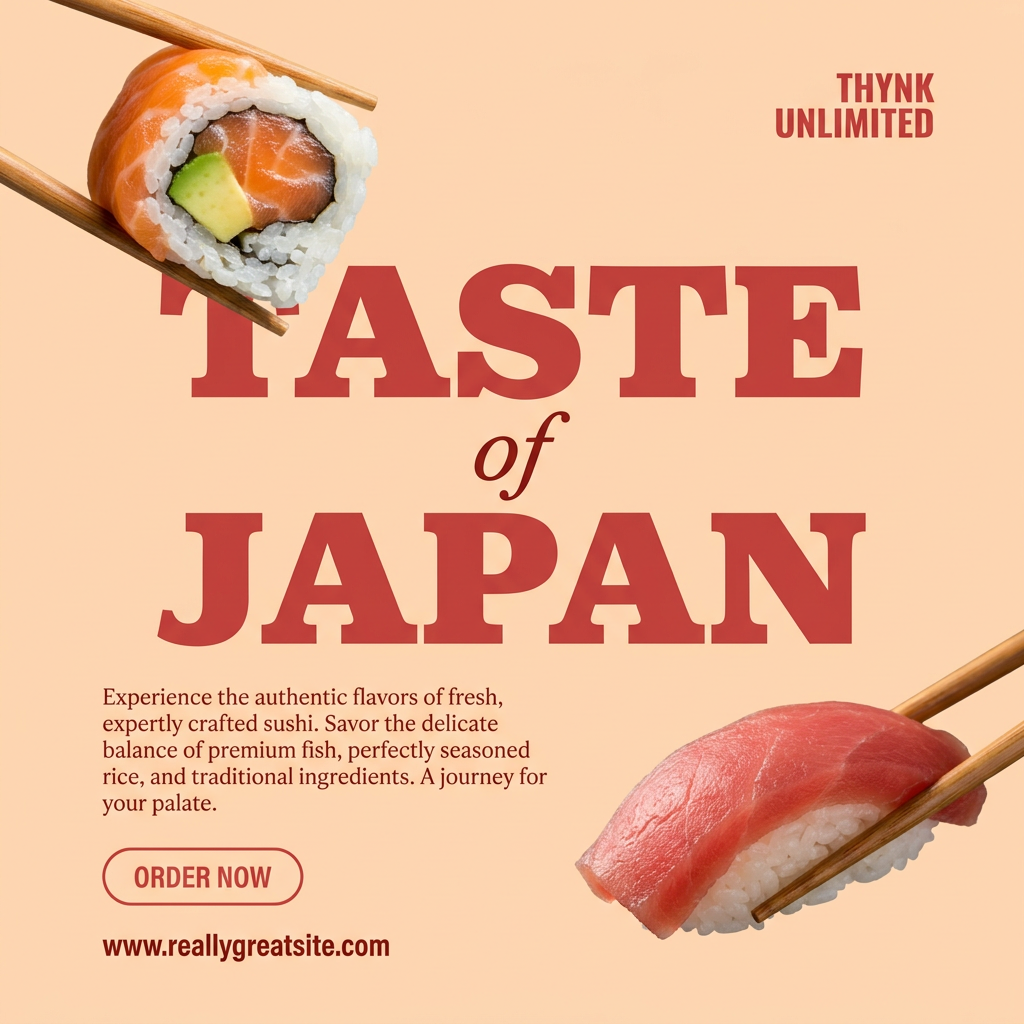
Turn your food photos into clean, modern social posters. It automatically grabs the lightest color tint from your uploaded dish to build a perfectly matched, soft background that keeps your feed looking cohesive and high-end.
Regenerate using your own assets.
How to prompt for the stop motion aesthetic
Within your MyUP workflow, the prompt is still your primary creative lever. Once your Brandkit has consistency covered, you can focus on dialing in the texture and style. Here are some powerful keywords to include in your prompts:
- For texture: 'claymation', 'plasticine model', 'paper cutout style', 'tactile felt texture', 'yarn and fabric diorama', 'carved wood figures'.
- For lighting and camera: 'shot on 8mm film', 'subtle film grain', 'soft studio lighting', 'miniature set photography', 'tilt-shift lens'.
- For overall style: 'Aardman Studios style', 'Laika style animation', 'quirky handcrafted animation', 'whimsical diorama'.
Combine these with your subject. For example: 'Claymation of [Brand Mascot] holding [Product], soft studio lighting, miniature set photography.' Because your Brandkit is active, MyUP knows who your mascot is and what your product looks like, allowing you to focus purely on the artistic direction.
From a single clip to a full campaign
A single animation is good. A repeatable system for creating a whole campaign of them is a real asset. Once you've perfected your 3-step process in MyUP—the Brandkit, the prompting style, and the video settings—you can save it as a reusable workflow.
This means the next time you need a stop motion video for a new product or promotion, you don't start from scratch. You run the workflow. The system already knows your character, your style, and your desired animation settings. You just input the new scene or action, and MyUP handles the production. This is how you move from making a one-off creative piece to building a scalable content engine. It's the difference between an interesting experiment and a reliable part of your marketing strategy, turning a simple idea into a series of on-brand video ads or social posts.
This workflow for generating branded apparel posts can be easily adapted for stop motion by generating a sequence of poses and applying the low-FPS video settings.
Workflow code: #myup-3sro-edbt
Brand Clothes Post

Turn any outfit photo into a high-end fashion promo poster. It centers your subject in a full-body shot against a dark, dramatic studio backdrop, perfectly cropped for social feeds. It gives your apparel a moody, editorial look instantly.
Regenerate using your own assets.
The goal isn't an accident, it's an asset
The viral AI stop motion trend is exciting because it reveals a collective desire for more tactile, handcrafted, and less photorealistic AI visuals. But relying on the happy accidents of a new model is not a professional strategy. You can't build a brand on unpredictable results.
The real opportunity is to take control of the aesthetic. By building a workflow in MyUP that starts with your brand's DNA, you can create the stop motion style on-demand, consistently, and at scale. You get to decide what every frame looks like, ensuring the final product isn't just a cool-looking clip, but a hard-working brand asset. Stop chasing the trend and start building the workflow that commands it.
