
For any local service business, a compelling before-and-after visual is the ultimate proof of quality. It’s how you turn a prospect into a client. But if you’ve tried using common AI photo editors, you’ve likely felt the frustration: the 'cleaned' patio looks like a blurry smudge, the 'renovated' kitchen has warped walls, and the 'repaired' car paint looks like plastic. These fake-looking results damage credibility more than they help.
This guide provides a practical method for creating photorealistic, professional, and on-brand before-and-after graphics that build trust and close deals—without needing any design skills or expensive software.
The challenge: why generic AI tools fail at realistic before-and-afters
You've seen the potential. A stunning before-and-after visual is one of the most powerful sales tools for any local service business. Whether you're a landscaper, a power washer, a contractor, or a car detailer, showing the transformation is how you prove your value. So you tried an AI photo editor, hoping for a quick, professional mockup. Instead, you got a blurry, 'smeary' mess. The AI didn't 'clean' the driveway; it just smudged the dirt. It didn't 'renovate' the kitchen; it warped the walls and windows into an architectural funhouse.
As of September 2026, this is a common frustration. Business owners are finding that generic AI tools, while promising, often produce fake-looking results that erode client trust rather than build it. These tools are simple pixel manipulators; they don't understand the physical context of your work. They can't distinguish between a permanent structure and a temporary stain. The result is an image that feels uncanny and untrustworthy—the last thing you want to show a potential customer.
Beyond 'smeary' results: achieving photorealistic transformations with MyUP
The solution isn't to spend hours wrestling with complex software like Photoshop or hiring an expensive agency. The key is to shift from using a simple 'generator' to using a complete Creative Production Platform. This is the core difference with MyUP.ai. MyUP is designed not just to generate raw images, but to understand your creative intention and deliver a finished, studio-quality creation that looks real.
When you tell MyUP you want to 'show a patio after a deep clean,' it doesn't just smudge pixels. It uses advanced models to interpret the real-world result of that service, producing a photorealistic 'after' image that respects lighting, texture, and physical boundaries. This is the difference between a cheap trick and a professional sales asset.
Step-by-step: creating your first realistic AI before-and-after image
Creating a convincing 'after' visual in MyUP is a straightforward process focused on your goal, not on technical steps. You provide the vision; MyUP handles the production.
- Upload Your 'Before' Photo: Start with a clear photo of the project area. This could be a dirty siding, an overgrown backyard, or a dated kitchen.
- State Your Intention: This is where you describe the finished result. Instead of a complex prompt, you simply state what you want to achieve. For example: "Show this siding freshly power-washed, clean, and bright white," or "Transform this yard with a new lawn, modern flower beds, and a stone pathway."
- Generate the Finished Creation: MyUP processes your image and your intention to produce a high-fidelity 'after' visual.
Once you have your stunning 'after' image, you can instantly turn it into a clean, professional advertisement ready for social media or your website. You don't need a separate design tool. For example, you can use a ready-to-use creative template to frame your work perfectly. Template: #myup-sygb-rhnt
Minimalist Vertical Product Advertising Poster

Drop the clutter and put your product in the spotlight. This setup places your item against a pure, seamless white background with a striking vertical flow that draws the eye straight up. It's perfect for creating clean, high-end studio posters.
Regenerate using your own assets.
Maintaining visual consistency and brand identity for every project
A single great visual is good, but a series of them that all look like they come from your company is what builds a real brand. Consistency signals professionalism and reliability. However, manually adding your logo, using the right colors, and choosing the correct font for every single image is tedious and prone to error.
MyUP solves this with its Brandkit feature. You set up your visual identity once by providing a link to your website or uploading your assets. MyUP automatically learns your logo, color palette, and typography. From that point on, every creation—from before-and-after graphics to promotional videos—can be automatically branded. Your logo is placed perfectly, text overlays use your brand fonts, and color schemes align with your identity, ensuring every asset you share is polished and unmistakably yours.
Handling complex transformations: architectural integrity and subtle details
The biggest failures of generic AI occur with complex projects. As contractors and designers have found, asking an AI to 'remodel' a kitchen often results in warped cabinets or bent window frames. The AI doesn't understand that walls are fixed. Similarly, car detailers find that AI either ignores subtle swirl marks in paint or creates a cartoonishly glossy finish.
MyUP is built to handle these nuances with precision. For renovations, you can guide the production to preserve the architectural integrity of a space, ensuring that only the intended elements—like countertops, paint, or flooring—are changed. This makes it a reliable tool for creating realistic client proposals. For detailed work, MyUP can focus on subtle surface enhancements. To showcase the value of paint correction or material restoration, you can use a creative process that highlights texture and fine detail. Template: #myup-ppxv-lst0
Visuel Publicitaire Macro Artisanat Luxe
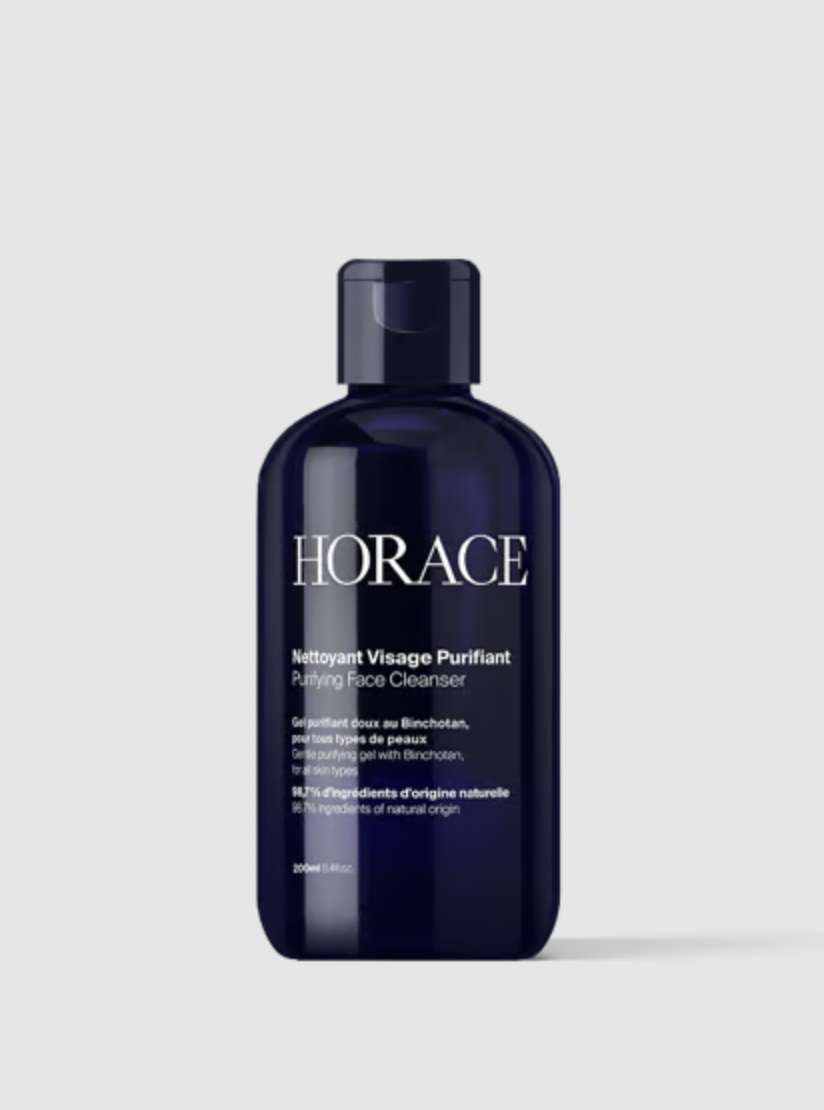
Transformez vos prises de vue en compositions narratives riches axées sur la texture et le savoir-faire. Ce système fusionne vos détails macro avec une mise en scène soignée pour sublimer l'identité visuelle de n'importe quel objet artisanal.
Regenerate using your own assets.
From static images to dynamic videos: animating your service transformations
In 2026, the new frontier for showcasing service transformations is video. A static side-by-side image is effective, but an animated reveal can be mesmerizing. Imagine showing a client a short video where their cluttered, empty room smoothly transitions into a beautifully staged living space. This level of presentation was previously reserved for high-budget productions.
With MyUP, you can extend your static creations into dynamic video assets. By providing your 'before' and 'after' images as key points, you can produce a compelling animated transformation that's perfect for Instagram Reels, TikTok, or your website's hero banner. This is a powerful way to make the value of your service feel tangible and dramatic. For high-impact reveals, especially in real estate or renovation, you can use cinematic templates to add professional camera moves and lighting changes. Template: #myup-33gi-8f84
Cinematic Luxury House Blue Hour
Create cinematic reveals, transitioning your subject from day to a warm, illuminated blue-hour glow with a simple touch. A sweeping camera movement then showcases its expansive surroundings.
Regenerate using your own assets.
Generating diverse marketing assets from a single 'after' creation
A single, powerful 'after' visual is a great start, but its value multiplies when it can be repurposed into a complete set of marketing assets. You need different formats for different platforms: a square image for your Instagram grid, a vertical story, a wide banner for your website, and a detailed close-up for your print brochures.
Instead of creating each one from scratch, MyUP allows you to use your finished 'after' image as the source for an entire campaign. It's about thinking like a campaign director, not an image editor. With a single intention, you can generate a whole suite of on-brand visuals tailored for every marketing channel. This ensures your message is consistent and professional everywhere you have a presence. Template: #myup-vccl-cyv5
Luxury Skincare Product Ad Campaign

Create a polished luxury advertising set from a single beauty product image. This reusable 4-step workflow generates a clean studio hero shot, an elegant lifestyle scene, a macro product detail and a vertical social media composition while preserving the visual identity of the uploaded product. Designed for skincare, cosmetics and premium beauty products.
Regenerate using your own assets.
Stop showing mockups, start showing results
For a local service business, trust is everything. The visuals you present to clients must look professional, believable, and authentic. Generic AI tools that produce fake-looking, 'smeary' results can do more harm than good. MyUP, the Creative Production Platform, was built to solve this problem. It empowers you to turn your intention—a clean driveway, a beautiful garden, a renovated kitchen—into a finished, studio-quality creation that helps you win business. You don't need to be a designer or a tech expert. You just need to know what you want to achieve. Ready to create visuals that truly reflect the quality of your work? Get your finished creation on MyUP.ai.
