
You have a folder of stunning, professional photos for your new listing. You feed them into an AI video tool, and what comes out is... a slideshow. A glorified PowerPoint presentation with that slow, floaty pan-and-zoom effect that screams 'amateur'. It doesn't convey the feel of the space; it just makes an expensive property look cheap.
This is a common frustration. While AI video models are getting incredibly powerful—tools like Runway's Gen-3, released in June 2026, are introducing advanced camera controls that mimic professional cinematography—most accessible tools haven't caught up. They offer automation without control. But you don't need to be a video editor to do better. You just need a better workflow.
This tutorial will show you how to move beyond the basic slideshow and create a cinematic property tour from your still photos. We'll focus on the single most important factor: controlled, intentional camera motion that makes viewers feel like they're actually walking through the home.
Your property photos deserve better than a slideshow
The standard slideshow effect, often called the Ken Burns effect, is random. It drifts aimlessly across an image, zooming into arbitrary points. For a documentary on historical photos, it works. For a premium real estate listing, it fails because it lacks purpose.
A potential buyer isn't just looking at a picture; they're trying to understand the flow of the home, the scale of the rooms, and the quality of the light. A random zoom on a corner of the ceiling doesn't help. It breaks the illusion. A professionally shot video tour guides the eye, moving through the space with intention. That's the feeling we need to replicate.
The goal isn't just to make photos move. It's to create a sequence of shots that feels like a guided walkthrough, building a sense of presence and desire that a static gallery or a simple slideshow can never achieve.
The cinematic difference: it’s all about controlled motion
Cinematic motion isn't about fast, dramatic effects. It's the opposite. It's about subtle, realistic movements that mimic how a professional videographer would film a space. Instead of a generic 'animate' button, you direct the virtual camera with specific commands:
- Dolly In/Out: The camera moves physically forward into the scene or backward out of it. A 'slow dolly in' on a wide shot of a living room makes the viewer feel like they are stepping into the space.
- Pan Left/Right: The camera rotates left or right from a fixed point, as if turning your head. A 'gentle pan right' can reveal the full expanse of a kitchen, from the appliances to the breakfast nook.
- Truck Left/Right: The camera moves physically sideways, parallel to the scene. This is perfect for showcasing long features like a kitchen island or a wall of windows.
- Tilt Up/Down: The camera points up or down from a fixed point. A 'slow tilt up' can emphasize the height of a vaulted ceiling or a grand staircase.
By consciously choosing the right motion for each photo, you transform a flat image into a three-dimensional experience. You're no longer just showing a room; you're revealing it.
Workflow: turn a photo set into a cinematic tour
Here is the step-by-step process for turning your photo set into a polished video tour. The key is to think like a director, planning each shot before you generate it.
Step 1: Curate your shots
Don't use every photo. Select a sequence that tells a story, moving logically through the property. Start with a compelling exterior shot, move through the main living areas, highlight key features like the kitchen and primary suite, and end with a shot of the backyard or view.
Step 2: Define the motion for each shot
For each selected photo, write down the specific camera command you want to use. Be precise. Not just 'zoom,' but 'slow dolly in.' Not just 'move,' but 'pan left to reveal the fireplace.' This intentionality is what separates a cinematic tour from a slideshow.
Step 3: Generate each video clip
Now, you execute. Instead of a complex video editor, you can use a dedicated AI workflow that translates your commands into video. The goal is to generate one short clip for each photo in your sequence. This workflow is built to take a static image and a motion prompt to create a smooth, controlled camera movement.
Workflow code: #myup-4mva-7iki
Cinematic Space Product Campaign
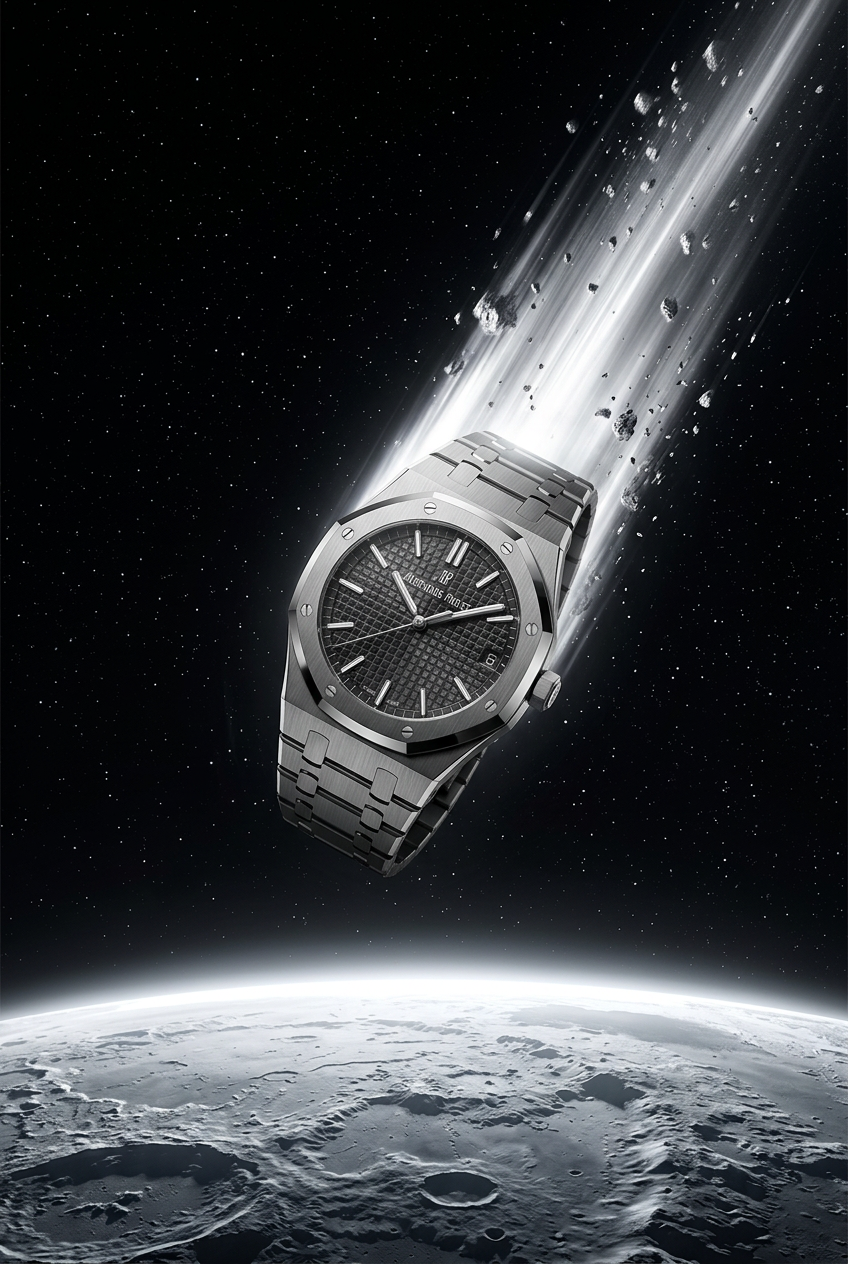
Drop your product into a dramatic, cosmic scene. It creates an epic set of images starting with a dynamic space launch framed by a blazing meteor, followed by a low-angle hero shot and an extreme macro of the surface textures catching the high-contrast light.
Regenerate using your own assets.
You'll run this workflow for each photo, inputting the image and your specific motion command (e.g., 'slow pan right') to create your individual clips. Once you have a folder of these short, cinematic clips, you're ready to assemble them and add the professional finish.
Add the professional finish: branded titles and agent info
A tour isn't complete without context. You need to add essential information like the property address, your name, and your contact details. This is where branding becomes critical. A consistent, professional look for your titles and end screens builds credibility.
This is where MyUP's Brandkit shines. After building your visual identity once—with your logo, brand colors, and fonts—you can apply it instantly to any asset. You can create a clean, professional title card with the property address and a matching end card with your headshot, name, and brokerage details without ever opening a separate design tool.
Use a simple poster workflow to generate these static images. The Brandkit ensures they will perfectly match your visual identity.
Workflow code: #myup-k4td-9k6z
Minimalist Poster

Give your social feed a clean, gallery-like aesthetic. This layout frames your images with structured mono typography and soft, neutral backgrounds for a high-end editorial look. It's perfect for minimal product launches or brand announcements.
Regenerate using your own assets.
Once generated, you can place the title card at the beginning of your video sequence and the end card at the conclusion, tying the entire tour together into a polished, market-ready asset.
Go vertical: repurpose your tour for social media
Your cinematic tour is perfect for Zillow, YouTube, and your website. But for Instagram Reels, TikTok, and YouTube Shorts, you need a vertical version. Manually re-editing a horizontal video for a 9:16 aspect ratio is a time-consuming task.
A better approach is to use a workflow designed for creating short-form vertical video ads. You can take your best one or two cinematic clips, add a text overlay with a compelling hook (e.g., 'Your downtown oasis'), and automatically apply your branding. This creates a powerful, attention-grabbing teaser that drives traffic to the full listing.
This workflow is perfect for quickly turning your cinematic clips into branded, vertical social posts.
Workflow code: #myup-fts6-4ihp
Vertical Gourmet French Fry Ad

Transform your products into high-fashion editorial ads. This setup uses a dynamic diagonal layout and a slightly tilted overhead angle to give food and packaging incredible depth and texture. It's perfect for giving any brand a chic, premium look.
Regenerate using your own assets.
Your final check: AI executes, you validate
The power of a workflow-driven approach is that it automates the tedious production work. MyUP handles the rendering of camera motion and the application of your brand identity. Your job shifts from tedious manual editing to high-level creative direction and quality control.
Your final step is always validation. Watch the complete video tour. Does it accurately represent the property? Does it flow logically? Does it create the right emotional response? As the real estate professional, your expertise is the final, essential input. You approve the final cut, ensuring it's a tool that builds trust with potential buyers and represents the property in its best possible light. This human control is what ensures the AI is enhancing your marketing, not just guessing at it. This same principle of animating static images can be applied to create other assets, like the high-quality branded GIFs that are perfect for email newsletters and social media. You can learn more about that in our guide on how to make AI GIFs that look like professional video.
