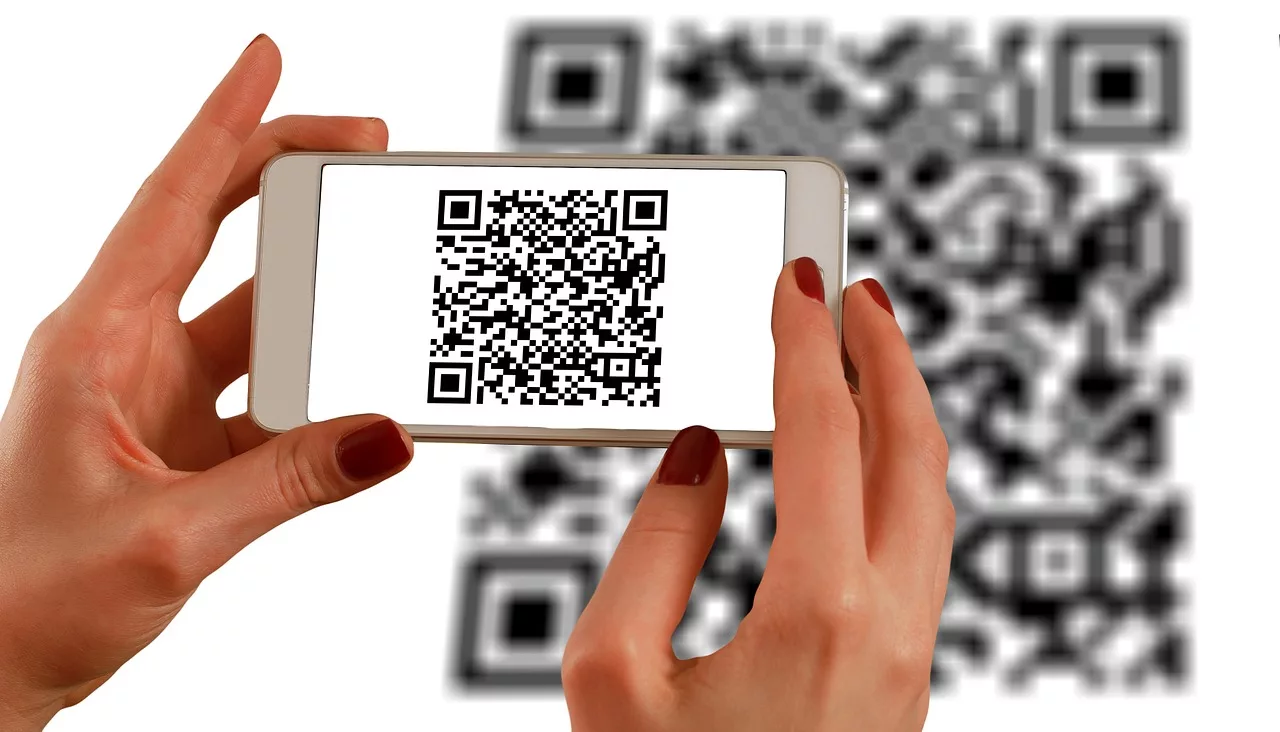
For years, the QR code has been a necessary evil. A functional bridge between physical and digital, but a visual parasite on otherwise beautiful design. You spend hours perfecting a poster, a product package, or a print ad, only to slap a clunky, black-and-white box in the corner, hoping no one notices it too much.
That compromise is now over. In June 2026, a new AI image generation technique went viral, one that finally cracks the code on creating artistic, on-brand, and—most importantly—perfectly scannable QR codes. This isn't about just changing the colors. This is about embedding a fully functional QR code inside a detailed, stylistic illustration that enhances your creative, rather than detracting from it. This guide provides the definitive workflow.
How it works: The tech that makes scannable art possible
So, why is this suddenly possible? The breakthrough comes from new ControlNet models for image generators like Stable Diffusion. Think of ControlNet as a set of guardrails for the AI's creativity.
Previously, if you asked an AI to make a QR code that looked like a forest, it would generate a beautiful forest that wasn't scannable, or a distorted code-like pattern that didn't work. The AI couldn't understand which parts of the QR code were non-negotiable.
ControlNet solves this by taking a standard QR code as a structural map. It tells the AI: “You have complete creative freedom to paint a masterpiece, but you *must* preserve the core pattern and contrast of this underlying map.” This allows the AI to weave intricate designs around the QR code's data points without breaking its functionality. It’s the perfect balance of human direction and machine execution.
The 3-step workflow for any artistic QR code
Whether you're using a complex tool or a streamlined workflow, the core process for creating scannable AI art is the same. Understanding it is key to getting the results you want.
Step 1: Generate your base QR code
First, you need the functional code itself. Use any standard QR code generator to create a simple, black-and-white QR code for your target URL. This will be the input image, the structural map for the AI.
Step 2: Write a descriptive style prompt
This is where the creative direction happens. Your text prompt describes the scene you want the QR code to be embedded within. Don't describe the QR code itself. Describe the final image. For example:
- “A detailed, vibrant illustration of a tropical jungle with parrots and waterfalls, fantasy art.”
- “Close-up macro photograph of a snowflake, intricate ice crystals, deep blue background.”
- “Minimalist Japanese ink wash painting of a mountain range.”
Step 3: Find the balance between art and function
This is the crucial final step. AI tools that do this well have a setting, often called a 'conditioning scale' or 'guidance,' that controls how strictly the AI adheres to the original QR code structure. A high value makes it look more like a standard QR code with some texture, while a low value creates a more beautiful image that risks being unscannable. The sweet spot is usually somewhere in the middle, and it requires a bit of testing.
Putting it to work: Your first on-brand QR code
The three-step process is powerful, but manually tuning prompts and settings for every asset is slow and repetitive. A better approach is a workflow that automates the hard parts, especially getting the style right every time. This is where MyUP's Brandkit comes in. It stores your brand’s visual identity—colors, fonts, and stylistic keywords—so you don't have to write complex prompts from scratch.
Instead of manually typing “A dark, moody, high-contrast product photo with volcanic rock textures and silver highlights,” you can let a workflow automatically pull those keywords from your Brandkit. The AI executes the production; you simply validate the final, on-brand result. This workflow is perfect for creating a hero image for a luxury product that needs a scannable link to its online store.
Workflow code: #myup-xoux-qmmy
Dark Volcanic Jewelry Editorial
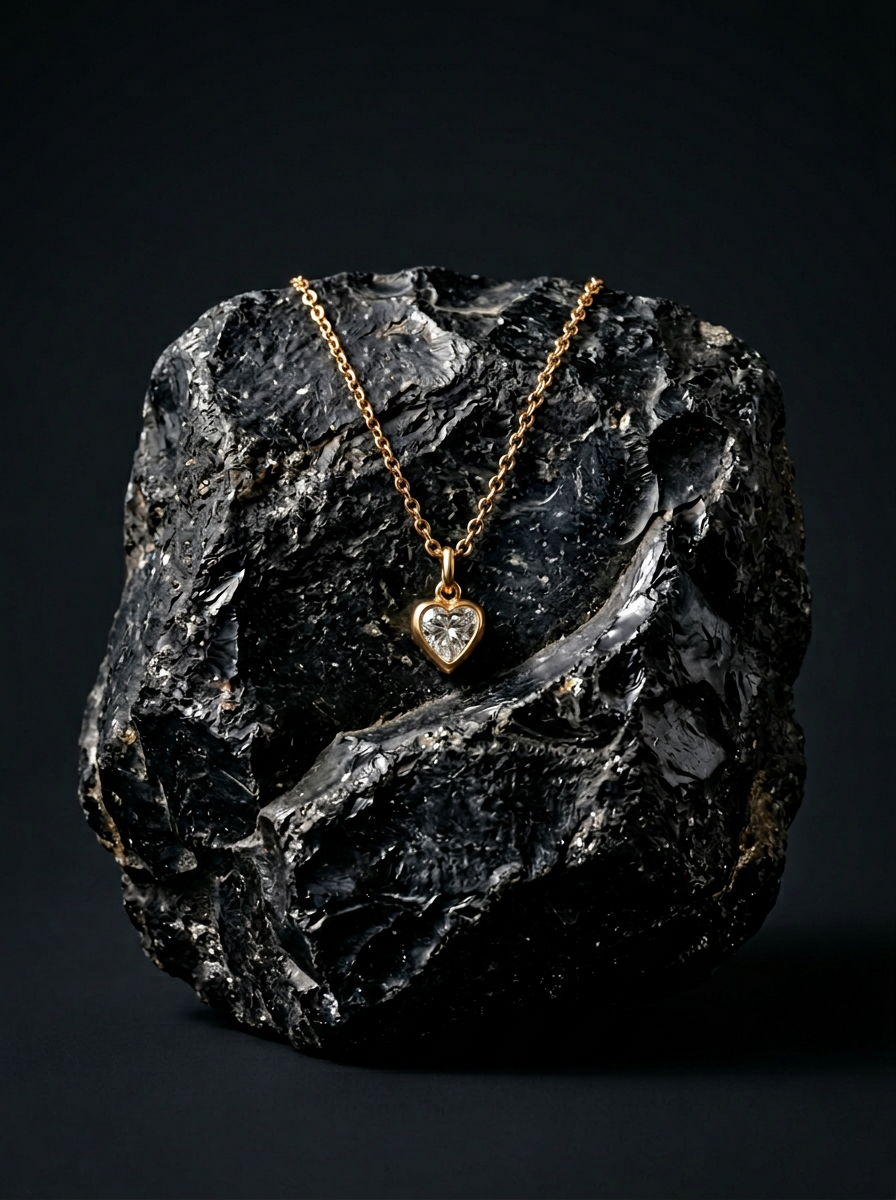
Place your product on a raw volcanic stone pedestal set against a pitch-black, moody studio backdrop. It creates a high-end, dramatic look with deep charcoal tones and sharp contrast. Perfect for making minimalist packaging or sleek tech stand out.
Regenerate using your own assets.
Use case: On-brand QR codes for product packaging and stickers
Imagine your product packaging not just as a container, but as an interactive experience. An artistic QR code can be a beautiful, integrated part of the design that invites customers to scan for tutorials, ingredients, or special offers. This is especially powerful for brands with a strong visual aesthetic, like craft coffee, skincare, or artisanal goods.
Instead of a generic code, you could have one that looks like a coffee bean mosaic or a watercolor floral pattern that matches the rest of your branding. This workflow is designed to generate batches of on-brand stickers or packaging elements, turning a utility into a delight.
Workflow code: #myup-swqt-4zo3
Product Stickers

Turn your logo into a nostalgic, vibrant Y2K-style vertical ad. It automatically pulls your brand colors to create matching sweet treats like custom donuts or cupcakes in the background, giving you a super playful retro-pop aesthetic.
Regenerate using your own assets.
Use case: Integrating scannable art into event posters and ads
A QR code on an event poster is standard practice. But it's almost always an afterthought, tucked away at the bottom. With this new technique, the QR code can become the centerpiece of the design. A QR code for a music festival could be embedded in an image of a cheering crowd, or a code for a tech conference could be integrated into a futuristic cityscape. It becomes a piece of art that rewards curiosity.
This moves the QR code from a simple link to a key part of the visual narrative. When combined with a workflow that also helps design the rest of the poster, you can create a fully cohesive and interactive piece of marketing material in minutes.
Workflow code: #myup-xbur-hzoi
Bold Retro Yellow Event Poster

Turn your branding or event details into bold, nostalgic posters. It blends vibrant warm backdrops with a clean, retro square grid pattern to make any announcement look like a classic piece of mid-century graphic design.
Regenerate using your own assets.
The #1 mistake that makes AI QR codes unscannable (and how to avoid it)
The single biggest pitfall is prioritizing beauty over function. A stunning image that doesn't scan is useless. Here’s how to avoid that failure:
- Protect the corners: Most QR codes have three large squares in the corners (the position markers). Your prompt and the AI's output must keep these areas relatively clear and high-contrast. Avoid prompts that create a lot of noise or detail in the corners of the image.
- Maintain contrast: While the code doesn't have to be black and white, there needs to be a clear difference between the light and dark modules of the underlying code. A prompt for “a field of white flowers in a white blizzard” will likely fail because it lacks the necessary contrast.
- Keep prompts focused: Overly complex prompts with too many subjects can create a chaotic image that obscures the QR code's data. A simpler, more textural prompt often works better than a crowded scene.
- Always test: This is non-negotiable. Before you send anything to print, test the generated QR code with multiple phones (both Android and iOS) and from different angles and distances. What scans perfectly on your screen might fail on a printed flyer in low light.
A QR code is a doorway. Now it can match the house.
For the first time, QR codes don't have to be an ugly necessity. They can be a seamless extension of your brand's creative identity. By moving beyond basic generators and adopting a workflow-based approach, you can turn every scannable touchpoint into an opportunity to engage and impress your audience.
Stop hiding the code in the corner. Make it the art. The technology is no longer a barrier; the only limit is your creative direction.
