You can use AI to generate a complete e-commerce product listing—including the title, description, and lifestyle photos—by following a simple, three-step workflow. This process integrates text generation for your copy with advanced image generation for your product photography, allowing you to create a market-ready asset in minutes instead of days.
The new e-commerce challenge: better, faster, and on-brand
The pressure on e-commerce sellers has intensified. In April 2026, major platform shifts created a new baseline for what a “good” product listing looks like. Shopify’s launch of its ‘Magic Studio v2’ made AI-assisted creation mainstream, raising customer expectations. Simultaneously, Amazon announced stricter image quality requirements, demanding high-resolution lifestyle photos to stay competitive and compliant.
This leaves sellers caught in a difficult position. The native tools on these platforms are convenient but often produce generic results. To stand out, you might find yourself juggling three or four separate apps: one to write descriptions, another to remove backgrounds, and a third to try and create a decent lifestyle shot. The result is a fragmented process that wastes time and, worse, creates brand inconsistency. Your product copy sounds one way while your images feel completely different.
A 3-step workflow for complete product listings
A product listing is not a collection of separate parts; it's a single, cohesive commercial asset. Your creation process should reflect that. Instead of stitching together text and images from different tools, you can use a unified workflow inside MyUP to go from a simple product idea to a complete, market-ready listing. The entire process takes about five minutes.
Here is the three-step workflow we'll walk through:
- Step 1: Generate your title and description. Create SEO-friendly, persuasive copy that speaks to your target customer.
- Step 2: Create on-brand lifestyle photos. Generate a suite of high-resolution product and lifestyle images without a camera or a studio.
- Step 3: Assemble your market-ready listing. Combine your AI-generated assets into a final listing ready for Shopify or Amazon.
Step 1: Generate your title and description
First, we'll create the text components. A strong title and description are critical for both search visibility and conversion. In MyUP, you can use dedicated templates to handle this heavy lifting. Start with the 'Product Name Generator' to brainstorm a few compelling, keyword-rich options.
For example, let's imagine we're launching a new skincare product. Our input might be:
Product: Vitamin C SerumKey Features: Hyaluronic acid, antioxidant-rich, brightens skin, reduces dark spotsTarget Audience: Women 25-40 concerned with dull skin
Once you have a title you like, such as “Radiant Glow Vitamin C Brightening Serum,” you can use the 'Product Description' generator. Input your new title and the key features to generate a few paragraphs of persuasive copy. The goal is to get a high-quality draft that you can quickly review and tweak, saving you from the blank-page problem.
Step 2: Create on-brand lifestyle photos without a camera
This is where an integrated workflow provides a decisive advantage. Basic product-on-white-background shots are no longer enough. Marketplaces like Amazon now prioritize lifestyle images that show the product in a realistic context. Instead of booking a costly photoshoot, you can generate these assets on demand.
MyUP workflows are designed for creative control. For our Vitamin C serum, we can use a specialized template like the 'Luxury Beauty Product' workflow. Workflow code: #myup-mgqi-hmi6. This workflow doesn't just ask for a product name; it prompts you for the specific visual elements that define your brand.
Luxury Beauty Product
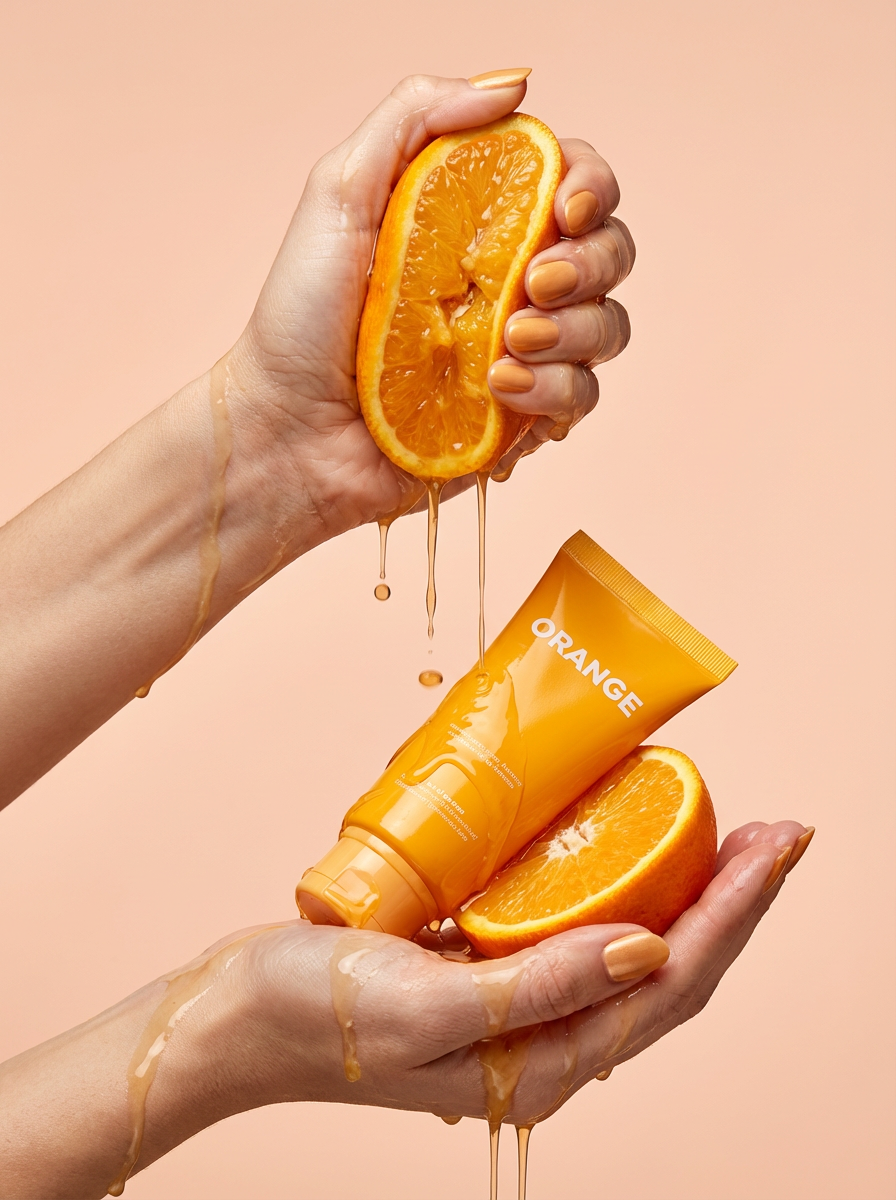
Get clean, hands-only luxury beauty editorials for your cosmetics or jewelry. It captures hyperrealistic skin textures and elegant hand posing, letting you customize the nail polish color to match your brand's exact palette.
Regenerate using your own assets.
You would input details about your product and the exact scene you envision:
Product to generate: Frosted glass serum bottle with a gold dropper cap and minimalist white label.Scene description: On a white marble bathroom counter, next to a fresh orchid and soft morning light coming through a window.
Within seconds, you'll get several high-resolution options that match your brand's aesthetic. You can generate variations—one on the marble counter, another held in a hand, a third next to its packaging—to build a complete image gallery for your listing. This is a fundamentally different approach from generic AI tools that offer little artistic direction. For a deeper dive into this technique, see our guide on how to create luxury product photography with AI.
Workflow code: #myup-u5mu-9aek
Luxury Beauty Product
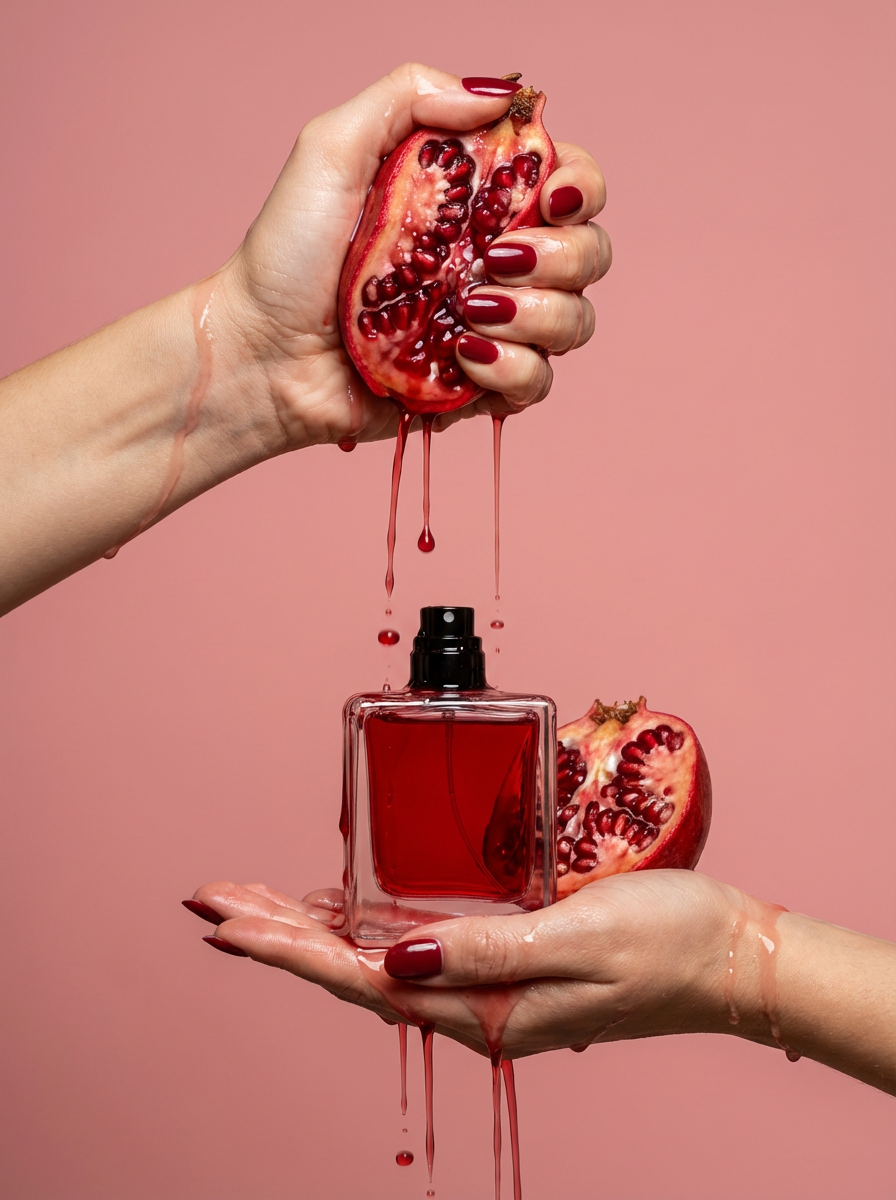
Get clean, editorial-grade beauty shots focusing entirely on your product held by hands with customizable nail polish. It skips the face to keep all the attention on your packaging and textures, giving you that high-end luxury aesthetic instantly.
Regenerate using your own assets.
Step 3: Assemble your market-ready listing
With your text and images complete, the final step is assembly. You now have all the components for a professional-grade product page. Your title is optimized for search, your description clearly communicates value, and your image gallery tells a compelling visual story.
Imagine your new Shopify page: the hero section features your stunning lifestyle shot of the serum on the marble counter. Below it, the compelling title and description are followed by three more images showcasing the product's texture, packaging, and scale. Every element was generated in a single platform, ensuring the tone, style, and quality are perfectly aligned. This is the power of treating the product listing as one unified asset.
Why an integrated workflow beats separate tools
The core advantage of this approach isn't just about saving time; it's about maintaining brand integrity. When you use one tool for copy and another for images, you introduce friction and risk creating a disjointed customer experience. An integrated workflow solves three key problems:
- Brand Consistency: By generating text and visuals in the same environment, you ensure the sophisticated tone of your copy matches the elegant mood of your photography. The entire listing feels like it came from a single, clear brand vision.
- Operational Speed: Context switching kills productivity. Moving product details, brand guidelines, and creative assets between different applications is slow and error-prone. A unified workflow allows you to move from concept to live product page without ever leaving your project.
- Creative Control: Generic tools give you generic results. MyUP workflows are built to be directed. You have granular control over the style, mood, and composition of your visuals, ensuring they align with your brand, not the AI's default aesthetic.
Is this AI workflow right for your store?
This integrated workflow is designed for a specific type of e-commerce operator. It's the right fit if you are a DTC brand, a Shopify store owner, or an Amazon seller who needs to launch new products quickly without compromising on quality or brand identity. If you value creative control and want to produce professional assets without the high cost of traditional photoshoots and copywriters, this process will dramatically accelerate your time-to-market.
However, this approach may not be for everyone. If you're part of a large enterprise with an in-house photography studio and a dedicated copywriting team, your existing processes might be sufficient. Likewise, if you're looking for a completely free, one-click solution with no desire for brand customization, the limited options inside marketplace-native tools might be a better starting point.
