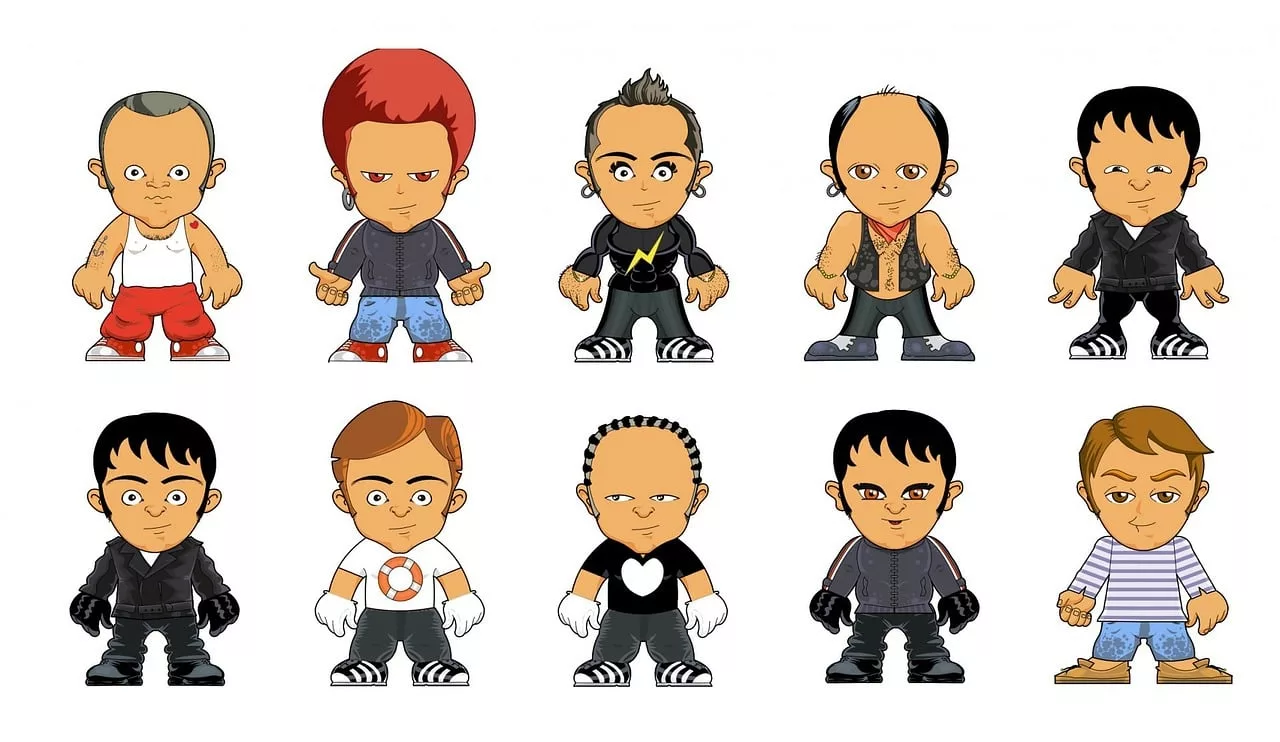
You've done it. After dozens of prompts, you've generated the perfect AI character for your brand. It's unique, charming, and captures your style perfectly. There's just one problem: you'll never see it again. Try to prompt it a second time, and you get a distant cousin at best. A completely different character at worst. This is the single biggest frustration with AI image generation for brands: consistency feels impossible.
The tech world's answer to this is getting more complex, not less. On July 21, 2026, the massive 975B-parameter model Inkling launched, built for developers to perform technical 'fine-tuning'. This process trains the AI on a specific style, but it requires data scientists, custom datasets, and serious engineering resources—making it inaccessible for most marketing and creative teams. This highlights a huge demand for custom, consistent AI visuals, but the solution can't be reserved for experts. For brands that need to create assets today, there's a more direct workflow.
Instead of fine-tuning a model with code, you can guide it with a Brandkit. This article walks you through the exact workflow in MyUP.ai to create, control, and deploy a consistent AI mascot across all your content—no code required.
Step 1: Define your mascot's DNA in a MyUP Brandkit
A consistent character isn't born from a lucky prompt; it's built from a clear definition. In MyUP, your Brandkit serves as the permanent 'character sheet' or single source of truth for your mascot. This is where you give the AI its core instructions, ensuring every generation starts from the same on-brand foundation. Forget trying to cram every detail into every prompt. Define it once, and reuse it forever.
Here's the essential character DNA to save in your Brandkit:
- Art Style: Be specific and prescriptive. Is it a '3D claymation character', 'minimalist flat vector illustration', or 'whimsical watercolor sketch'? This is the highest-level creative decision.
- Key Descriptors: These are the non-negotiable physical traits. Think like an animator designing a character. For example: 'a friendly robot with a single large, glowing blue eye, a brushed metal texture, and chunky white sneakers'. The more unique and concrete the details, the more consistent the result.
- Color Palette: Upload your exact brand colors to your Brandkit. This ensures your mascot doesn't just look the same, but feels like it belongs to your brand in every image.
- Negative Prompts: Just as important is telling the AI what to avoid. Add terms like 'photorealistic, text, extra limbs, watermark' to your Brandkit to prevent common generation errors and keep the output clean and aligned with your style.
By building this Brandkit, you stop being a gambler at the mercy of the AI and become a director. You've defined the identity; now MyUP can handle the consistent production.
Step 2: Generate your mascot's 'model sheet'
With your mascot's DNA locked in the Brandkit, the next step is to create its official reference guide, known in the animation and design world as a model sheet. This is a collection of images showing your character in neutral poses, from different angles, and with a range of core expressions. It establishes the definitive look and feel of your mascot for your team and for future AI generations.
Using your new Brandkit in MyUP, run a series of simple, targeted prompts to build your model sheet. The Brandkit will handle the style and core features, so your prompts can be short and focused:
- 'Mascot, full body, standing, neutral expression, facing forward, plain background'
- 'Mascot, facing left, side view, walking, plain background'
- 'Mascot, close-up on face, happy expression, plain background'
- 'Mascot, close-up on face, sad expression, plain background'
- 'Mascot, from behind, full body, plain background'
Generating these key poses proves the consistency of your Brandkit and gives you a library of assets to reference. For a more detailed guide on this professional practice, see our full article on how to create an AI character model sheet.
Step 3: Put your mascot to work in different scenarios
Now for the payoff. With the Brandkit active, you can place your consistent character into any scene or marketing context imaginable, simply by describing the action. The Brandkit acts as a permanent prefix to your every prompt, ensuring the character's core identity remains intact no matter the situation.
This is where you move from character design to asset production. Your prompts become storytelling tools:
- 'Mascot holding our new skincare bottle, smiling, in a clean, minimalist bathroom setting.'
- 'Mascot wearing a party hat and holding a slice of cake, celebrating a company milestone.'
- 'Mascot sitting at a desk, looking thoughtfully at a laptop screen with our logo.'
The user—you—validates the output, but the heavy lifting of maintaining visual consistency is handled by the system you've built. To generate a complete, on-brand social media post featuring your mascot with a product, you don't need to start from scratch. You can use a pre-built workflow that combines the image generation with your branding.
Workflow code: #myup-kbgo-tlle
Product Brand Post

Drop in your product to generate a cohesive nine-post Instagram grid. It blends warm lifestyle photography and flat-lay packaging with bold hand-drawn doodles, collages, and urban billboard mockups. Everything automatically styles itself to your brand's colors.
Regenerate using your own assets.
Step 4: Automate a week of mascot content
A single great image is an asset. A system that can produce a dozen on-brand variations is a content engine. In MyUP, you can build reusable workflows that take your mascot and automatically place it into different branded layouts for social media, ads, or blog posts.
For example, you can create a workflow that:
- Generates your mascot in a specific pose using your Brandkit.
- Adds your brand's headline font and logo.
- Places the result into a square Instagram post template and a vertical Story template.
- Generates five different variations of the background scene.
This is how you scale. You turn a creative concept into a production line for finished marketing assets. Instead of prompting one image at a time, you prompt an entire campaign. You can start with templates designed for different aesthetics, from vintage posters to modern, minimalist layouts, and simply add your mascot to the scene.
Here are two workflows to create different styles of posters you can adapt for your mascot:
Workflow code: #myup-3xus-3l9x
Vintage Risograph Event Poster

Turn any announcement into a gritty, tactile gig poster. It layers your text with an uneven letterpress ink texture over a dusty, warm pink risograph paper background. It’s perfect for giving social posts a real analog, screenprinted vibe.
Regenerate using your own assets.
Workflow code: #myup-k4td-9k6z
Minimalist Poster

Give your social feed a clean, gallery-like aesthetic. This layout frames your images with structured mono typography and soft, neutral backgrounds for a high-end editorial look. It's perfect for minimal product launches or brand announcements.
Regenerate using your own assets.
Your mascot is a system, not a single image
The challenge of AI character consistency isn't a flaw in the models; it's a gap in the workflow. Relying on one-off prompts is a dead end for any brand that values a recognizable identity. The launch of developer-focused tools like Inkling proves that the future of AI is custom and controlled, but you don't need to be a developer to achieve that result.
By using a MyUP Brandkit, you create a scalable system. You define the character's DNA once—its style, features, and colors. Then, you deploy it across unlimited scenarios, confident that the result will always be on-brand. This is where human creativity and AI production meet: you set the strategy, and MyUP executes it, giving you the control to build a lasting visual identity. Start building your own mascot system on MyUP.ai today.
