For too long, creating truly professional, hyper-realistic mockups for digital products like apps, online courses, or software interfaces has been a persistent challenge. Designers and marketers have grappled with AI-generated visuals that often feature garbled text, inconsistent user interface (UI) elements, or a lack of adaptability across different devices. The manual effort to correct these flaws often negated any time savings AI promised. But the landscape has shifted dramatically in the last 24-48 hours. Recent breakthroughs, specifically Midjourney V7.1's enhanced text rendering on June 25, 2026, Stable Diffusion 3.5's 'UI-Control' for layout consistency on June 24, 2026, and Adobe Firefly's 'Device Adaptability' on June 24, 2026, have fundamentally changed what's possible. These advancements mean that the era of flawless, on-brand digital product mockups powered by AI is finally here. MyUP.ai brings these cutting-edge capabilities into a streamlined, controllable workflow, ensuring your digital offerings are presented with unparalleled realism and consistency.
The struggle for realistic digital product mockups: Why AI is finally solving it
Before these recent updates, generating digital product mockups with AI was a compromise. You could get a nice scene, but the on-screen text would be unreadable, the UI elements would shift between generations, and adapting the display for a phone versus a desktop was a manual headache. This meant hours spent in post-production, fixing what AI got wrong, or resorting to generic stock photos that lacked brand authenticity. The real cost was in missed opportunities: diluted brand messaging, slower content production, and visuals that failed to convert because they didn't look truly professional. Now, with Midjourney V7.1's precise text rendering (released June 25, 2026), Stable Diffusion 3.5's 'UI-Control' for layout consistency (released June 24, 2026), and Adobe Firefly's 'Device Adaptability' (released June 24, 2026), these pain points are directly addressed. MyUP.ai integrates these advanced capabilities into a cohesive platform, allowing you to harness them without needing to master complex prompting or juggle multiple tools. MyUP executes the generation, and you validate the output, ensuring every visual aligns perfectly with your vision and brand.MyUP Brandkit: Your foundation for consistent digital product visuals
The cornerstone of any effective visual strategy is consistency. For digital products, this means ensuring your app's UI, e-book's typography, or course platform's color palette remains cohesive across all marketing materials. This is where MyUP's Brandkit becomes indispensable. Instead of manually inputting brand colors, fonts, and logos for every new mockup, you build your Brandkit once from your existing website URL. MyUP then automatically applies these elements to your AI-generated visuals. This not only saves immense time but also guarantees that every digital product mockup, from a social media ad to a landing page hero image, is perfectly on-brand. It's the critical first step to moving from generic AI output to branded, recognizable assets. For a deeper dive into maintaining a unified visual identity, explore our guide on maintaining a unified visual identity across all AI-generated marketing assets.Step 1: Generate static, on-brand digital product screens with perfect text
The most common frustration with AI-generated digital mockups used to be the garbled, unreadable text on screens. With the advent of Midjourney V7.1's advanced text rendering, this is no longer a limitation. On MyUP.ai, you can now generate high-fidelity static images of your app interfaces, e-book pages, or software dashboards with crisp, legible on-screen text. The workflow begins by describing the digital product and the text you want displayed. MyUP's AI agent then processes this, ensuring the text is accurately rendered within the visual, adhering to your Brandkit's typography. You maintain full human control, reviewing and adjusting until the text and overall screen content are pixel-perfect. This eliminates the need for manual text overlays in external editing software, drastically speeding up your production pipeline. To get started with showcasing your digital product elegantly, try this workflow: Workflow code: #myup-fy77-jljsStep 2: Showcase your digital product across multiple devices with consistent UI
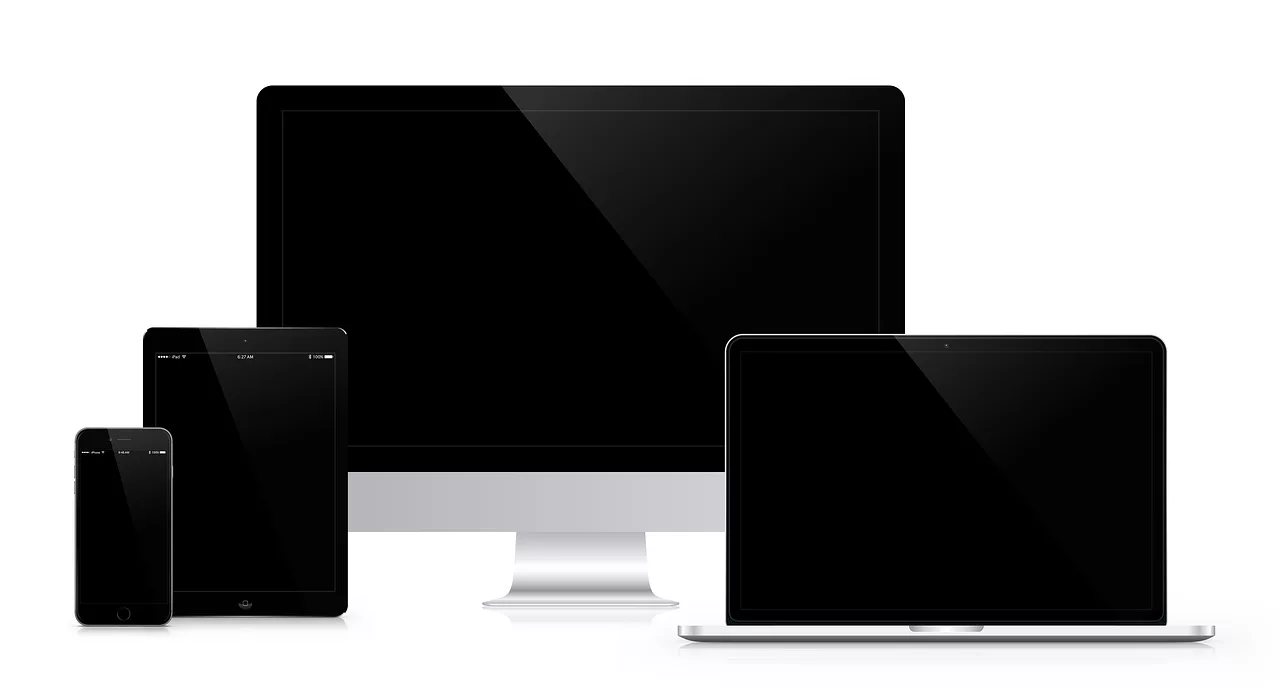
Presenting your digital product effectively often means showing it across various devices—smartphones, tablets, and desktops. The challenge has always been maintaining UI consistency and adapting the layout naturally for each screen size. Thanks to innovations like Stable Diffusion 3.5's 'UI-Control' and Adobe Firefly's 'Device Adaptability,' achieving this is now streamlined. On MyUP.ai, you can describe your digital product and specify the devices you want it displayed on. MyUP's workflows leverage these underlying AI capabilities to intelligently render your UI, maintaining consistent elements, colors, and branding (from your Brandkit) across different form factors. You can request a smartphone displaying your app, a tablet showing your course dashboard, and a laptop with your software interface, all within a single, cohesive scene. This ensures a unified visual identity, critical for a professional brand presence. For a vertically oriented presentation, ideal for mobile devices, use this workflow: Workflow code: #myup-sygb-rhntStep 3: Create engaging social media visuals for your digital product
Social media is a primary channel for showcasing digital products, but standing out requires eye-catching, on-brand visuals. Instead of generic stock images, you need mockups that feature your actual product, designed to capture attention and drive engagement. MyUP.ai simplifies this by allowing you to generate compelling social media posts with your digital product at the forefront. Using your established Brandkit, MyUP ensures that every visual adheres to your brand's aesthetic, from color schemes to font choices. You can specify the platform (e.g., Instagram, LinkedIn) and the desired mood or call to action, and MyUP will generate a series of options. This workflow enables rapid iteration, letting you test different visual approaches for your digital product without extensive design work. You review the generated options, select the best fit, and make any final adjustments, keeping you in complete creative control. To quickly generate branded social media posts for your product, use this workflow: Workflow code: #myup-kbgo-tlleStep 4: Add realistic human interaction to your digital mockups
A digital product mockup truly comes alive when it depicts realistic human interaction. Showing a hand holding a phone with your app, or a person typing on a laptop displaying your software, adds a layer of relatability and authenticity that static screens often lack. Historically, AI struggled with rendering realistic human hands and natural gestures. However, recent advancements, such as Krea AI's 'Human Interaction Layer' (released June 25, 2026), have made this possible. On MyUP.ai, you can guide the AI to include natural-looking human elements interacting with your digital product. Describe the type of interaction, the context, and the desired aesthetic, and MyUP will generate visuals that integrate these human elements seamlessly, complete with accurate reflections and finger placement. This enhances the emotional connection with your audience and makes your digital product feel more tangible and user-friendly. For a general product post that can be adapted to include human interaction, try this workflow: Workflow code: #myup-gxue-opd0Beyond static: The future of AI video mockups for digital products
While static mockups are essential, the future of digital product visualization is increasingly dynamic. Imagine showing a short video of your app's onboarding flow, a quick walkthrough of your course module, or a dynamic demo of a new software feature – all generated by AI. RunwayML's Gen-3 model, with its 'Interactive Screen' capability (released June 25, 2026), is at the forefront of this trend, allowing for the creation of short video clips with realistic, dynamic screen content and simulated user interactions. This moves beyond simple animations to truly interactive demonstrations. MyUP.ai is continuously evolving to incorporate such advanced video generation capabilities, building on our existing workflows for consistent visuals. This means soon you'll be able to generate not just hyper-realistic images, but also compelling, on-brand video mockups that tell a richer story of your digital product, all while maintaining the human control and brand consistency you expect from MyUP.MyUP: Your control center for next-level digital product mockups
Creating hyper-realistic, on-brand digital product mockups no longer requires a team of designers or endless hours of manual adjustments. MyUP.ai centralizes the entire process, empowering you to leverage the latest AI breakthroughs for perfect text, consistent UI, multi-device adaptability, and realistic human interaction. Our Brandkit ensures every visual output aligns with your brand identity, eliminating inconsistencies. The workflow-driven approach means you can quickly iterate, experiment, and refine your mockups, accelerating your marketing asset production. Crucially, MyUP maintains the human control angle: the AI executes, but you validate, approve, and adjust. This ensures the final output always meets your exact creative and brand standards. Whether you're launching a new app, promoting an online course, or marketing an e-book, MyUP provides the precision and consistency needed to present your digital products with professional, high-impact visuals.Start creating hyper-realistic digital product mockups today
The advancements in AI image generation have opened up unprecedented possibilities for digital product creators. With MyUP.ai, you're not just accessing powerful AI; you're gaining a streamlined, on-brand workflow that ensures every digital mockup is hyper-realistic, visually consistent, and perfectly aligned with your brand. Stop struggling with generic visuals and start producing marketing assets that truly showcase your digital products. Sign up for MyUP.ai today and transform your digital product visualization process.Tags:
