If you're a social media manager, your feeds and chats have likely been flooded with AI-generated stickers this week. With both Canva and Adobe dropping new text-to-animation tools in late July 2026, creating a quick, wiggling graphic is now easier than ever. The search interest for "AI GIF generator" has exploded overnight.
But after the initial novelty wears off, the brand problem becomes obvious. These one-click tools produce assets in a creative vacuum. The animations are generic, the styles don't match your visual identity, and incorporating your actual brand—your logo, your fonts, your specific color palette—is either impossible or a frustrating workaround. Every generic GIF you share is a missed opportunity to reinforce your brand. This article provides the professional workflow for creating GIFs and stickers that are not just easy, but consistently on-brand.
Why one-click AI animators fall short for professional brands
The core issue with mass-market AI sticker makers is that they are designed for individual expression, not brand consistency. For a marketer or brand manager, this creates several immediate problems:
- No Brandkit Integration: They don't know your brand's hex codes, approved fonts, or logo variations. You're left trying to approximate your brand's look and feel with limited color pickers and a generic font library.
- Preset Animation Styles: You get a handful of pre-canned motion effects like 'jiggle', 'pulse', or 'fade'. While fun, these rarely align with a brand's specific motion identity. A luxury brand probably shouldn't 'jiggle'.
- Logo and Asset Amnesia: These tools are stateless. They don't save your assets. Every time you want to create a GIF with your logo, you have to upload it again, position it, and hope for the best. There's no system for building a reusable library.
The result is a folder of random-looking assets that feel disconnected from your carefully crafted social media presence. It's the digital equivalent of showing up to a meeting in a different outfit every five minutes. Consistency builds trust; these tools create visual noise.
The 4-step workflow for truly on-brand AI GIFs
A professional workflow doesn't just create a single asset; it builds a system for creating infinite variations, all anchored to a core brand identity. In MyUP, this system is the Brandkit. Instead of starting from scratch every time, you start with your brand's DNA already in place. MyUP handles the production; you validate the output.
Here is the repeatable workflow:
- Anchor everything in your Brandkit. Before you generate anything, set up your Brandkit in MyUP. This is a one-time setup where you add your logo, color palette, and fonts. From this point on, every asset you create will automatically inherit this visual identity.
- Generate your base asset. This could be a product image you upload, a character, or just text. The key is to start with the core subject of your animation.
- Animate with a clear goal. Use MyUP's AI video tools to apply motion. Instead of a generic effect, define the animation's purpose. Is it a subtle pulse to draw attention? A spin to showcase a product? You have granular control over the motion, which is essential for creating more than just a simple reaction GIF. For more complex ideas, you can explore workflows for custom AI logo animation.
- Export as a high-quality GIF. Choose the GIF format on export. MyUP optimizes the file for quality and size, ensuring it loads quickly on platforms like Instagram Stories, Slack, or in email campaigns.
This isn't about one-off creation. It's about building an animation system that anyone on your team can use to produce on-brand content, every time.
Use case: Create animated product stickers for Instagram stories
One of the most powerful uses for branded GIFs is to highlight products in Instagram Stories. Instead of just tagging a product, you can add a dynamic, eye-catching sticker that points to it, announces a sale, or showcases a feature. With a generic tool, this is a multi-step nightmare of background removal and manual design. In MyUP, it's a single workflow.
The process is simple: you upload a clean product photo, and the AI automatically isolates it from the background. Because your Brandkit is active, it then adds an outline using your primary brand color and applies a subtle animation like a gentle rotation or pop. The result is a professional, high-quality sticker that looks like it belongs in your campaign, not like a random Giphy search result.
To do this yourself, you can use the Product Stickers workflow in MyUP. It's built to do exactly this job.
Workflow code: #myup-swqt-4zo3
Product Stickers

Turn your logo into a nostalgic, vibrant Y2K-style vertical ad. It automatically pulls your brand colors to create matching sweet treats like custom donuts or cupcakes in the background, giving you a super playful retro-pop aesthetic.
Regenerate using your own assets.
Use case: Design custom, expressive reaction GIFs for Slack
Internal communications are a huge, often-overlooked branding opportunity. The GIFs your team shares on Slack or Microsoft Teams reflect and shape your company culture. Why use the same generic reaction GIFs as everyone else when you can create your own?
This is where you can inject more personality. A workflow can combine brand elements—like your logo or a custom illustration—with expressive text set in your brand font. You can create a whole library: a 'YES!' GIF in your brand's bold typeface, a 'launch day' animation with your logo, or a custom meme format that only your team would understand. These small touches make internal comms more engaging and reinforce a shared identity.
The Y2K Scrapbook Collage Creator is a great starting point for this kind of expressive, layered animation. It lets you combine images, text, and graphics into a dynamic, looping GIF that’s perfect for sharing internally.
Workflow code: #myup-sacz-tjdn
Y2K Scrapbook Collage Creator
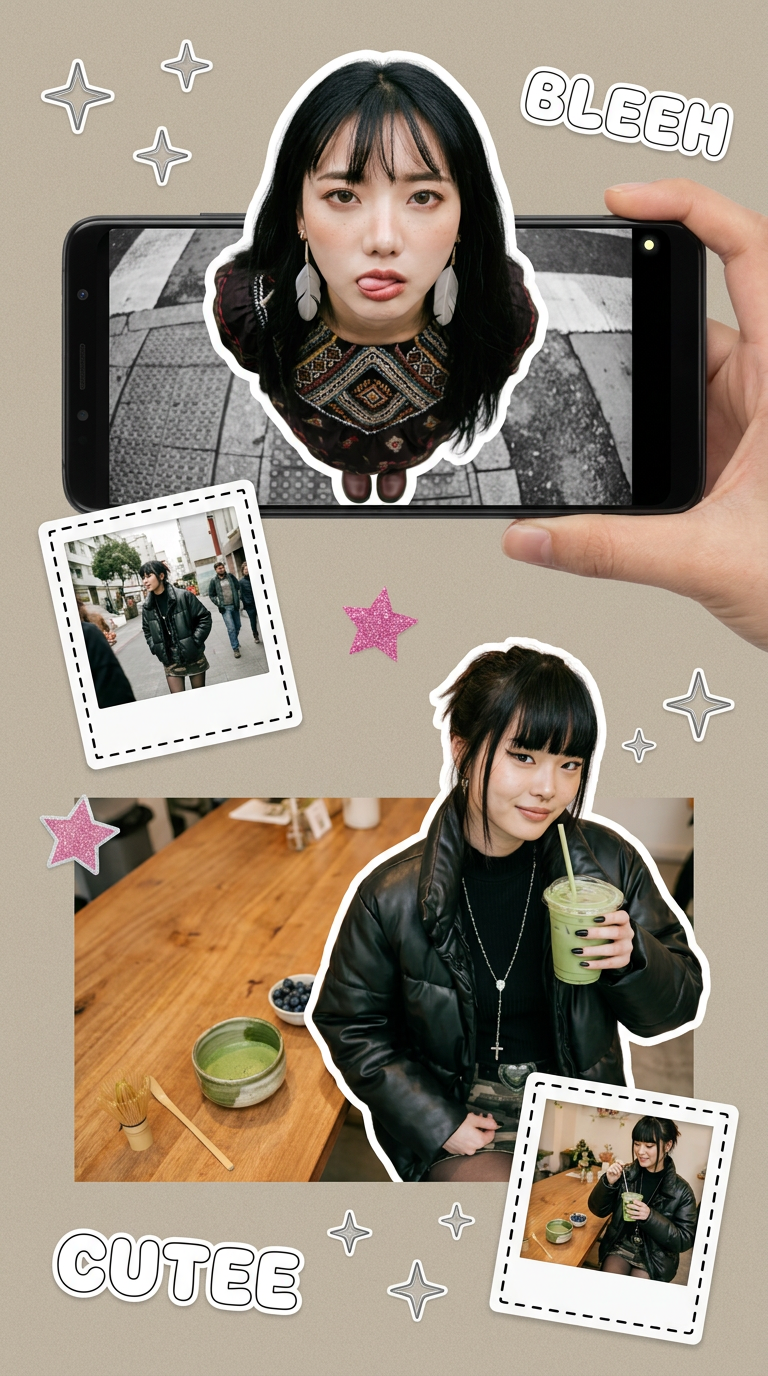
Put two different people into the same scene without losing their real-world features. Just upload two portraits and drop them together into any setting or style you need. It keeps both faces incredibly accurate.
Regenerate using your own assets.
Use case: Animate branded text and calls-to-action
Sometimes, the most effective animation is the simplest. A looping GIF of a key phrase or call-to-action—like "Shop Now," "Link in Bio," or your event's hashtag—can dramatically increase engagement on a static social media post. The challenge is making it look good and, most importantly, on-brand.
In MyUP, this is straightforward. Because the platform knows your brand fonts and colors from your Brandkit, you can simply type your text and apply a motion effect. The workflow ensures the typography is correct, the colors are on-palette, and the final GIF is crisp and readable. This is a fast way to create a library of reusable CTAs that you can drop into any social post, email, or story to add a touch of motion and guide your audience's attention.
A simple poster template can be easily adapted for this. Just focus on the text element and export the final animation as a GIF.
Workflow code: #myup-6hp6-zwh2
Minimalist Hand-Lettered Food Brand Poster
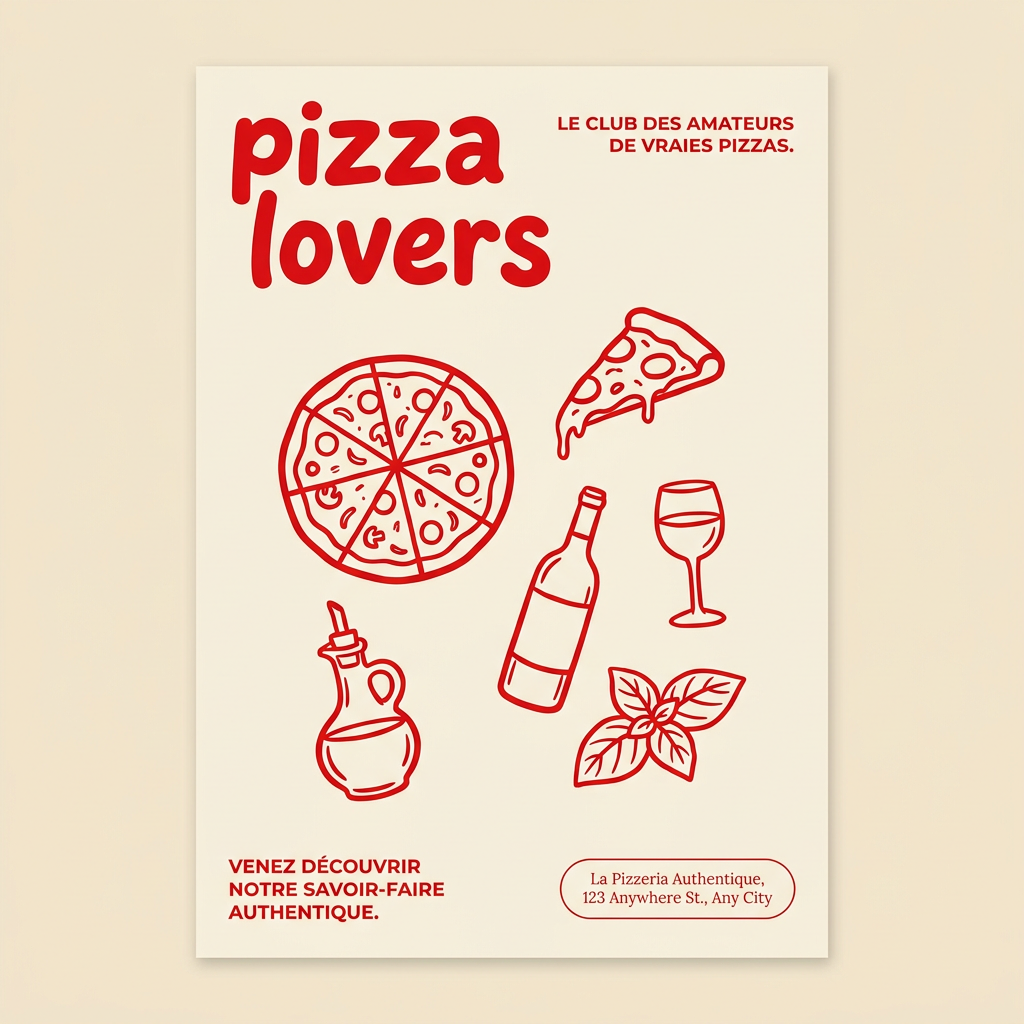
Generate clean, minimal posters for your food brand or cafe. It sets up a soft cream background with tons of breathing room, contrasted by a bold, chunky handwritten title in vivid red. It's a gorgeous editorial layout that makes your brand look instantly high-end.
Regenerate using your own assets.
Stop searching Giphy. Start building your brand's animation library.
The explosion of AI animation tools is exciting, but it also creates a sea of sameness. For brands, the goal isn't just to make a GIF; it's to communicate a distinct identity. Relying on generic tools is a step backward, eroding the visual consistency you've worked hard to build.
The professional workflow shifts the focus from one-off creation to system-building. By using a platform like MyUP with a central Brandkit, you're not just making a single animated sticker. You're building a proprietary, scalable library of on-brand motion assets that your entire team can use. This saves countless hours of redundant work and ensures that every chat message, story, and post is another opportunity to strengthen your brand.
