If you're an indie dev, you probably saw the thread that blew up on Reddit on July 21, 2026. The one with the incredibly detailed, 37-step workflow for generating a complete game art style guide using a half-dozen different AI tools, custom models, and a labyrinth of ControlNets. It's an impressive technical feat, but let's be honest: it’s also a massive time sink. Who has days to spend wrangling different platforms just to get a consistent set of character sprites and environment tiles?
The community's frustration is justified. You want the result — a cohesive art style for your game — not a new full-time job as an AI pipeline engineer. The goal is to ship a game, not to master a fragile, complex process that breaks with the next update. A game's art style is its soul, and you need a system that serves your vision, not the other way around.
This is that system. This is the one-platform workflow. We’ll show you how to use a MyUP Brandkit as your game's official Art Bible to generate every 2D asset you need, from key art to UI buttons, with perfect consistency and a fraction of the effort.
Step 1: Forge your Art Bible in a MyUP Brandkit
First, forget juggling separate tools for color palettes, style references, and prompting. Your game's entire visual identity needs a single source of truth. In MyUP, this is the Brandkit. Think of it as the digital, enforceable version of a traditional art bible.
Instead of just writing down your style, you build it. Start by defining your core aesthetic. Is it 'Ghibli-inspired watercolor meets 16-bit pixel art'? Or 'dystopian sci-fi with a gritty, cel-shaded comic book feel'? You translate this vision into the Brandkit by adding:
- Key Art: One or more images that perfectly capture the mood, lighting, and style of your game. This is the visual anchor for every asset the AI will generate.
- Color Palette: Upload your game's specific hex codes. MyUP will ensure every generation, from a character's tunic to a menu icon, adheres to this palette.
- Style Descriptors: Add the keywords and phrases that define your aesthetic. The Brandkit stores these so you never have to type 'chiaroscuro lighting, thick outlines, painterly textures' again.
The Brandkit becomes your project's art director. It’s not a passive document; it’s an active system that guides the AI. Every asset you create from this point forward will automatically inherit these core visual rules. This is how you achieve consistency at scale, a task that’s notoriously difficult even for artists working manually, let alone for disconnected AI tools.
Step 2: Generate your hero and their world
With your Art Bible established, it's time to create. Let's start with the most important assets: your main character and the world they inhabit. The goal here isn't just to generate one good image, but a set of cohesive assets that look like they belong in the same game.
Using your new Brandkit, you can start a workflow to generate a character reference sheet. Your prompt can focus on the character's description ('female space marine, short white hair, cybernetic arm') and the format ('character turnaround sheet, multiple poses, neutral background'), while the Brandkit handles the entire art style automatically. The AI pulls the colors, textures, and lighting from your established rules, ensuring the character fits the world you've defined.
Next, the environment. Generating a stunning piece of key art for a level or a cinematic splash screen is a perfect test. For a sci-fi game, you could use a workflow to create an epic establishing shot of a desolate alien planet or the interior of a starship bridge. The output will perfectly match the style of the character you just created because it's all coming from the same Art Bible. The process is identical for creating repeatable background tiles or environmental props.
For a powerful piece of environmental or promotional art that sets the tone for your entire game, this workflow is the perfect starting point.
Workflow code: #myup-4mva-7iki
Cinematic Space Product Campaign
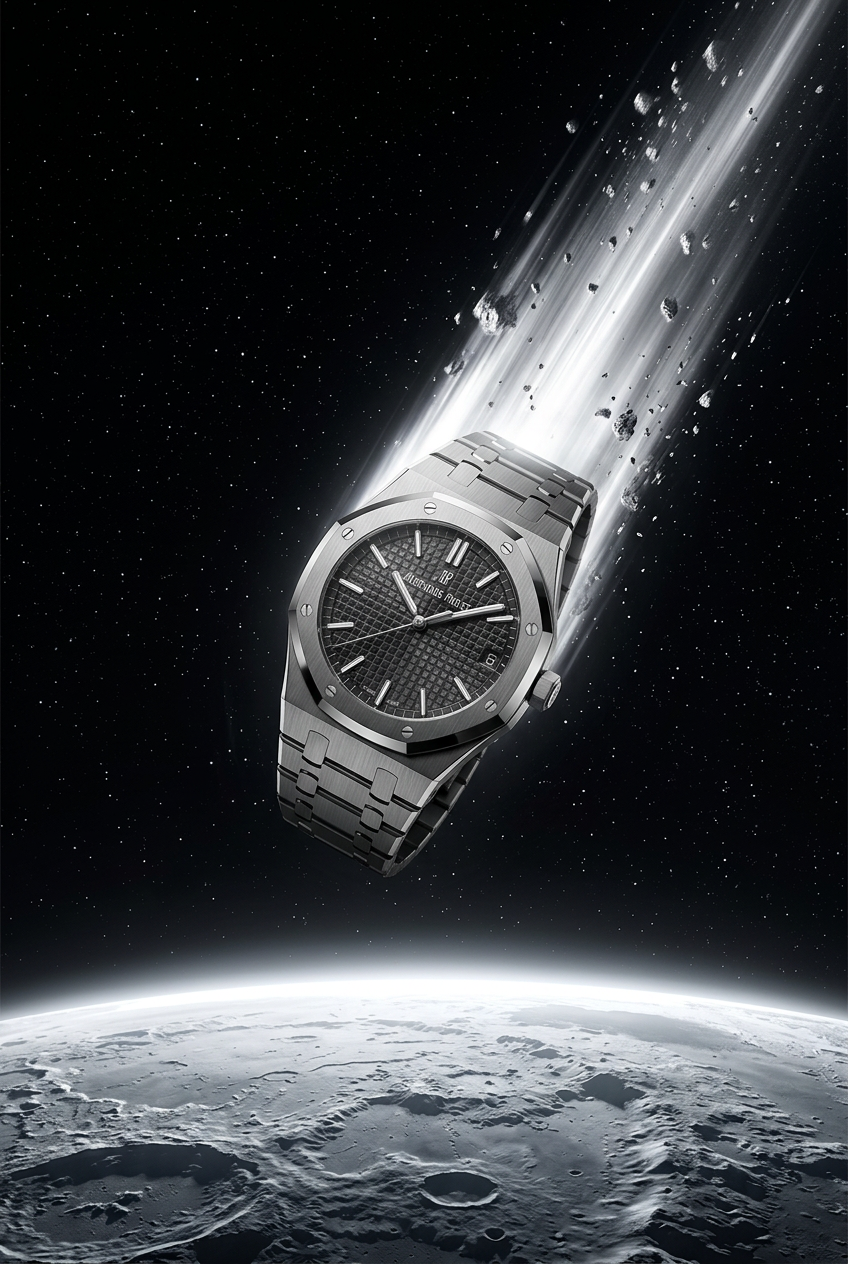
Drop your product into a dramatic, cosmic scene. It creates an epic set of images starting with a dynamic space launch framed by a blazing meteor, followed by a low-angle hero shot and an extreme macro of the surface textures catching the high-contrast light.
Regenerate using your own assets.
Step 3: Scale production to icons, props, and UI
This is where the one-platform approach pays massive dividends. A game isn't just characters and backgrounds; it's hundreds of tiny assets—item icons, ability symbols, UI buttons, and environmental props. Creating these manually is a grind. Generating them with generic AI tools is an exercise in frustration, trying to force consistency onto every single output.
With your MyUP Art Bible, the process is trivial. You simply run a new workflow, but this time for a different asset type. Need a set of 50 fantasy potion icons? Your prompt is just 'health potion, mana potion, stamina potion... in a 2D isometric style, on a transparent background'. The Brandkit does the rest, applying your game's unique 'glowing, runic, hand-painted' style to every single icon. The result is a complete, game-ready set of assets that are instantly recognizable as part of your world. The same principle applies to creating a full library of UI elements, from health bars to menu buttons, ensuring even the interface feels native to the game's aesthetic, a detail that elevates the entire player experience.
To generate a full set of high-fantasy item icons with a dark, magical aesthetic, this workflow is ideal.
Workflow code: #myup-xoux-qmmy
Dark Volcanic Jewelry Editorial
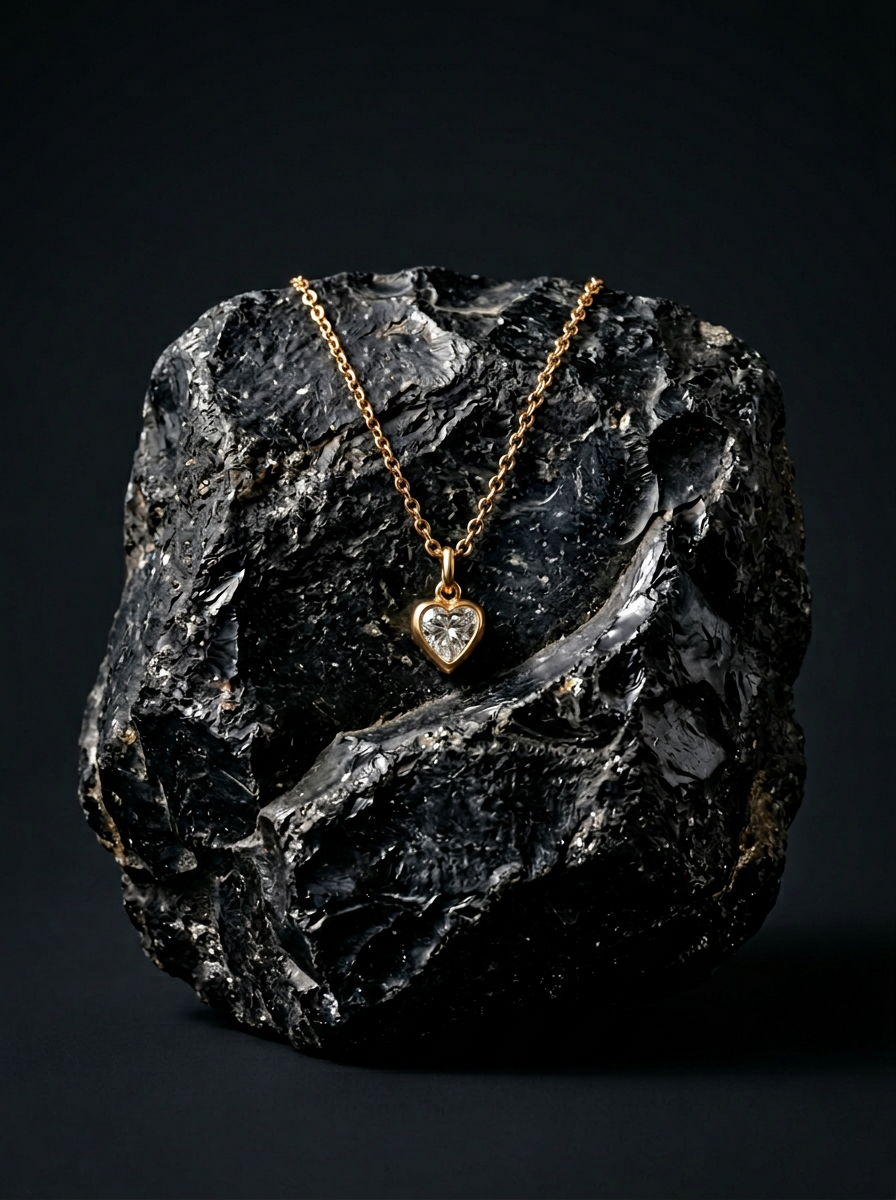
Place your product on a raw volcanic stone pedestal set against a pitch-black, moody studio backdrop. It creates a high-end, dramatic look with deep charcoal tones and sharp contrast. Perfect for making minimalist packaging or sleek tech stand out.
Regenerate using your own assets.
Step 4: Turn your Art Bible into a marketing machine
Your game's visual identity doesn't end inside the game engine. You need to market it. This means creating assets for your Steam page, social media announcements, press kits, and maybe even posters for a convention. The traditional workflow involves a painful context switch, trying to replicate your in-game art style in a totally different design tool.
Because your Art Bible lives in MyUP, you can repurpose it instantly. The same Brandkit that generated your character sprites and item icons can now create your marketing materials. Need an announcement post for a new playable demo? Or a poster for your booth at PAX? You can launch a workflow that combines your key art with your brand fonts and colors to produce on-brand marketing assets in seconds. This is the power of an integrated system. You build your visual identity once, and then deploy it everywhere, from in-game to Instagram, without losing consistency. It's a level of creative velocity that solo developers could previously only dream of, much like the creators using our one-platform AI workflow for a complete podcast visual identity.
When you're ready to announce your game or a major update, use this workflow to create a striking poster that's already locked into your visual style.
Workflow code: #myup-xbur-hzoi
Bold Retro Yellow Event Poster

Turn your branding or event details into bold, nostalgic posters. It blends vibrant warm backdrops with a clean, retro square grid pattern to make any announcement look like a classic piece of mid-century graphic design.
Regenerate using your own assets.
Your vision, validated: AI that works for you, not the other way around
The promise of AI for game development isn't just about generating a single cool image. It's about building a scalable production pipeline that is faithful to your unique creative vision. Chaining together multiple complex tools is a workaround, not a solution. It forces you to serve the machine.
A platform built around a central Art Bible flips the script. It puts you back in the role of creative director. You define the vision, you make the key creative decisions, and you validate the output. MyUP handles the repetitive, time-consuming production work, ensuring every single asset—from the hero to the smallest UI icon—is a perfect reflection of the world you're building. This is how you ship your game without compromising its soul.
