The 'close-but-no-cigar' problem: why common methods for character consistency fail
You’ve tried everything. You fed your character's image into Midjourney with --cref, only to see the face drift in the next scene. You've spent hours in ComfyUI wrestling with IPAdapter nodes and inpainting masks, getting close, but never perfect. As of September 2026, the story is the same across Reddit threads and YouTube comments: these tools are great for concepts, but they fail when you need 100% reliability for a brand mascot, a comic series, or a marketing campaign.
This isn't a user error; it's a tool limitation. The problem is that image generators are designed to guess, not to guarantee. This guide presents a different approach—one focused on production, not just generation.
For any professional project, from an e-commerce campaign to a narrative storyboard, “almost consistent” is the same as “not consistent.” Here’s a breakdown of why the most common techniques fall short:
Text Prompts and Seed Locking
This is the most basic method and also the least reliable. While using the same seed number can reproduce a composition, it does not lock a character’s identity. The slightest change in the prompt—like changing the action from “a woman standing” to “a woman walking”—will result in a different person.
Midjourney’s ‘--cref’ (Character Reference)
Midjourney's character reference feature is a significant step up, but as many creators are discovering, it’s not production-grade. It works by influencing the generation, not by enforcing an identity. The result is often an 80% match: the hair color is right, but the jawline is different; the eyes are similar, but the expression is wrong. It’s useful for mood boards, but it breaks down when you need the exact same character across ten different marketing visuals.
IPAdapter, LoRAs, and DIY Toolchains
For technical experts, the path leads to complex setups in Stable Diffusion using tools like IPAdapter, ControlNet, and custom-trained LoRA models. This approach offers more control but introduces immense complexity. You can spend days training a model on your character, only to find it still drifts with new poses or lighting. The process is brittle, time-consuming, and requires a level of technical mastery that is out of reach for most marketers and business owners who just want a finished result.
From prompting to production: defining your character as a reusable asset
The fundamental flaw with the methods above is that they try to recreate the character from scratch with every image. A production-ready approach doesn't recreate; it re-uses. On MyUP, your character isn't just a reference image; it becomes a locked, reusable asset. We don't ask the AI to 'remember' a face. We capture a high-fidelity digital model of that face and apply it with surgical precision.
This is the difference between a generator and a production platform. Instead of prompting and hoping, you can use a dedicated tool built for a specific intention, like the Consistent Character Face Swap Tool, to lock in an identity and apply it to any new context.
Template: #myup-i83a-ze2t
Consistent Character Face Swap Tool
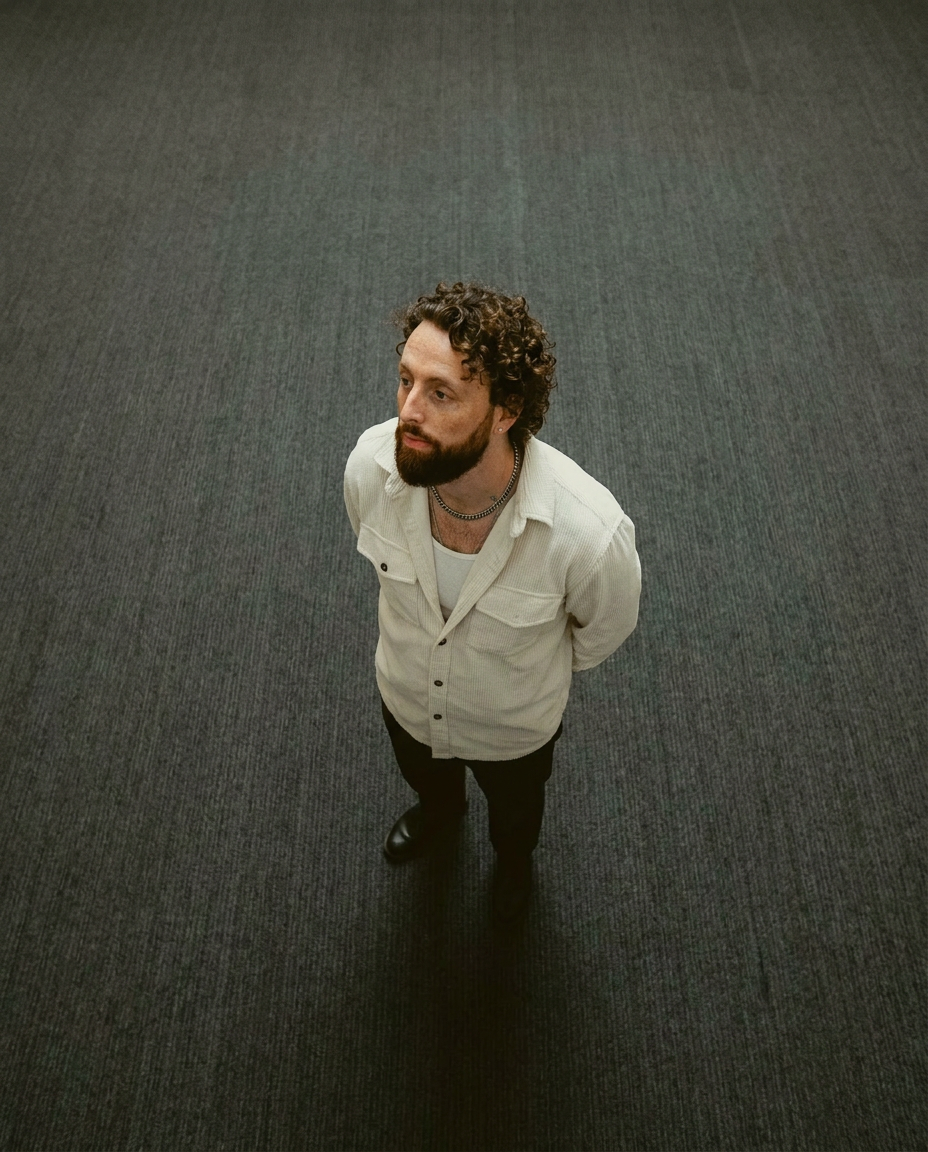
Lock in a subject's exact likeness and physical traits across any new scene. It maps every facial feature and body detail perfectly, keeping the person consistent no matter where you place them. Just drop in your photo and let the system handle the rest.
Regenerate using your own assets.
A practical method: placing your consistent character in any scene
MyUP handles the technical execution so you can focus on the creative vision. The process is simple because it’s based on your intention, not on a complex series of technical steps.
- Define Your Character's Identity: Start by uploading a clear, high-quality reference photo of your character. This single image becomes the source of truth, the master asset for their identity.
- Define the New Scene or Pose: Next, describe the new composition you want to create. This can be a text description (“my character sitting at a cafe in Paris, cinematic lighting”) or a target image showing the desired pose, outfit, and environment.
- Execute the Production: MyUP takes over, handling the complex process of mapping the source face onto the target body and scene. It intelligently blends the character into the new lighting and environment, delivering a finished, perfectly consistent image.
For cases requiring not just the face but the entire body and physique to be consistent, the process is the same. You simply use a more comprehensive template designed for that specific purpose, like the Consistent Character Face And Body Replacer.
Template: #myup-2gbp-wc6s
Consistent Character Face And Body Replacer
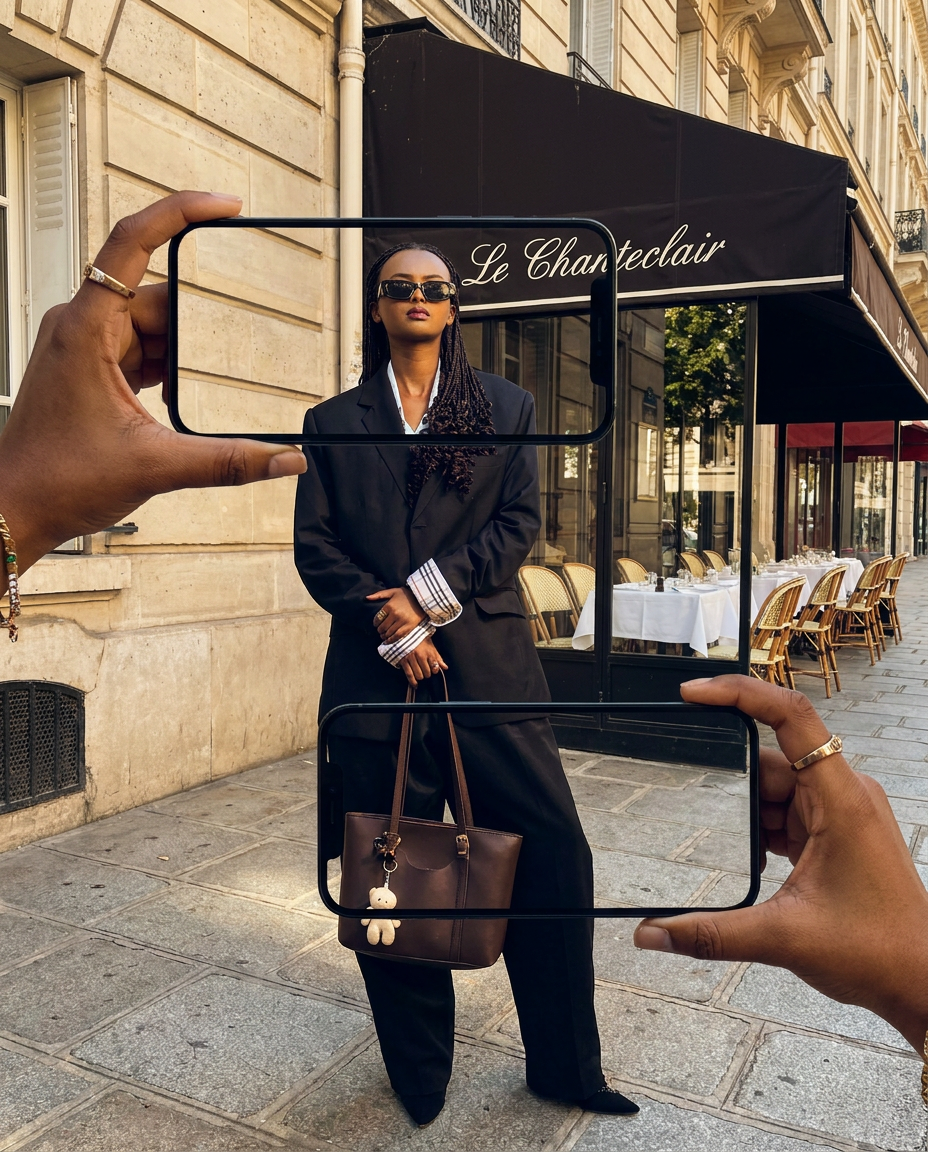
Capture the exact likeness of any person with incredible precision. This system maps every unique facial feature, skin tone, and hair texture onto your chosen subject, ensuring their physical appearance remains completely consistent across any pose or setting you decide to put them in.
Regenerate using your own assets.
Proof in production: from brand mascots to multi-panel comics
The true test of any creative method is its usefulness in real-world commercial projects. Here’s where a production-focused approach makes projects possible that would be a nightmare with generative tools.
The E-commerce Mascot
An e-commerce owner wants their friendly brand mascot to appear across seasonal campaigns: holding a pumpkin for Halloween, wearing a Santa hat for Christmas, and sporting sunglasses for a summer sale. With a generative tool, you get three slightly different “cousins” of the mascot. With MyUP's production method, you get the exact same character every time, simply adapted to a new context. This builds brand recognition and trust.
The Multi-Panel Comic or Storyboard
For creators making visual novels or storyboarding a film, facial drift is a project-killer. A production platform ensures your protagonist looks identical from the first panel to the last, whether they're in a tense close-up or a wide action shot. This narrative integrity is non-negotiable.
AI Video Consistency
This same principle of locking an identity solves the notorious “character flickering” problem in AI video, where a face subtly morphs from frame to frame. By applying a consistent facial model across the video sequence, MyUP ensures the temporal stability required for professional ads and stories. For photorealistic results, especially for headshots or portraits, a dedicated template like Photorealistic AI Face Swap Portrait ensures every detail is preserved.
Template: #myup-3ccc-wvsp
Photorealistic AI Face Swap Portrait
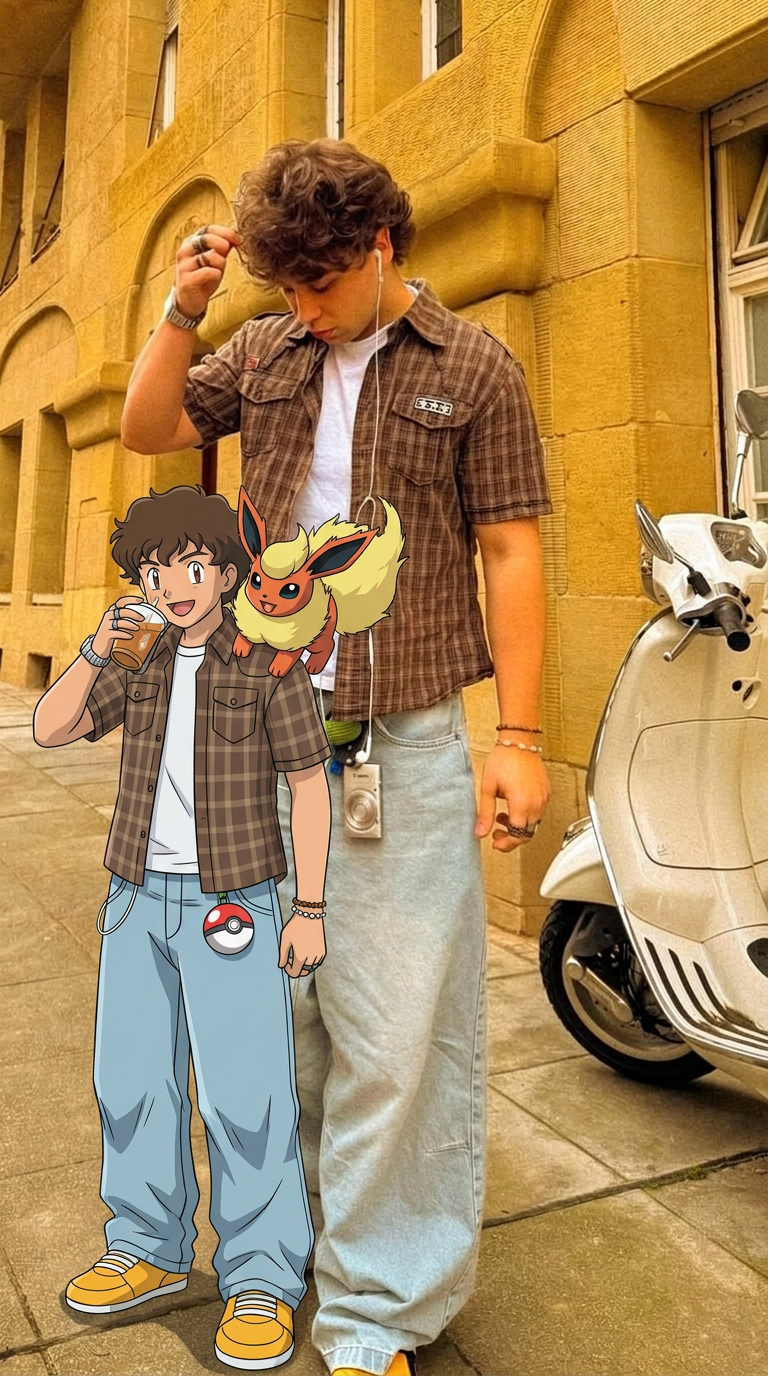
Capture every nuance of your subject with absolute precision. This system maps distinct features, textures, and physical traits onto your chosen composition, ensuring the final output mirrors your source with total fidelity. It's the cleanest way to replicate a specific look while maintaining complete control over the final framing.
Regenerate using your own assets.
Beyond the face: ensuring full body, style, and brand consistency
True brand consistency isn't just about a recurring face. It's about ensuring the character, the typography, the colors, and the overall style feel like they belong to the same universe. This is where MyUP's Brandkit capability becomes essential.
After you’ve created your consistent character, you can ensure every asset they appear in adheres to your brand's complete visual identity. By setting up your Brandkit once—by simply providing a URL—MyUP learns your brand's colors, fonts, and logo style. From then on, any time you create a new visual, whether it's an ad featuring your character or a simple social media post, the platform automatically applies your brand's aesthetic. This means the background colors, text overlays, and overall mood will always be perfectly on-brand, creating a cohesive finished asset without any manual design work. To learn more about this production method, see our guide on how to fix a failing AI brand kit.
For projects demanding the highest possible fidelity, such as creating a hyper-realistic digital twin of a founder or model for marketing materials, you can use a specialized template like the High Fidelity AI Face Swap Portrait.
Template: #myup-yppq-8dxq
High Fidelity AI Face Swap Portrait

Capture every nuance of your subject's physical presence with absolute precision. This system maps skin texture, hair density, and muscle definition directly from your reference, creating a hyper-realistic digital twin that maintains the character's exact physiognomy and scale in any new environment you choose.
Regenerate using your own assets.
MyUP Template : #myup-wacj-tk4g
High Fidelity AI Face Swap Portrait
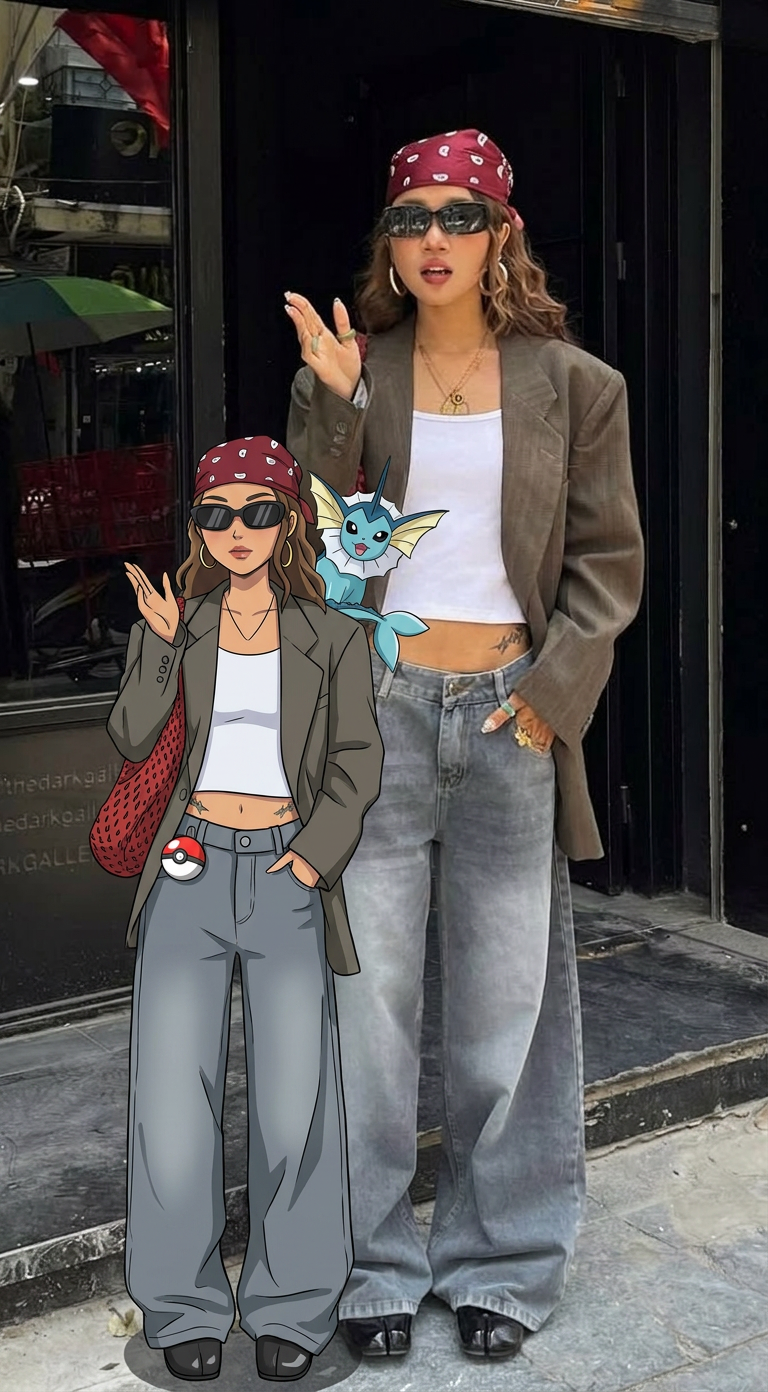
Capture every nuance of a subject's appearance with pixel-perfect precision. This system maps distinct facial features, skin tones, and physical textures onto your chosen target, ensuring your output keeps the exact likeness and character of the original person every single time.
Regenerate using your own assets.
Stop wrestling with tools and start creating
Achieving 100% character consistency is no longer a matter of luck, complex prompts, or wrestling with technical toolchains. It's a solved production problem. While tools like Midjourney and Stable Diffusion are powerful for ideation, they weren't built to deliver the guaranteed reliability professionals need. MyUP, as a Creative Production Platform, is designed for that final step: turning your intention for a consistent character into a finished, publishable creation. It's time to focus on your story, not on fixing generation errors. Ready to create a character that stays the same? Create an account on MyUP.ai and make it possible.
