You’ve seen the demos for Google's Gemini Omni Flash 1.1, and the speed is incredible. You immediately tried to create a cinematic ad for your brand, but the result is unusable. The main character’s face subtly changes in every shot. The background lighting shifts for no reason. The product on the table morphs between cuts. You're not alone, and it's not your fault. This is the 'consistency wall' every creator hits with raw video generation models. This guide provides the professional production method to fix it for good, moving you from glitchy clips to a finished, publishable ad.
The Gemini 1.1 paradox: speed vs. stability
You’ve seen the demos for Google's Gemini Omni Flash 1.1, and the speed is incredible. You immediately tried to create a cinematic ad for your brand, but the result is unusable. The main character’s face subtly changes in every shot. The background lighting shifts for no reason. The product on the table morphs between cuts. You're not alone, and it's not your fault. This is the 'consistency wall' every creator hits with raw video generation models. This guide provides the professional production method to fix it for good, moving you from glitchy clips to a finished, publishable ad.
What are 'scene drift' and 'character shift' in AI video?
The core issues plaguing ads made with raw generators like Gemini 1.1 are 'character shift' and 'scene drift'.
- Character Shift: This is when your actor’s facial features, hair, or clothing change from one shot to the next. Even minor alterations can break the viewer's trust and make the ad feel unprofessional.
- Scene Drift: This refers to inconsistencies in the environment. The lighting might change from warm to cool, a prop on a table might disappear, or the background architecture morphs between cuts.
This happens because models like Gemini generate each clip in isolation. They lack a persistent memory of your character's face or the established environment, leading to a video that feels like a series of disconnected, flickering images rather than a coherent story.
Why manual fixes like prompt chaining and seed anchoring fail
To combat this, technical creators have developed complex manual fixes. You may have seen discussions about 'prompt chaining,' 'seed anchoring,' or using 'Scene ID' injections. These methods involve trying to force the model to remember details by using the same random seed number or crafting elaborate, brittle prompts.
While clever, these hacks are not a solution for professional production. They are:
- Unreliable: They often fail and require hours of trial and error.
- Time-Consuming: The time spent wrestling with prompts negates the speed advantage of the AI model.
- Not Scalable: You can't build a reliable ad campaign on a foundation of inconsistent hacks.
For commercial work, you need a system designed for production, not a tool that requires constant hacking.
The production method: from raw clips to a finished cinematic ad
The solution is to stop thinking like a prompter and start thinking like a producer. Instead of generating isolated clips and hoping they match, you define your creative intention for the entire project, and a production platform handles the execution. This is the core principle of MyUP. You don't just describe a single shot; you describe the finished ad you want to create. MyUP, as a Creative Production Platform, then manages the underlying models and complex steps to ensure character, scene, and brand consistency from start to finish.
Step 1: lock your character's identity across every scene
The most critical element of a narrative ad is a consistent lead character. Instead of trying to describe a face with words in a prompt, a true production process uses a reference image to lock in the character's identity. On MyUP, you provide a photo of your actor or model, and the platform ensures that exact likeness is maintained across every scene, action, and angle. This isn't a guess; it's a deterministic process. For a direct solution to this, you can use a production template specifically built for this purpose. It handles all the technical mapping for you.
Template: #myup-i83a-ze2t
Consistent Character Face Swap Tool
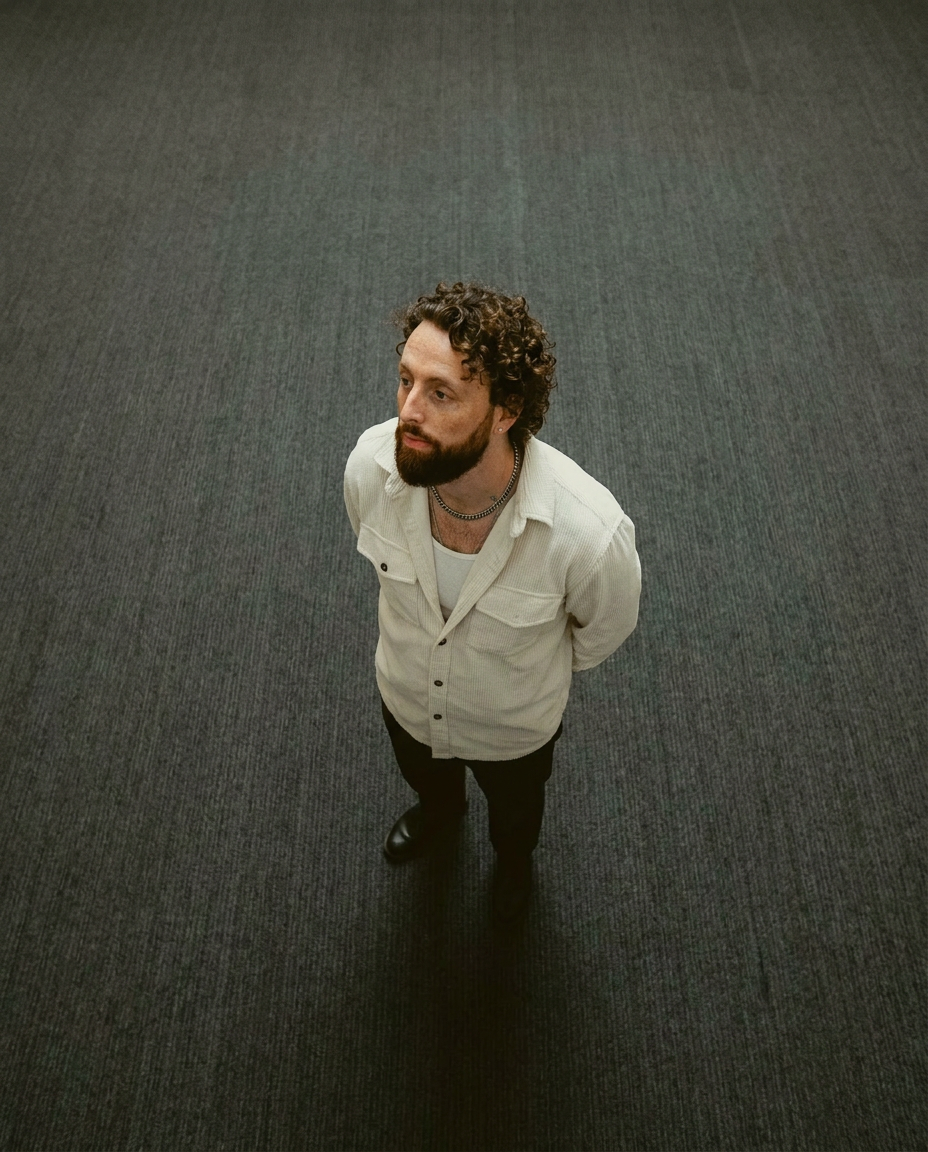
Lock in a subject's exact likeness and physical traits across any new scene. It maps every facial feature and body detail perfectly, keeping the person consistent no matter where you place them. Just drop in your photo and let the system handle the rest.
Regenerate using your own assets.
Step 2: establish a consistent world with scene and brand control
Once your character is locked, you need to build a stable world around them. This is where scene drift becomes a major problem in raw generators. A production platform like MyUP solves this by managing the entire environment. Using a MyUP Brandkit, you can pre-define your campaign's color palette, typography, and overall aesthetic. This visual identity is then automatically enforced across all shots, ensuring the color grading, lighting style, and mood remain perfectly consistent. This moves beyond single prompts to a managed system that understands your brand's world.
For example, a template designed for a commercial video doesn't just generate a product shot; it creates a whole atmosphere with consistent lighting and style. The intention is 'luxury commercial,' and the platform delivers that consistently.
Template: #myup-mvtk-dmtt
Luxury Perfume Brand Commercial Video
Capture a cinematic glow that makes any subject look like a brand icon. This process blends a sharp, low-angle still with a fluid motion sequence to turn your product into the star of a golden hour commercial.
Regenerate using your own assets.
Step 3: produce a coherent multi-shot narrative
A finished ad is more than just a collection of consistent clips; it's a narrative sequence. This means combining wide shots, close-ups, and action shots into a story that flows. MyUP allows you to define this multi-shot structure from the outset. The platform ensures that as the camera 'moves' from a wide establishing shot to a tight close-up on the character, the character remains the same person and the world remains the same place. This is impossible to achieve reliably by generating clips one by one. Production templates on MyUP are often designed for specific narrative structures, handling the complex transitions and ensuring a stable, cinematic result.
Template: #myup-e4ti-dcrw
Cinematic Trojan Horse Siege Short Film
Build high-tension cinematic sequences that shift from massive exterior monuments to claustrophobic interior details. It tracks subtle movements like shifting shadows and creeping fog to weave a suspenseful narrative, perfect for turning any static subject into a gripping, atmospheric story that unfolds through tight, gritty visual perspectives.
Regenerate using your own assets.
Stop generating clips, start producing finished creations
Raw generation models like Google's Gemini Omni Flash 1.1 are powerful engines. But an engine is just one part of a car. To get to your destination—a finished, publishable, and high-converting video ad—you need the entire vehicle. MyUP is that vehicle. It's the Creative Production Platform that integrates the power of generation engines into a complete system that understands your intention and delivers a finished result. Stop wrestling with the limitations of raw clips and start producing the unimaginable with confidence.
